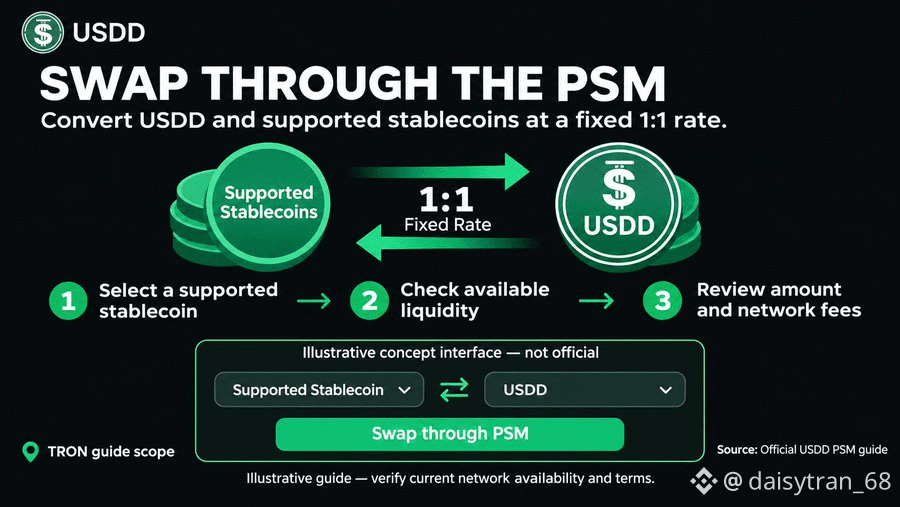
HOW TO CONVERT STABLECOINS THROUGH THE USDD PSM
Before converting between stablecoins, check the selected asset, available amount, and network requirements.
The USDD Peg Stability Module (PSM) provides a way to convert USDD and supported stablecoins at a documented fixed 1:1 rate. But before confirming a transaction, there are a few details worth understanding.
1️⃣
Check Supported Assets
Start by opening the USDD PSM page and reviewing the supported tokens.
Not every stablecoin is necessarily available for conversion. Make sure the asset you want to use is listed and that you select the correct token.
2️⃣
Enter the Conversion Amount
Choose the token, enter the amount you want to convert, and review the available amount shown on the PSM interface.
The documented 1:1 rate means the conversion is designed to exchange equal nominal amounts of supported stablecoins and USDD.
However, this doesn't mean every amount is always available. Check the current availability before proceeding.
3️⃣
Understand the 1:1 Rate and Service Fee
The PSM guide documents a fixed 1:1 conversion rate and says there is no service fee for the conversion.
But there's an important distinction:
→ Service fee: The fee charged by the PSM for the conversion, which the guide states is zero.
→ Network gas: The blockchain transaction cost required to process the operation.
On TRON, users still need TRX to cover network gas, even when the PSM conversion itself has no service fee.
4️⃣
Verify the Network and Token
Before approving, double-check the selected network, token, conversion amount, and receiving details.
Using the wrong network or an unsupported token can create unnecessary complications. Always make sure the wallet prompt matches the transaction you intend to make.
@Justin Sun孙宇晨 #TRONEcoStar @USDD - Decentralized USD