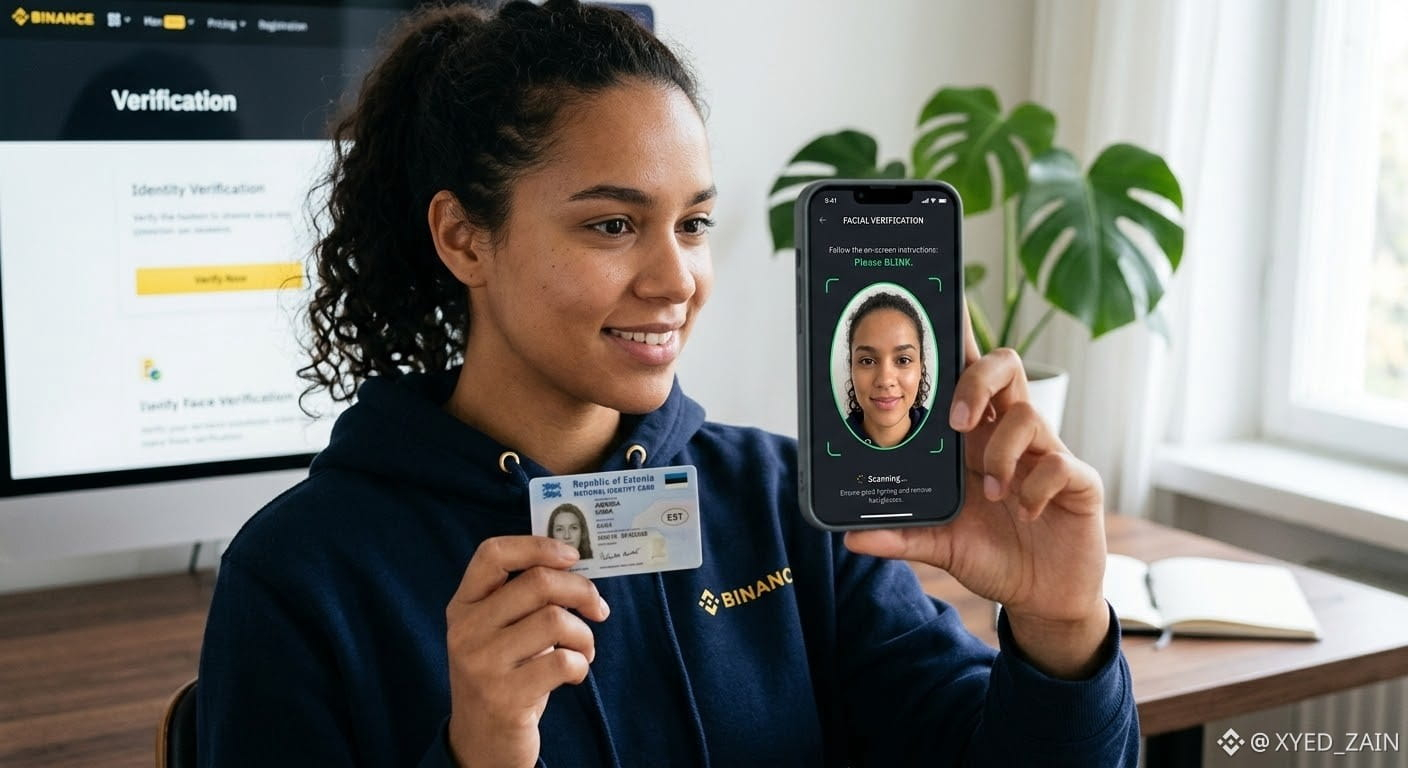
.KYC.
What You Need Before Starting
Valid Government Issued ID: Passport, National ID card, or Driver's License.
A Smartphone or Device with a Camera: For photo capture and live face verification.
Good Lighting: Ensure you are in a bright area free of heavy shadows.
Clear Document: Original document with all four corners visible (no scans or copies).
Access the Verification Page
Locate the Identity Verification panel in your account settings
2
Enter Country and Personal Information
Must match your official documents exactly
3
Upload Your ID Document
Take clear photos of the front and back of your ID
4
Complete Facial Verification (Liveness Check)
Use your smartphone or webcam
Key Tips to Avoid Verification Delays
Match Your Details: Ensure the name on your Binance profile matches the name on your document word-for-word.
Avoid Screen Capture: Photos must be taken directly of physical documents—do not upload screenshots, photocopies, or digital images displayed on a screen.
Processing Time: Automated verification usually completes in 5 minutes to a few hours, though manual reviews during high volume can take up to 24–72 hours. You will receive an email and app notification once approved.
#KYC_Know_your_Crypto
What You Need Before Starting
Valid Government Issued ID: Passport, National ID card, or Driver's License.
A Smartphone or Device with a Camera: For photo capture and live face verification.
Good Lighting: Ensure you are in a bright area free of heavy shadows.
Clear Document: Original document with all four corners visible (no scans or copies).
Access the Verification Page
Locate the Identity Verification panel in your account settings
2
Enter Country and Personal Information
Must match your official documents exactly
3
Upload Your ID Document
Take clear photos of the front and back of your ID
4
Complete Facial Verification (Liveness Check)
Use your smartphone or webcam
Key Tips to Avoid Verification Delays
Match Your Details: Ensure the name on your Binance profile matches the name on your document word-for-word.
Avoid Screen Capture: Photos must be taken directly of physical documents—do not upload screenshots, photocopies, or digital images displayed on a screen.
Processing Time: Automated verification usually completes in 5 minutes to a few hours, though manual reviews during high volume can take up to 24–72 hours. You will receive an email and app notification once approved.
#KYC_Know_your_Crypto