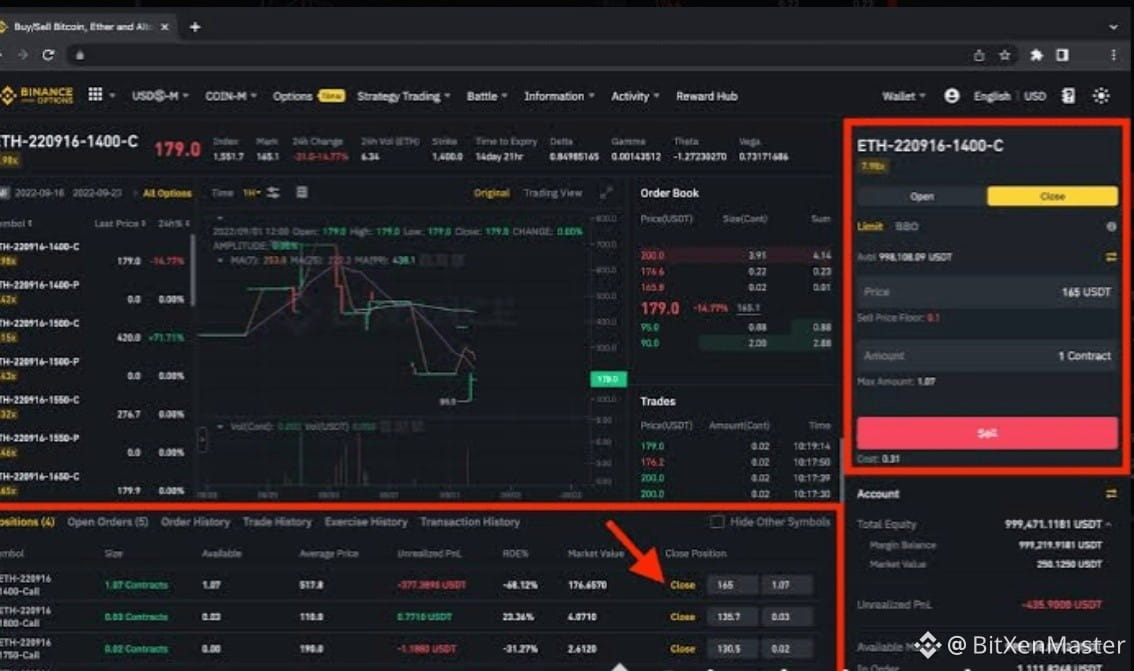
So, if you’re wondering how to actually trade on Binance, here’s your *complete step-by-step guide* to get started! 😎
---
*Step 1: Sign Up and Verify Your Account* 📝
Before you even think about trading, you need to create an account. Here’s how:
1. *Create an Account*:
Go to [Binance](https://www.binance.com) and click on *Sign Up*.
Enter your email address and set a strong password.
Don’t forget to enable *2FA (Two-Factor Authentication)* for extra security. 🔐
2. *Complete KYC (Know Your Customer)*:
After signing up, complete the verification process to unlock all features. You’ll need to upload a government-issued ID and a selfie for identity verification. 🆔
---
*Step 2: Deposit Funds into Your Binance Account* 💰
Now that your account is ready, it’s time to *fund* it. You have several options:
1. *Deposit Fiat (USD, EUR, etc.)*:
Go to the *Wallet* section and click on *Deposit*. Choose your currency (e.g., USD, EUR) and follow the instructions to transfer money from your bank account to Binance. 💵
2. *Deposit Crypto*:
If you already own some crypto, you can deposit it directly into your Binance account.
Click on *Deposit* and select the coin you want to deposit (e.g., BTC, ETH). Binance will give you a *wallet address* to send your crypto. 🔄
---
*Step 3: Choose Your Trading Pair* 🔍
You’re ready to start trading! Here’s how to choose your trading pair:
$BTC
$ETH
---
*Step 1: Sign Up and Verify Your Account* 📝
Before you even think about trading, you need to create an account. Here’s how:
1. *Create an Account*:
Go to [Binance](https://www.binance.com) and click on *Sign Up*.
Enter your email address and set a strong password.
Don’t forget to enable *2FA (Two-Factor Authentication)* for extra security. 🔐
2. *Complete KYC (Know Your Customer)*:
After signing up, complete the verification process to unlock all features. You’ll need to upload a government-issued ID and a selfie for identity verification. 🆔
---
*Step 2: Deposit Funds into Your Binance Account* 💰
Now that your account is ready, it’s time to *fund* it. You have several options:
1. *Deposit Fiat (USD, EUR, etc.)*:
Go to the *Wallet* section and click on *Deposit*. Choose your currency (e.g., USD, EUR) and follow the instructions to transfer money from your bank account to Binance. 💵
2. *Deposit Crypto*:
If you already own some crypto, you can deposit it directly into your Binance account.
Click on *Deposit* and select the coin you want to deposit (e.g., BTC, ETH). Binance will give you a *wallet address* to send your crypto. 🔄
---
*Step 3: Choose Your Trading Pair* 🔍
You’re ready to start trading! Here’s how to choose your trading pair:
$BTC
$ETH