Disclaimer: In compliance with MiCA requirements, unauthorized stablecoins are subject to certain restrictions for EEA users. For more information, please click here.
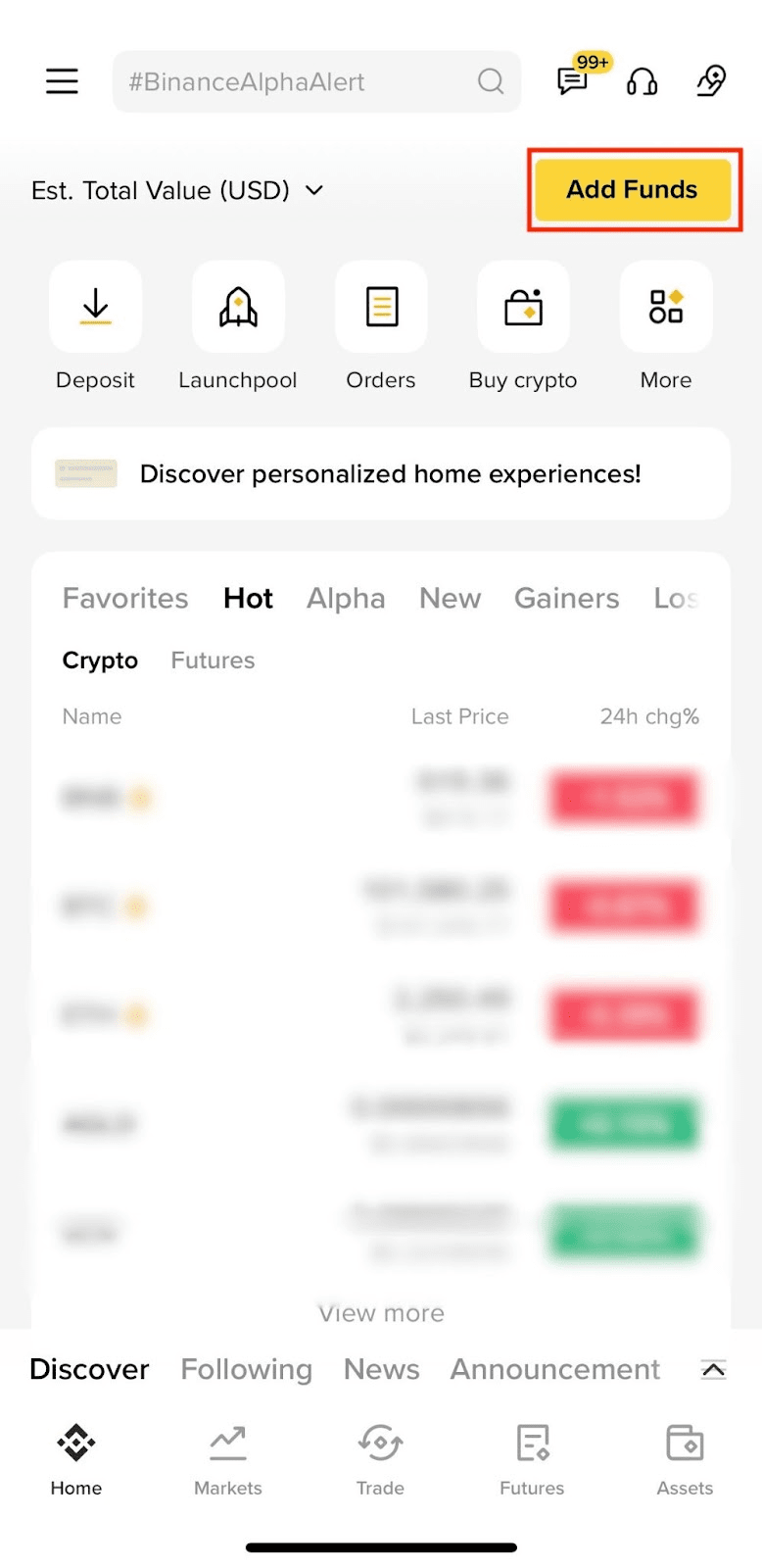
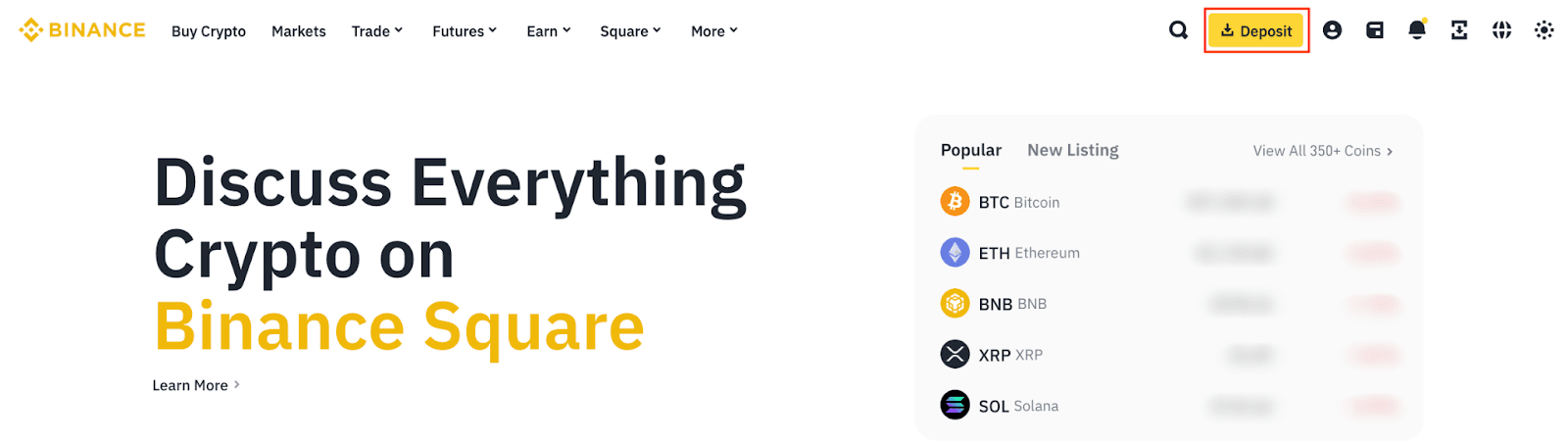
1. Log in to Binance and click [Deposit].
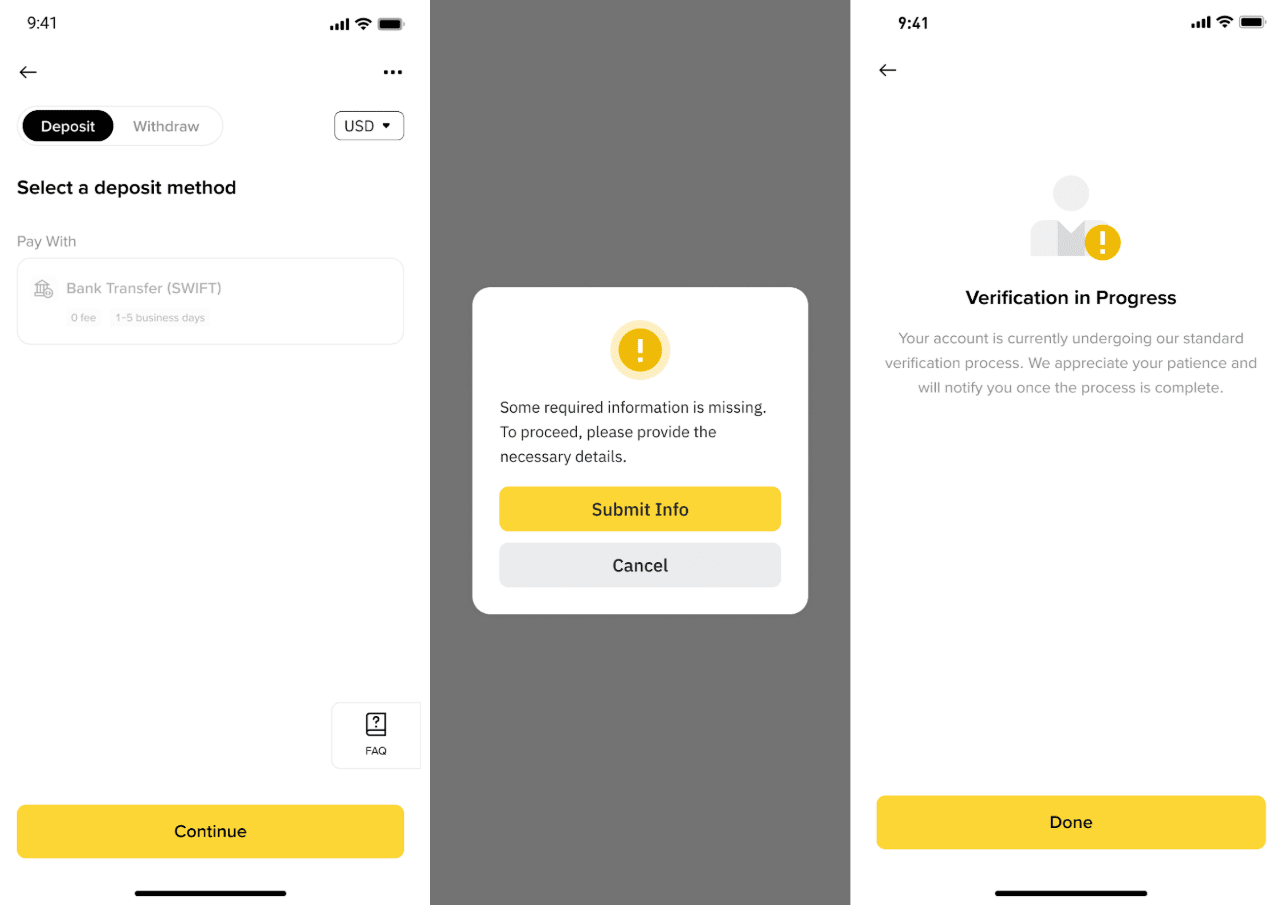
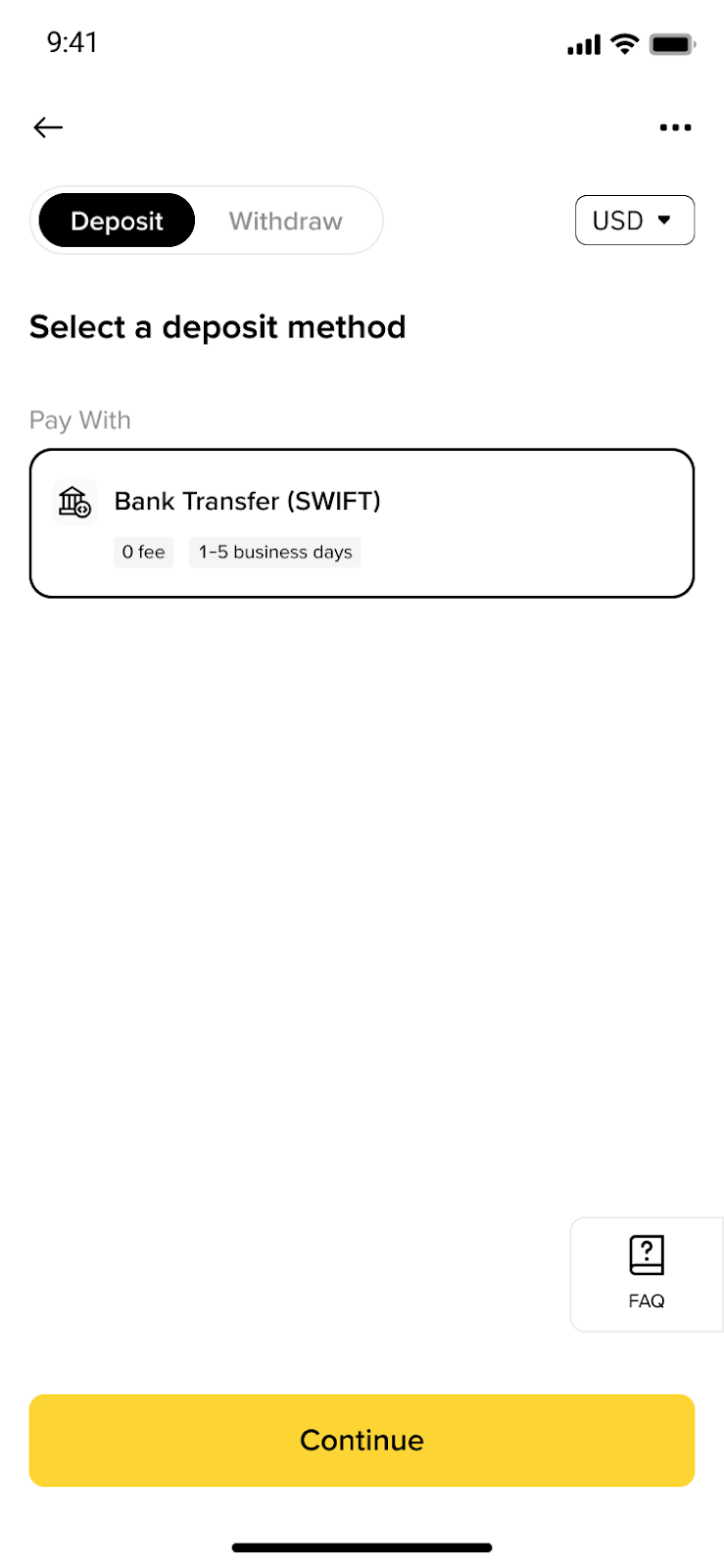
2. Select USD and Bank Transfer. Then click [Apply] to complete the Know Your Business (KYB) verification process.
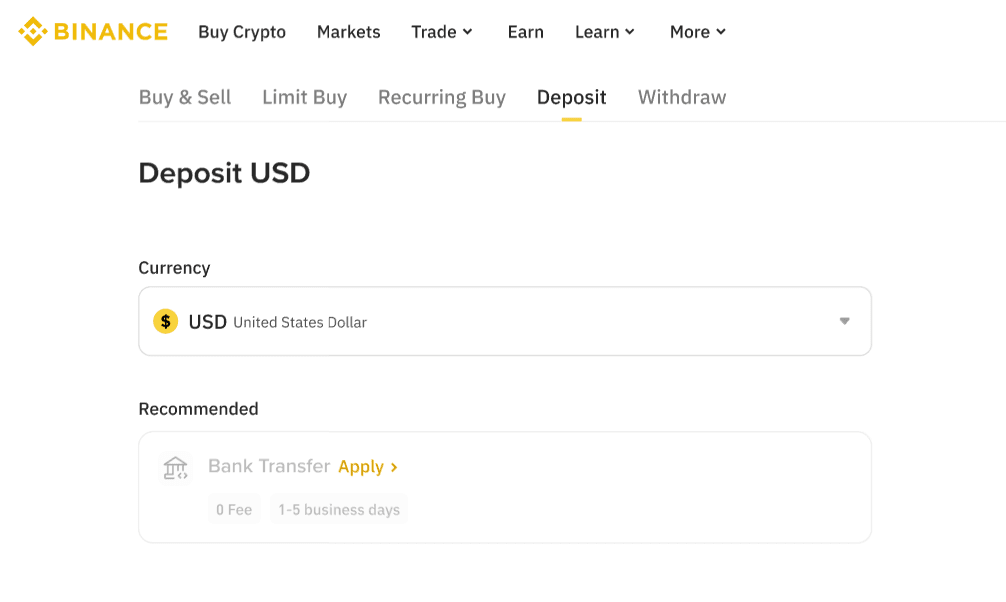
If you've already completed KYB before, you can proceed to create your deposit order directly.

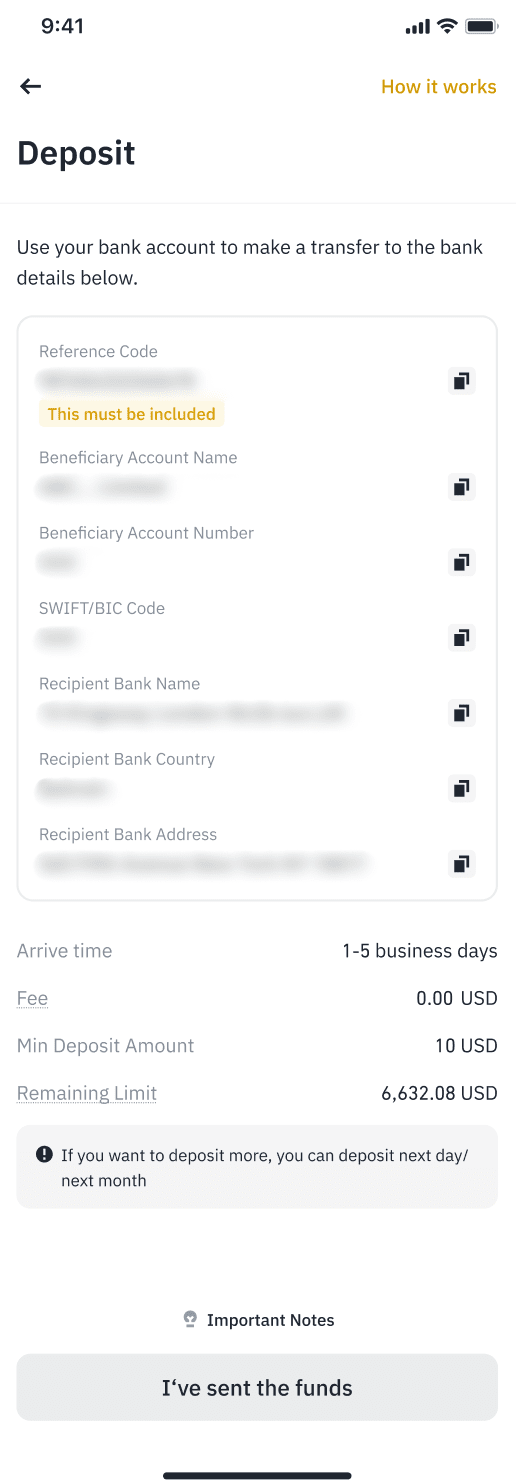
3. You'll receive the deposit details.
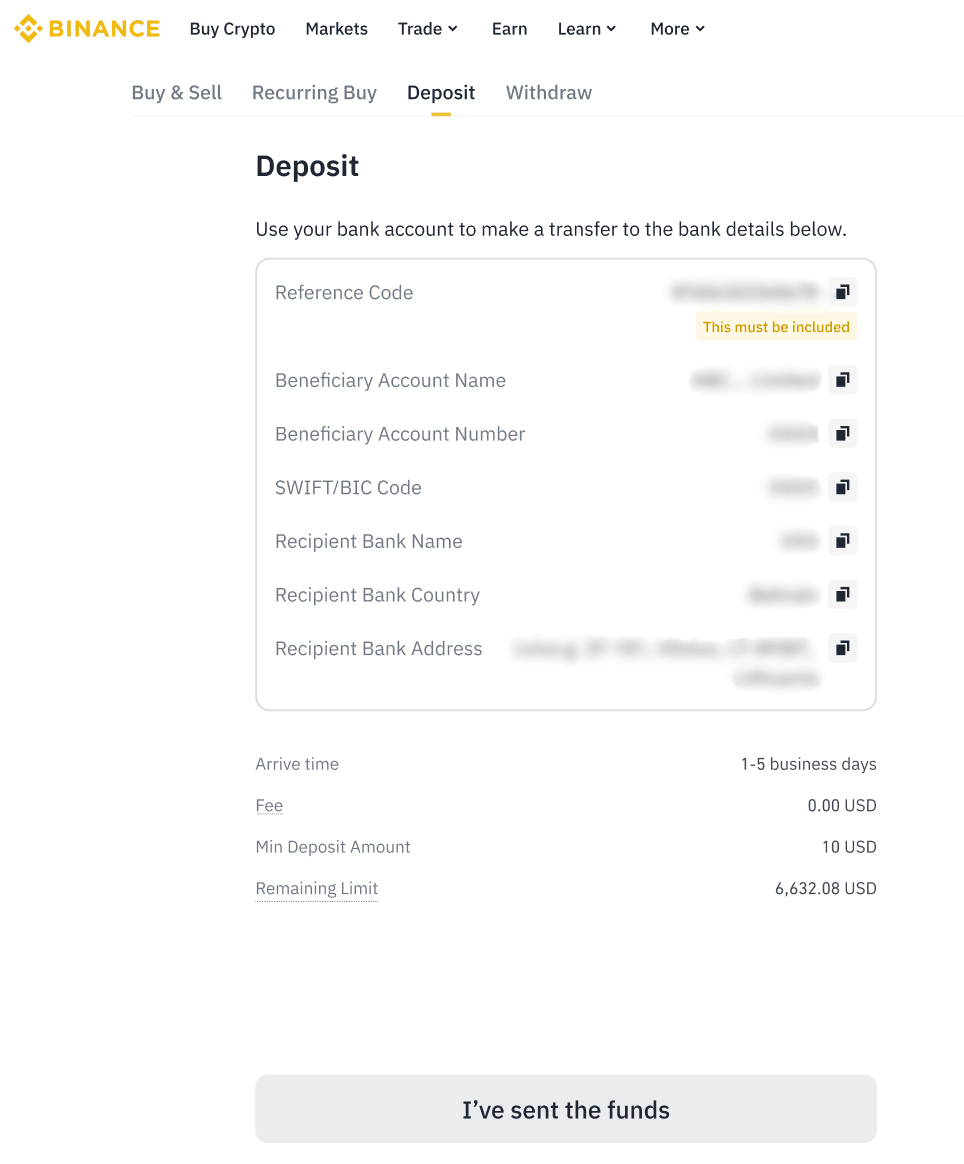
4. Please follow the instructions carefully and make sure to note any deposit limits associated with the account. After you send your funds, click [I’ve sent the funds].
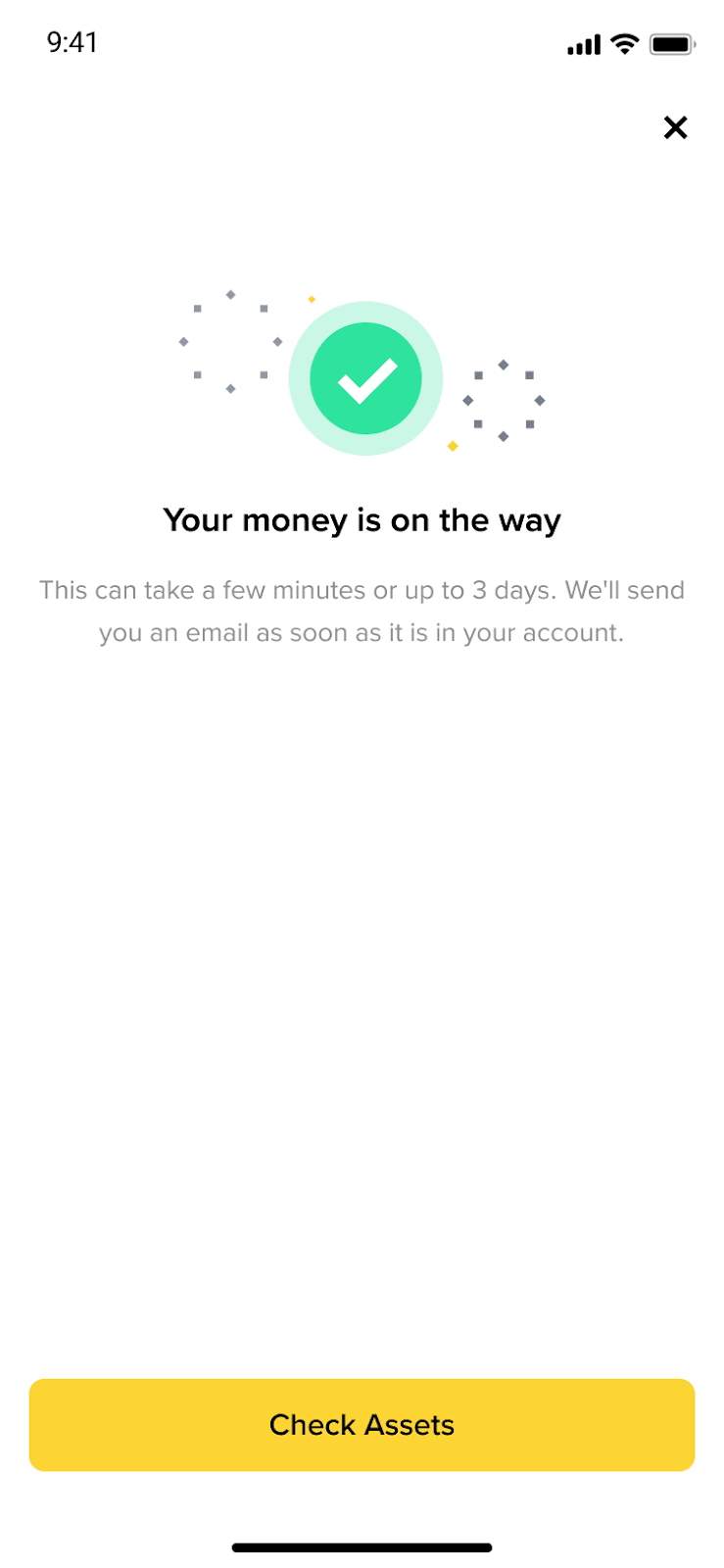
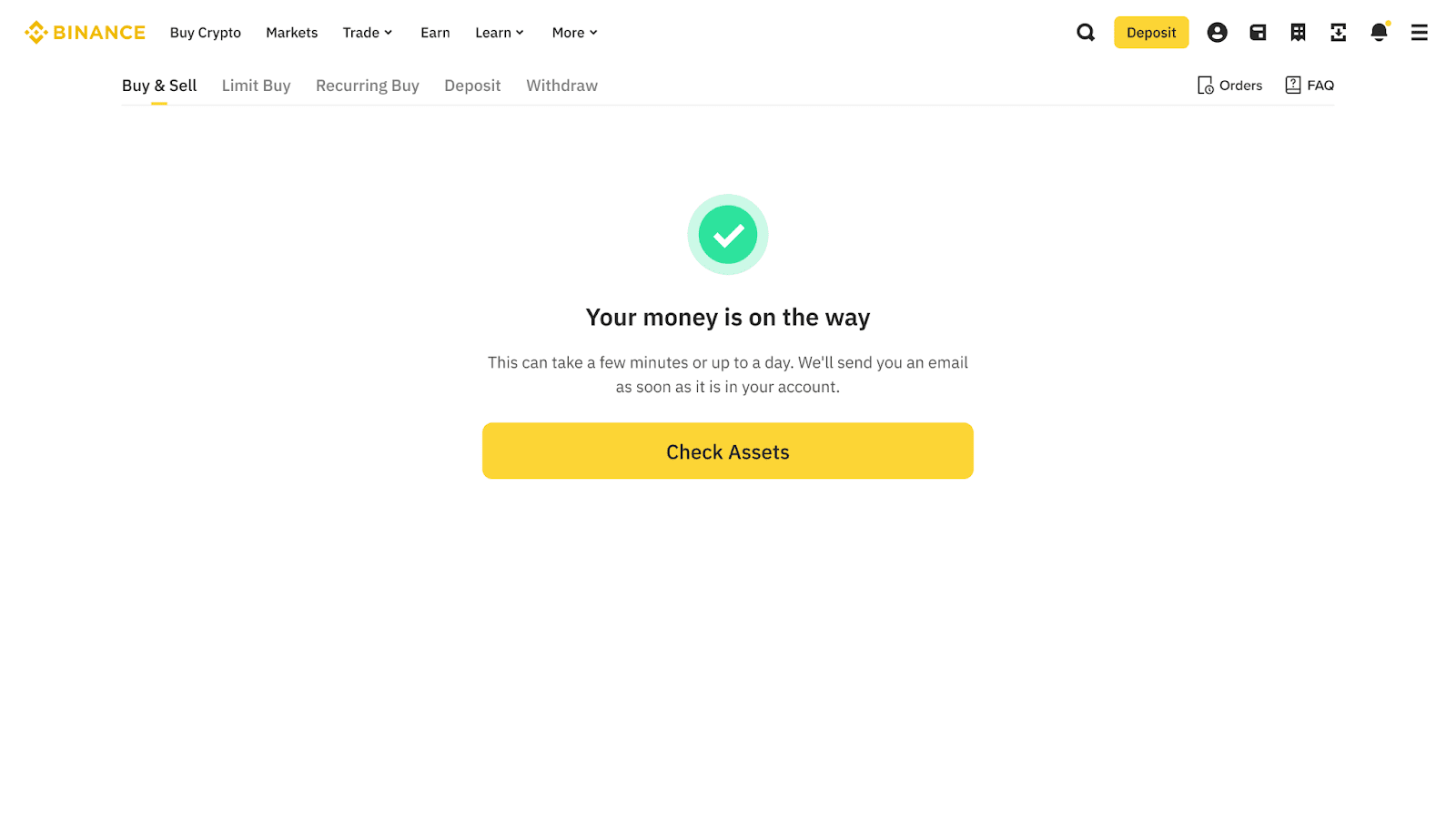
5. Wait for the funds to arrive. It may take up to 3 business days to be credited.
To learn more about corporate accounts function, please visit Corporate Account FAQs.