You can log in to your Binance web account by using the QR code log-in function. This process will require that you are logged in to your Binance App on your mobile device.
1. From the Binance web log-in page, click the QR icon placed on the top right corner.

2. A QR code will be displayed. At the same time, open and log in to your Binance app from your mobile device.

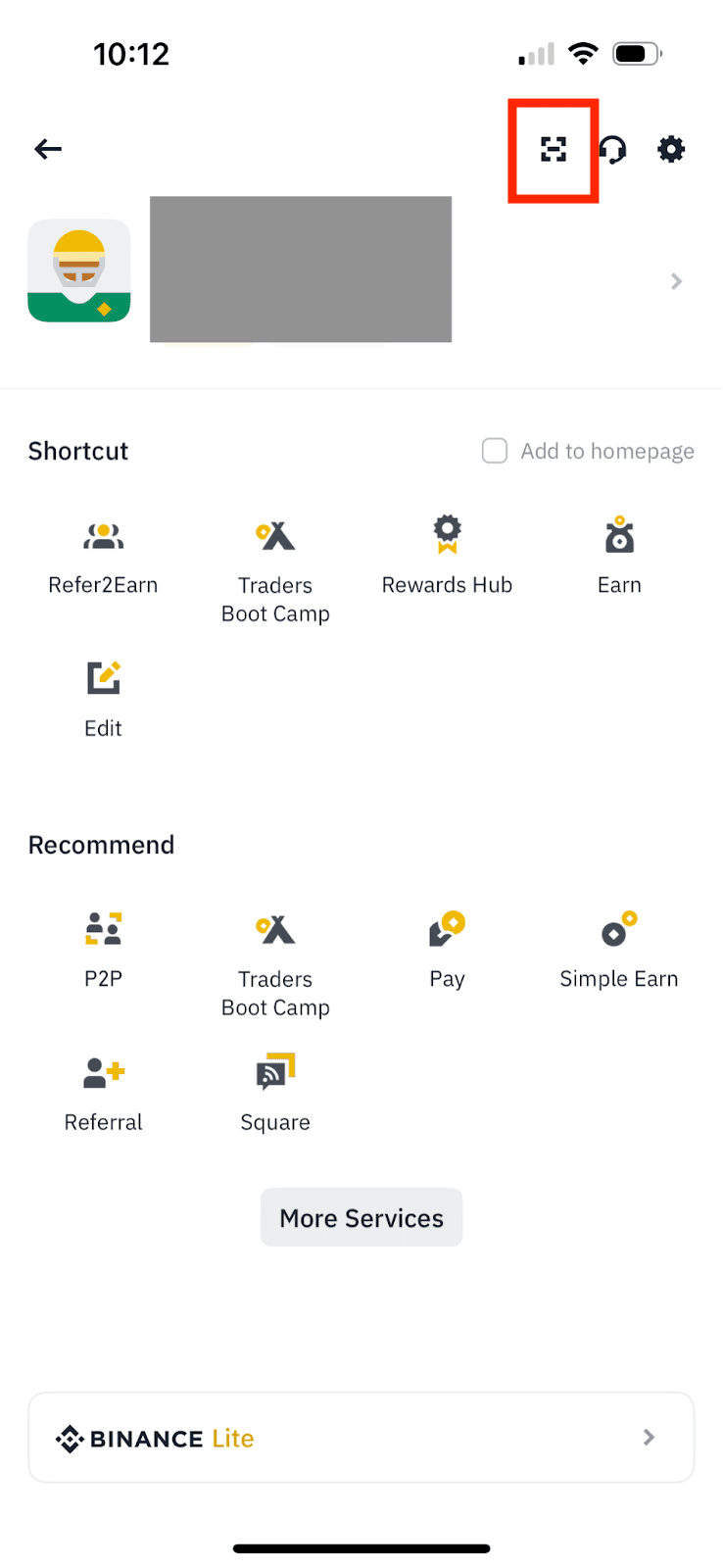
3. From your Binance app, go to the profile page and tap the scanning icon on the top right corner. Scan the web QR code using your mobile device.

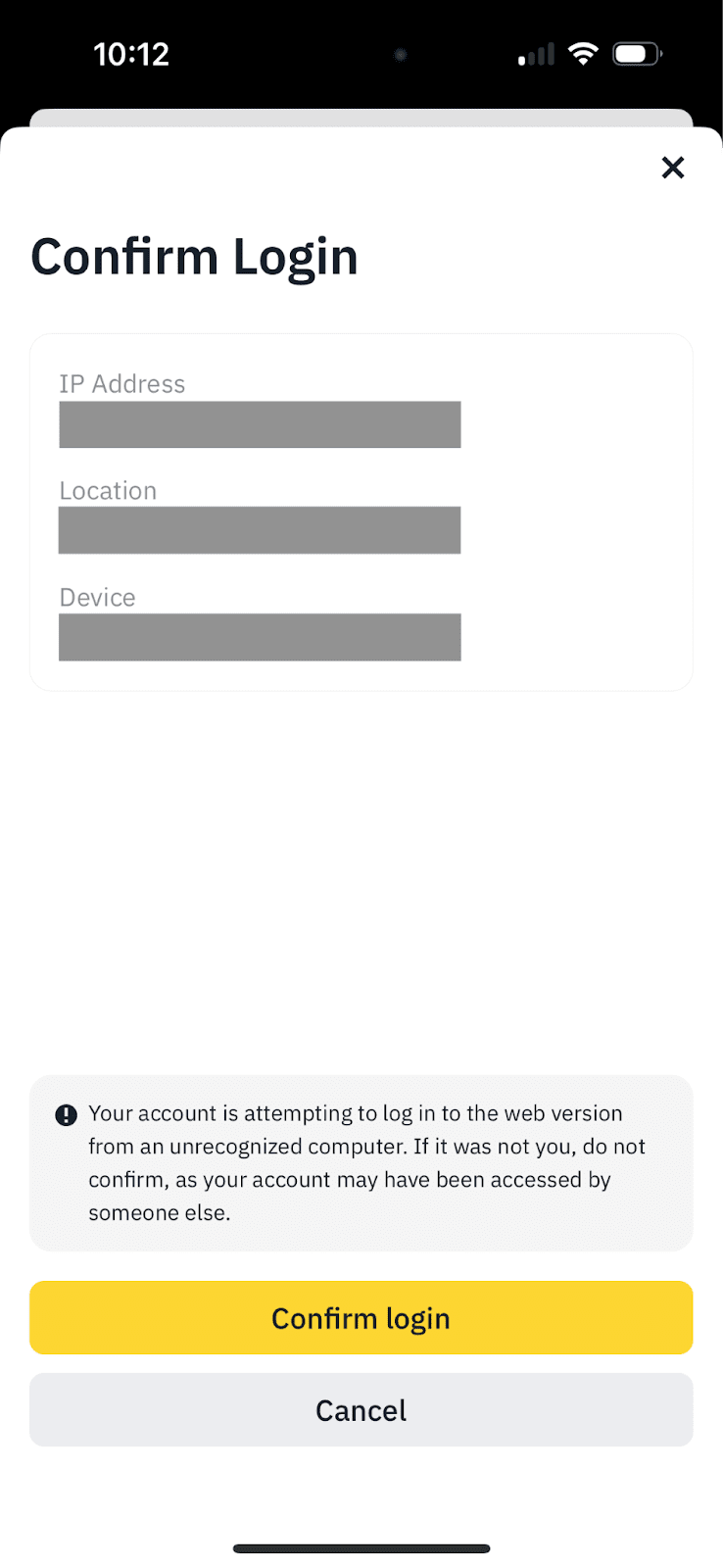
4. A log-in confirmation screen will appear on your app. Check the details and tap [Confirm login].
5. You should now be successfully logged in on the web version.
To learn more about logging into your account, visit: How to Create a Passkey for My Binance Account?
