
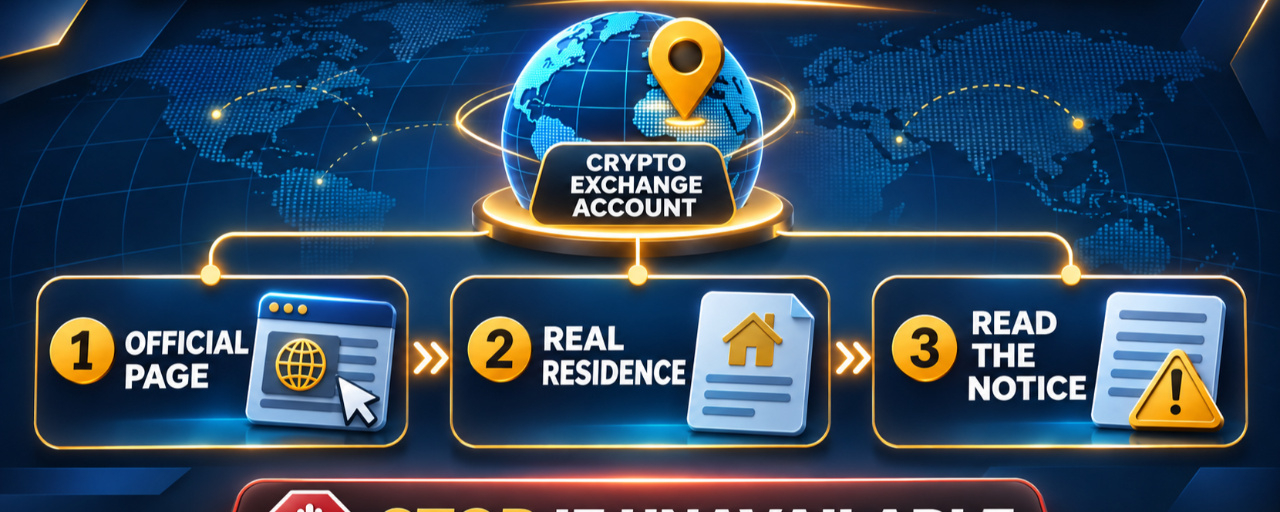

Binance country or region not available? Stop the sign-up attempt and confirm your real residence, live notice, and eligible Binance service before continuing.
This guide focuses only on regional sign-up availability. Registration, identity verification, payment methods, and individual products are separate checks, and their availability can differ by jurisdiction and account.
Read the live notice before changing anything
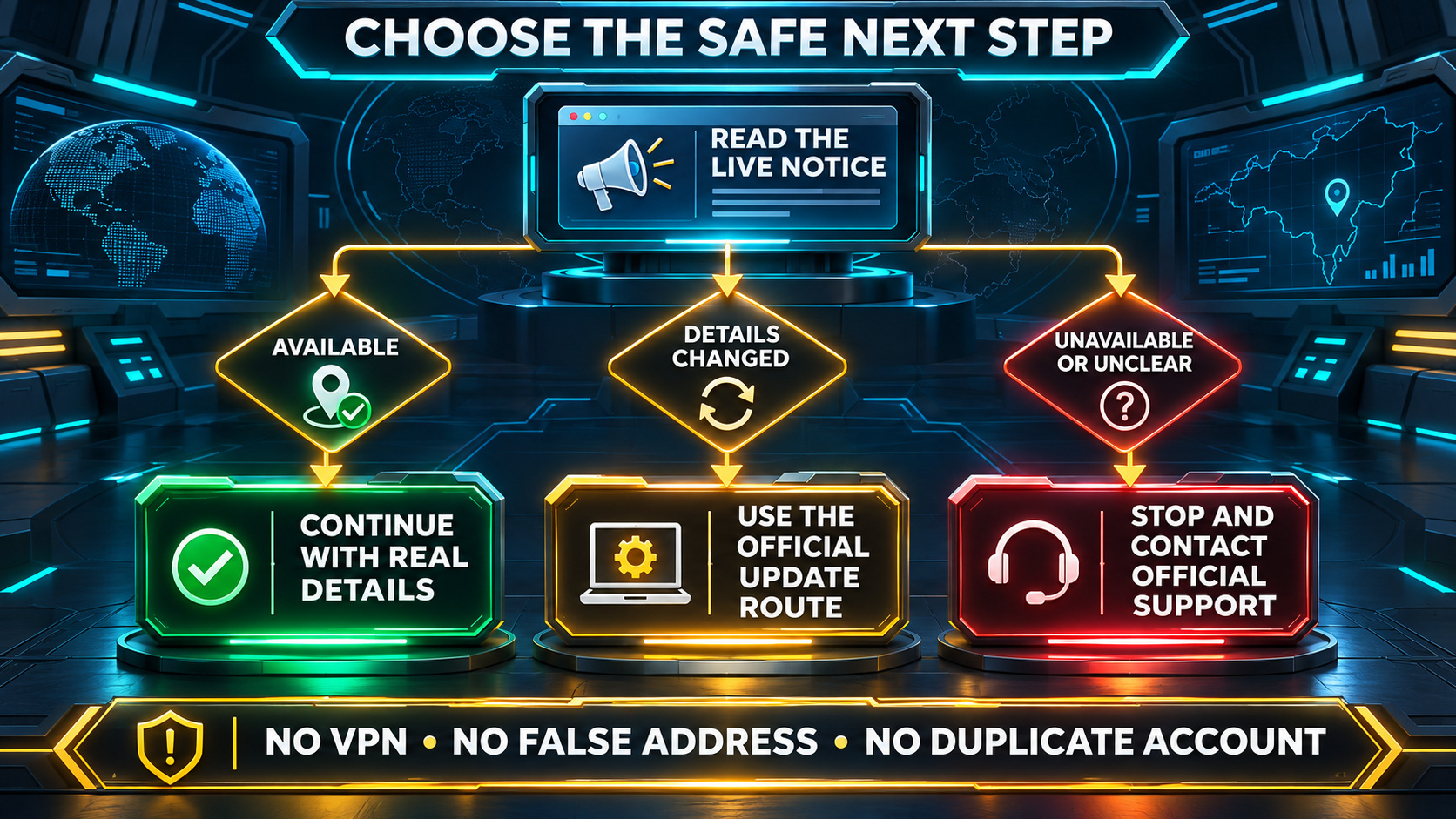
Open the official Binance website or app that is presented for your genuine location. Read the current country, region, entity, eligibility, or availability message before entering more information. The live screen and applicable terms take priority over an old screenshot or another user’s experience.
Record only the wording you need for your own troubleshooting. Do not publish your email address, phone number, IP address, identity document, residential address, verification code, or account details in Square comments or messages. Use your actual country of residence
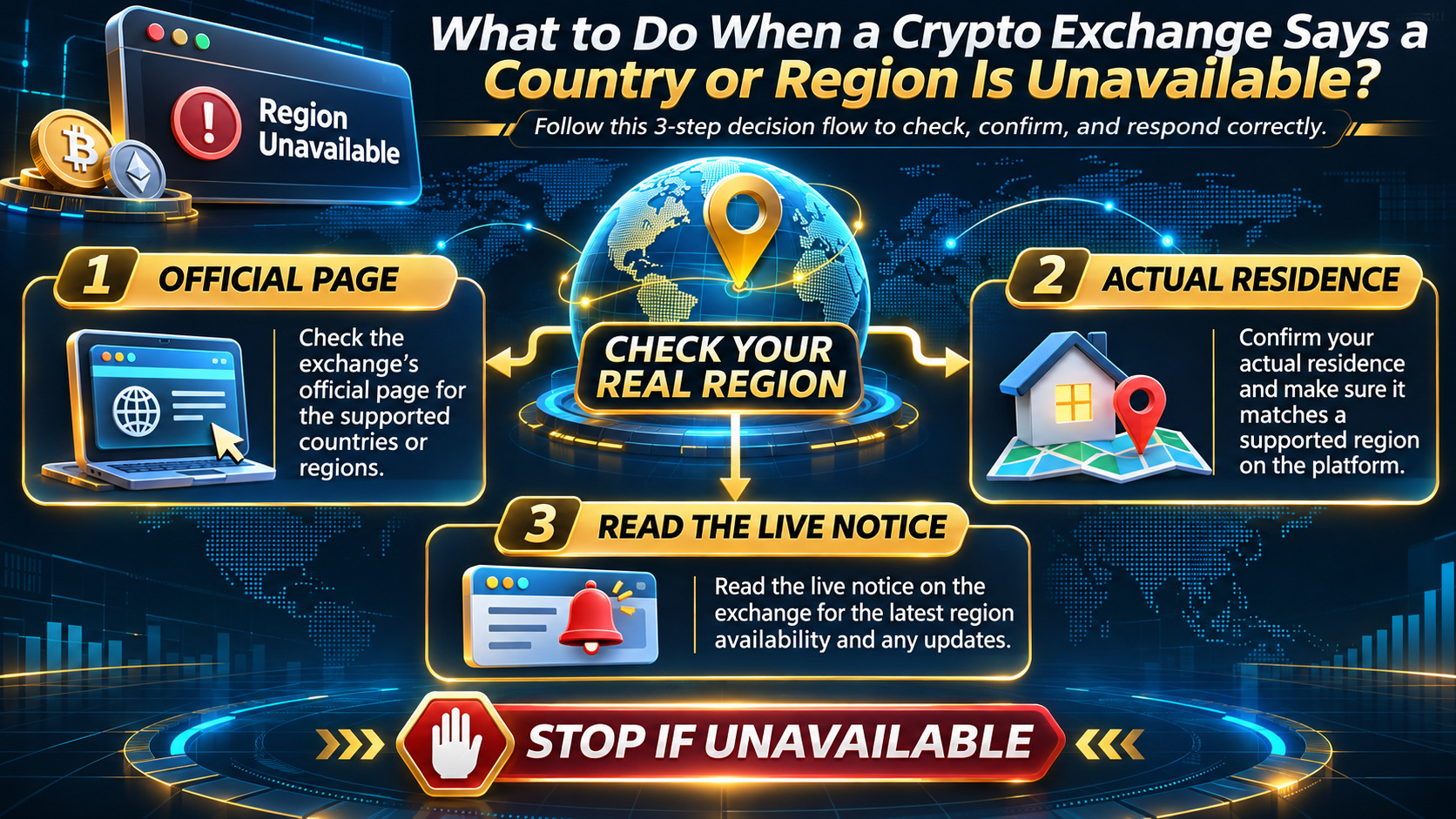
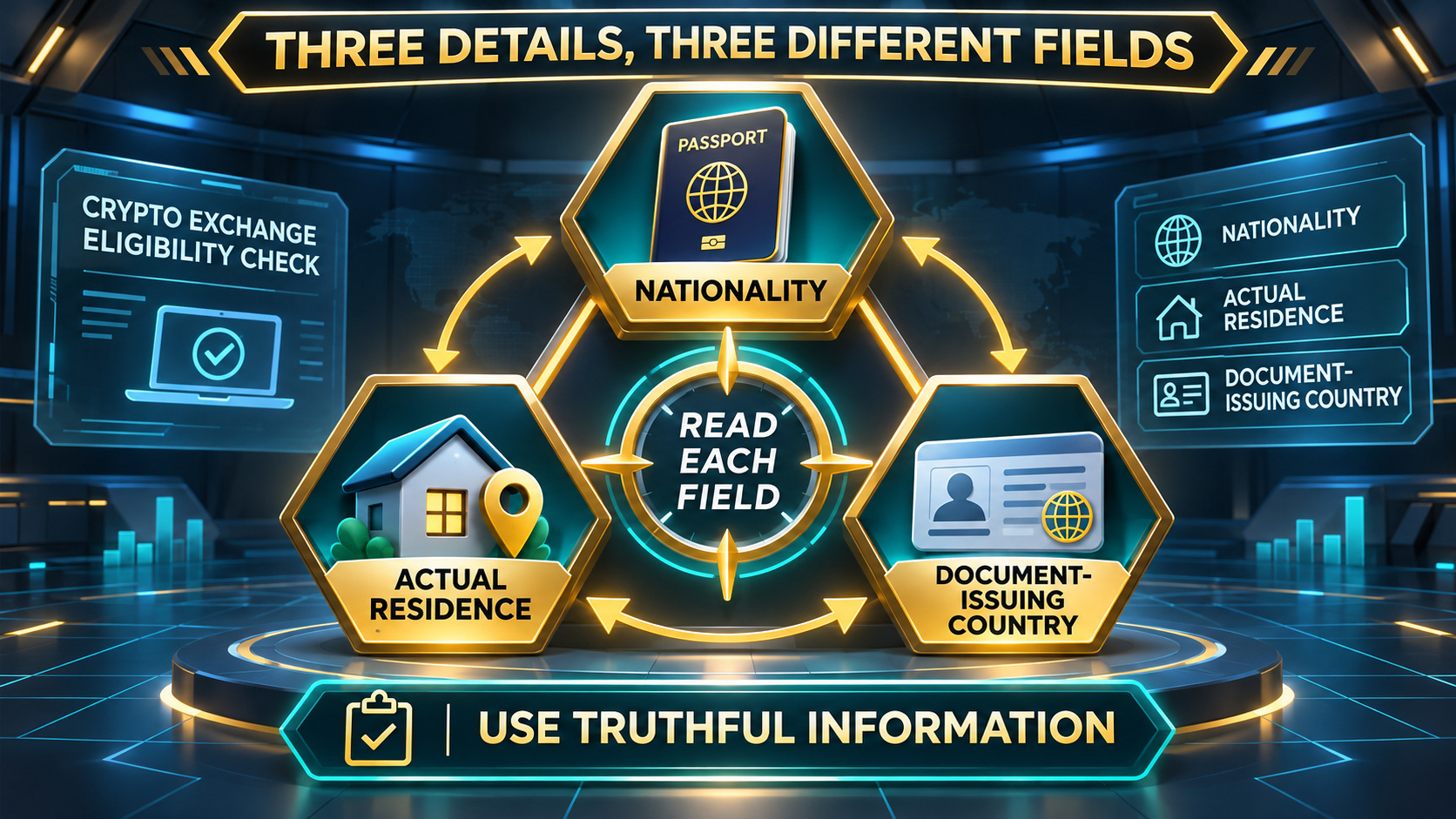
Select the country or region where you genuinely reside and use your own legal information. Residence, nationality, and a document’s issuing country can be different facts, so follow each field exactly as it appears in the live flow.
Binance’s official proof-of-address guidance explains that the residential address entered during verification must be supported by an accepted document. Accepted documents and verification requirements can vary by country or region.
Separate registration availability from product availability
Being able to open a registration page does not guarantee that every Binance product, payment channel, asset, or feature is available to the account. Binance states that services can differ according to regional requirements and the verified country of residence.
Check the intended product only after the correct account route and residence details are confirmed. Do not deposit or trade merely because account registration appears to continue.
If you moved or selected the wrong country
Do not preserve an incorrect country or address to keep a particular feature. Binance provides an official process for updating residential information, and a change of country can affect verification requirements and product availability.
If the account already exists, use the authenticated account and the official address or country update route. Do not create a duplicate account or submit a second identity to solve a residency mismatch.
Avoid these actions
Do not use a VPN, proxy, or altered device location to bypass a regional restriction.
Do not choose a false country, address, nationality, or document-issuing location.
Do not use another person’s address, phone number, email, identity document, or account.
Do not install an unofficial app or follow a registration link sent by an unknown person.
Do not assume that a referral code, KYC submission, or prior eligibility guarantees access.
When official support is the right next step
Use official Binance support when your genuine country is missing, the notice is unclear, you recently moved, or the live account does not provide a legitimate way to correct residence details. Share only the information requested inside the authenticated support channel.
Support can explain the available process, but approval, access, account recovery, product eligibility, and processing time are not guaranteed.
Frequently asked questions
1. Why does Binance say my country or region is not available?
The live notice can reflect the Binance service, eligibility requirements, or regional rules that apply to your genuine location. Read the current notice and applicable terms rather than relying on a third-party country list.
2. Can I select a nearby country to continue registration?
No. Use your actual country of residence and truthful personal information. Selecting another country can create verification and compliance problems.
3. Can a VPN make Binance sign-up available?
Do not use a VPN or altered location to bypass a restriction. Stop the attempt and check the official service and support options for your genuine residence.
4. Is nationality the same as country of residence?
Not always. Follow the label of each field and enter the truthful information it requests. Your nationality, residence, and document-issuing country may be different.
5. What if I recently moved to another country?
Use Binance’s official residential-address or country-update process for the existing account. A change can require new verification and can alter product availability.
6. Does successful registration guarantee access to every product?
No. Registration, identity verification, payment methods, and product eligibility are separate. Availability can differ by jurisdiction, account, and current policy.
7. When should I contact Binance Support?
Contact official support when the genuine country option is missing, the notice is unclear, residence details cannot be corrected through the live flow, or a legitimate move needs account-specific guidance.
Official Binance sources
How to Register on the Binance App
How to Update My Residential Address on Binance
How to Verify My Residential Address on Binance
Check availability before signing up
Use your genuine nationality, actual residence, and personal information, and never bypass a regional restriction. Regional pages and live options can differ, so review the terms and registration flow presented for the Binance service legally available where you live.
If registration is available for your genuine residence and no existing account applies, review the official requirements before submitting. No reward, discount, approval, access, recovery, verification result, processing time, security outcome, or product availability is guaranteed.
Open the official Binance registration page with referral code UAUBG73C
Affiliate disclosure: this Article includes a referral sign-up link.
#BinanceSignup #RegionalAccess #AccountVerification #CryptoEducation