


A Binance sub-account is a separate account that sits under your main (master) account, with its own balances, orders and API keys. To create one, go to Dashboard, open Sub Accounts (click Activate if asked), choose Account Management and click Create Sub Account. You need identity verification and 2FA first.
👉 New to Binance? Open an account with a welcome bonus
What is a Binance sub-account?
Think of it as an extra wallet and trading account that you control from one login. Each sub-account keeps its own funds and trading history, so strategies and budgets don't mix.
The master account can move assets between sub-accounts, manage their permissions and create API keys for them.
Why would you use sub-accounts?
Separate strategies. Keep a long-term Spot portfolio apart from a Futures or bot account.
Cleaner bookkeeping. Each account has its own trade and transfer history.
Safer API use. Give a trading bot keys for one sub-account only, not your whole balance.
Teams and businesses. Split responsibilities without sharing the main login.
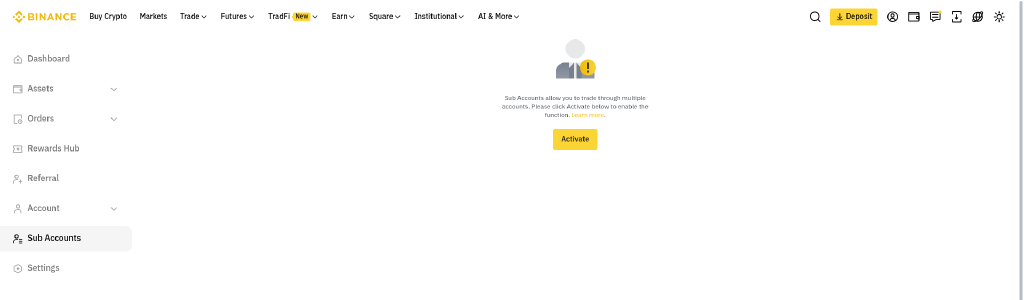
The Sub Accounts section in the Binance dashboard menu, between Account and Settings.
Who can create a sub-account?
Sub-accounts are available to Binance users who have completed identity verification and turned on two-factor authentication (2FA).
For eligible accounts at VIP 1 or higher, Binance can create sub-accounts automatically.
How do you create a sub-account on the website?
Log in to your main account and open Dashboard.
In the side menu, click Sub Accounts. If you see a notice with an Activate button, click it to enable the feature.
Go to Account Management.
Click Create Sub Account.
Pick a type. Use a regular email that no other Binance account uses, a virtual email, or a third-party custodian.
Confirm, and the new sub-account appears in Account Management.
With a regular email, you set a password and verify that email. A virtual email sub-account can't log in on its own, so you run it from the master account or through API keys.
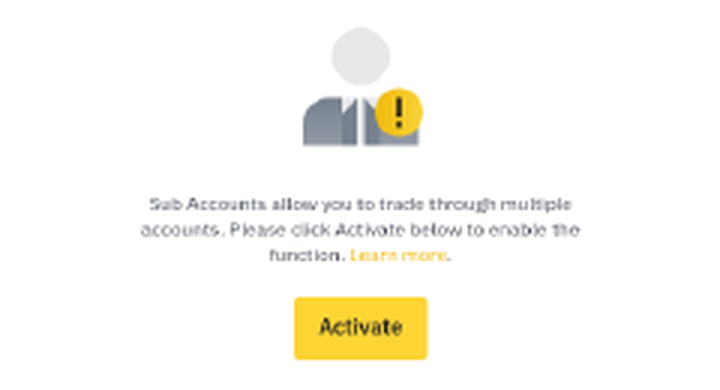
If the feature is not on yet, Sub Accounts shows this notice. Click Activate to enable it.
In the app, open your profile, tap Account Info and then Sub Accounts.
How many sub-accounts can you open?
Regular users can open up to 5. The limit grows with the VIP level of the master account, up to 200 Spot and Futures sub-accounts at VIP 9.
VIP levels depend on your 30-day trading volume and BNB balance. Our breakdown of Binance VIP level requirements and fee tiers shows how each tier is reached.
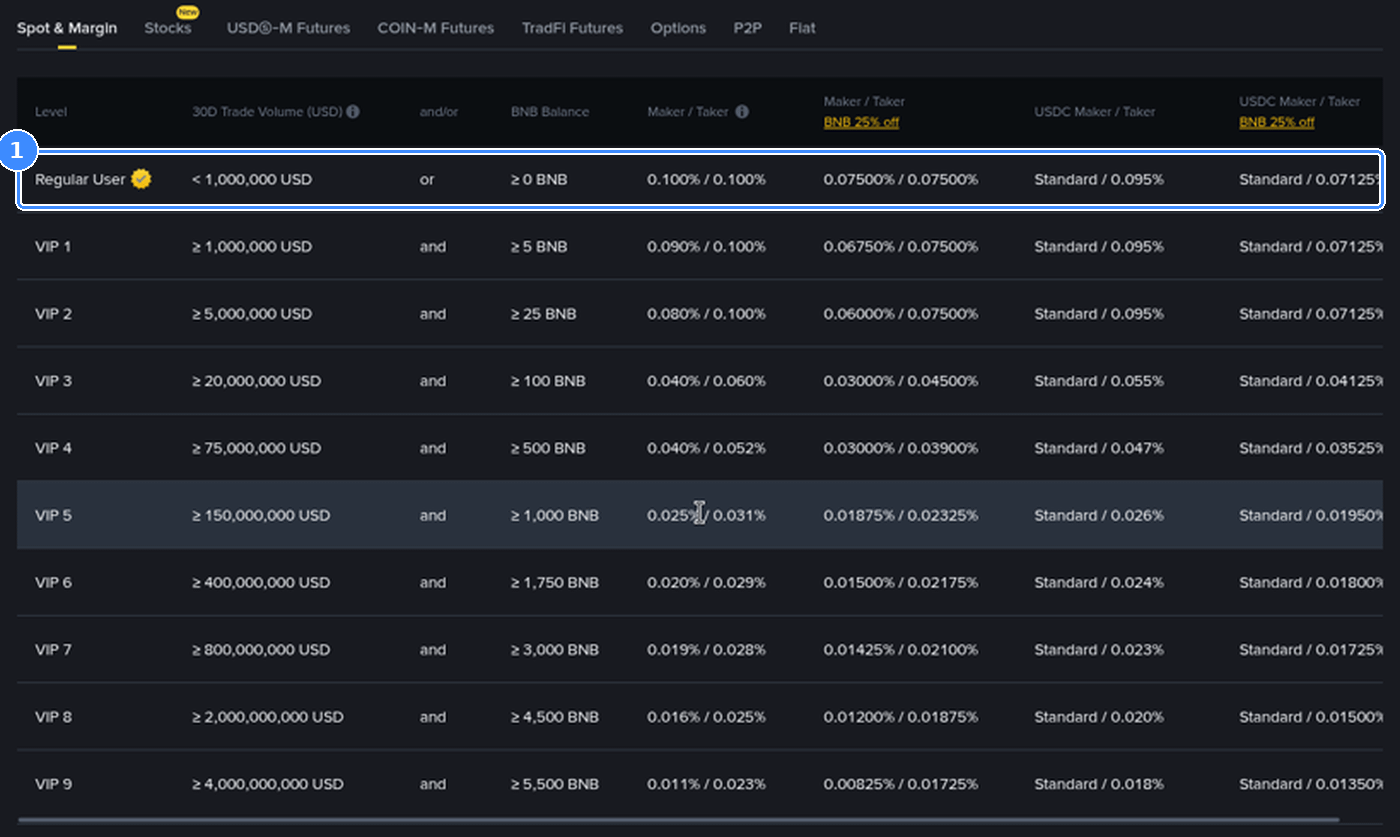
The Spot VIP table on Binance's fee page. Higher tiers mean lower fees and a higher sub-account limit.
What should you know before using one?
Withdrawals. Sub-accounts can't withdraw directly. Move funds back to the master account first.
API keys. Each sub-account can have up to 30 API keys, managed under API Management.
Closing. A sub-account must have no assets, API keys or open orders before you close it, and closing can't be undone.
Security. Turn on 2FA for each sub-account you log in to, even though it isn't required.
Want to see what your trades actually cost? Here's a clear guide to Binance Spot and Futures trading fees.
Opening a fresh account first? See the current Binance welcome bonus campaign, worth up to $19,800 for eligible users, and sign up with code GETREWARD.
FAQ
Is a sub-account a separate Binance account?
It has its own balances and orders, but it is controlled by your master account and doesn't need its own identity verification.
Can I transfer between sub-accounts?
Yes. The master account can move assets between itself and its sub-accounts from the sub-account asset management area.
Can a sub-account withdraw to an external wallet?
No. Transfer the funds to the master account, then withdraw from there.
How do I delete a sub-account?
Empty it, remove its API keys and cancel open orders, then close it in Account Management. This is permanent.
Disclosure: GETREWARD is my code. If you use it, I may earn a commission from Binance at no extra cost to you. This is not financial advice.