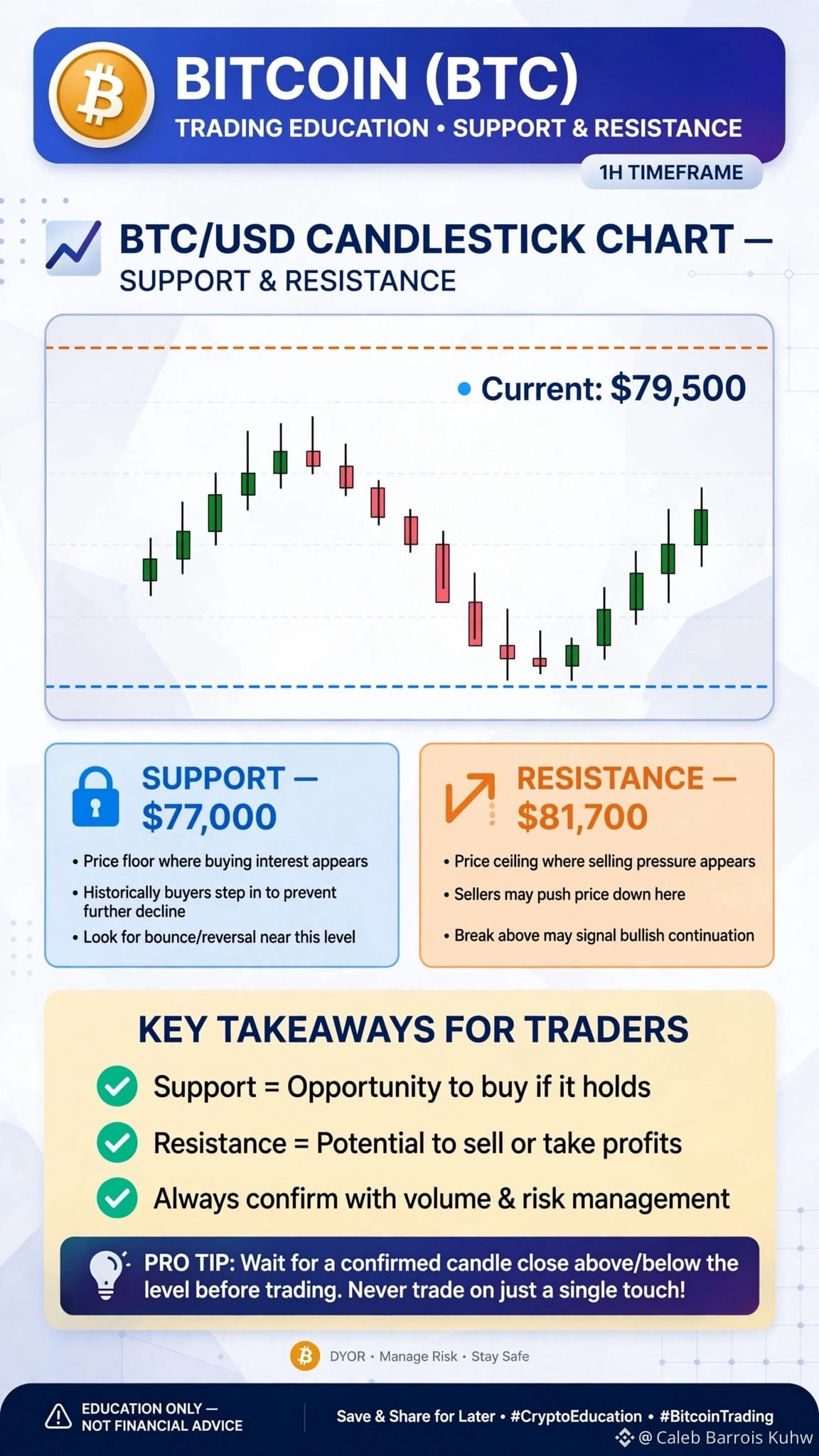
#BTCBreaks80K #HYPEJumpsOver11% $NVDAB
* Binanceアプリを開く:ログインし、ホーム画面で「Pay」アイコンを選択します。
* 送金または受取:支払いを行う場合は「Send」を選び、入金用のQRコードを生成する場合は「Receive」を選びます。
* QRをスキャンまたは受取人を入力:受取人のQRコードをスキャンするか、Binance Pay ID、電話番号、またはメールアドレスを手入力します。
* 確認&支払い完了:支払い内容を確認し、Face IDまたは2FAで確定します。
主な機能&安全のヒント
* すぐに&無料:即時決済で送金手数料はゼロです。
* セキュリティ:高度な暗号化、2FA保護、銀行レベルのセキュリティ機能を採用しています。
* ベストプラクティス:PINを非公開にし、確認前に受取人情報を照合し、Anti-Phishing Codesのようなセキュリティオプションを有効にすることを推奨します。
* Binanceアプリを開く:ログインし、ホーム画面で「Pay」アイコンを選択します。
* 送金または受取:支払いを行う場合は「Send」を選び、入金用のQRコードを生成する場合は「Receive」を選びます。
* QRをスキャンまたは受取人を入力:受取人のQRコードをスキャンするか、Binance Pay ID、電話番号、またはメールアドレスを手入力します。
* 確認&支払い完了:支払い内容を確認し、Face IDまたは2FAで確定します。
主な機能&安全のヒント
* すぐに&無料:即時決済で送金手数料はゼロです。
* セキュリティ:高度な暗号化、2FA保護、銀行レベルのセキュリティ機能を採用しています。
* ベストプラクティス:PINを非公開にし、確認前に受取人情報を照合し、Anti-Phishing Codesのようなセキュリティオプションを有効にすることを推奨します。