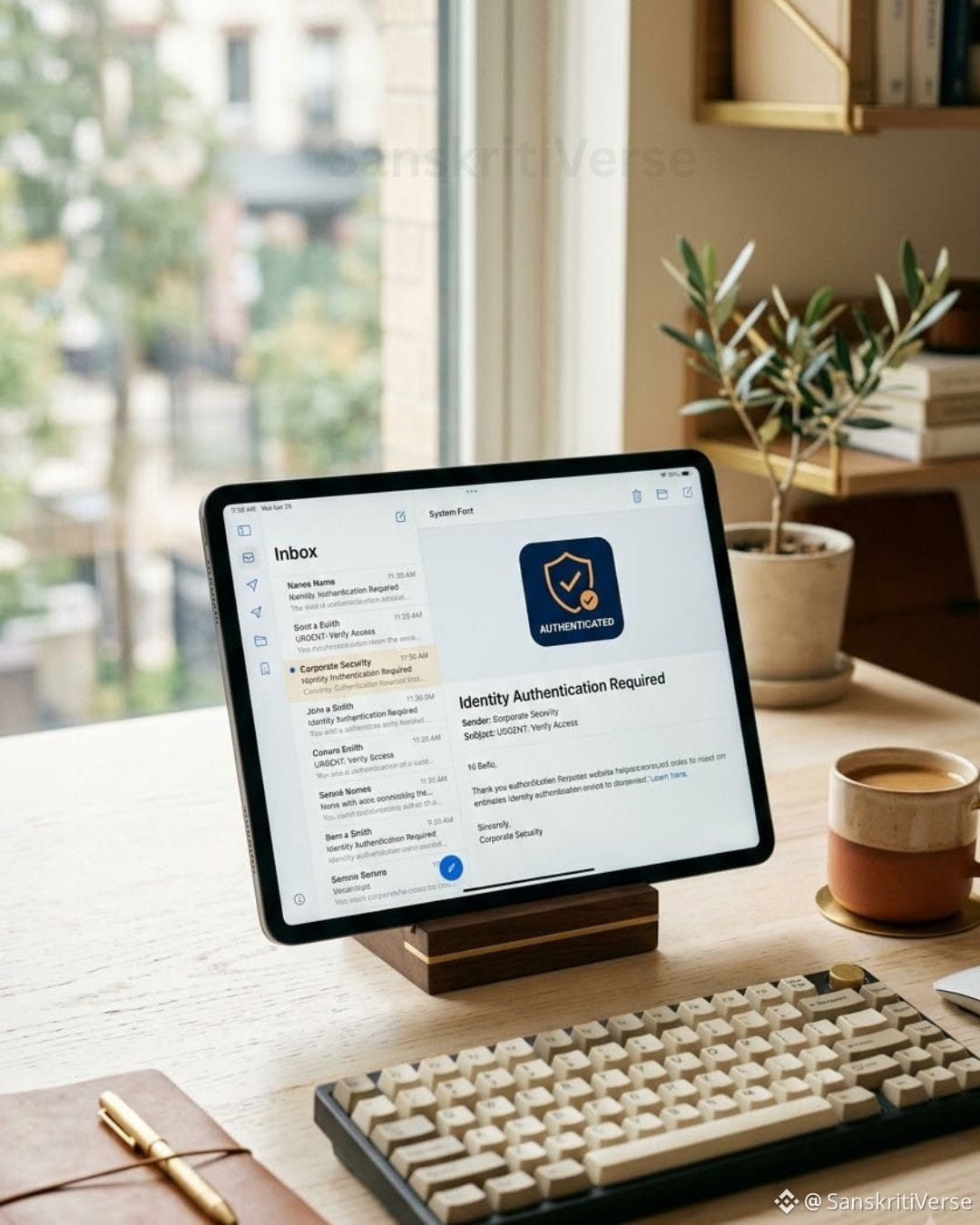
How to Instantly Spot Fake Emails: Set Up Your Anti-Phishing Code 🔒
Phishing attacks often copy official brand logos and layouts to trick users into clicking harmful links. While bad actors can easily clone email designs, they cannot access your personal account security settings.
An Anti-Phishing Code is a unique, user-defined phrase configured within your security settings. Once activated, Binance automatically embeds this code at the top of every genuine notification email sent to you. If an email claiming to be official lacks your code, it is fraudulent.
3 Steps to Secure Your Account:
1. Create Your Code: Go to Account > Security > Anti-Phishing Code > Select Create Code (minimum 8 characters).
2. Verify Incoming Emails: Always check that your personal code is present before clicking any buttons or links.
3. Cross-Check Links: Use the official Binance Verify tool to verify unfamiliar links, domain names, or support handles.
Stay proactive about your account security. Set up your verification code today.
#CryptoSecurity #BinanceSquare #Web3Education
Phishing attacks often copy official brand logos and layouts to trick users into clicking harmful links. While bad actors can easily clone email designs, they cannot access your personal account security settings.
An Anti-Phishing Code is a unique, user-defined phrase configured within your security settings. Once activated, Binance automatically embeds this code at the top of every genuine notification email sent to you. If an email claiming to be official lacks your code, it is fraudulent.
3 Steps to Secure Your Account:
1. Create Your Code: Go to Account > Security > Anti-Phishing Code > Select Create Code (minimum 8 characters).
2. Verify Incoming Emails: Always check that your personal code is present before clicking any buttons or links.
3. Cross-Check Links: Use the official Binance Verify tool to verify unfamiliar links, domain names, or support handles.
Stay proactive about your account security. Set up your verification code today.
#CryptoSecurity #BinanceSquare #Web3Education