
Staking is one of the easiest ways to become an active participant in the STON.fi ecosystem. Beyond locking your STON tokens, staking allows you to gain governance voting power and contribute to the protocol's future.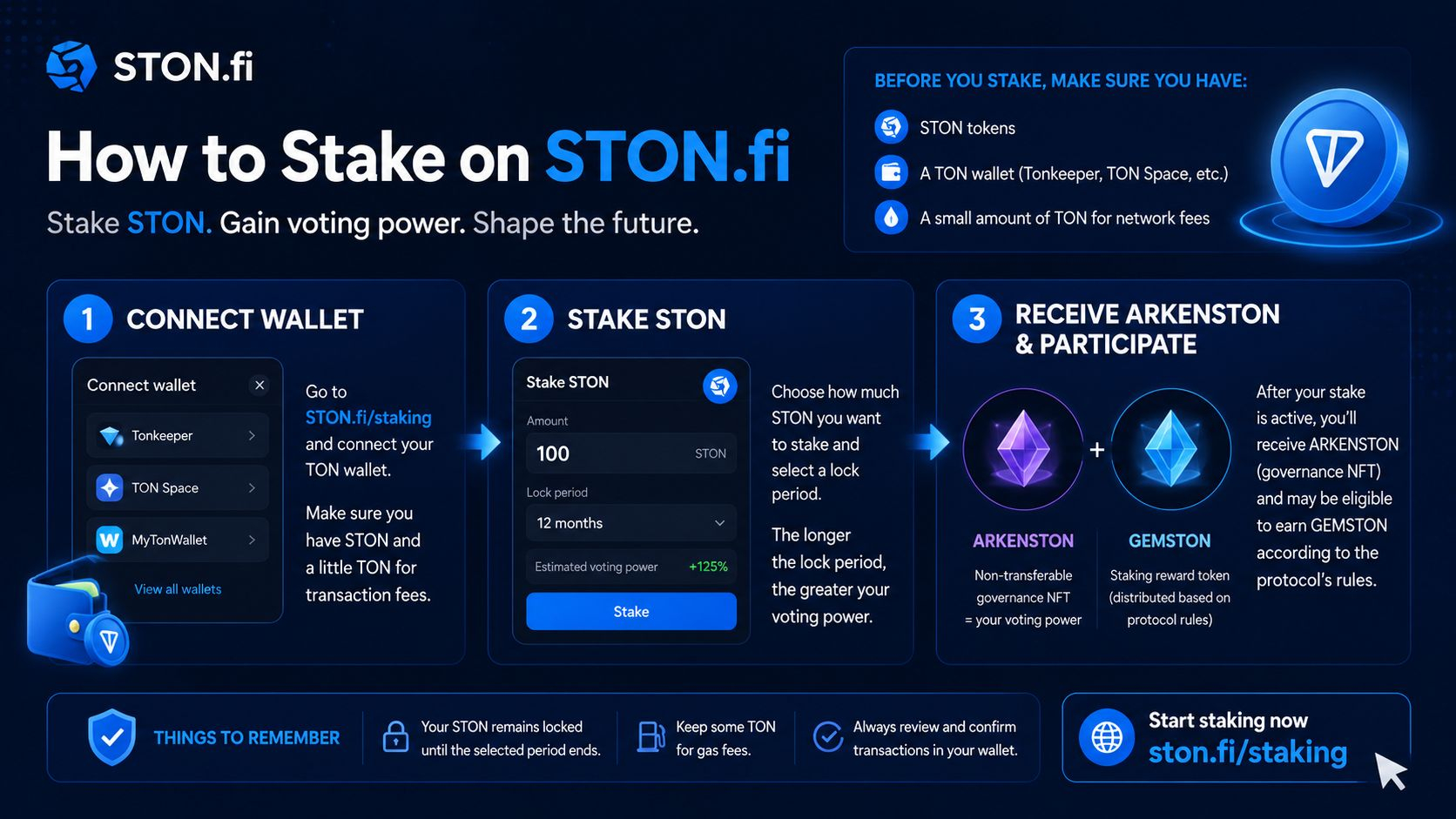
If you're new to STON.fi, this guide walks you through the staking process from start to finish.
>>>>>What You'll Need Before You Start
Before staking, ensure you have the following:
✅A TON-compatible wallet, such as Tonkeeper or TON Space.
✅ STON tokens.
✅A small amount of TON to cover network transaction fees. Once everything is ready, you're good to begin.
🟡 Step 1: Visit the STON.fi Staking Page
Open your browser and navigate to:https://ston.fi/staking.
This is where all staking activities are managed.
🟣 Step 2: Connect Your Wallet
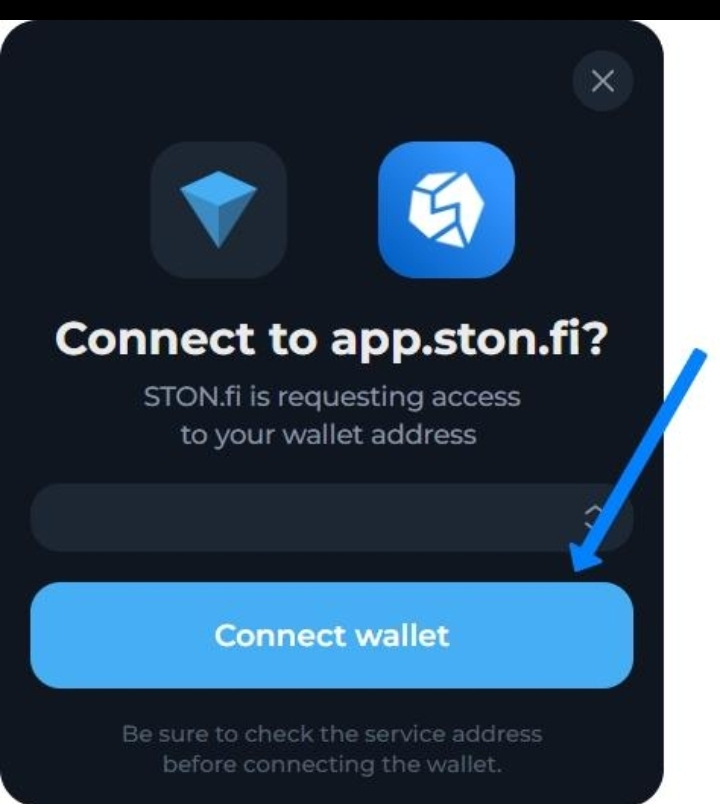
Click Connect Wallet and select your preferred TON wallet. Approve the connection request from your wallet to access your STON balance and staking dashboard.
🔵 Step 3: Open the Stake Section
After connecting, navigate to the Stak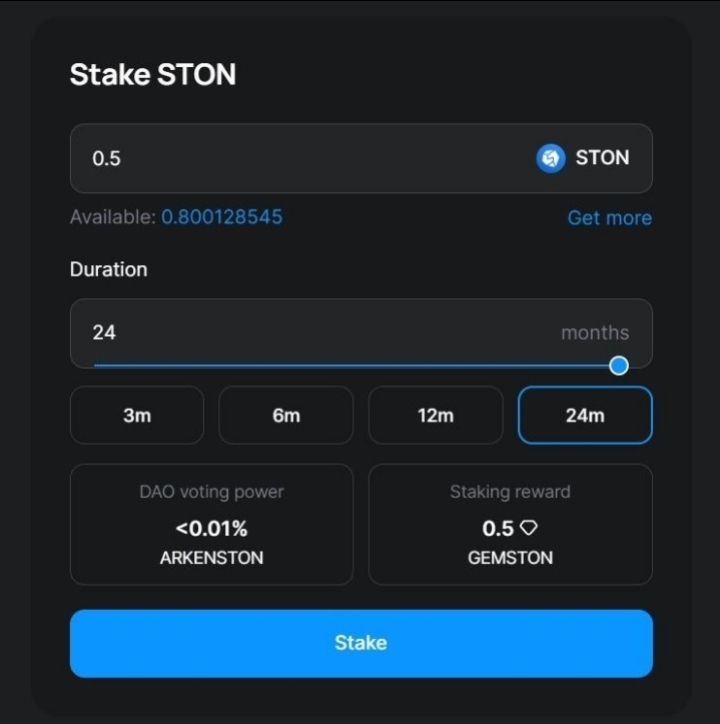 e section.Here you'll be able to:
✅View your available STON balance.
✅Create a new staking position.
✅Manage any existing stakes.
🟡Step 4: Choose How Much STON to Stake
Enter the amount of STON you would like to lock. Only stake tokens that you're comfortable locking for the selected period, as they cannot be withdrawn before the lock expires.
🔵 Step 5: Select Your Lock Period
Choose a staking duration that matches your investment goals.Generally, longer lock periods provide greater governance voting power within the STON.fi ecosystem.Review your selections carefully before moving on.
🔵 Step 6: Confirm the Transaction
Click Stake, then your wallet will open and display the transaction details. Afterwards carefully review:
✅ Amount being staked.
✅ Lock duration.
✅ Network fee.
If everything looks correct, approve the transaction. After confirmation on the TON blockchain, your staking position becomes active.
🟡 Step 7: Receive Your Governance Position
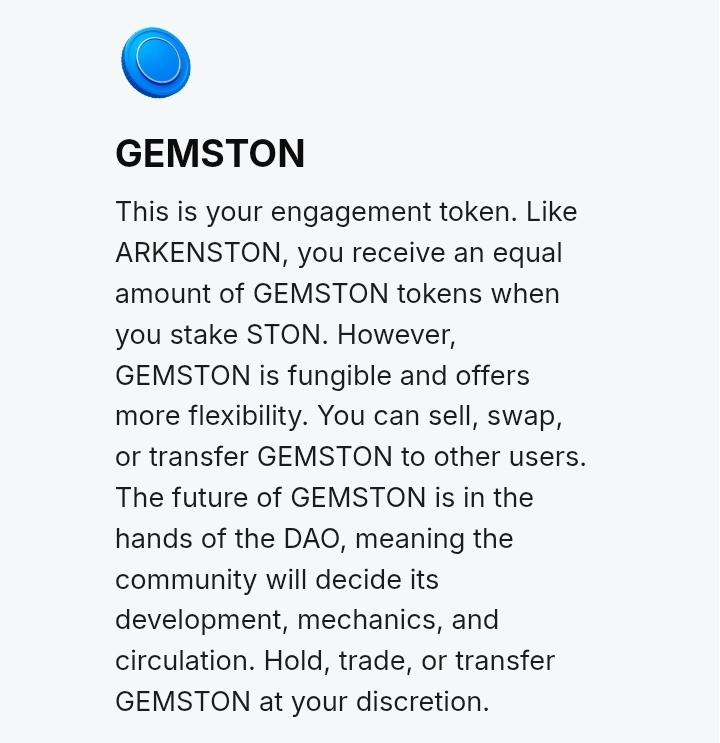
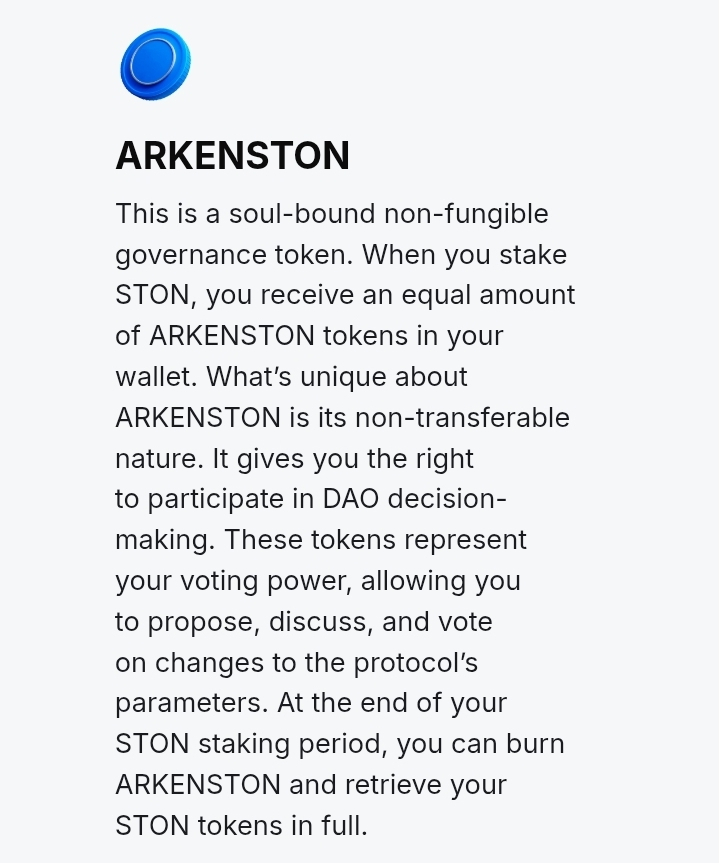
Once your stake is active, you'll receive ARKENSTON, a non-transferable governance NFT that represents your voting power in the STON.fi DAO.Depending on the protocol's reward distribution rules, eligible stakers may also receive GEMSTON.
🔵 Step 8: Monitor Your Stake
Visit the staking dashboard at any time to:
✅ View your active staking positions.
✅ Check your remaining lock period.
✅ Monitor your governance participation.
📝 Things to Remember
✅Keep a small amount of TON available for gas fees.
✅ Double-check every transaction before confirming.
✅ Your STON remains locked until the selected staking period ends.
✅ Longer lock periods generally provide greater governance influence.
💭 Final Thoughts
➡️ Staking on STON.fi is more than earning rewards. It is a way to participate in the protocol's governance while supporting the long-term development of the ecosystem.
➡️ Whether you're staking for the first time or adding to an existing position, understanding the process helps you make informed decisions and get the most out of your participation.
Start staking here: https://ston.fi/staking