


Many new tokens on The Open Network (TON) never appear on big centralized exchanges like Binance. These tokens are called Jettons. They only trade on decentralized exchanges (DEXs).
This guide explains, in simple steps, how these markets work and what you should check before you try to buy such a token. We will use @STONfi DEX as a clear, real-world example of a permissionless TON DEX.
1. What Are Permissionless Token Markets and Liquidity Pools?
On TON, anyone can create a new token. There is no central company that decides which tokens are allowed. This is called a permissionless system.
Tokens trade through liquidity pools.
Think of a liquidity pool like a big jar that holds two types of tokens side by side.
Example: one side of the jar has a new token, the other side has TON or USDT.
When someone wants to buy the new token, they put TON (or USDT) into the jar and take out some of the new token. The price is set automatically by how much of each token is inside the jar. This system is called an Automated Market Maker (AMM).
Anyone can create a liquidity pool the project team, a community member, or even a stranger.
Creating a pool only means someone put tokens into the jar. It does not mean the project is safe, real, or valuable.
2. How to Verify the Token Contract Address
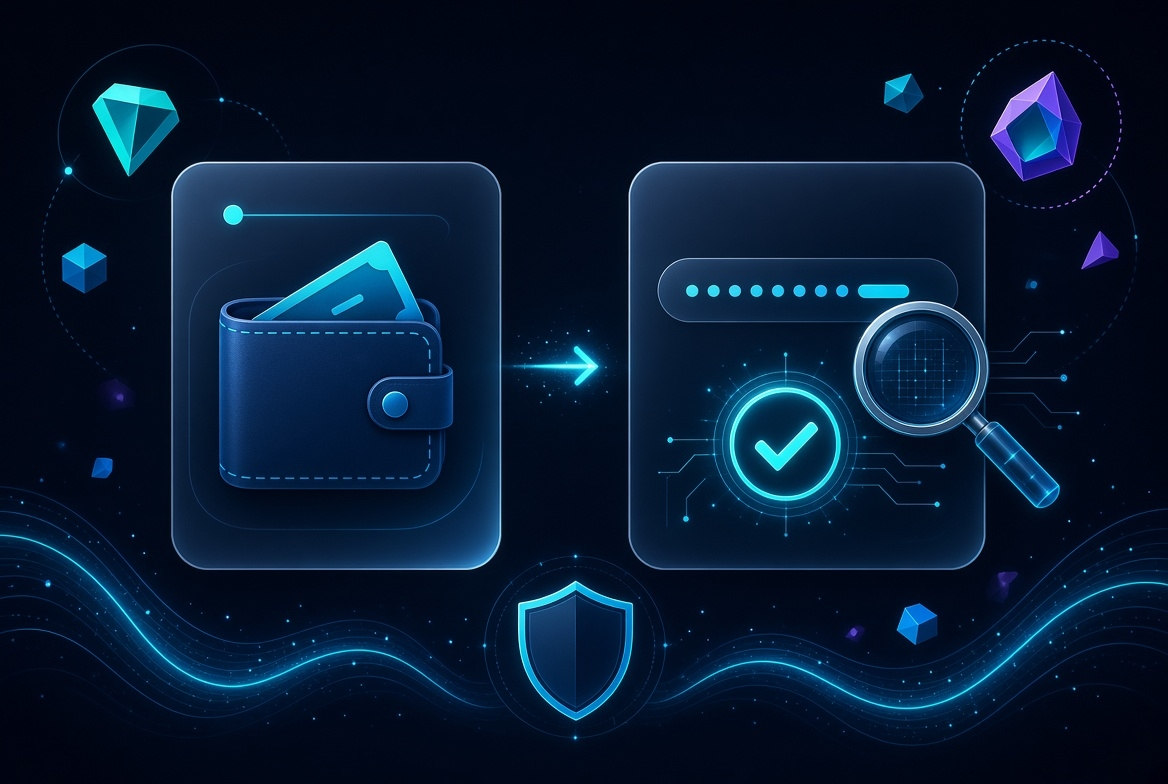
This is the most important safety step.
Token names and logos can be copied easily. Scammers often make fake tokens that look exactly like real ones.
You must always get the official contract address (also called the master or minter address).
Where to find the real address:
- The project’s official website
- The project’s official Telegram or X (Twitter) account
- Official documents shared by the team
After you have the address:
1. Copy it carefully.
2. Open a TON blockchain explorer (such as Tonviewer or TONScan).
3. Paste the address and check the information.
4. Confirm it is a Jetton master contract.
Never trust a token just because it has the same name or picture. Always check the exact contract address.
On STON.fi you can paste this address directly into the search bar. The interface will load the token from the blockchain even if it is not shown in the normal list.
3. Check If a Pool Exists and If the Liquidity Is Meaningful
Once you have the correct contract address, check whether people can actually trade the token.
Steps:
1. Go to a TON DEX (we will use STON.fi as the example).
2. Paste the contract address into the search box.
3. Look for a trading pair (for example NEW/TON or NEW/USDT).
What to look at:
- How much money is inside the pool (Total Value Locked or TVL)
- How much trading happened in the last 24 hours
- How deep the liquidity is
A pool can exist even if it has very little money inside.
If the pool is small, buying even a small amount can move the price a lot. This is called high price impact.
Always look at the numbers before you decide to swap.
4. Review Warnings and Price Impact
Before you confirm any swap, the interface shows several important numbers:
- The exchange rate
- The price impact percentage
- The minimum amount you will receive
- The network fee (paid in TON)
If the price impact is high (for example more than a few percent), the pool does not have enough liquidity for the size of your trade.
Other common risks with new tokens:
- The token may have a transfer tax (you lose some tokens every time you send them)
- It may be a honeypot (you can buy but cannot sell)
- The creator may still control the token and can mint unlimited new ones
- Liquidity can be removed at any time
Many DEX interfaces show warning labels for risky tokens. These labels are only information. They are not a guarantee of safety.
Very important point:
Just because a token has a pool on a DEX (including STON.fi) does not mean the token is legitimate, safe, or worth buying. A pool only means someone added liquidity. It is not a stamp of approval.
Always do your own research. Check the contract, the team, the community, and the project’s actual use case.
5. How to Buy the Token Using STON.fi (Practical Example)
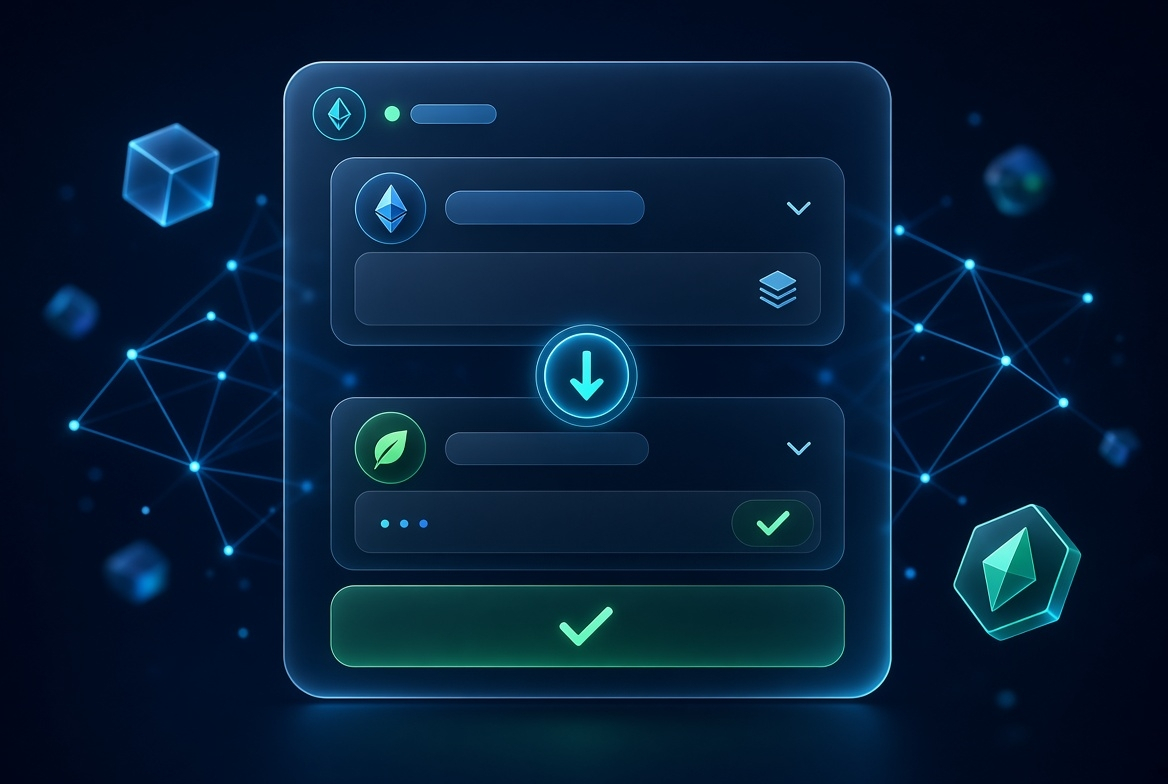
STON.fi is a permissionless decentralized exchange on TON. Anyone can create a liquidity pool for a new Jetton, and then people can swap through that pool.
Here is a simple step-by-step process:
1. Open a TON wallet that you control (for example Tonkeeper). Keep a small amount of TON in it to pay network fees.
2. Go to the STON.fi app and connect your wallet.
3. Open the Swap tab.
4. In the token search box, paste the official contract address of the new token.
5. Confirm that the correct token appears.
6. Choose what you want to pay with (usually TON or USDT) and enter the amount.
7. Look carefully at:
- The rate
- The price impact
- The minimum you will receive
- The network fee
8. If everything looks acceptable, click Swap and confirm the transaction in your wallet.
After the transaction is confirmed, the new tokens will appear in your wallet.
You can find more detailed guides in the STON.fi Help Center and on the STON.fi Blog.
Final Reminders
- Always verify the contract address from official sources.
- Check the size and activity of the liquidity pool.
- Pay attention to price impact and any warning labels.
- Remember: a listing on any DEX is notproof that the token is safe or valuable.
- Only use money you can afford to lose when dealing with new, unlisted tokens.
This process is the standard way people buy new TON tokens that have not reached centralized exchanges yet. Taking these careful steps helps you avoid many common risks.