
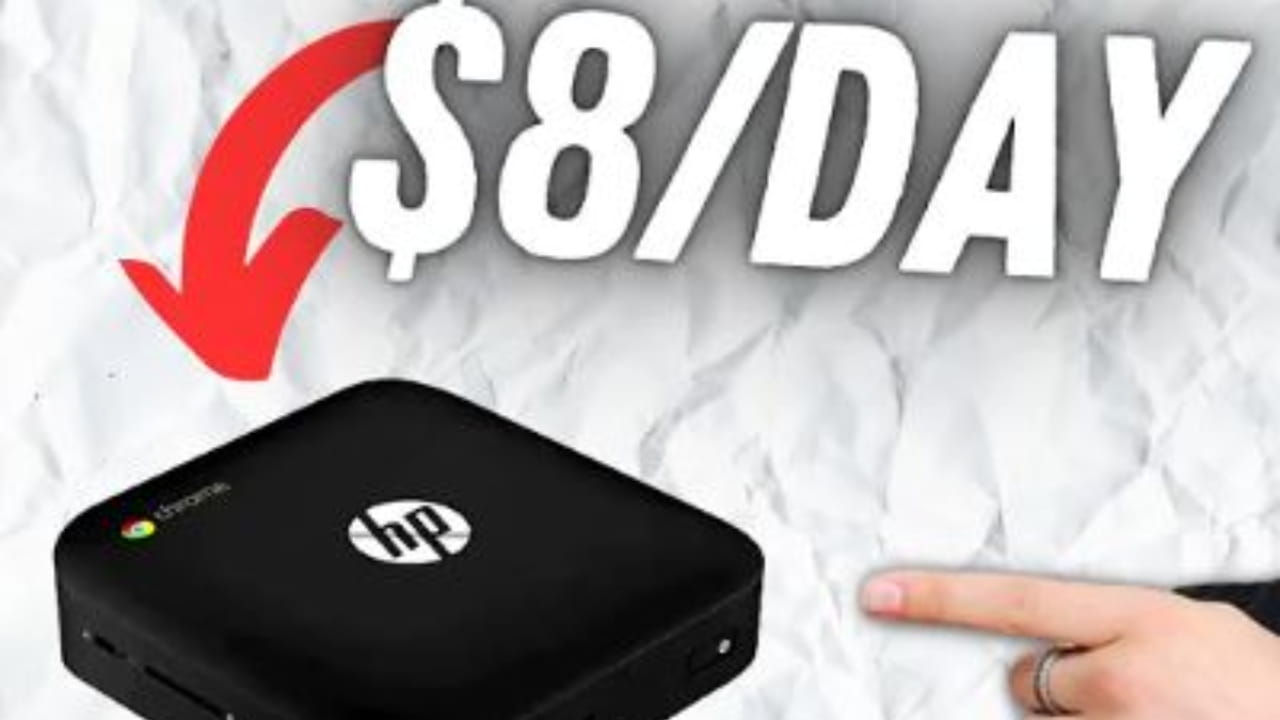

In the world of cryptocurrency, Mining offers a unique opportunity to earn rewards. One option that stands out is using the HP Chromebook as a mining machine. In this article, we will delve into the details and explore the HP Chromebook's role, its functionality, and the potential profits it can generate.
In resume, per 140 dollars actually spent in promotion, the HP machine offers:
1. Processor: HP Chromebooks typically feature Intel Celeron or Pentium processors, although some models may offer more powerful options like Intel Core i3 or i5.
2. RAM: The RAM (Random Access Memory) capacity in HP Chromebooks ranges from 4GB to 8GB. Higher RAM allows for smoother multitasking and better overall performance.
3. Storage: HP Chromebooks typically come with eMMC (embedded MultiMediaCard) storage ranging from 16GB to 64GB. Some models may offer additional cloud storage through Google Drive.
4. Display: HP Chromebooks usually have display sizes ranging from 11 inches to 15.6 inches. The resolution can vary, but most models offer at least HD (1366 x 768 pixels) or Full HD (1920 x 1080 pixels) resolution.
5. Connectivity: HP Chromebooks generally include Wi-Fi connectivity for wireless internet access. They also feature Bluetooth for connecting peripherals such as mice, keyboards, or speakers.
6. Ports: Common ports found on HP Chromebooks include USB Type-A ports for connecting peripherals, USB Type-C ports for charging and data transfer, and an audio jack for headphones or speakers. Some models may also have an HDMI port for connecting to external displays.
7. Operating System: HP Chromebooks run on Chrome OS, a lightweight operating system developed by Google. Chrome OS is designed for web-based applications and relies heavily on cloud storage and Google's suite of productivity tools.
8. Battery Life: HP Chromebooks are known for their efficient power usage, offering battery life that can range from 8 to 12 hours or even more, depending on the model and usage.
In other words, he has some capacity to mine, but how much can it generate per day for me?
Mining in the world of cryptocurrencies is an incredibly competitive endeavor, resulting in slim profit margins. To be successful in mining, individuals must have access to inexpensive electricity and utilize specialized hardware capable of achieving a low cost per hash.
For instance, a standard GPU can generate around 50 million hashes per second. By examining data from Bitcoin Block Explorer: Blockchain, we discover that the current daily revenue for Bitcoin miners is approximately $13 million, given a total hash rate of 10 million tera hashes per second.
Based on these figures, the projected average daily revenue for an individual miner would be:
50 x 106 or (10 x 1018) x $13 x 106 ≈ 0.00006
This translates to approximately 2 or 5 dollars per month in better cases. It's important to note that unless one joins a mining pool, the chances of mining a block independently are quite slim.
But have you no hope for me?
There are many mining pools, and with this kind of machine, you can mine currencies other than Bitcoin and earn a real profit per month. Mining new tokens in Fry or other pools can make them valuable. You can buy one or more of these machines and make a real profit per month.
But if you don't want to spend on lightss and machines, Binance has a solution. Did you know Binance launched a Cloud Mining option? You don't need to spend money on energy or machines, and you can mine in the cloud.
Binance Cloud Mining offers an opportunity for individuals without mining equipment to earn mining rewards through the Binance Pool. By purchasing hashrates from Cloud Mining products, users can start accumulating rewards in their Funding Wallet. This article provides a detailed guide on how to subscribe to a Cloud Mining product, choose the right one, manage orders and mining income, and monitor the hashrate.
1. Subscribing to a Cloud Mining Product:
Log in to your Binance account and navigate to [Earn]—[Binance Pool].
Click on [Cloud Mining] to access the available products listed under [Market].
Choose a product and click [Buy Now.
Adjust the hashrate you wish to purchase and select the currency to use (USDT is supported).
Review the total payment amount, estimated start time, and duration.
Read and agree to the service agreement, then click [Confirm.
Once confirmed, Binance will deduct the corresponding amount from your Spot Wallet. Ensure you have a sufficient balance in your Spot Wallet.
Note that orders cannot be edited or canceled once confirmed.
The total payment amount includes the electricity fee and hashrate fee, and no refunds will be issued after the subscription expires.
2. Choosing a Cloud Mining Product:
Binance offers various Cloud Mining products with different durations and electrical power fees.
Assess a product's electricity/historical output ratio to estimate its rate of return.
Products with a higher ratio are more likely to generate higher returns when crypto prices rise, but losses may also be higher when prices drop.
3. Managing Orders and Mining Income:
Log in to your Binance account and navigate to [Earn]—[Binance Pool].
Click on [Cloud Mining] and select [My Orders.
Cloud Mining rewards are distributed according to the Mining Pool Terms and Conditions.
Binance Pool settles daily from 00:00 to 00:00 (UTC) the following day.
Daily mining income is settled from 02:00 to 10:00 (UTC) and distributed to your Binance Funding Wallet.
More details can be viewed in [My Orders] and [Earning History].
4. Monitoring the Hashrate:
Log in to your Binance account and navigate to [Earn]—[Binance Pool].
Click on [Cloud Mining] and select [My Orders.
Once subscribed, your Cloud Mining order will be connected to Binance Pool before 4:00 p.m. (UTC) on the following Thursday.
Use the provided watcher link in [My Orders] to monitor the real-time operation status of your hashrate.
To view revenue and runtime details for a specific order, access [Earnings History.