Cet article n’est pas disponible dans votre langue.
How to Sell cryptocurrency via PayPal on Binance?
Publié le 2025-10-22 09:02
Mis à jour le 2025-10-29 11:49
App
Website
Frequently Asked Questions
Disclaimer: In compliance with MiCA requirements, unauthorized stablecoins are subject to certain restrictions for EEA users. For more information, please click here.
You can now sell your crypto to your PayPal account on Binance, via website or app. Currently, the supported currencies are: EUR, CZK, DKK, HUF, NOK, PLN and SEK.
Step-by-Step Guide
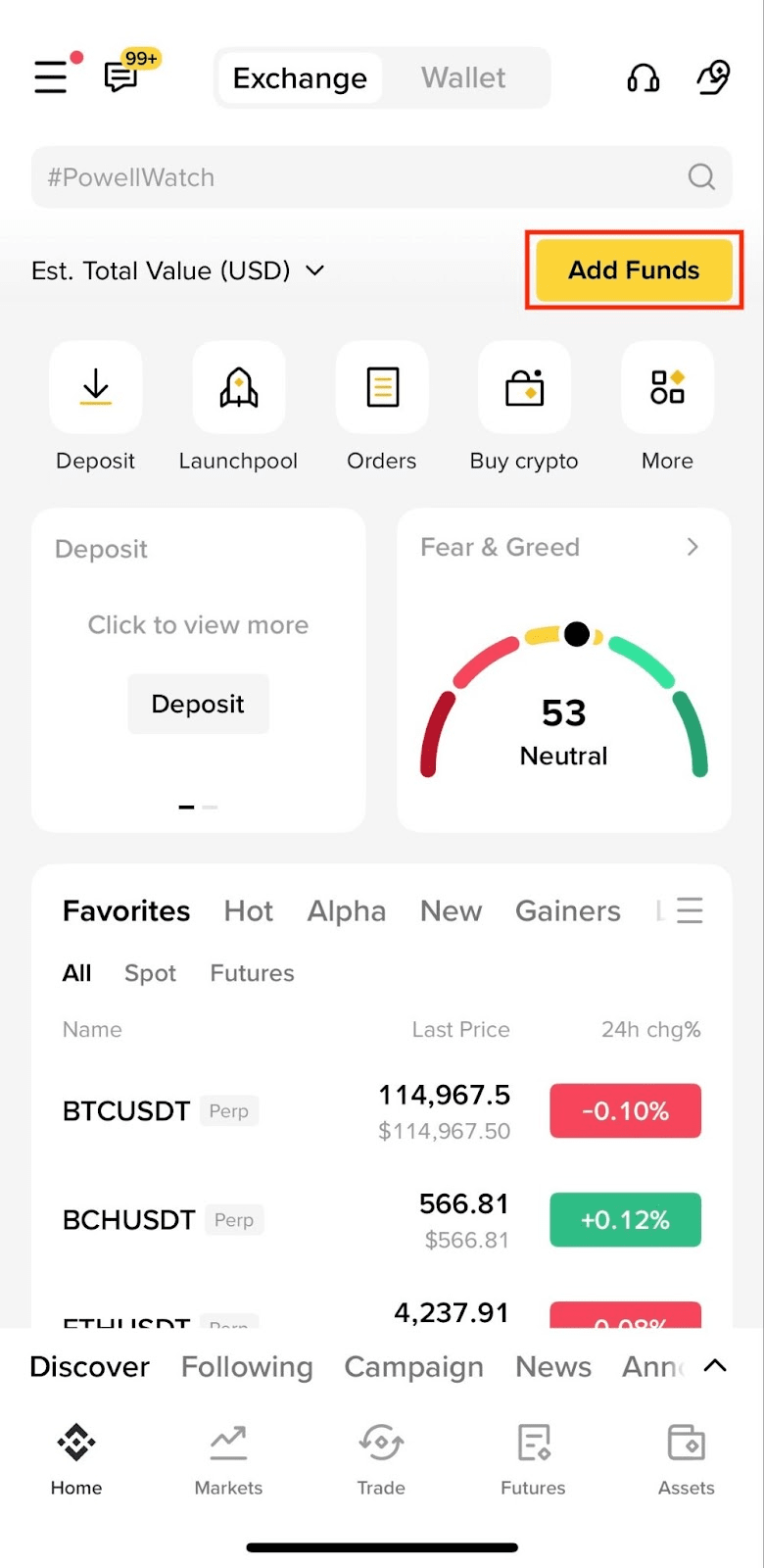
1. Log in to your Binance account and go to [Add Funds] - [Buy with EUR].
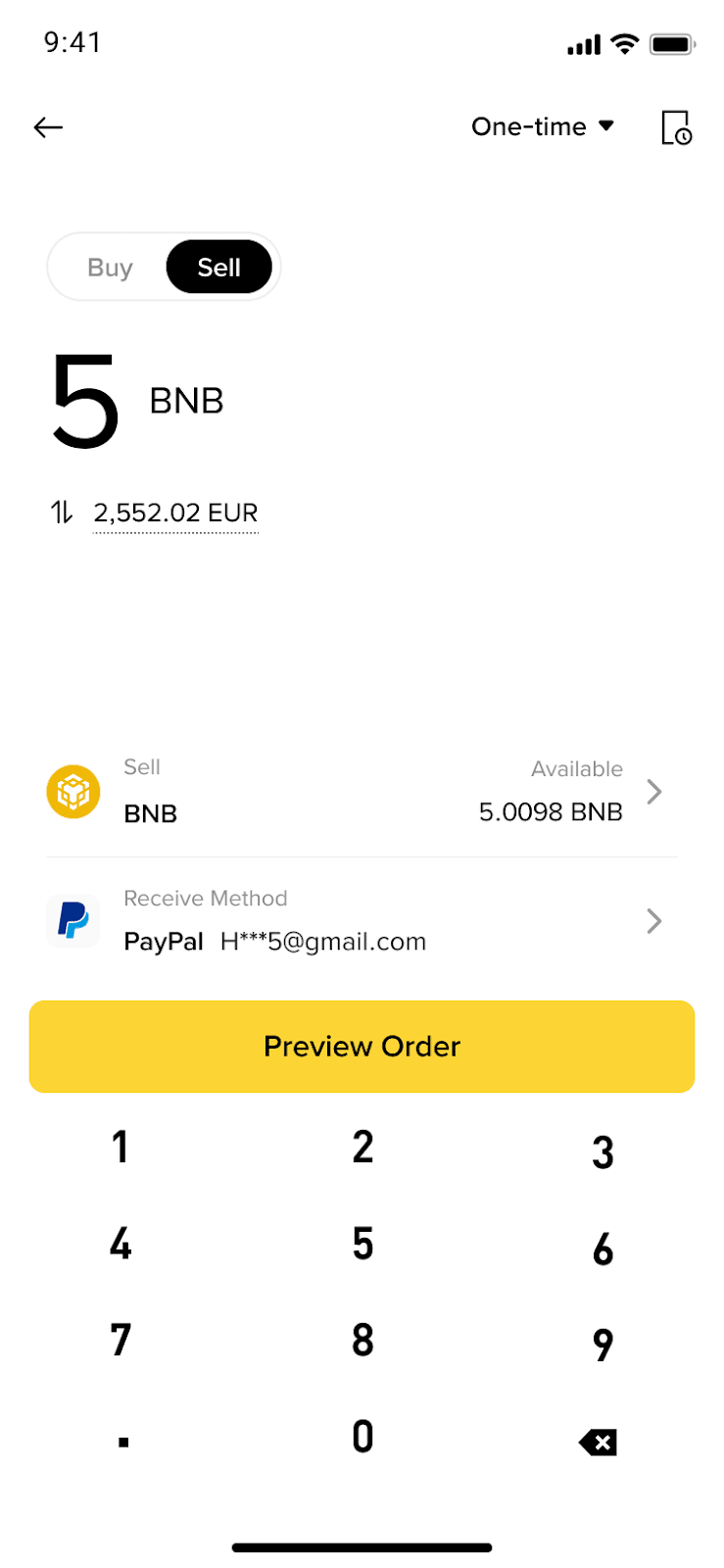
2. Switch to [Sell] at the top.
3. Select the token you want to sell and the fiat currency you want to receive.
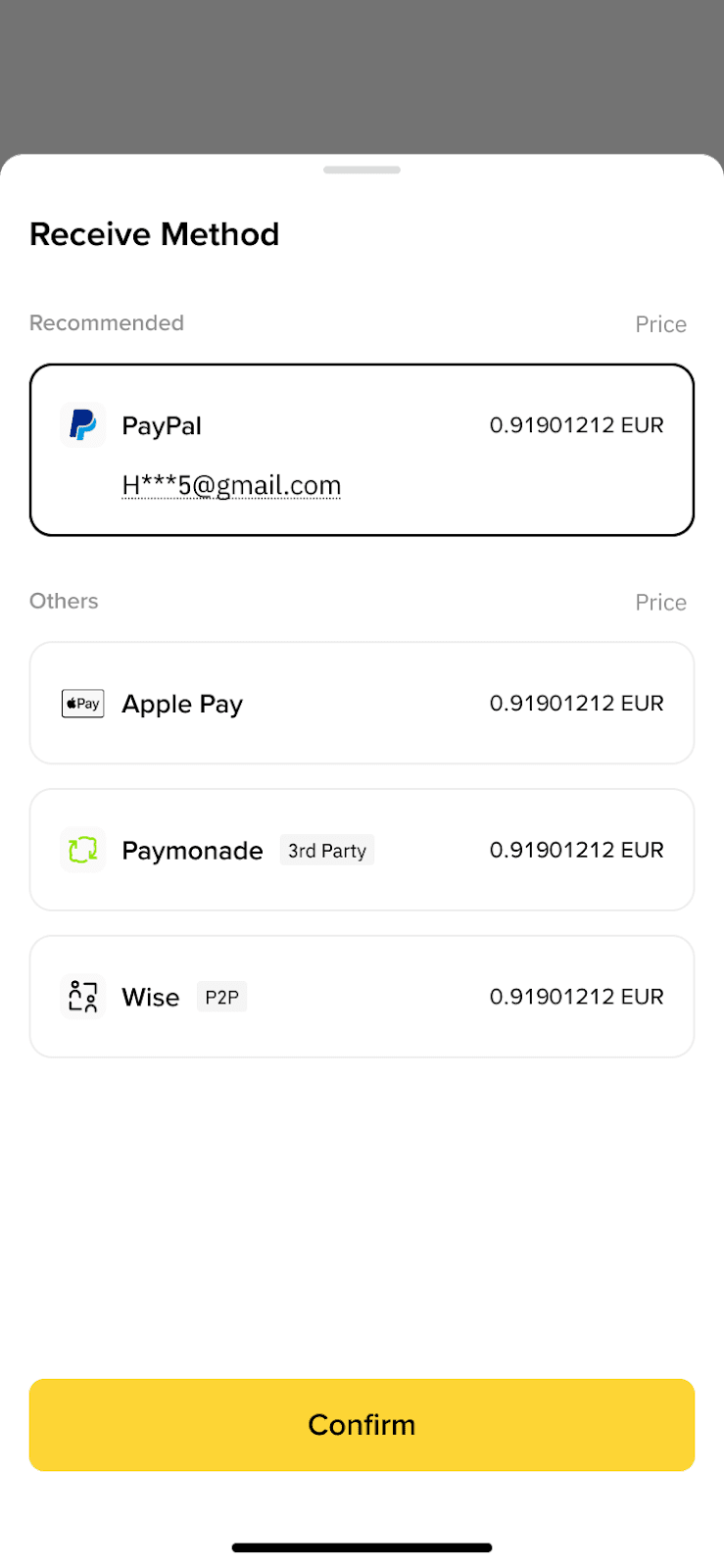
4. Select [PayPal] as the receive method. Enter the amount you want to sell and tap [Preview Order] to continue.
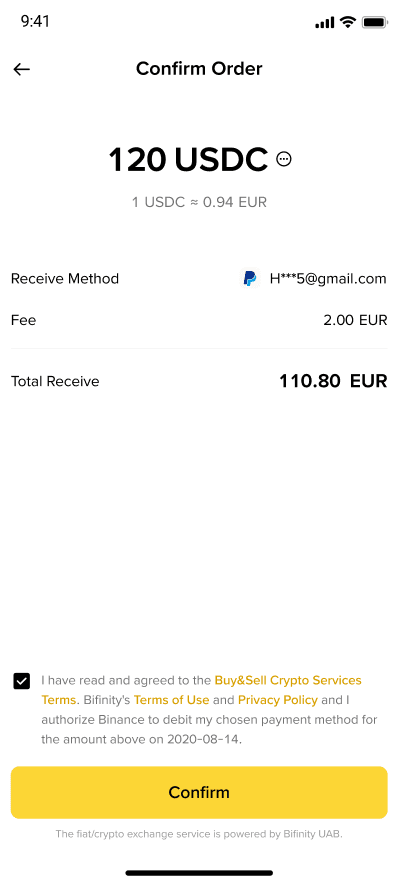
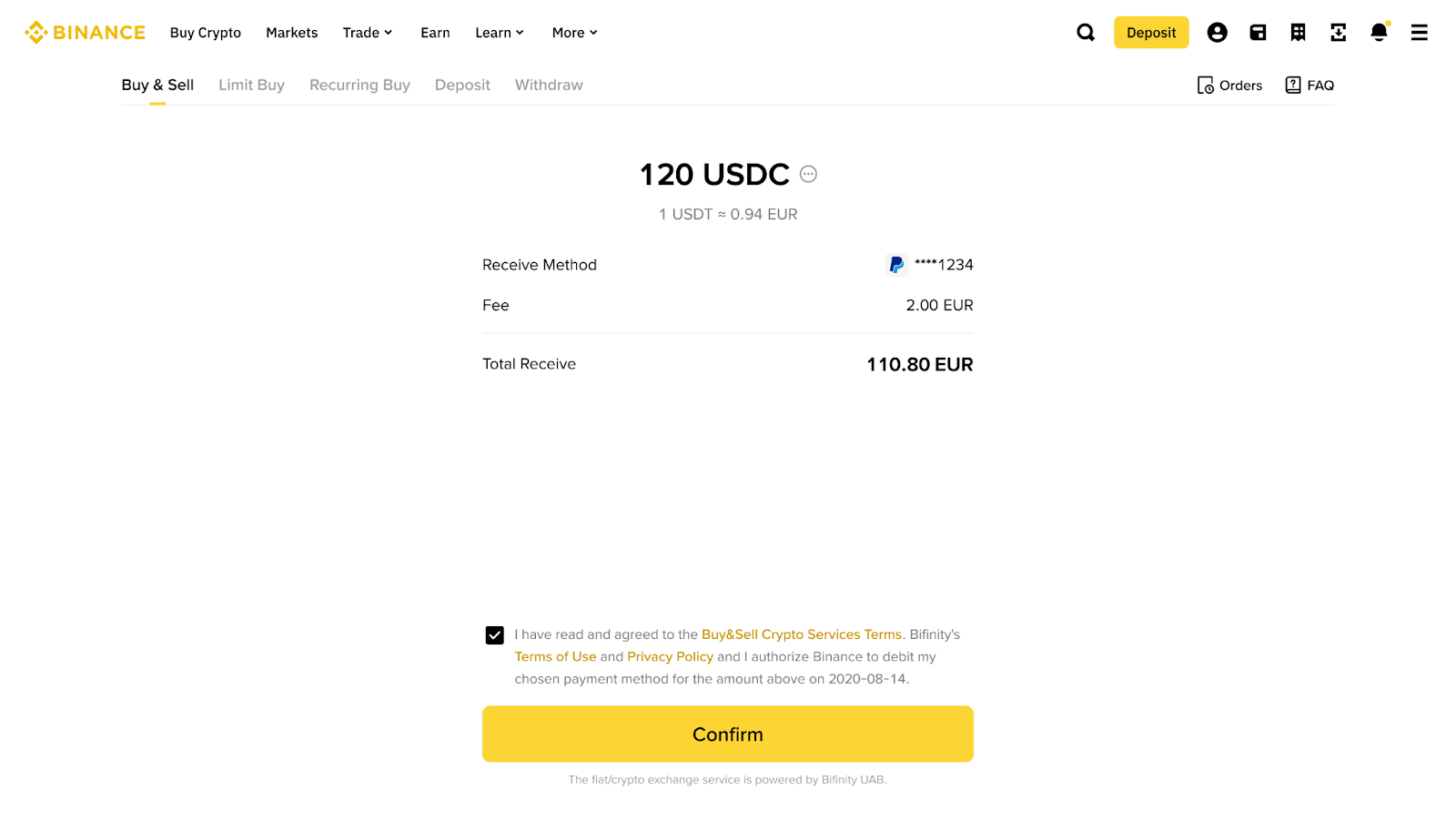
5. Check the order details and tap [Confirm] to proceed.
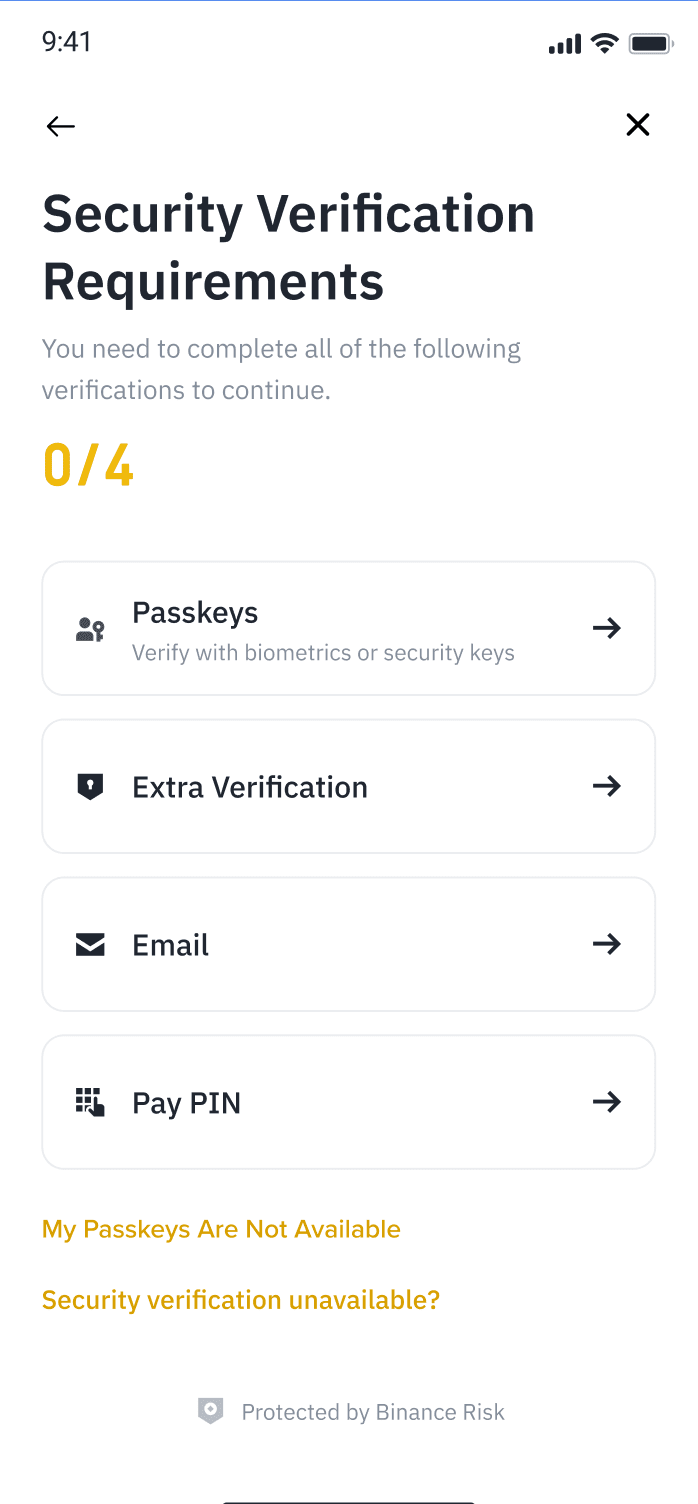
6. Complete the security verification.
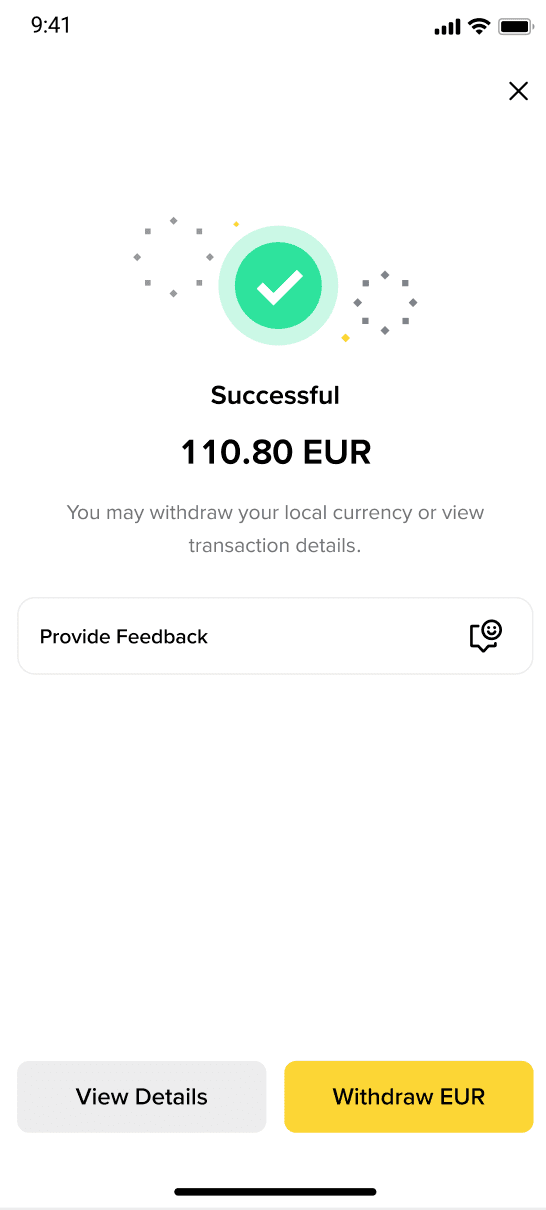
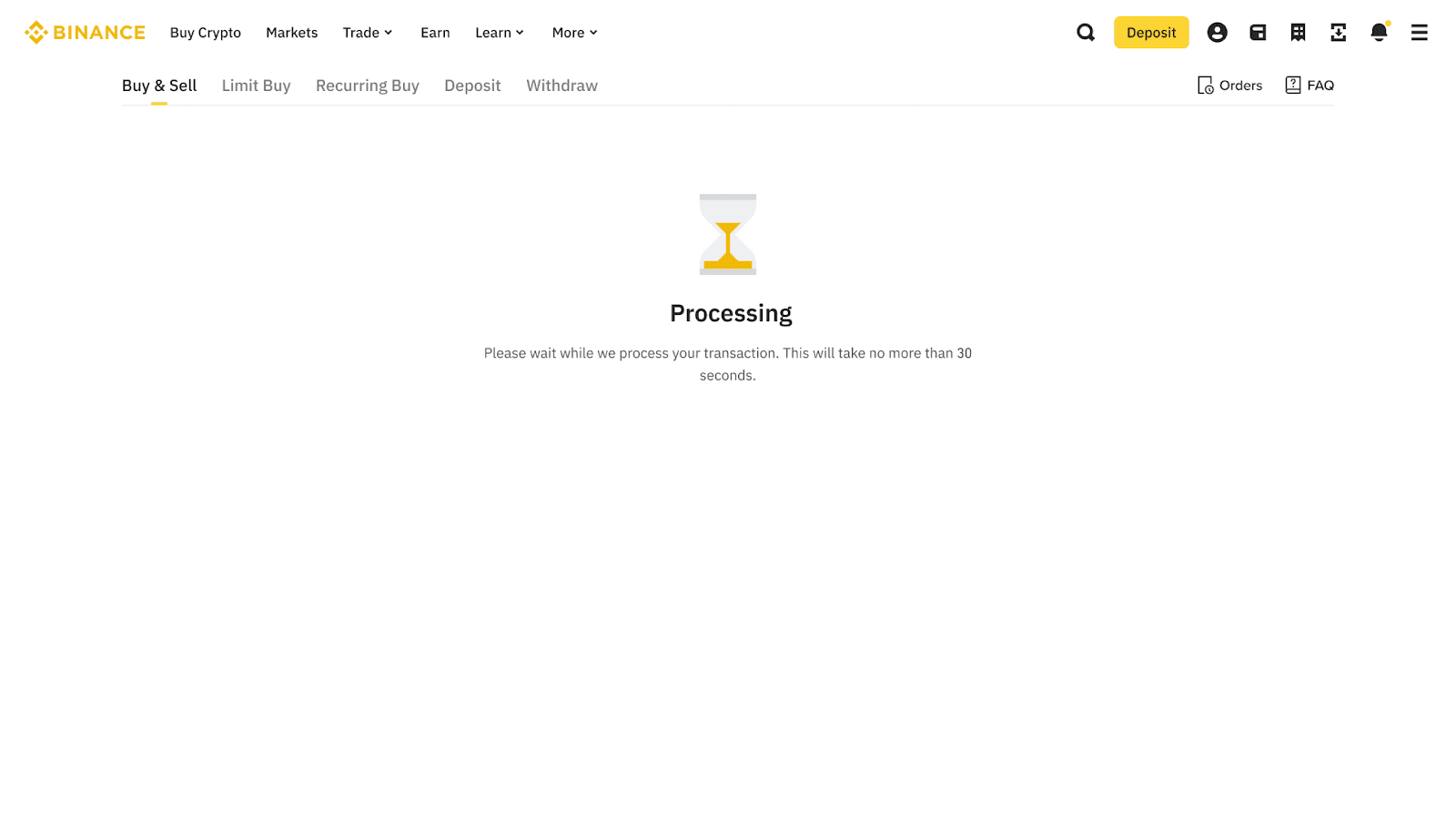
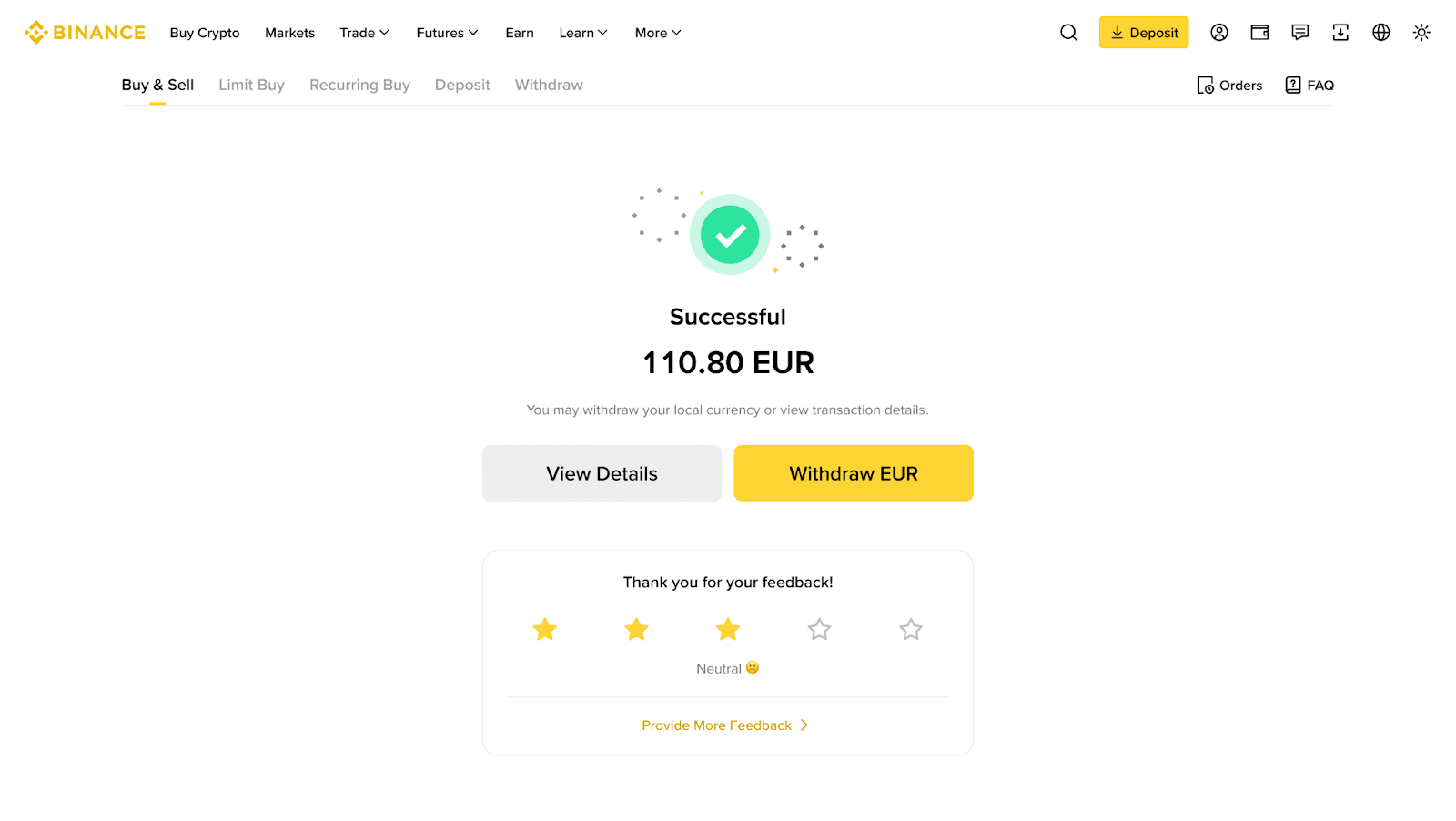
7. Please allow some time for the payment to be processed. Once the order is confirmed, your balance will be credited to your PayPal account.
Step-by-Step Guide
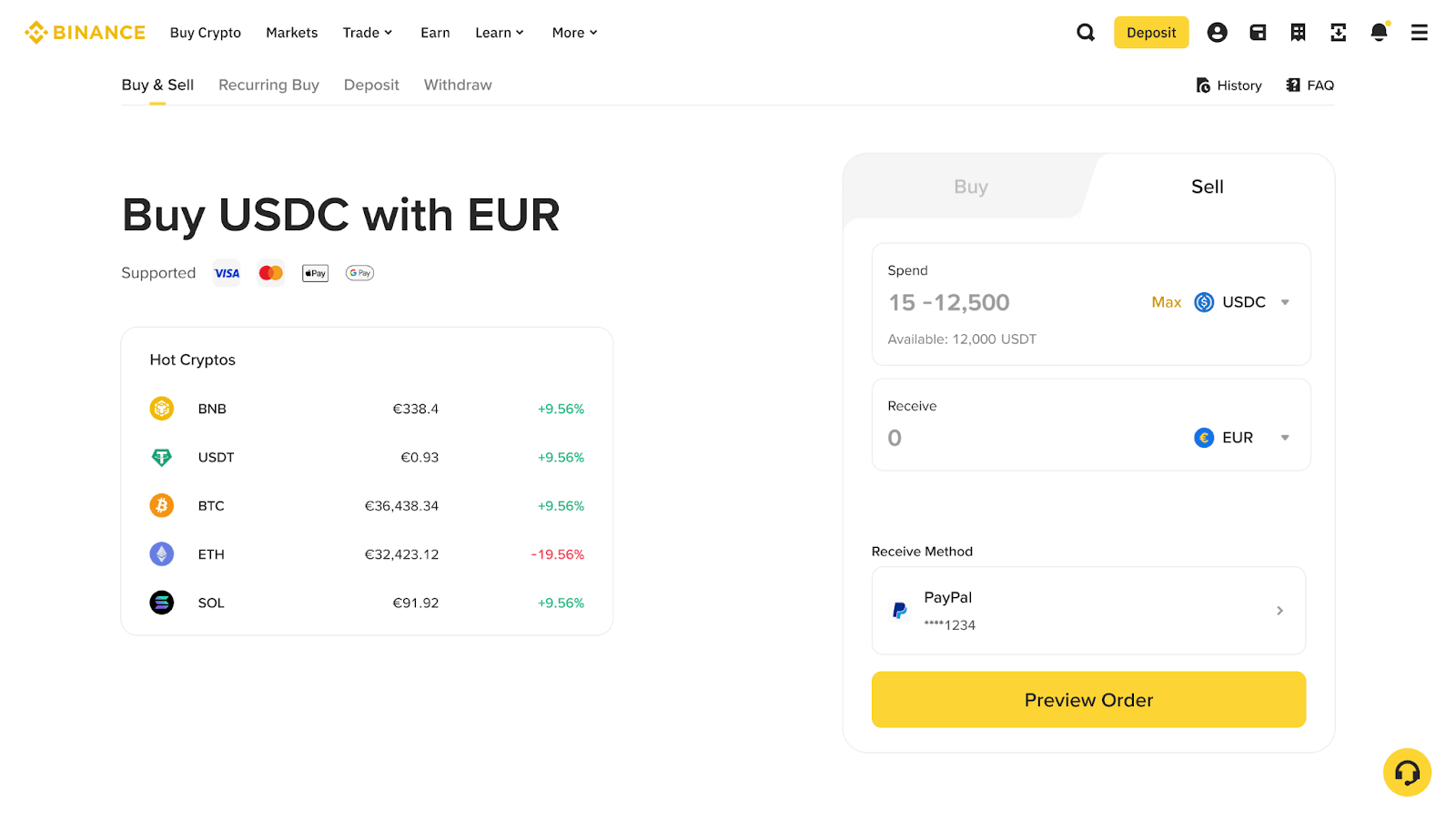
1.Log in to your Binance account on the website. Go to [Buy Crypto] - [Buy & Sell].
2.Switch to [Sell] at the top. Select the fiat currency you want to receive and the cryptocurrency you want to sell.
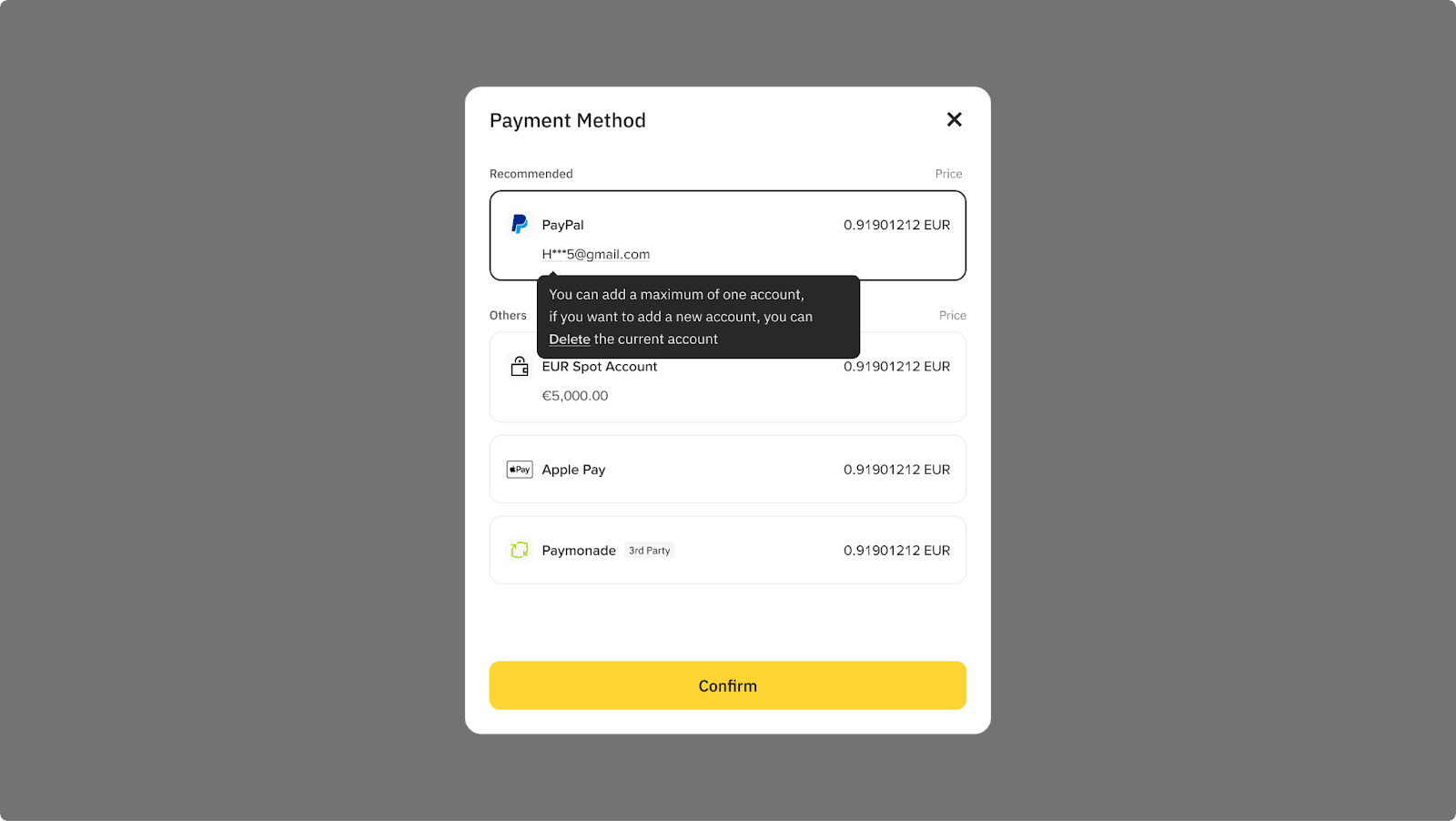
3. Select [PayPal] as payment method, then click [Confirm].
4. Confirm the order and proceed to PayPal.
5. Please allow some time for the payment to be processed. Once the order is confirmed, your balance will be credited to your PayPal account.
1. Is additional KYC required?
In most cases, no additional KYC is required if your PayPal balance meets the transaction requirements. However, in certain situations, the system may ask you to complete identity verification again (for example, if your existing KYC documents are not supported by our verification provider, or if additional documentation is required for regulatory reasons).
2. Do I need to link my PayPal account to sell cryptocurrency?
To sell crypto via PayPal, you must first complete a buy transaction using this payment method. You will link your PayPal account to your Binance wallet through this process, enabling you to sell afterward.
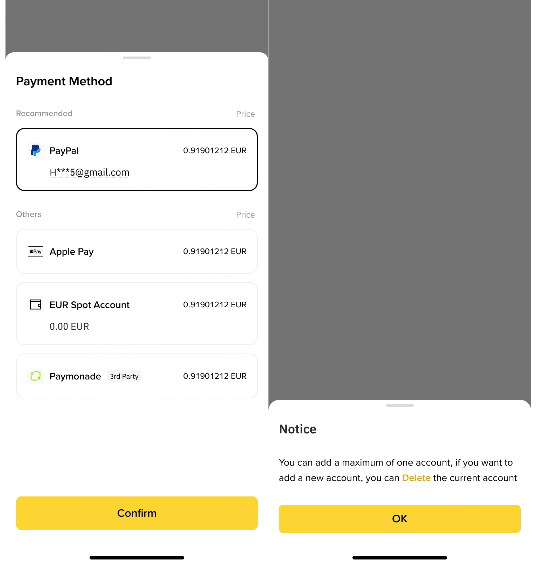
3. How do I change or delete my linked PayPal account?
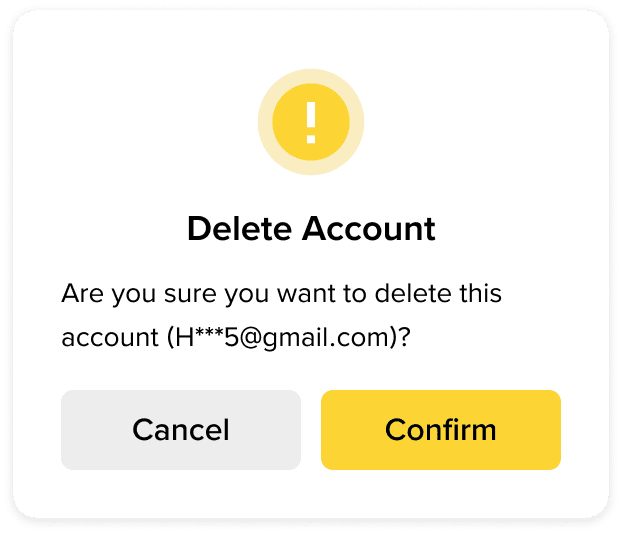
When you reach the Payment Method selection screen, click on the account "ellipsis" (usually shown as lines) below your PayPal email account.
Select the option to delete/remove the account, and follow the prompts to confirm the deletion.
Inscrivez-vous pour obtenir des récompenses
Inscrivez-vous maintenant et obtenez une réduction de 100 USDT sur les frais de trading [pour les utilisateurs vérifiés]