

In today's fast-growing Web3 world, we have more opportunities to own digital assets, manage our investments and take control of our finances.
But greater financial freedom also comes with greater responsibility.
We cannot simply rely on platforms or other people to protect everything for us. Understanding account security and taking preventive action are essential.
Today, I want to share five security practices I personally follow to protect my Binance account.
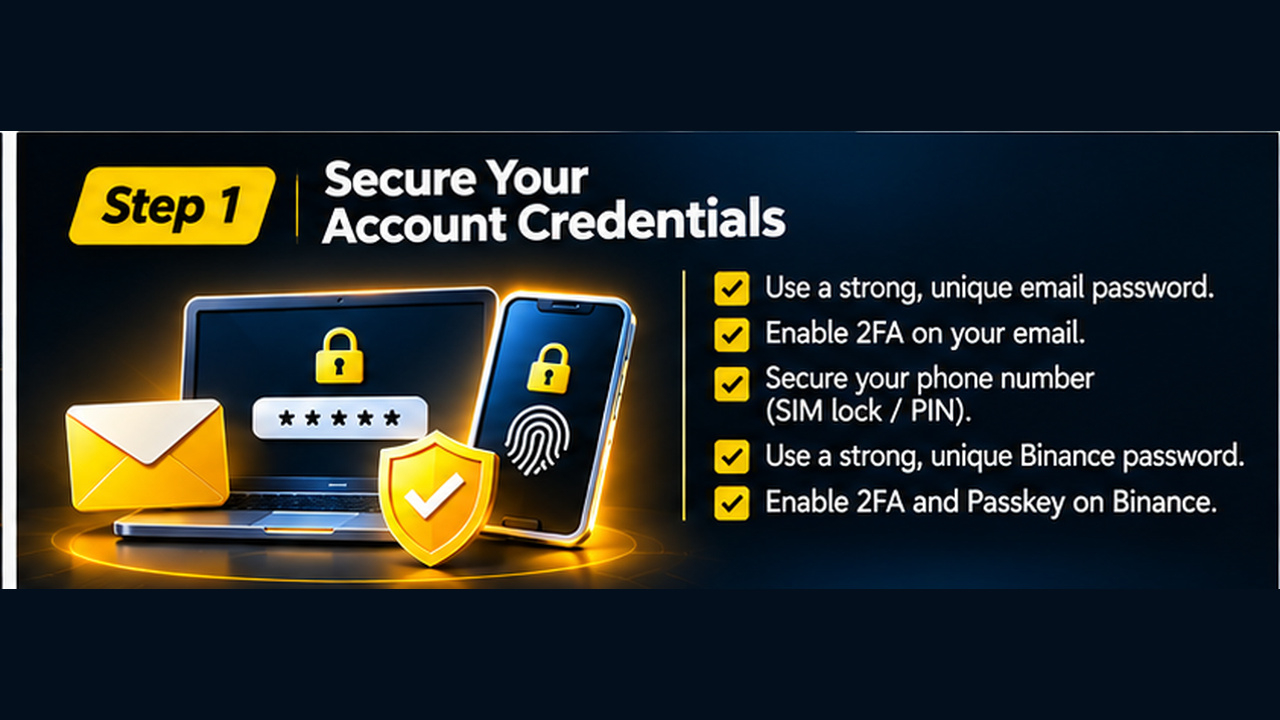
Step 1: Secure Your Account Credentials
Let's start with the foundation: your email address, phone number and Binance login credentials.
These are the primary access points connected to your account. If someone compromises your email, they may also attempt to compromise your financial accounts.
Here is what I recommend:
Secure your email:
Use a strong, unique password.
Enable two-factor authentication (2FA).
Protect your recovery email and phone number.
Avoid linking your email to unnecessary third-party social accounts.
Secure your Binance account:
Use a strong, unique password.
Enable multiple authentication methods.
Set up a Passkey.
Keep your recovery and backup credentials somewhere secure.
My recommendation: Never depend on a password alone. Add multiple layers of authentication.
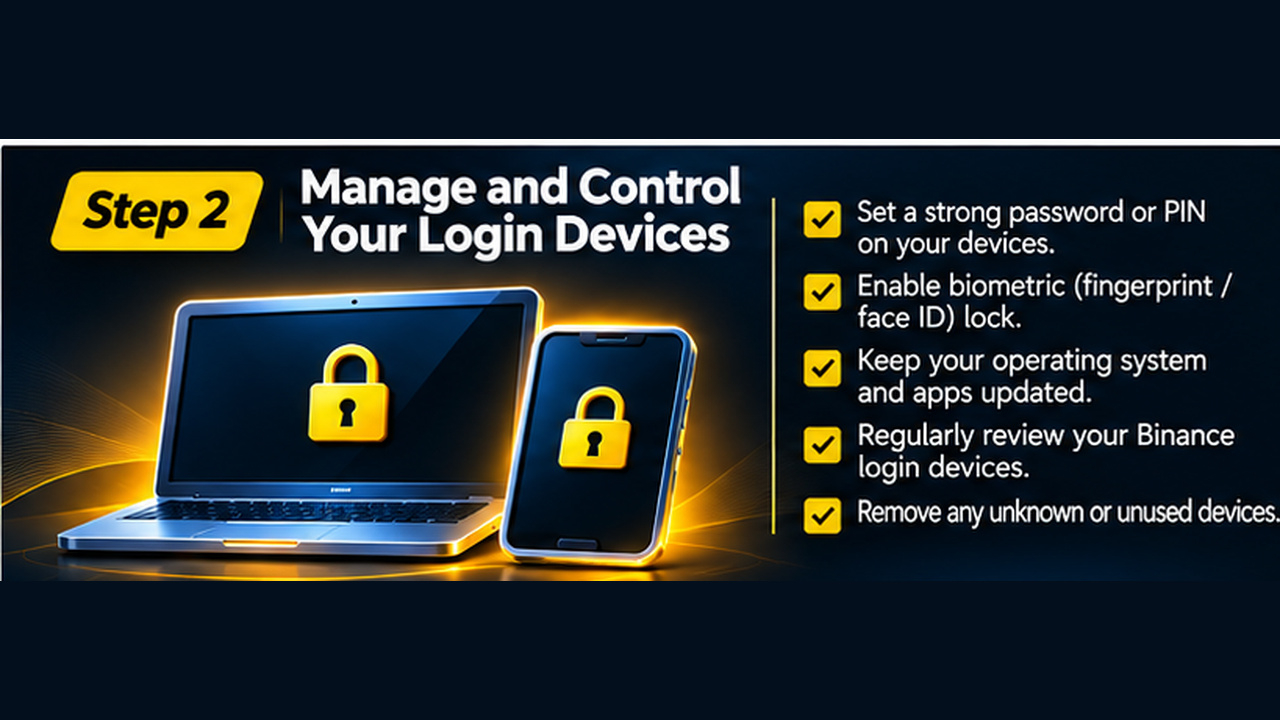
Step 2: Manage and Control Your Login Devices
Your account security also depends on the devices you use.
A secure account accessed through an unsecured phone or computer can still be exposed to risks.
Here are my practices:
Set a strong password or PIN on your devices.
Enable fingerprint or biometric authentication.
Keep your operating system and applications updated.
Avoid installing unknown software.
Regularly review your Binance login devices and remove anything unfamiliar.
If possible, consider using a dedicated device for financial activities instead of mixing them with high-risk browsing, downloads and unknown applications.
Remember, one accidental click on a phishing link could put your credentials at risk.
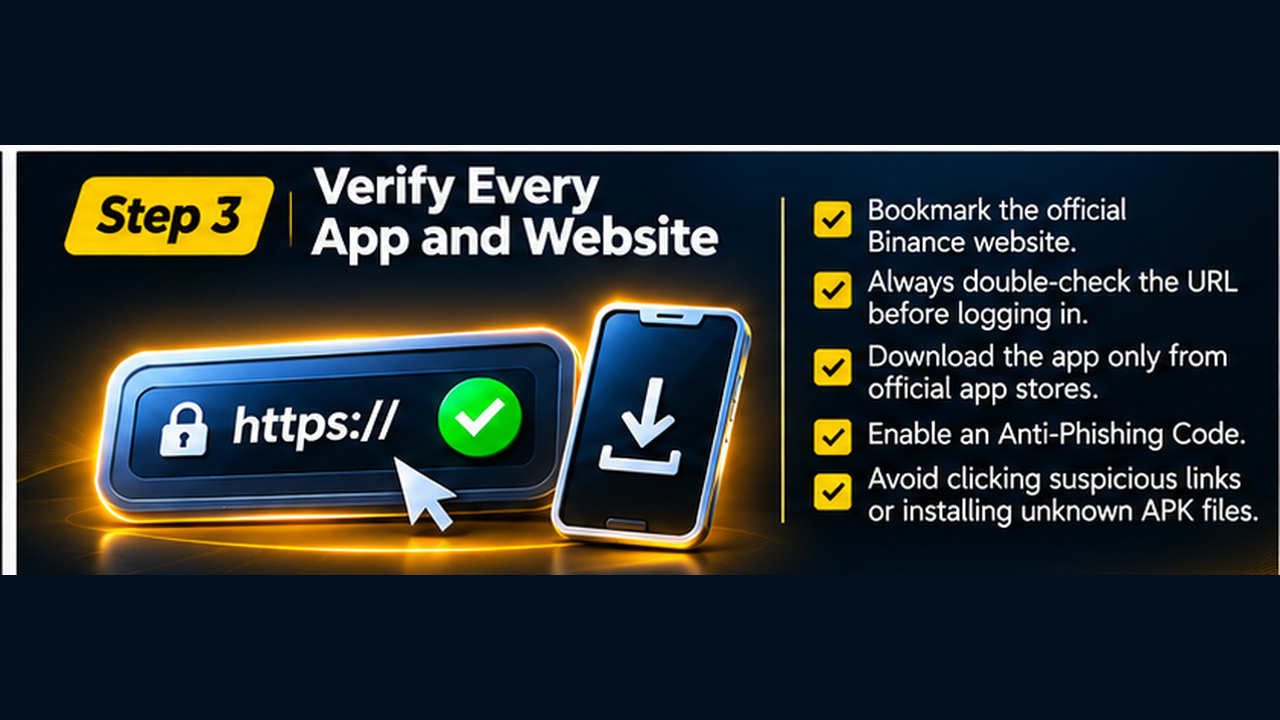
Step 3: Verify Every App and Website Before Accessing
Phishing websites and fake applications are common ways attackers try to steal account credentials.
Sometimes, a fake website looks almost identical to the real one.
My checklist:
Bookmark the official Binance website and use that bookmark to log in.
Always double-check the URL before entering your credentials.
Download Binance applications only from official app stores.
Never install unknown APK files or third-party packages.
Enable Binance Anti-Phishing Code to help identify genuine Binance emails.
Avoid clicking suspicious links received through Telegram, social media or email.
Take a few extra seconds to verify before logging in. That small habit could save you a lot of trouble.
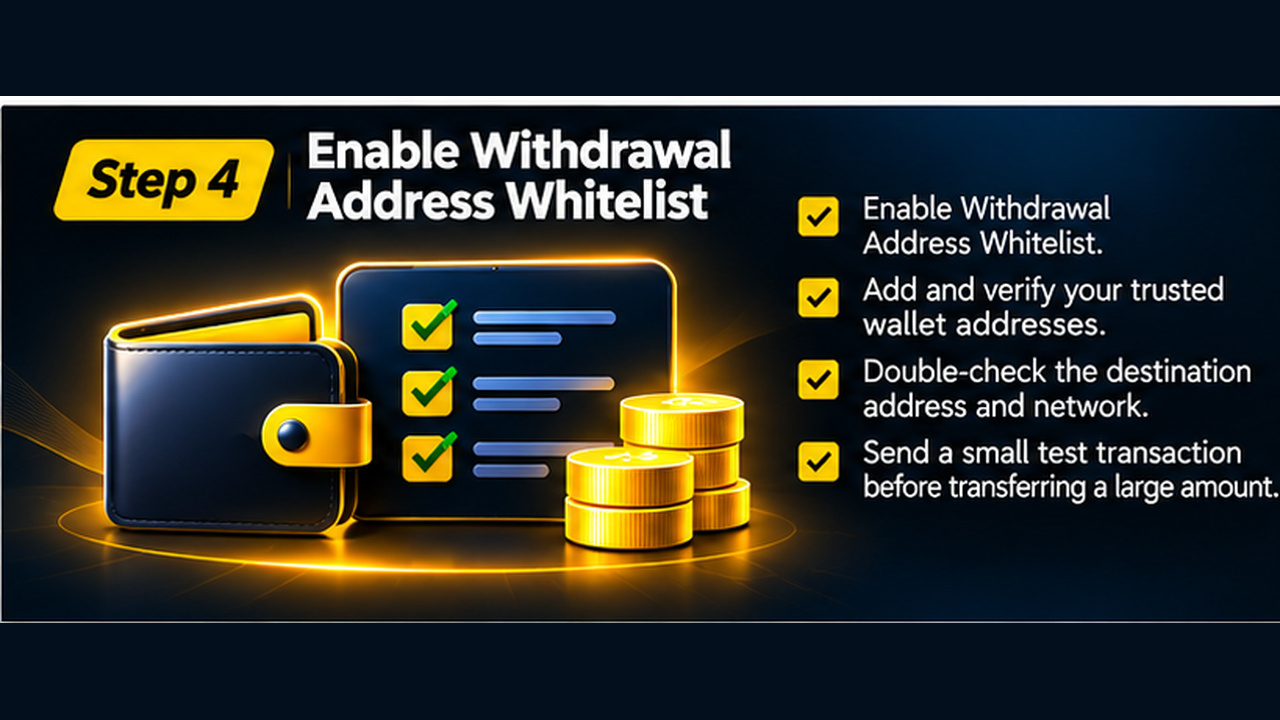
Step 4: Enable Withdrawal Address Whitelist
This is another important layer of protection.
By enabling the withdrawal address whitelist, you restrict withdrawals to wallet addresses you have previously approved.
My recommendations:
Enable Withdrawal Address Whitelist.
Add only your trusted wallet addresses.
Double-check the destination address and blockchain network.
Send a small test transaction before transferring a large amount.
Never rush a withdrawal. A wrong address, incorrect network or manipulated destination can result in irreversible losses.
Step 5: Verify Your Assets Through Proof of Reserves
Account security is not only about protecting login access. Transparency also matters.
Binance provides a Proof of Reserves (PoR) system that allows users to independently check whether their account balances were included in its reserve verification process.
Here is how to check:
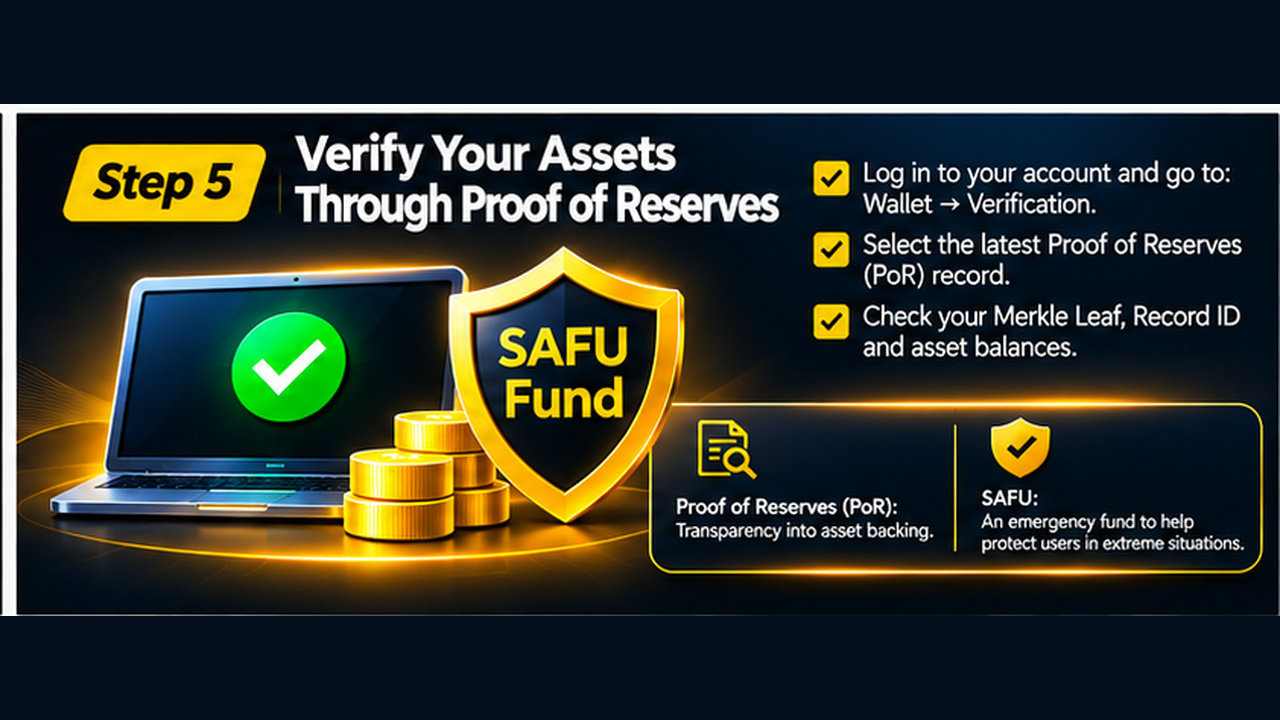
Log in to your Binance account.
Navigate to Wallet → Verification.
Select the latest available Proof of Reserves record.
Review your Merkle Leaf, Record ID and covered asset balances.
Follow the self-verification process to confirm your inclusion in the verification.
A quick explanation of two important terms:
Proof of Reserves (PoR): Provides transparency and cryptographic evidence that user account balances are included in the reserve verification process.
SAFU (Secure Asset Fund for Users): An emergency reserve fund established by Binance to help protect users in extreme situations, such as security breaches.
Both are important parts of the platform's protection and transparency framework, but they serve different purposes. Neither replaces your own account security practices.
Final Thoughts: Have You Completed All 5 Steps?
Security should never be something we think about only after an incident happens.
Let's make it a regular habit.
If you have already implemented all five steps, that's great! Keep reviewing your security settings and login activity.
If you haven't, take a few minutes today to strengthen your account.
One question for the community:
What additional security practices do you personally recommend to make a Binance account even safer?
Drop your thoughts in the comments. I'm always looking forward to learning from the community.
Stay alert. Stay secure. Protect your assets. 🔐