

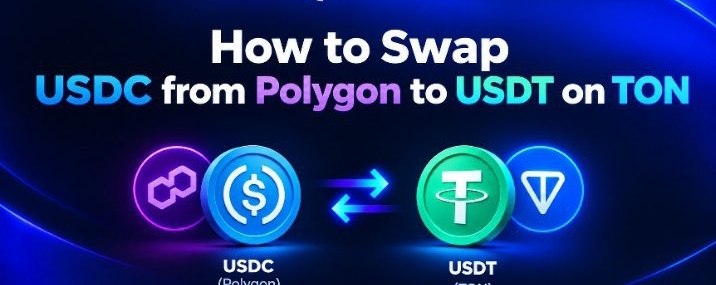

How to Swap USDC from Polygon to USDT on TON
Ever had USDC on Polygon but needed it on TON?
Moving assets between different blockchains can sometimes feel like more work than it should be. You have to think about networks, wallets, bridges, and transaction fees.
But what if you could make that process much simpler?
That’s where STON.fi and Omniston come in.
Here’s how the journey from USDC on Polygon to USDT on TON works.
1. Start with @STON.fi
Head over to STON.fi (ston.fi) and open the swap interface.
The idea is straightforward: you want to swap your USDT on Polygon for USDT on TON. Instead of manually figuring out how to move your assets between the two networks, you can explore the available cross-chain swap options.
2. Choose Your Tokens
Select USDC on Polygon as the asset you want to send.
Then choose USDT on TON as the asset you want to receive.
In simple terms:
You have: USDC on Polygon
You want: USDT on TON
That’s the entire goal of the swap.
3. Enter the Amount
Now, enter the amount of USDC you want to move.
The interface should show you the available quote, the amount you may receive, and the relevant transaction details. Take a moment to review everything before moving forward.
Keep in mind that quotes, fees, and available routes can change.
4. Add Your TON Wallet Address
This is an important step.
If your USDC is currently on Polygon but you want to receive it in a TON wallet, make sure you provide the correct TON destination address.
Double-check the address carefully before confirming anything. Sending assets to the wrong address or using an unsupported destination can result in a loss of funds.
5. Confirm the Swap
Once you've reviewed the details, connect and authorize your Polygon wallet as required by the interface.
Confirm the transaction and allow the swap process to begin.
You don't need to manually manage every part of the cross-chain route. The supported infrastructure is designed to handle the execution behind the scenes.
6. Omniston Connects the Cross-Chain Experience
This is where Omniston becomes important.
Omniston is STON.fi’s cross-chain execution layer. It is designed to let users move between supported networks without relying on a traditional bridge or receiving a wrapped version of the asset. Polygon is among the networks currently listed as supported.
It coordinates supported liquidity sources and execution routes so users can focus on the swap itself.
The experience is built around a simple idea:
Choose what you have. Choose what you want. Let the infrastructure handle the complexity.
7. Receive USDT on TON
Once the swap has been successfully completed, the USDT should arrive at the TON wallet address you provided.
Your journey looks like this:
USDT on Polygon
↓
STON.fi / Omniston
↓
Cross-chain execution
↓
USDT on TON
Always verify the transaction status and confirm that the funds have arrived in the correct wallet.
Why This Matters
Polygon and TON are different ecosystems, each with its own users, applications, and liquidity.
As more people use multiple blockchains, moving assets between these networks should feel less complicated.
That’s the kind of experience cross-chain infrastructure like Omniston aims to support.
Instead of getting lost in the technical details, users can focus on one simple task:
I have USDC on Polygon. I want USDT on TON.
And with a supported route, STON.fi and Omniston can help make that journey easier to navigate.
Final Thoughts
Cross-chain swaps don't have to feel intimidating.
Whether you're moving funds for DeFi, exploring the TON ecosystem, or simply managing your assets across different networks, understanding how the process works is a useful first step.
Polygon → TON
Different chains.
Same USDT.
A simpler way to think about cross-chain swaps.
#SwapFromAnywhere @ston_fi