



Every morning, I waste hours analyzing the top gainers of the last 24 hours
It is not an easy stuff, It is more complicated than it seems to be
I need to switch between different tools, check market data, trendlines, divergences, basic indicators, mark important zones and so on
That's why i decided to give a try to Binance Agent OS, to analyze 24 hour top gainers and find a possible trade
My purpose was not to trade, i just want to see whether an Ai Agent can make my daily workflow easier or not
1. So i tried to connect Binance agent's MCP server to ChatGpt
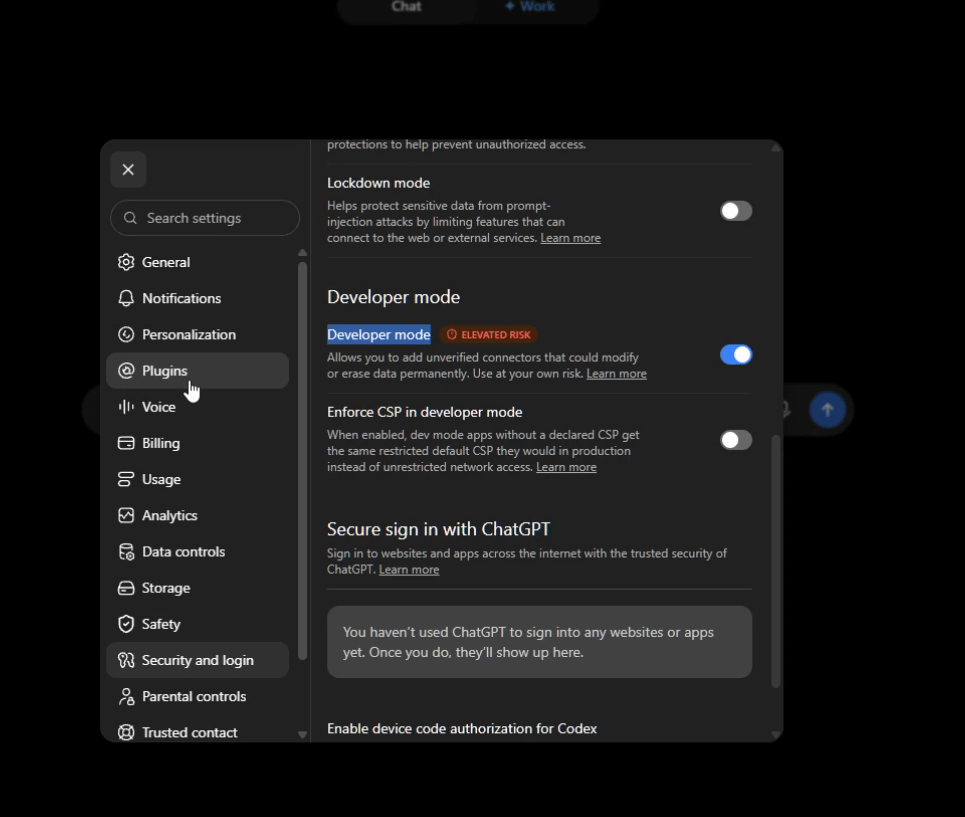
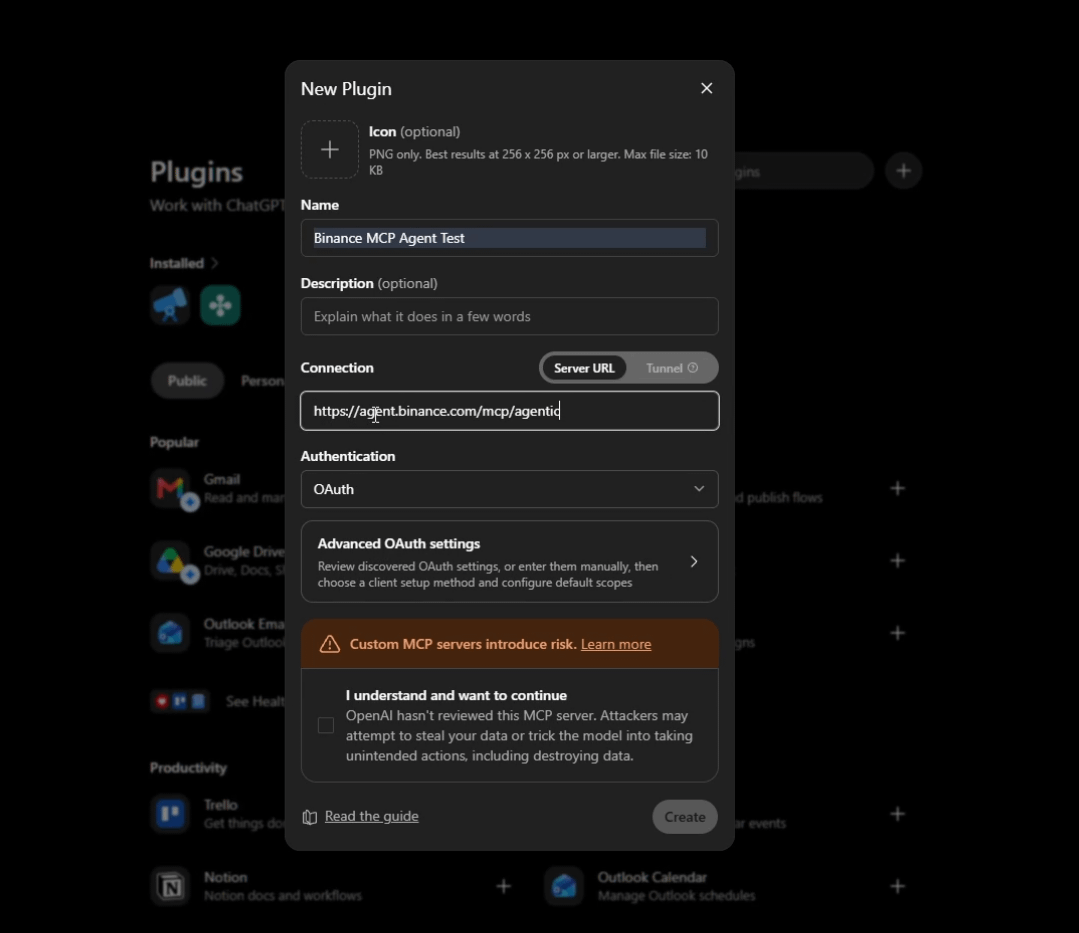
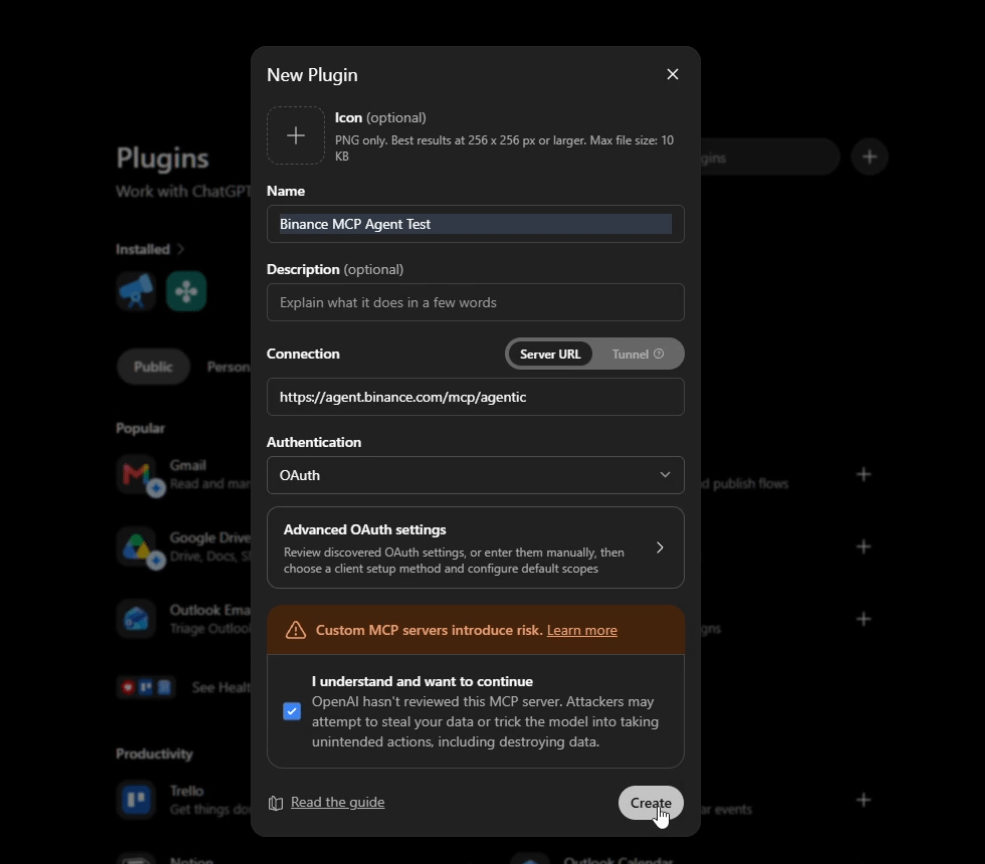
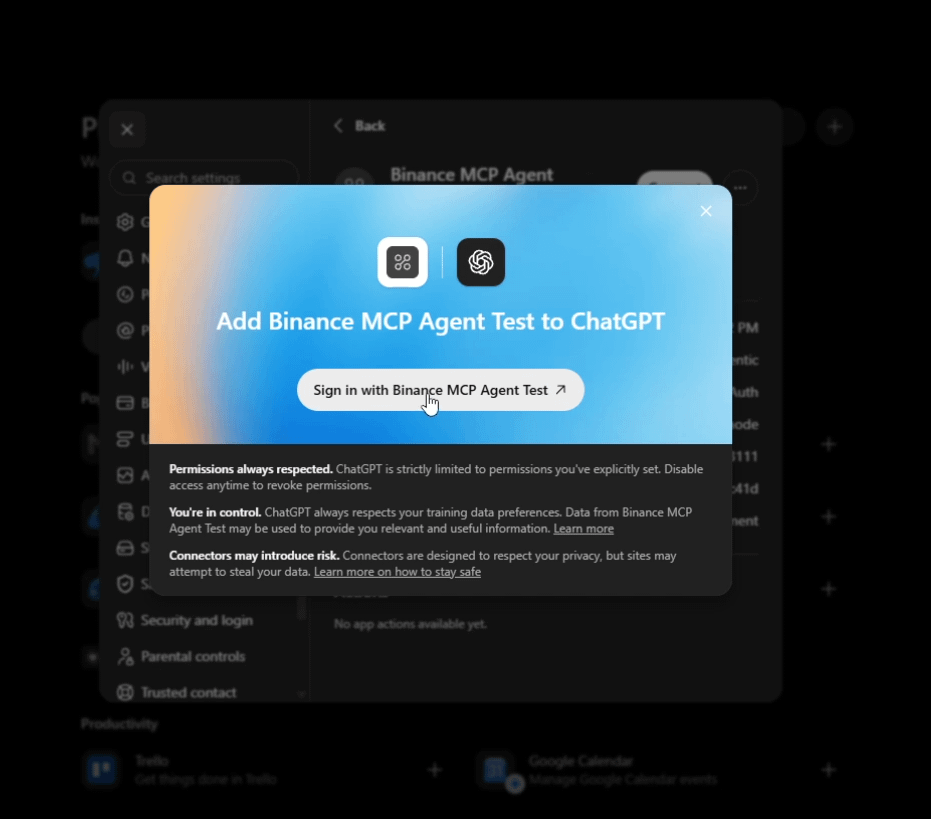
It shows the permission window right after i hit the sign-in button
I wasn't using it for trade so i don't give it any permission other than its default one ("Read agentic account and market data")
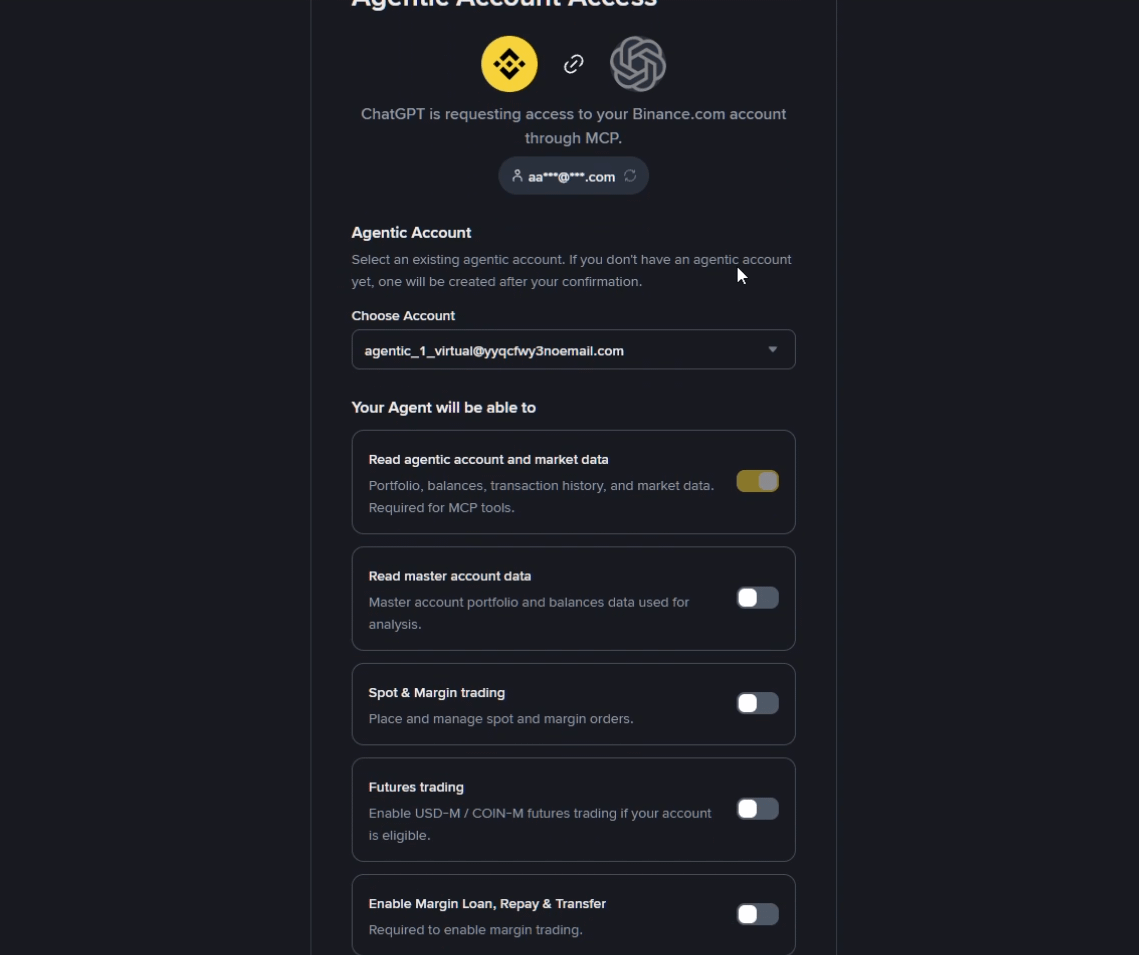
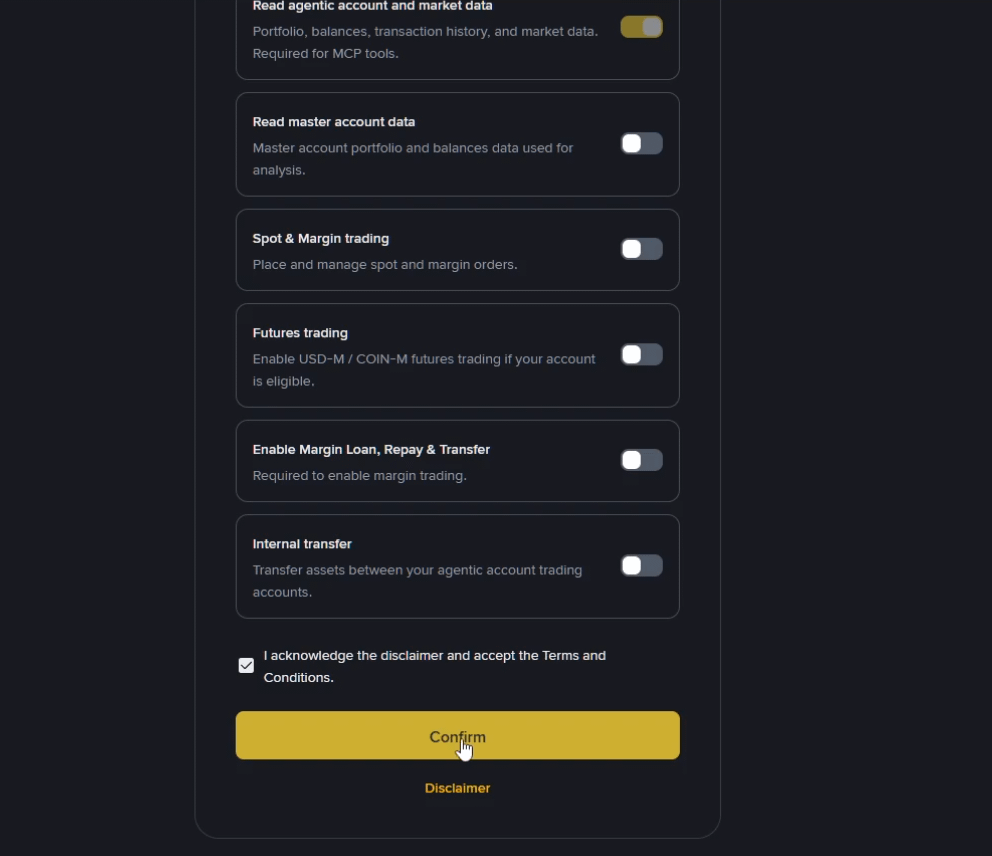
Note: You must be logged into you Binance account before go to connect your Agent
You can check and uncheck the permissions to set boundaries for your agent
You have the full control over whether you want agent to read agentic accounts and market data only or give it permission to other features listed below
Read master account data
Spot & Margin trading
Futures trading
Enable Margin Loan, Repay & Transfer
Internal transfer between agentic accounts
Although if you give all permissions to your agent, final decision will still remain in your hands
You can remove or update your permissions anytime and anywhere
Agent is now connected to my Binance account
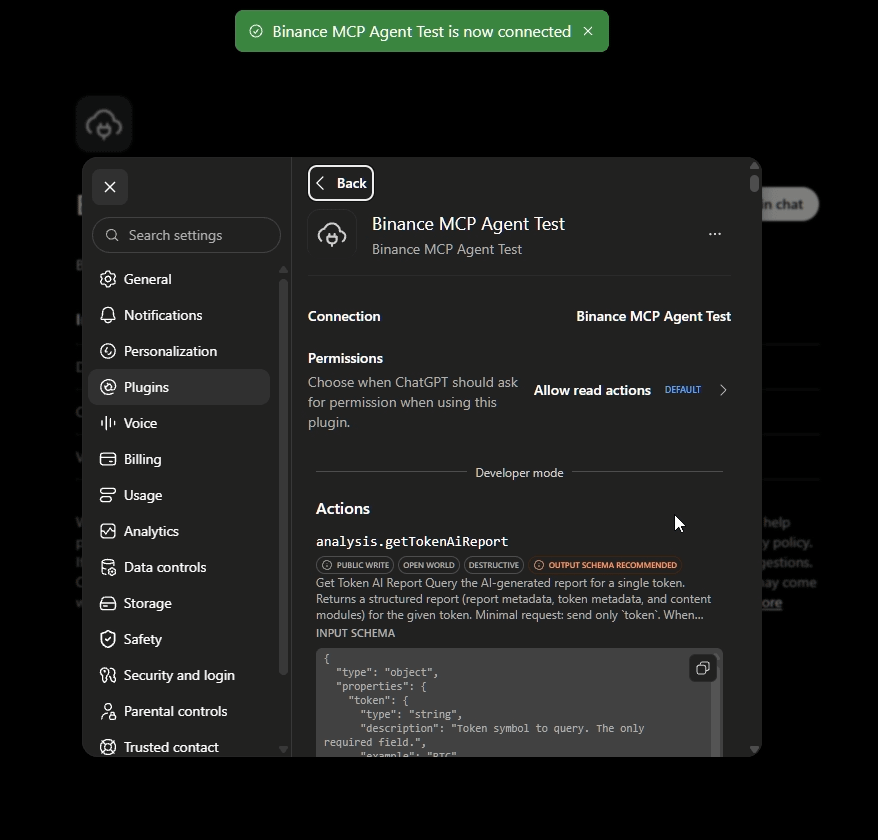
Now it was the time to test the agent in real task
To double check my connection i simply asked ChatGpt
Am I connected to binance MCP Agent?
Chatgpt answered
Yes. Your Binance MCP Agent is connected
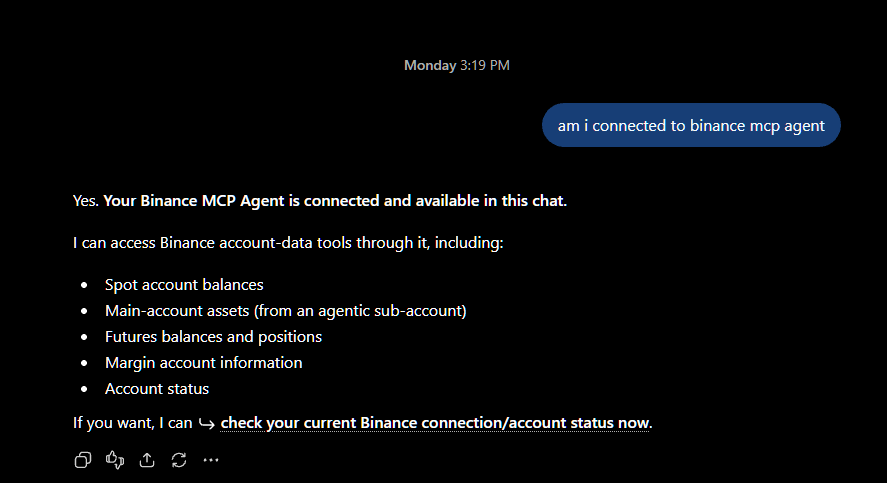
Before i asked ChatGpt to analyze 24 hour gainers, i just tried with a simple prompt
PROMPT:
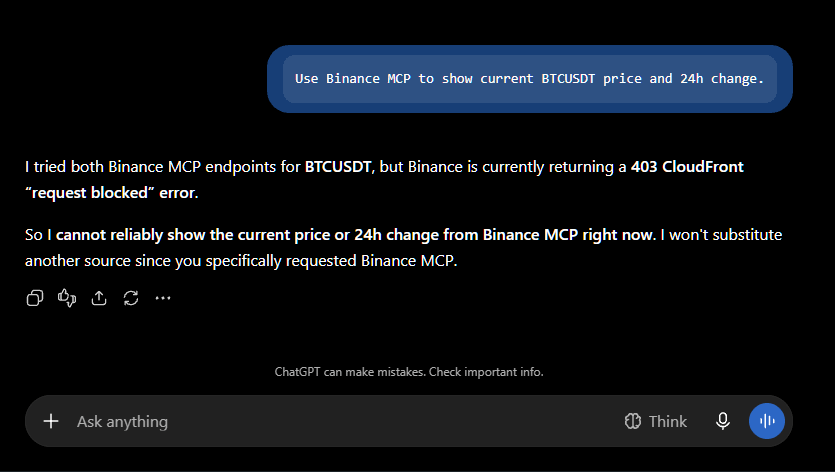
Use Binance MCP to show current BTCUSDT price and 24h change.
ChatGpt showed 403 (REQUEST BLOCKED ERROR)
I was logged into my binance account
Gave permission already
Approved request to run tools
But still it showed the error
2. Then I think let's try it with Claude
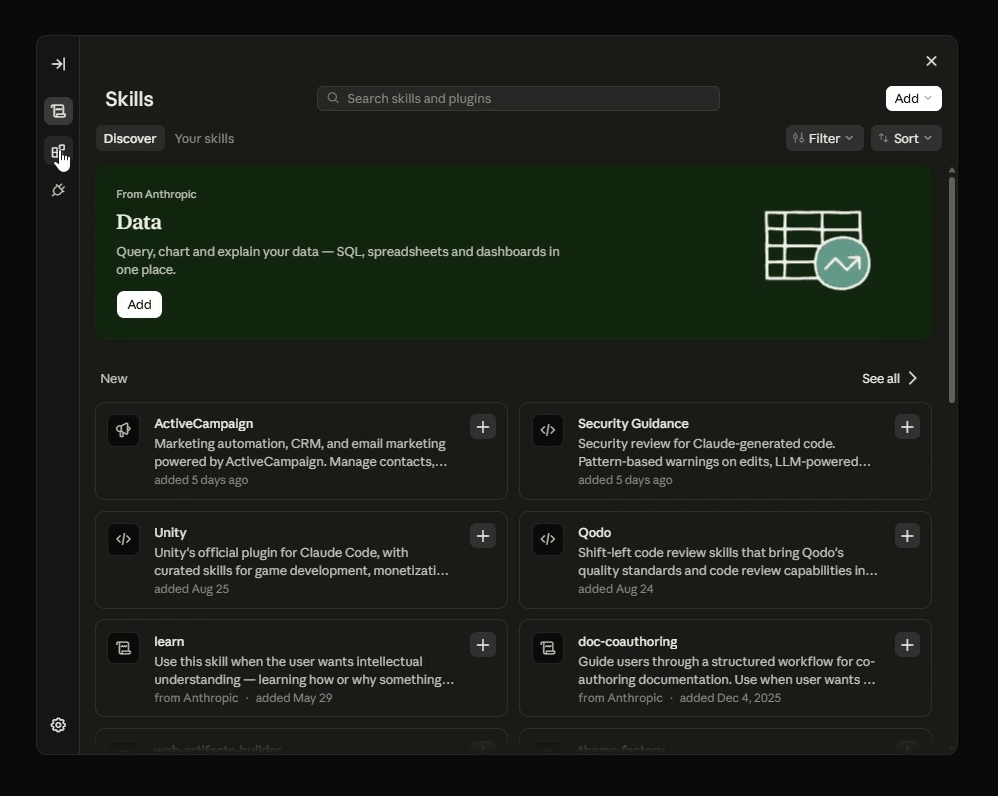
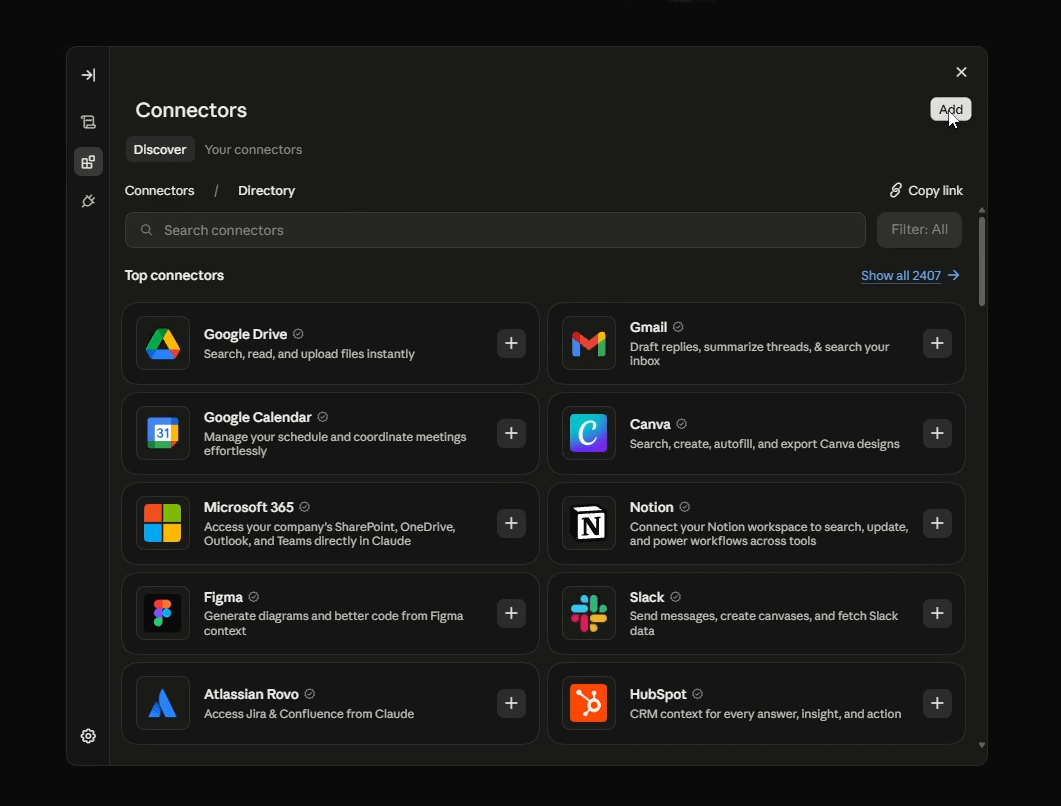
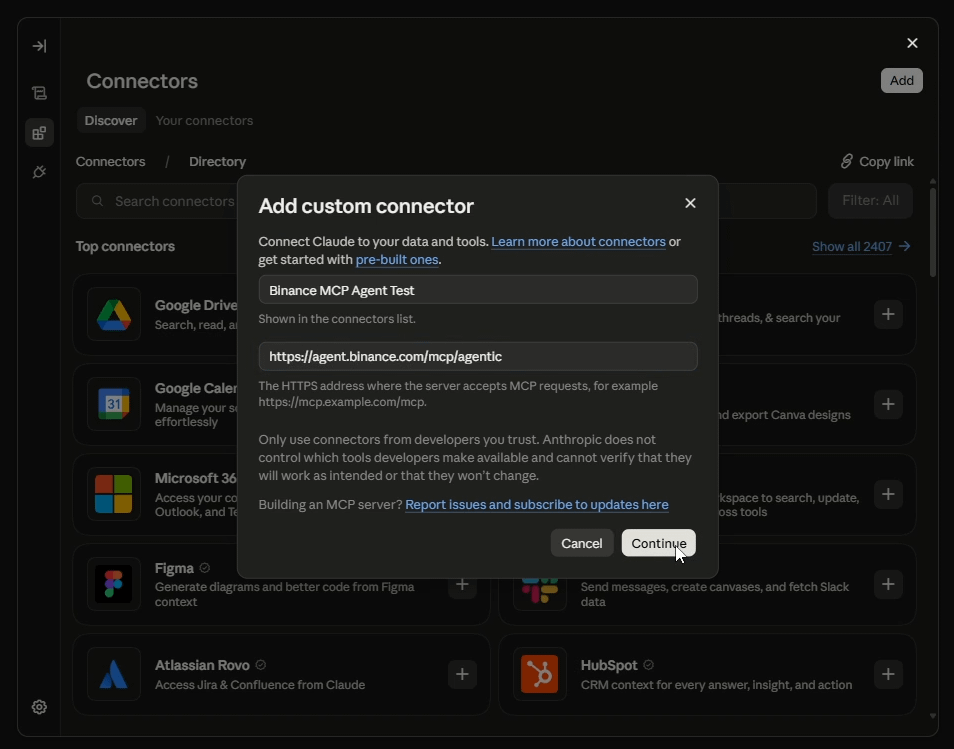
I connected my agent to claude in same flow with same permission I used to give it with ChatGpt
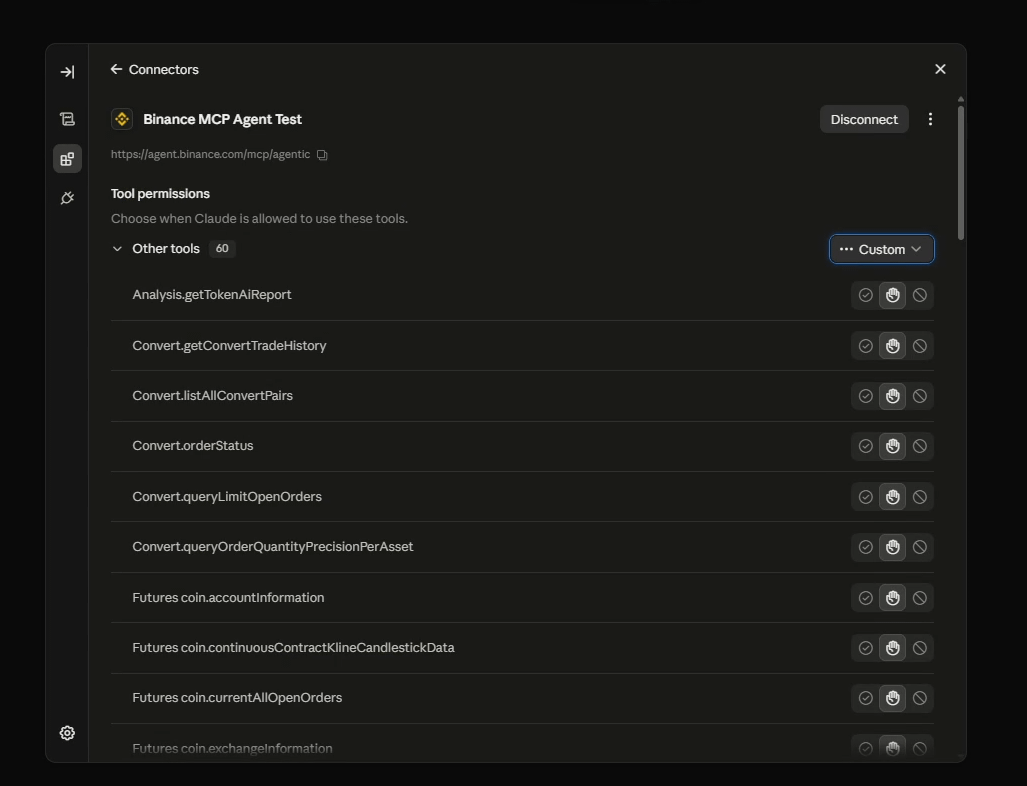
This time i did not give it a simple prompt but tried with my main prompt for which i was trying it for
MAIN PROMPT:
Analyze top gainers in 24 hours and find out best short trade with reason -- pull the actual candle chart from binance with resistance zone, trendlines, divergence,liquidity, volume and so on
It didn't show any error, ran tools smoothly and generated the chart of $ARB pair
There was almost everything on chart which I asked for
Candlesticks was same as binance
Trendline, resistance zone was marked
Volume and RSI divergence was also mentioned in chart
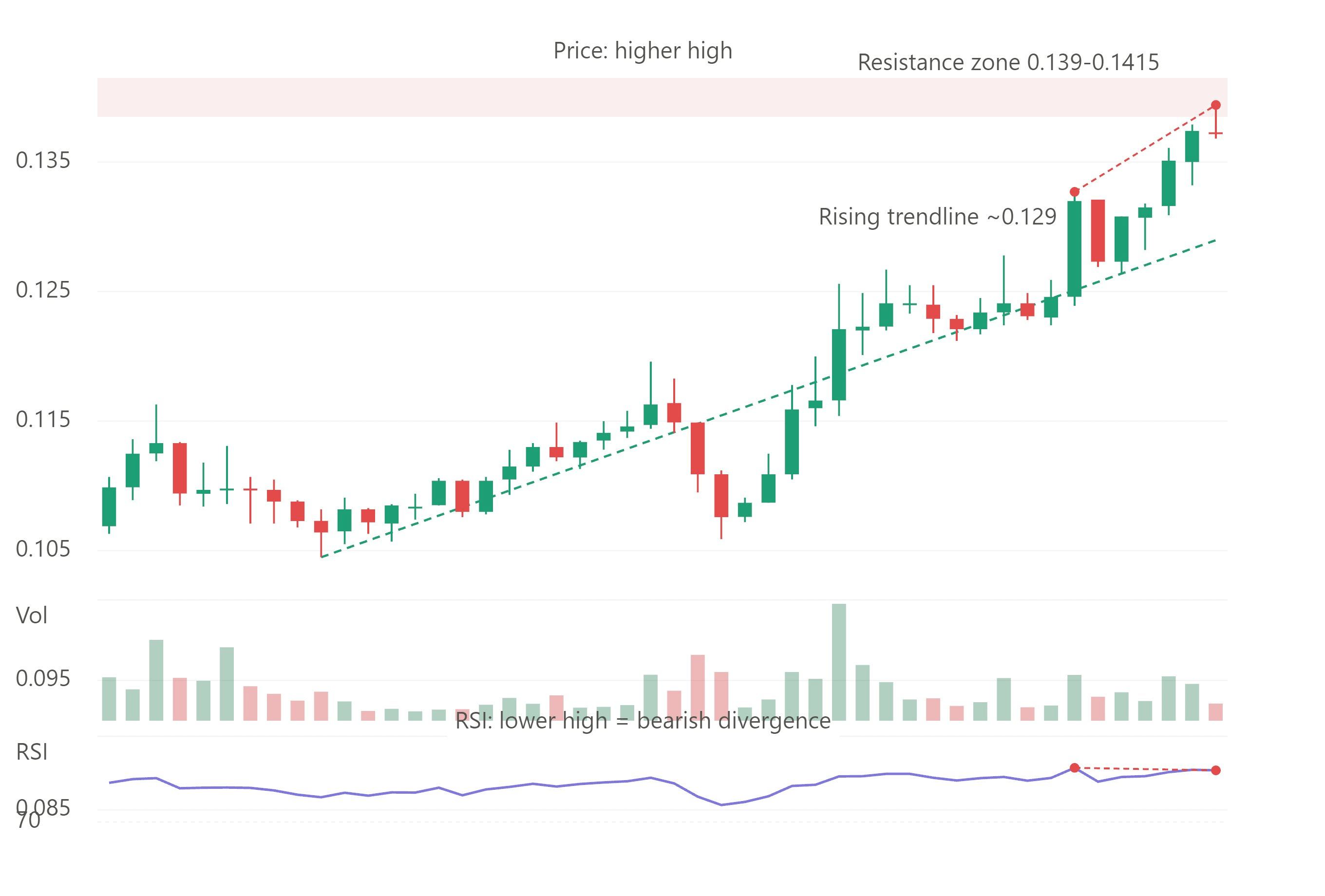
But it added some information which I never ask for
Price action
Chart time frame
It pulled 1 hour timeframe candles and mention the price action is higher high
3. Agent done its work, but manual verification was still pending
Before I open the original chart, i want to check, the ticker picked by agent is really present in 24 hour gainers or not
I went to CoinGecko and opened 24 hour gainers list and surprisingly ARBUSDT was there
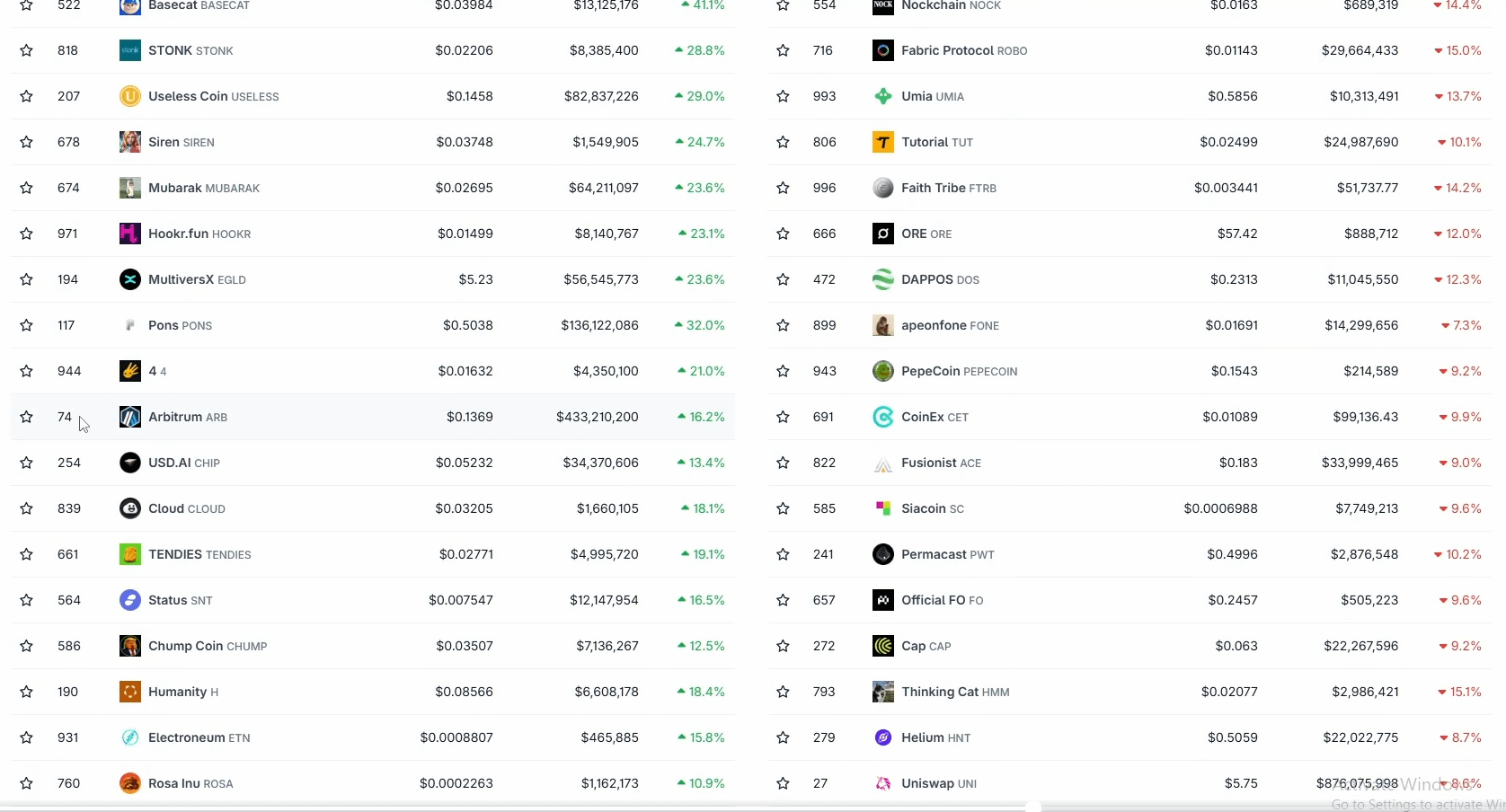
Here I first time realize that agent is really analyzing the real time market data on Binance
Now it was time to compare it with the original chart
I first opened Binance chart but i wanted to mark the zones manually that is why i directly jumped to tradingview and opened the ARBUSDT pair on 1 hour timeframe
Concept was matching with originality
$ARB was going up
Price was near resistance zone
Candlesticks and pattern was also similar
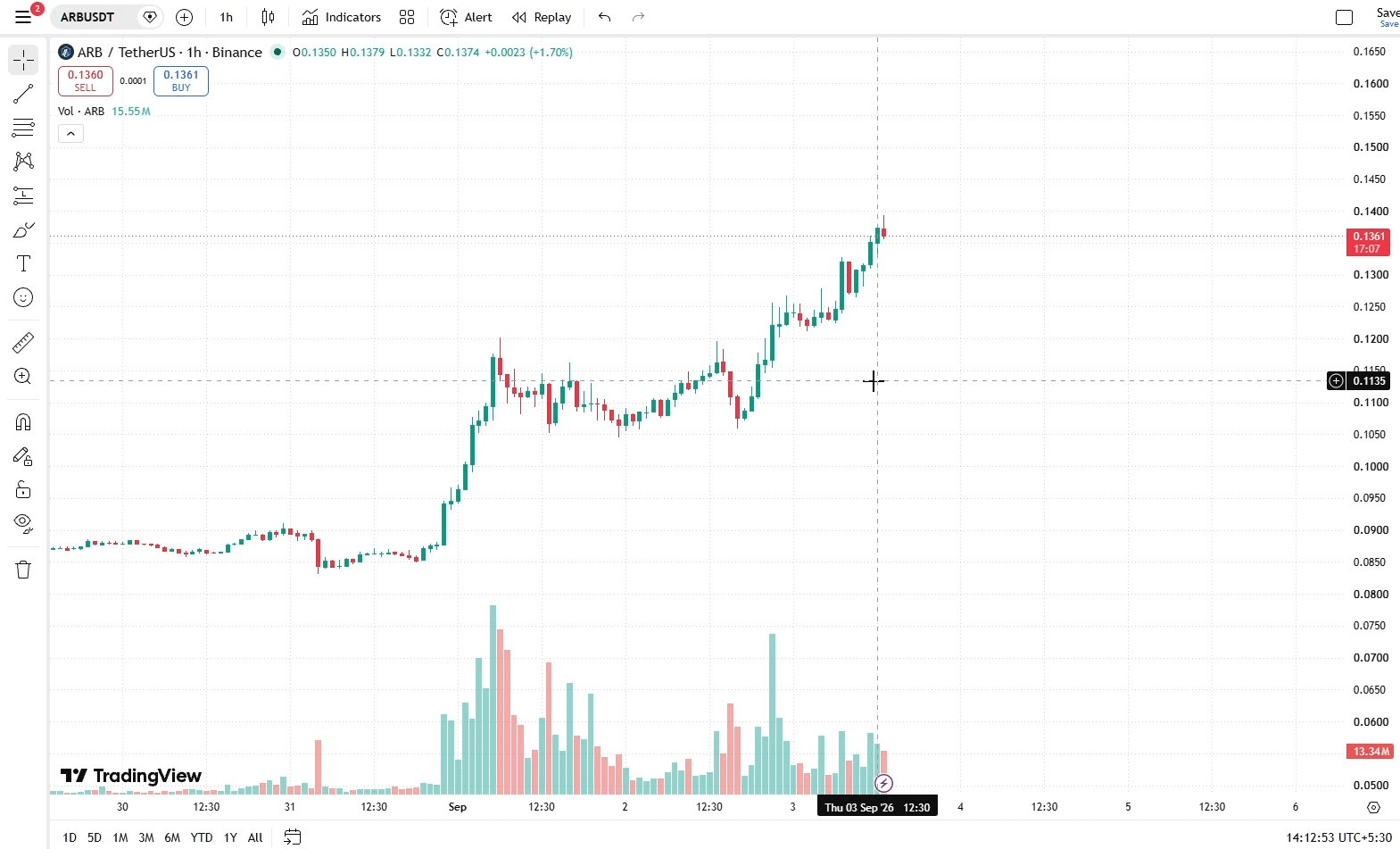
But some details were different or was totally missing
Resistance zone marked by Ai agent was slightly up from the actual zone
Resistance zone was bigger than original zone
Did not mentioned about liquidity even I asked it in prompt
It also didn't mentioned reasons
But over all it was very similar to the original chart
I didn't take a trade but marked a short entry setup after my own analysis
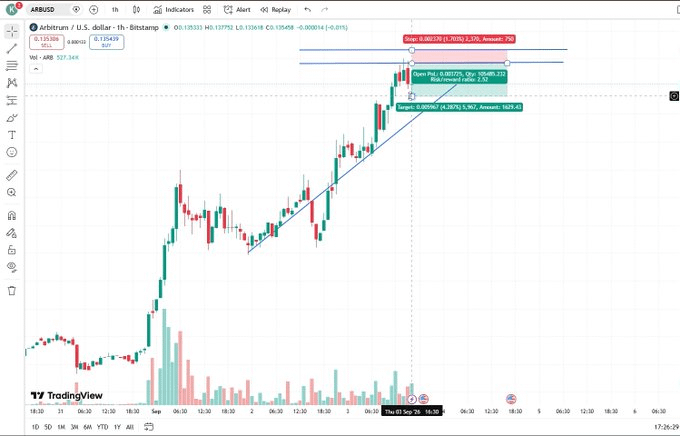
4. After few hours I opened the chart again and saw
Price have already hit the resistance zone and gone back towards trendline
Price moved down almost 2.5X of the width of resistance zone
It can be a good trade but I only was testing the agent
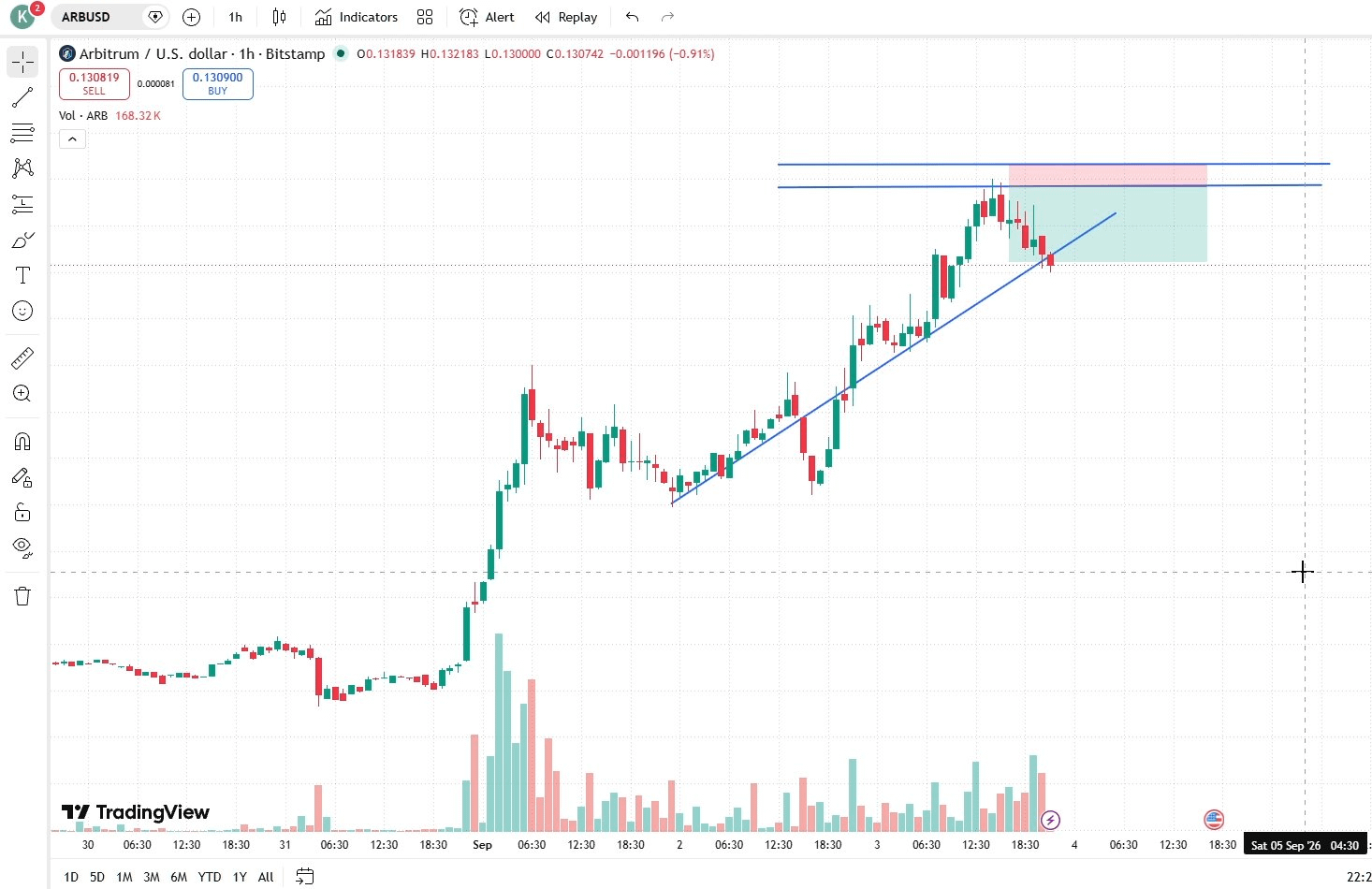
4.1 What worked
Claude connected in a single attempt
Done real time scan properly
Pick 1 pair from 24 hour gainers
$ARB pair was there in list
Pulled chart was similar to the original
Price moved back from the mentioned resistance zone
Price reached near the drawn trendline or TP
4.2 What surprised me
Even after connection, permission and Authorization ChatGPT still showed 403 Error
Price reversed from marked resistance
Added the 1 hour timeframe from its own
Just single prompt reached my claude's free limit
4.3 Would I keep using it
I can use it for scaning and market analysis but i will not replace my trading with AI, because AI can make mistakes and can not catch a sudden volatility
I also will try to upgrade my prompt style to get more accurate results in future
4.4 What would I change
ChatGpt showed 403 error but never mentioned how to fix it step by step, if it would have give a fix, it would have help me a lot
It wrote text on chart visuals which was bit confusing, if text and chart have been separate, it would looks more clean and professional
Head to my X for video tutorial
https://x.com/Kash_Web3/status/2096809947531260353?s=20
https://www.binance.com/en/agent-os
@binance @heyibinance