You can withdraw MXN from your Medá account directly to your bank account via transfer.
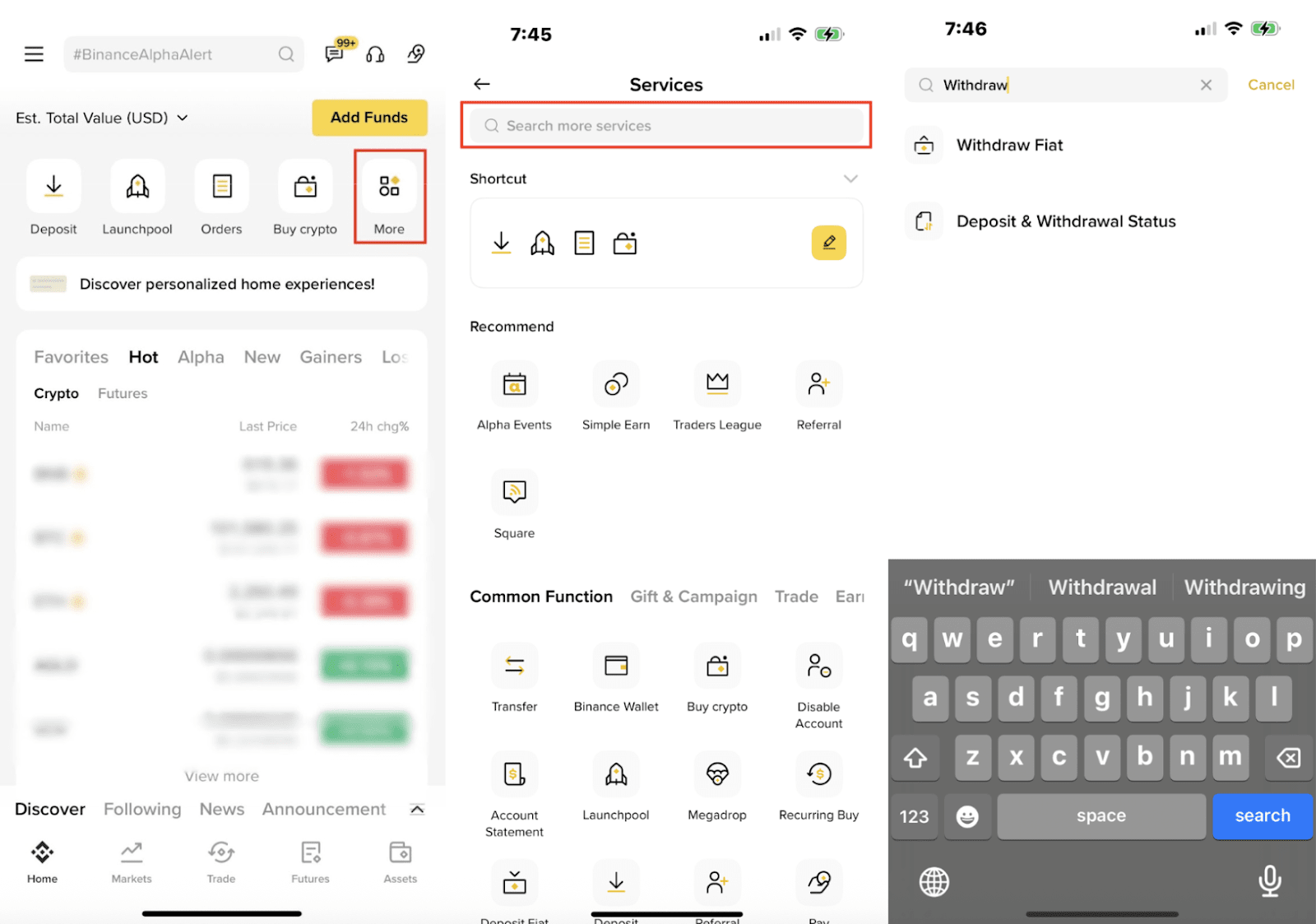
1. Open the Binance App and go to [More] - [Withdraw Fiat].
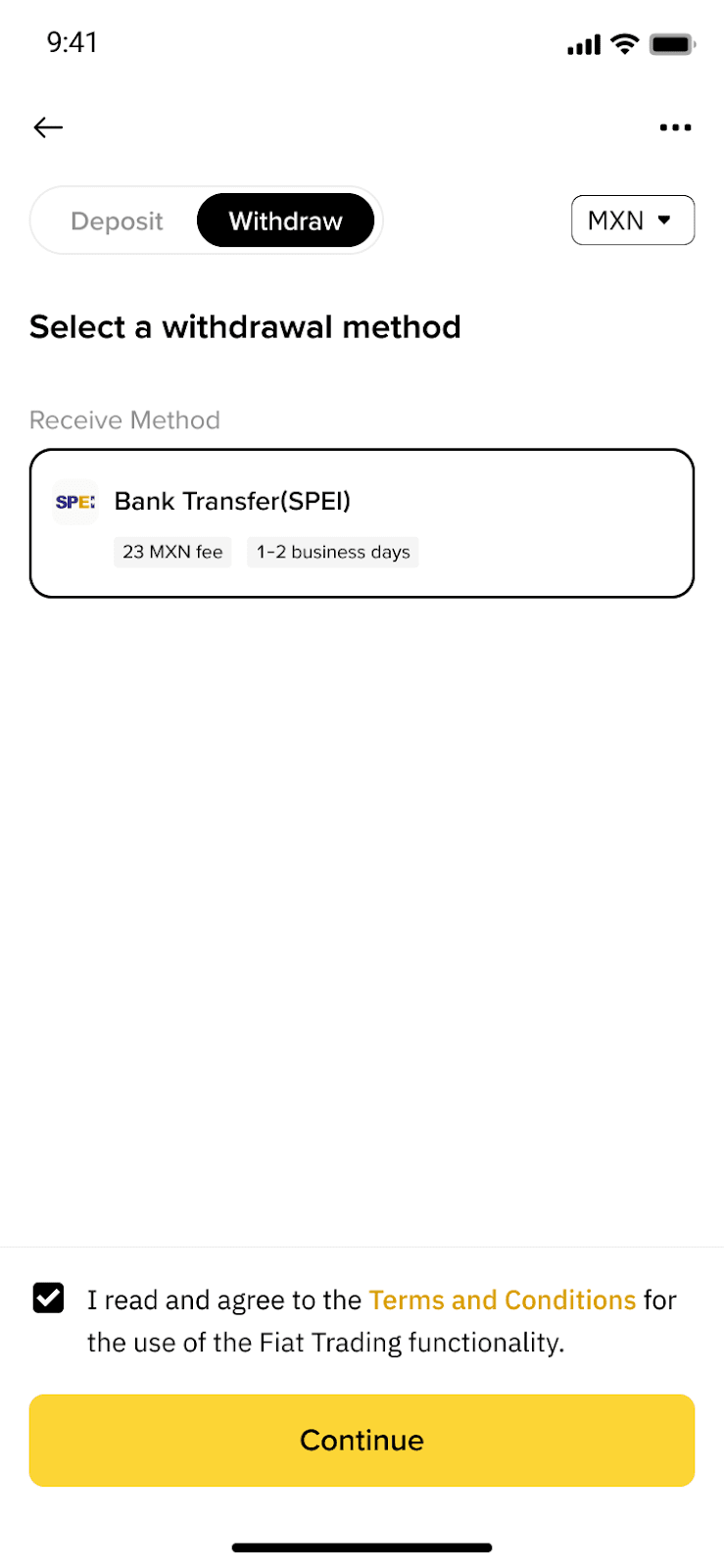
2. Select Bank Transfer (SPEI) as your withdrawal method.
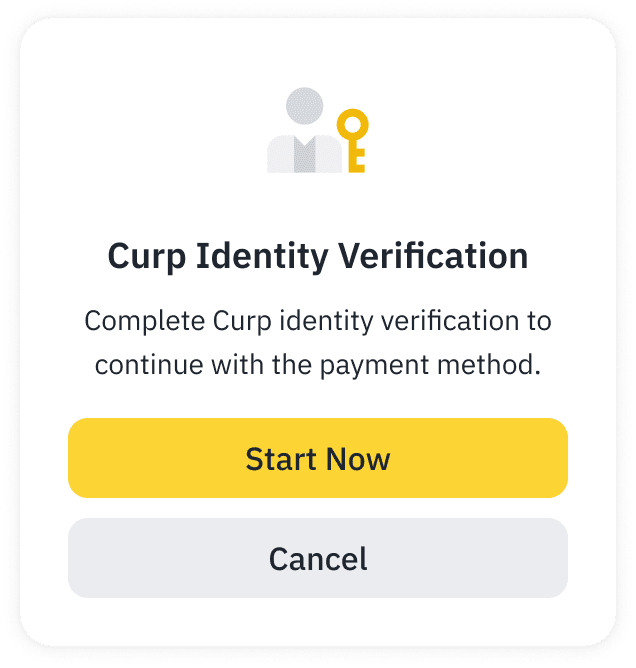
3. If you haven’t completed CURP Verification, you’ll be prompted to finish it before proceeding.
If you don’t have a Medá account, tap [Create a Medá account] to register one. Please refer to FAQ: How to Register a Medá Account on Binance.
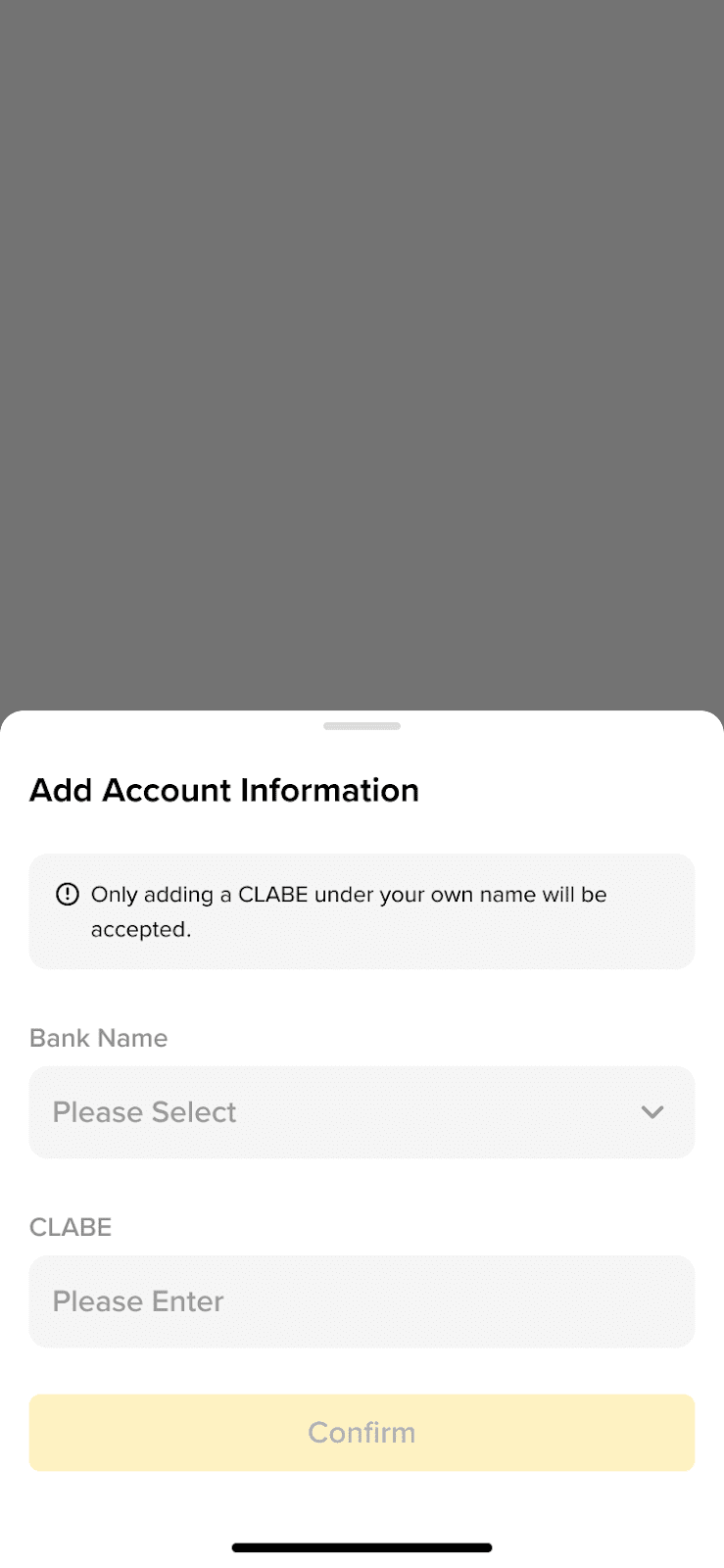
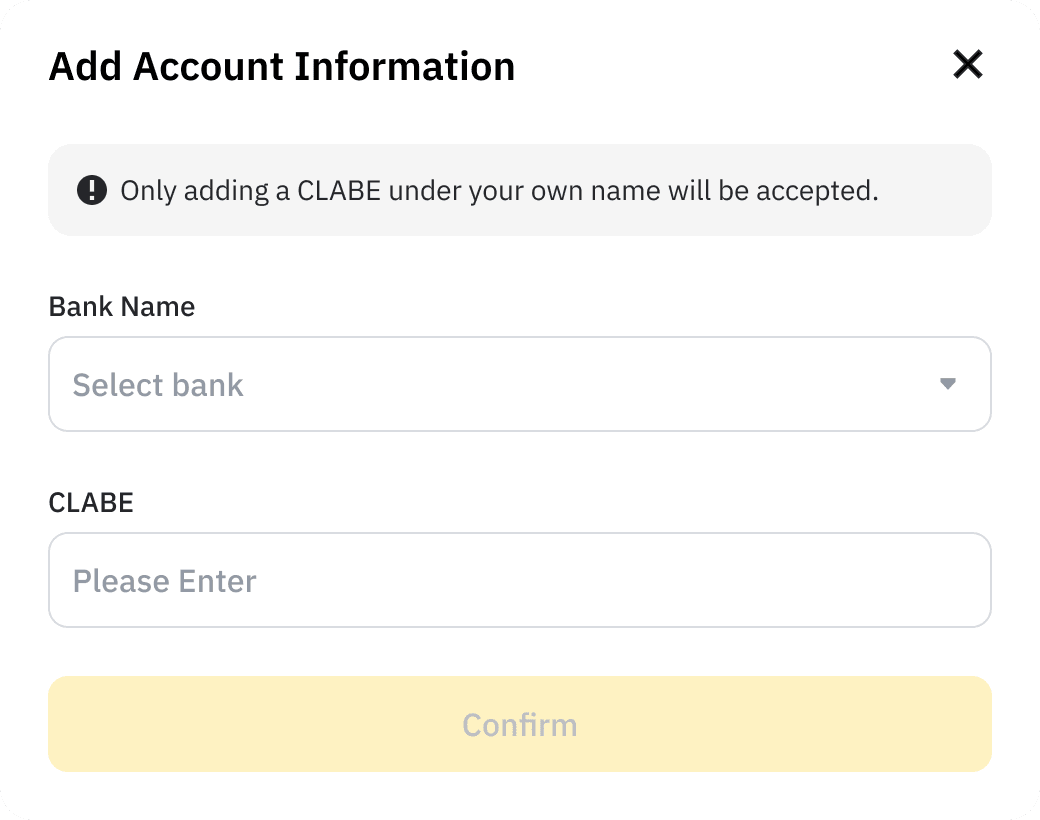
4. If you haven’t added your bank account details before to transfer MXN from your Medá account, please enter your bank account information.
Please note that only a CLABE under your name will be accepted.
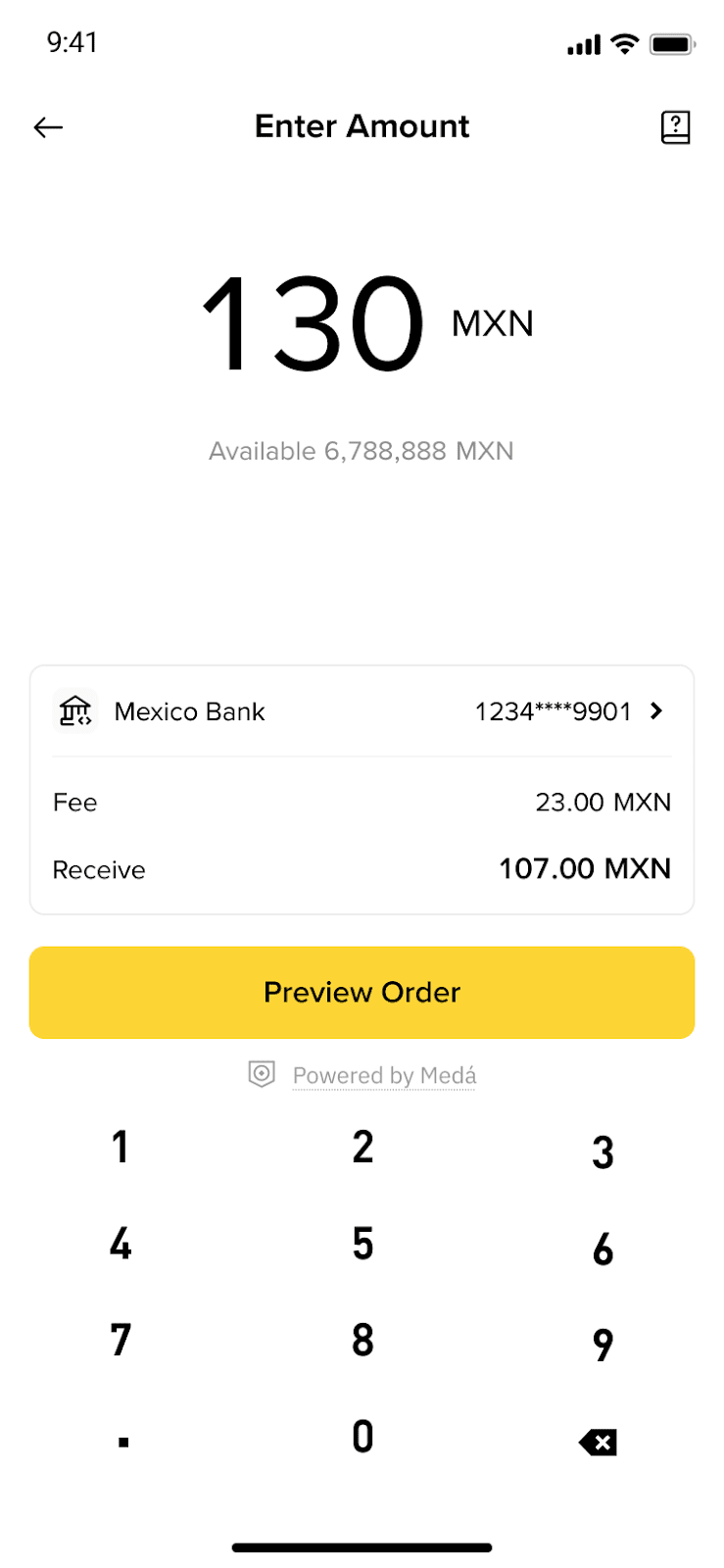
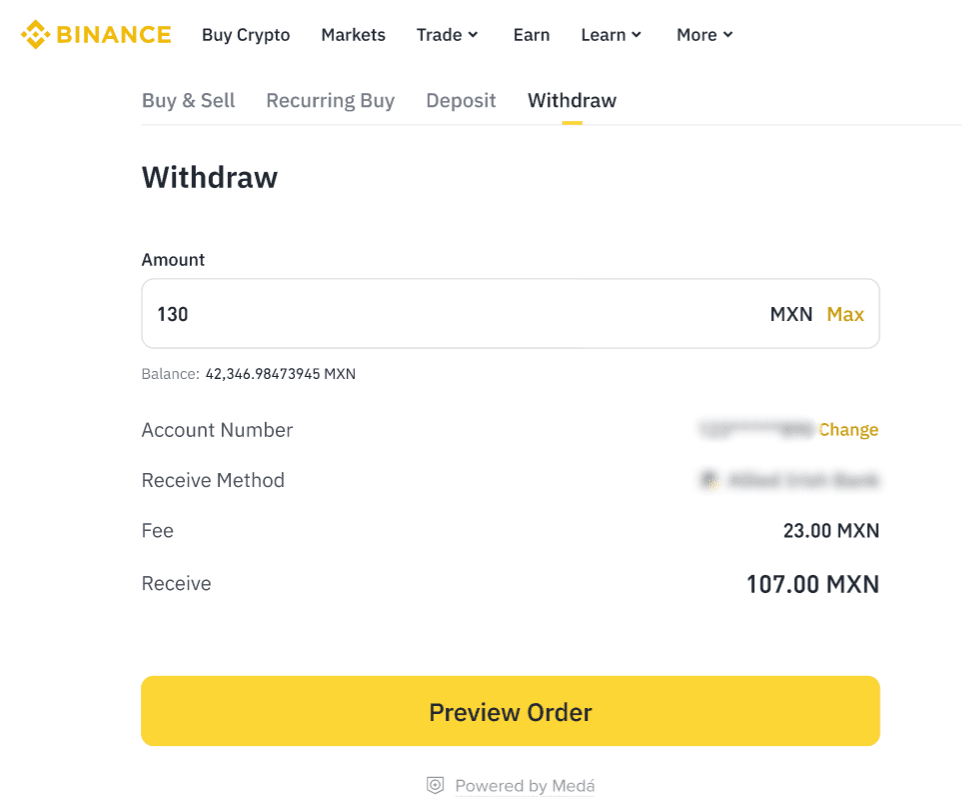
5. Enter the amount of MXN you want to withdraw from your Medá account, and tap [Preview Order].
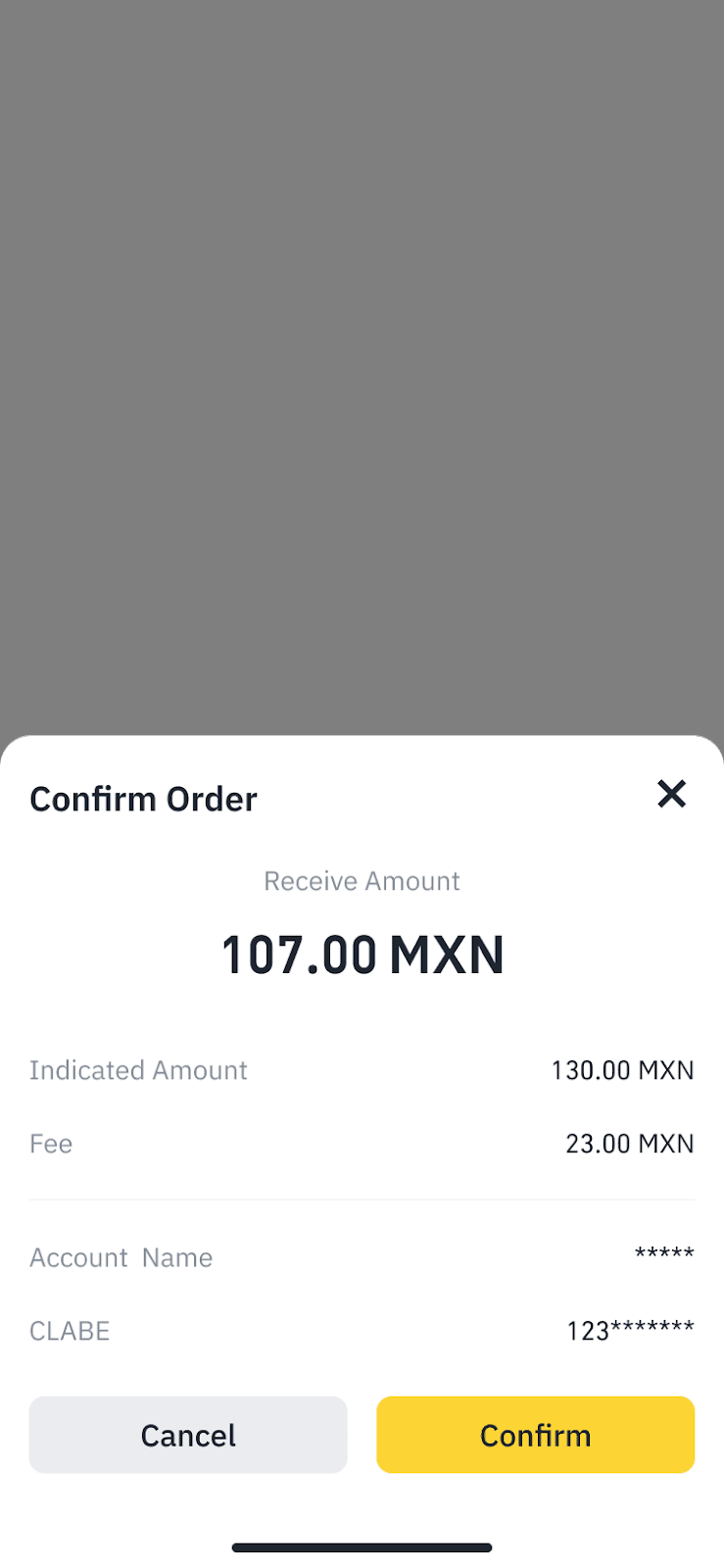
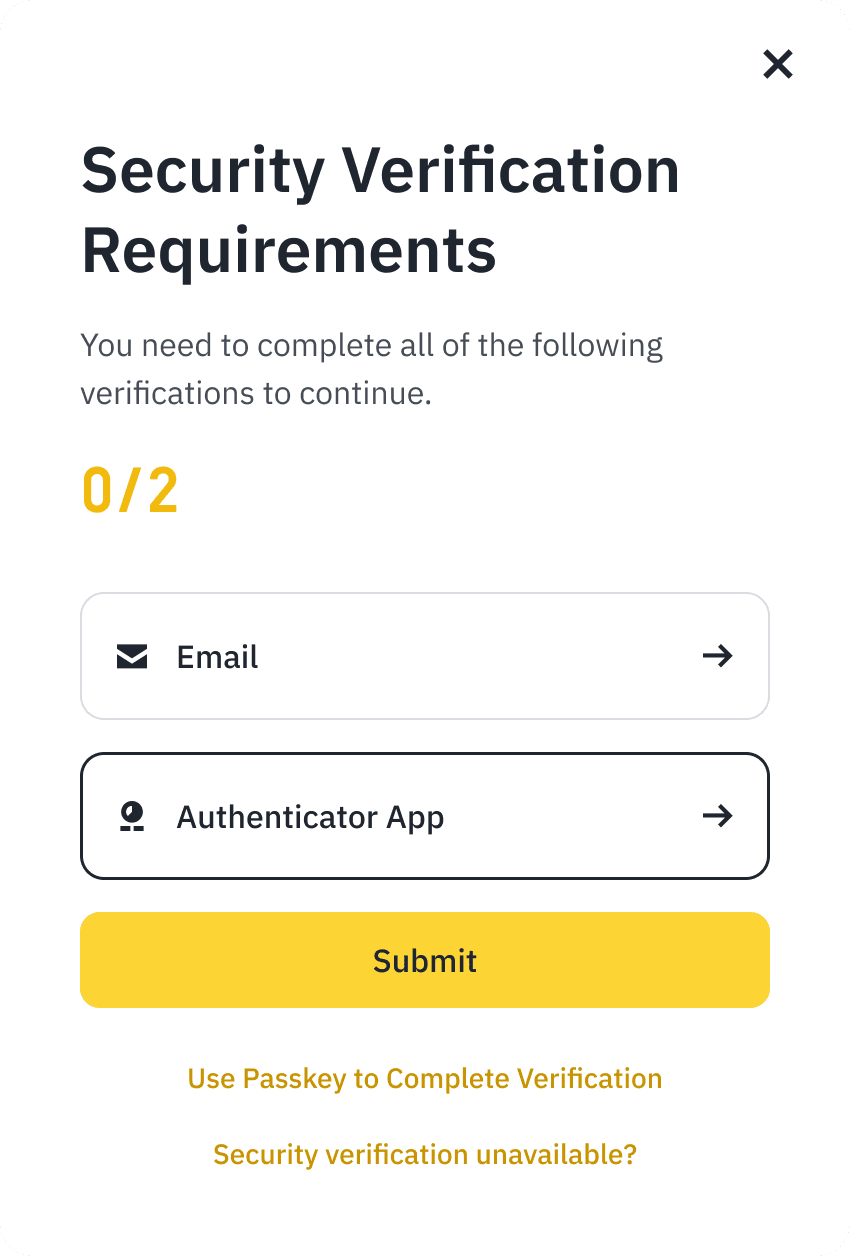
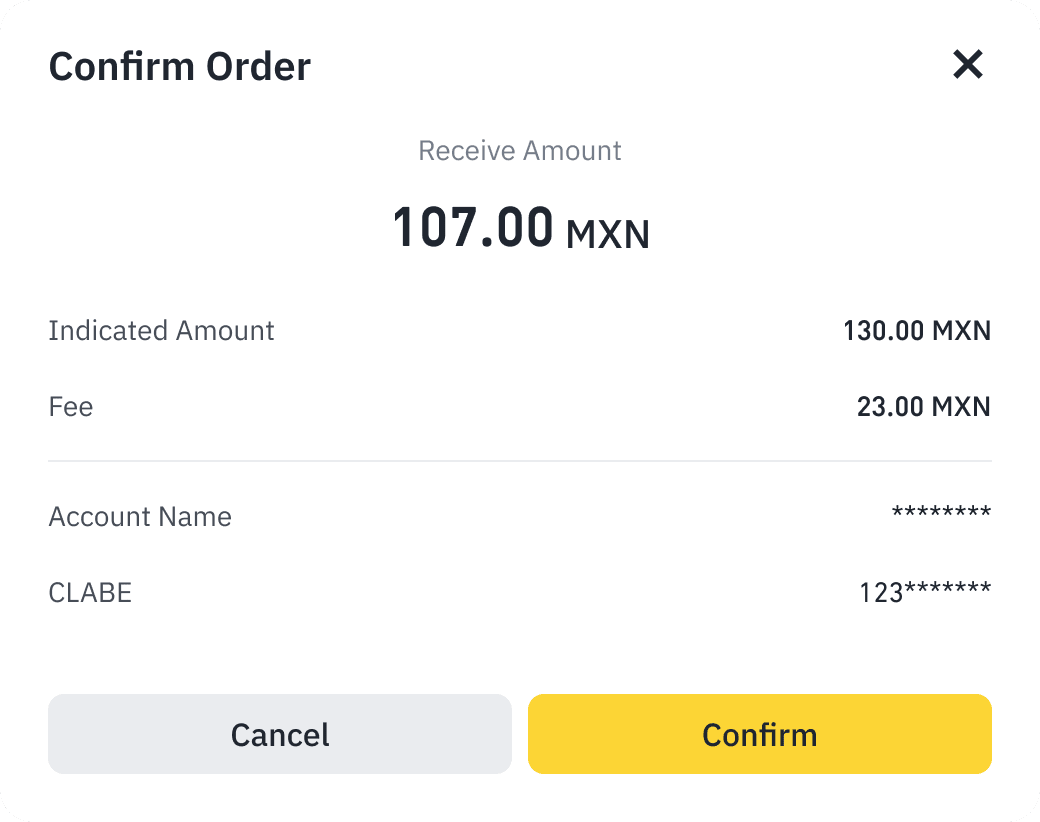
6. Confirm the order and complete the Security Verification to continue.
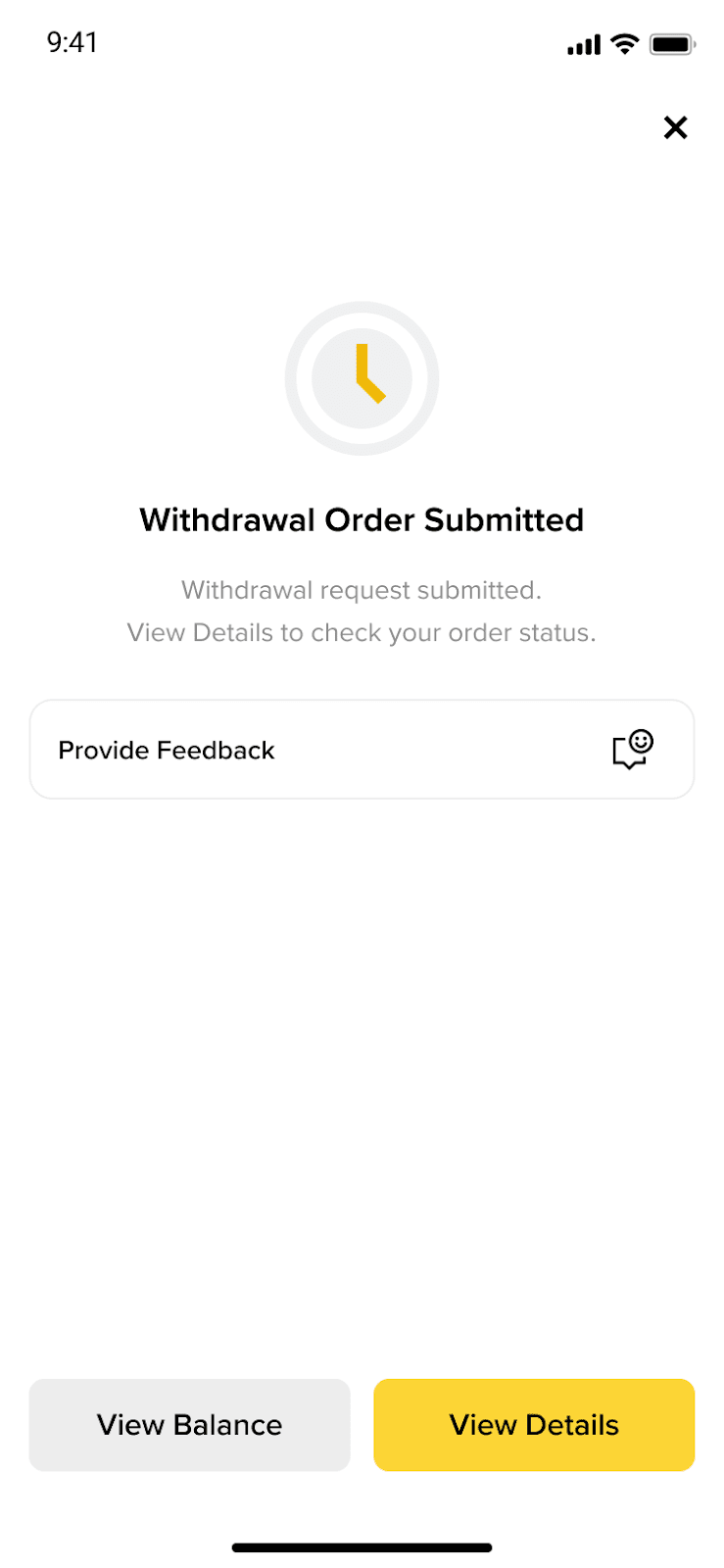
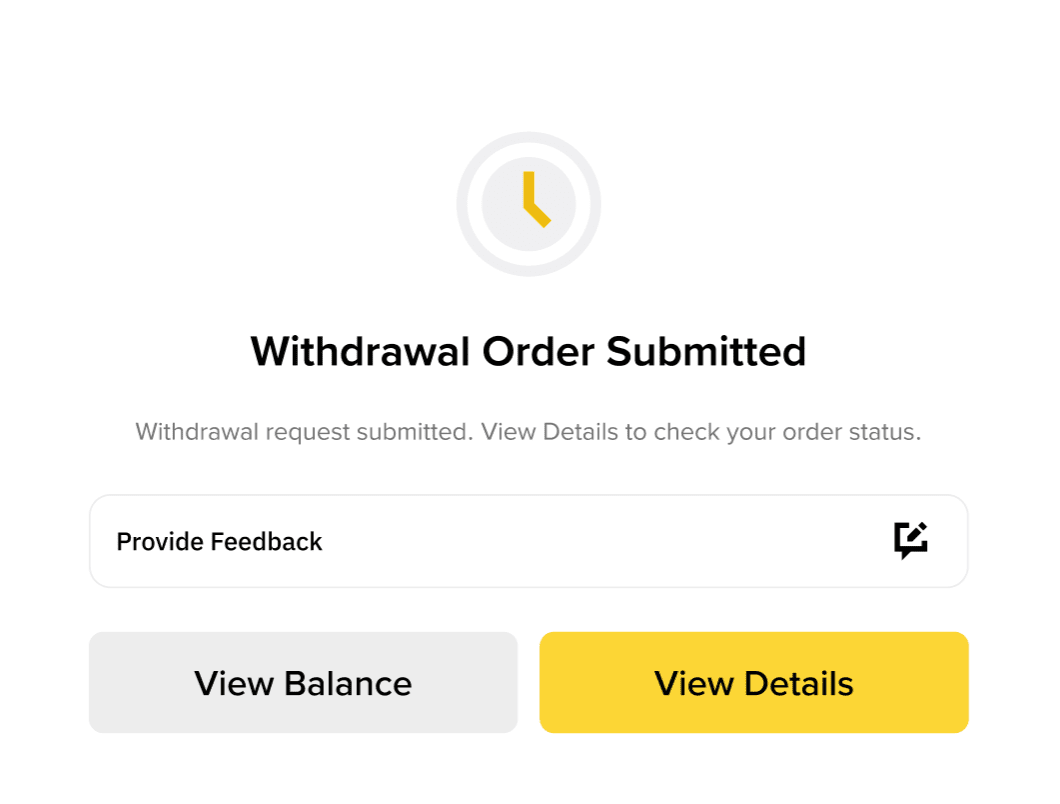
7. Order processing. It may take 1-3 business days to complete the withdrawal order.
You can withdraw MXN from your Medá account directly to your bank account via transfer.
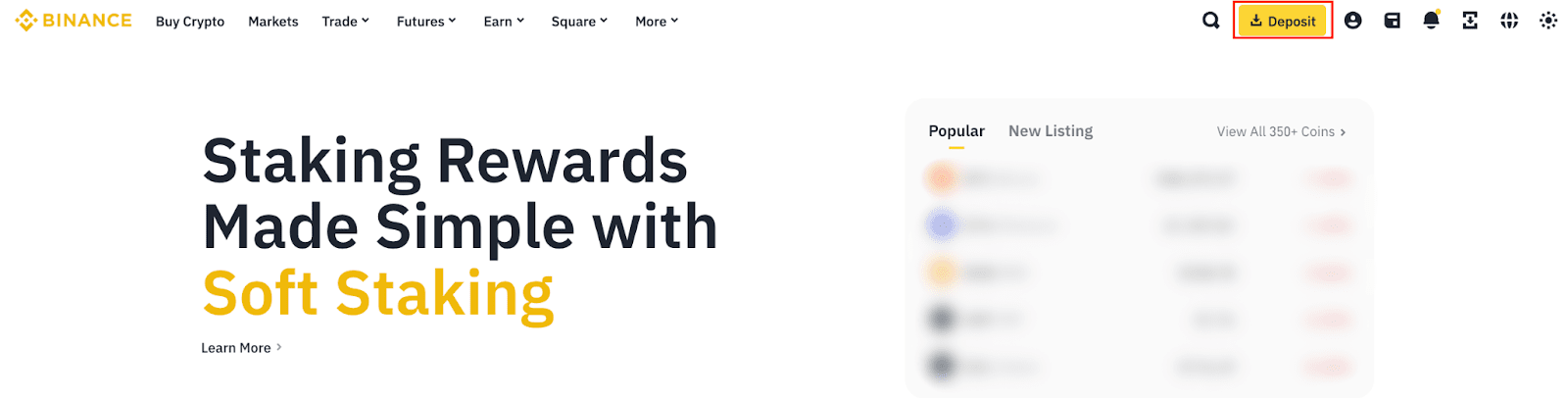
1. Log in to your Binance account and go to [Deposit] - MXN.
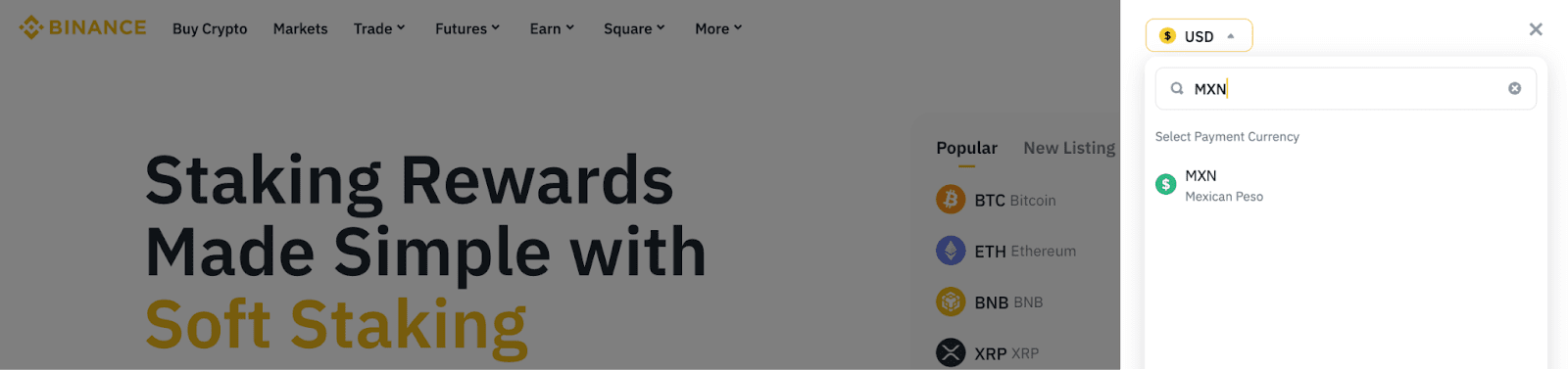
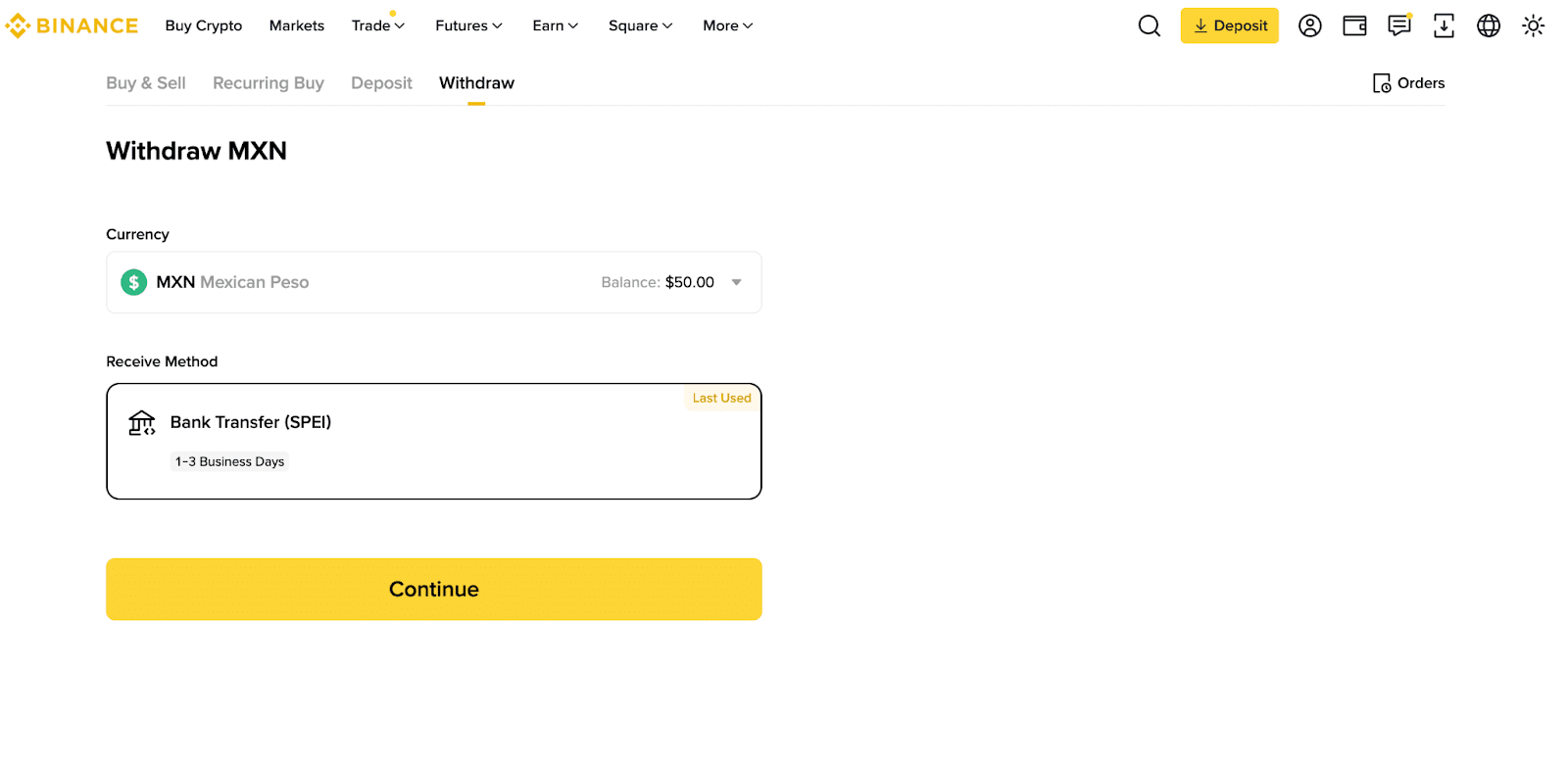
2. Click [Withdraw] on the top right and select MXN as the currency. Choose [Bank Transfer (SPEI)] as your withdrawal method.
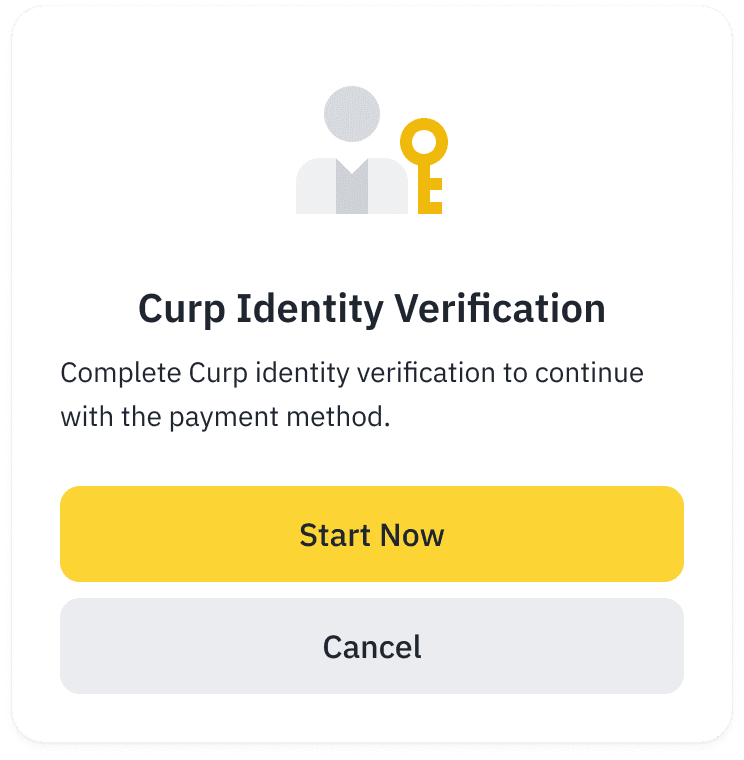
3. If you haven’t completed CURP Verification, you’ll need to finish it before proceeding.
If you don’t have a Medá account, click [Create a Medá account] to register one. Please refer to FAQ: How to Register a Medá Account on Binance.
4. If you haven’t added your bank account details before to transfer MXN from your Medá account, please enter your bank account information.
Only CLABE accounts under your name are accepted.
5. Enter the amount of MXN you want to withdraw from your Medá account and click [Preview Order].
6. Confirm the order and complete Security Verification to continue.
7. Your withdrawal will be processed. It may take 1–3 business days to complete.