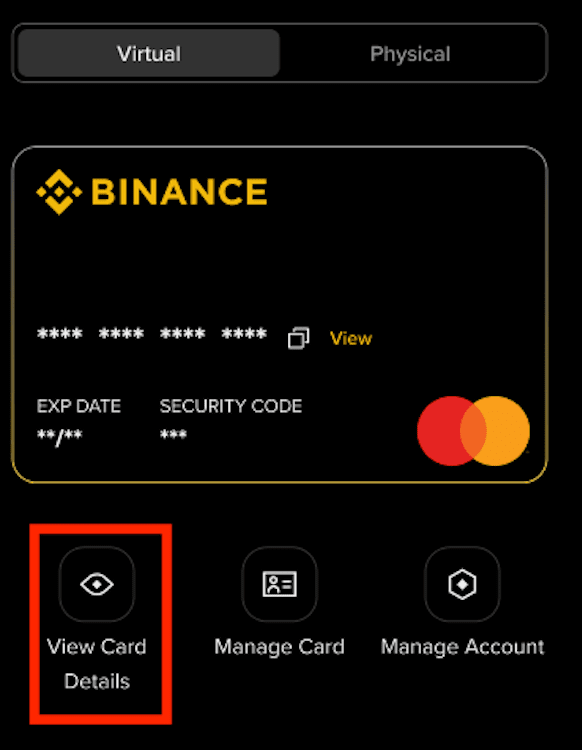
You can check your Binance Brazil Card details from the Binance website or app easily.
Follow the steps below to go to the Card Dashboard:
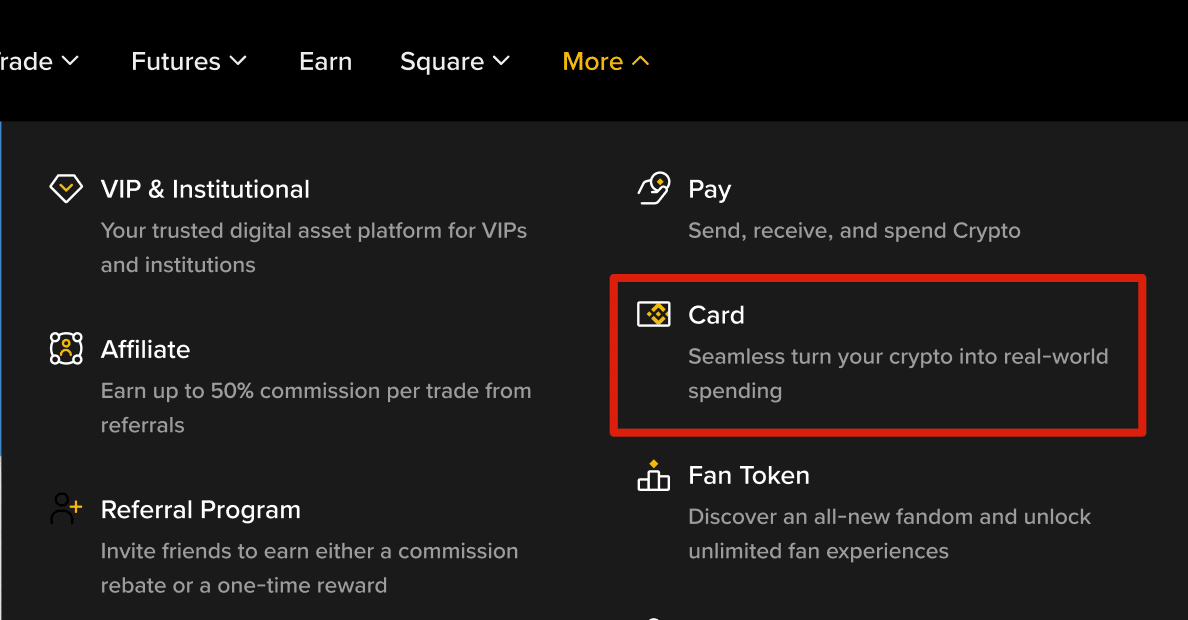
Log in to your Binance account and click [More] - [Card].
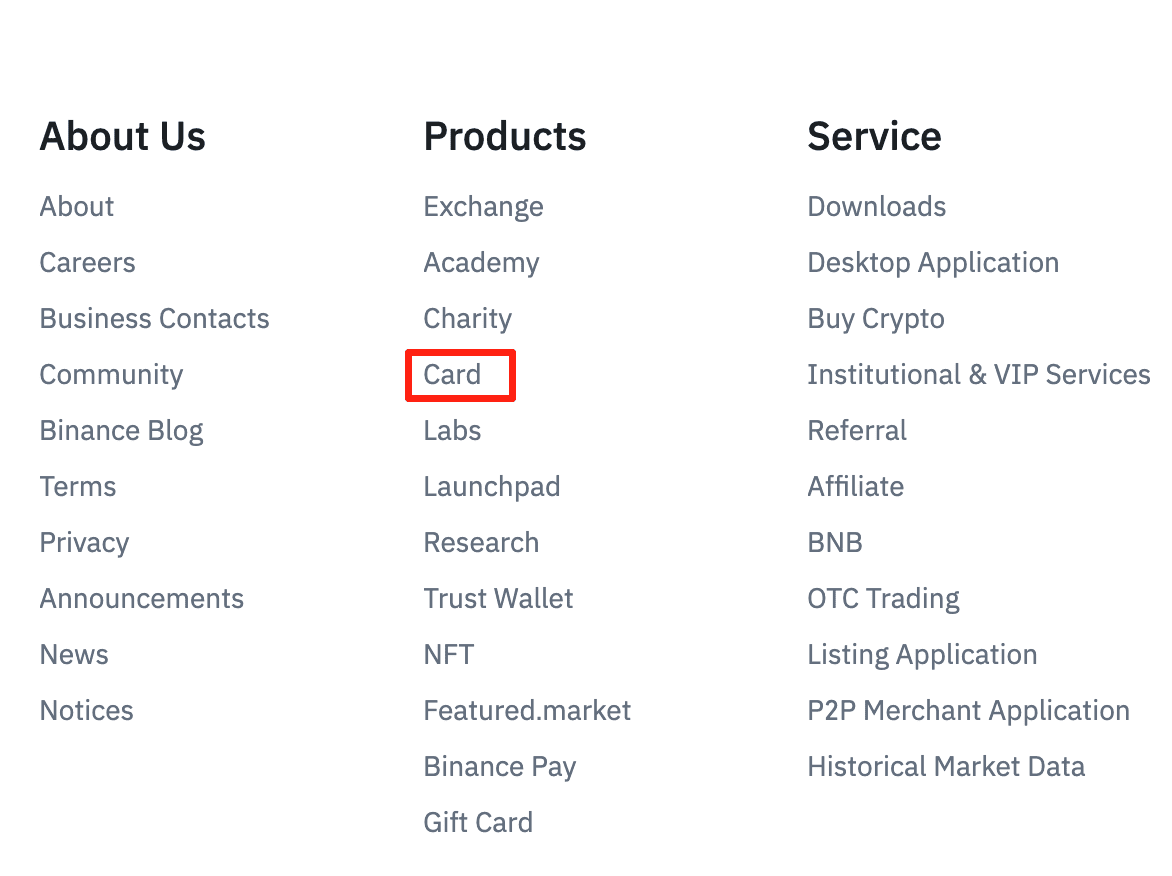
You may also go to [Products] - [Card] at the bottom of the screen.
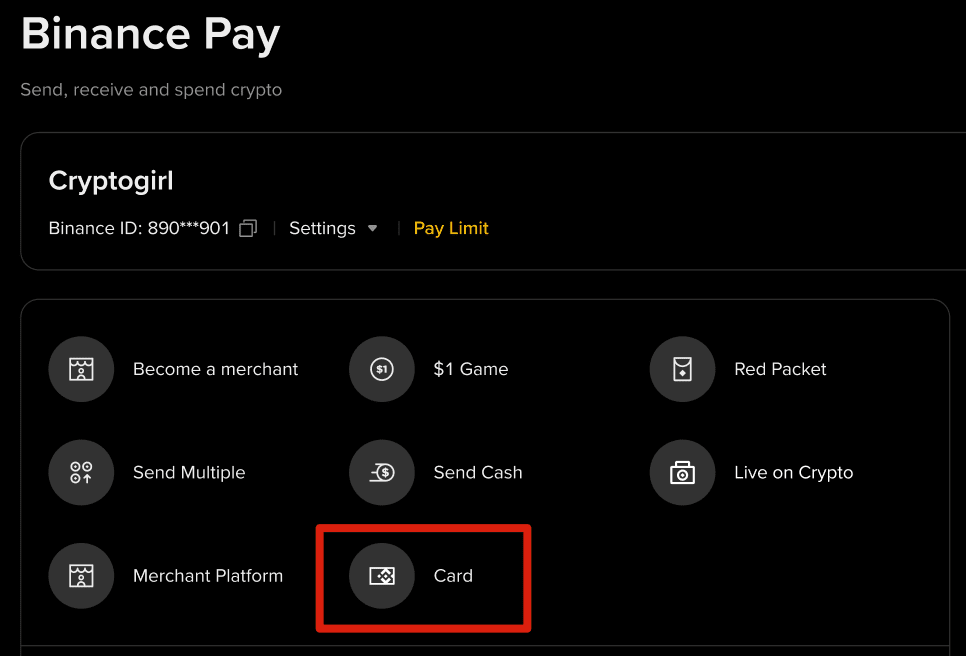
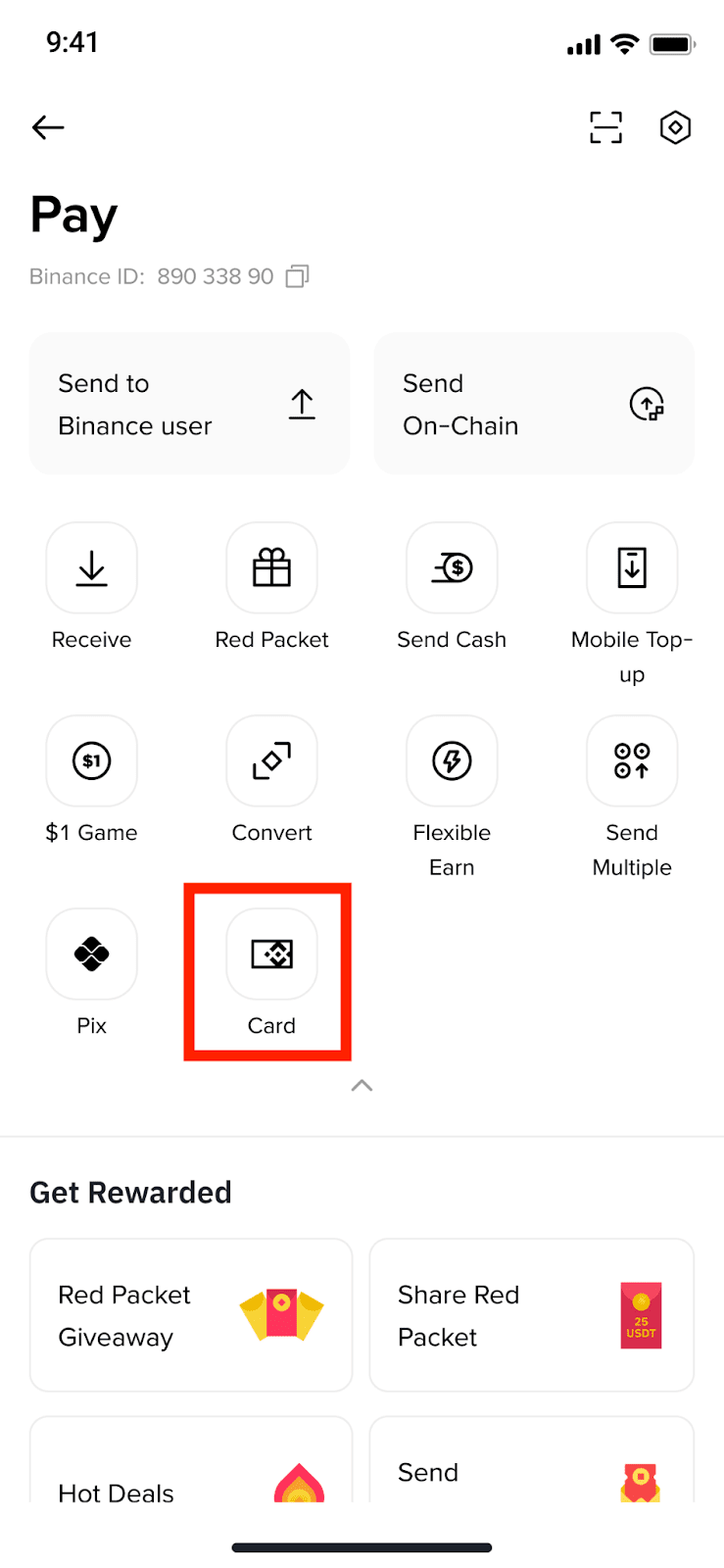
Alternatively, you can go to [Binance Pay] - [Card].
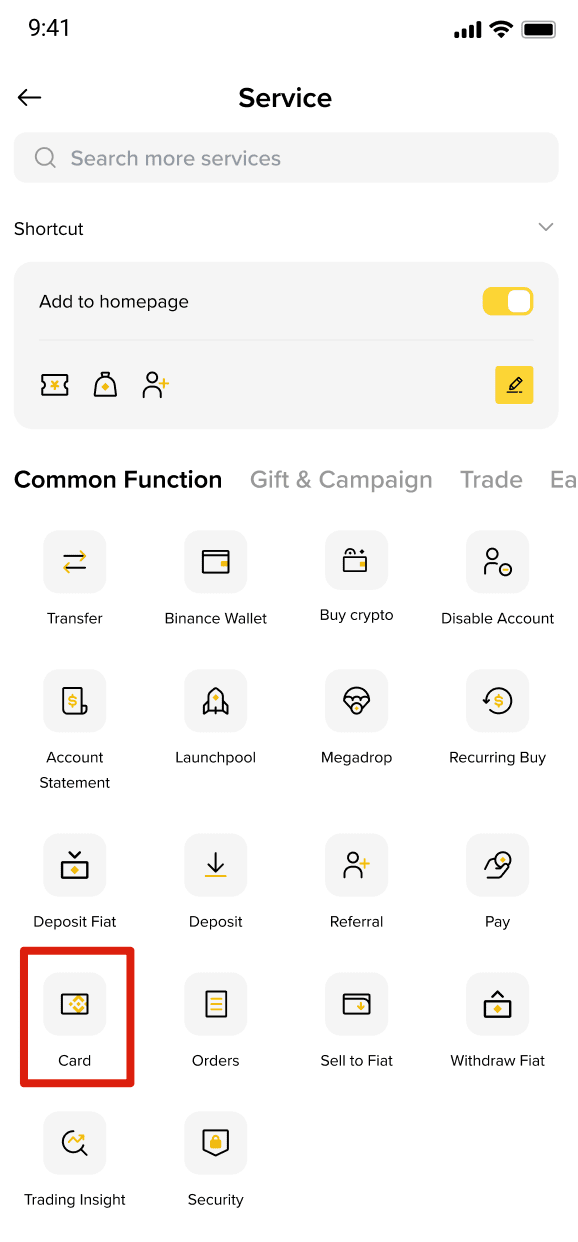
Log in to your Binance app and tap [More]. Scroll down to [Common Function] and select [Card].
Alternatively, from the Pay page, tap [Card].
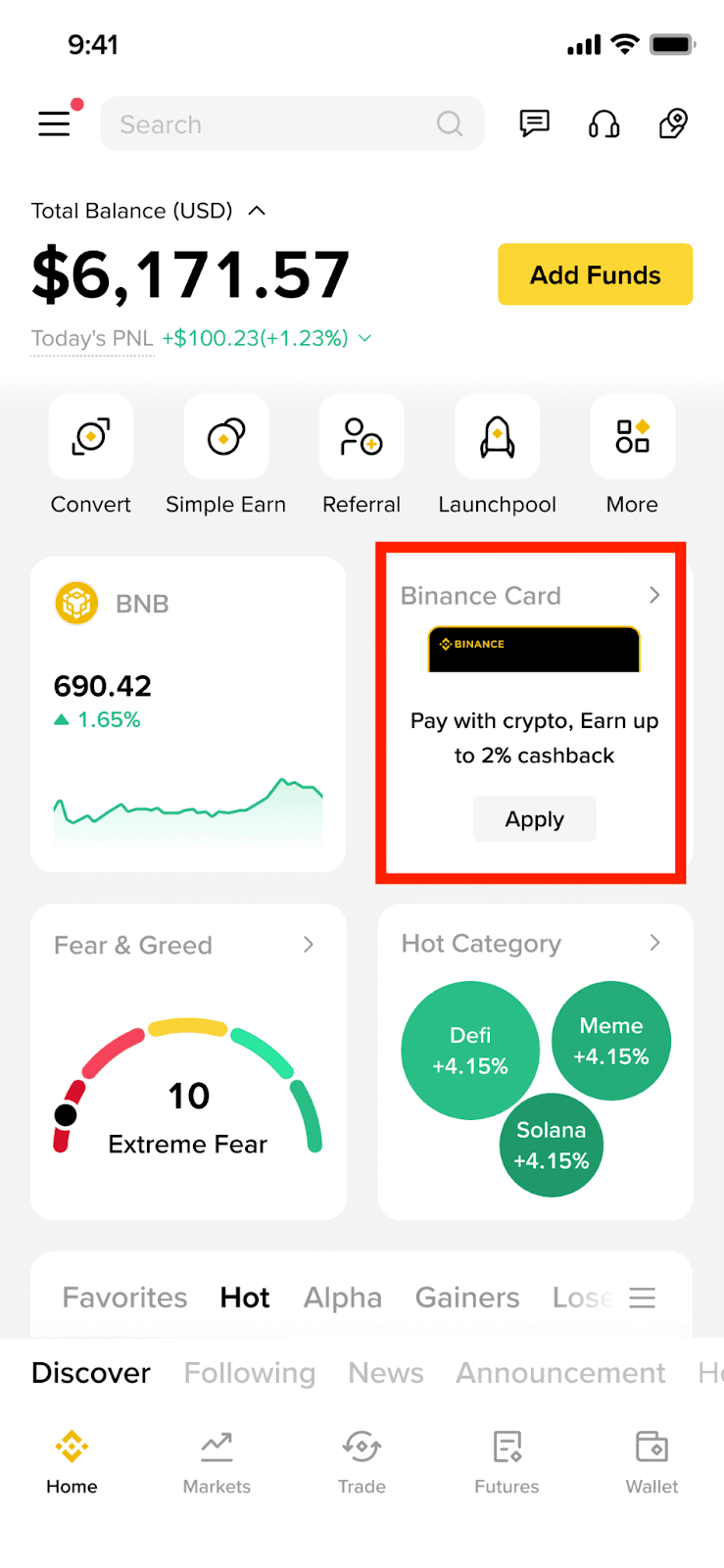
For quick access, you can add the Card icon to the App homepage from [More]. Tap the [Edit] icon under [Shortcut] to add the [Card] icon.
You can also add the Card Widget to the App homepage by long pressing the screen on the app homepage. Then tap [+] and find the [Card] widget to add to the homepage.
To view your card details, such as the card number, CVV code, and expiry date, tap [View Card Details] below the image of the card on the Card Dashboard and complete security verification.