When you receive funds via Binance P2P, Pay, Gift card or Pool, they go to your Funding Account. But you will need to transfer them to your Spot Account if you want to trade on the Spot Market. This guide will show you how to transfer your crypto assets from your Binance Funding Account to your Spot Account.
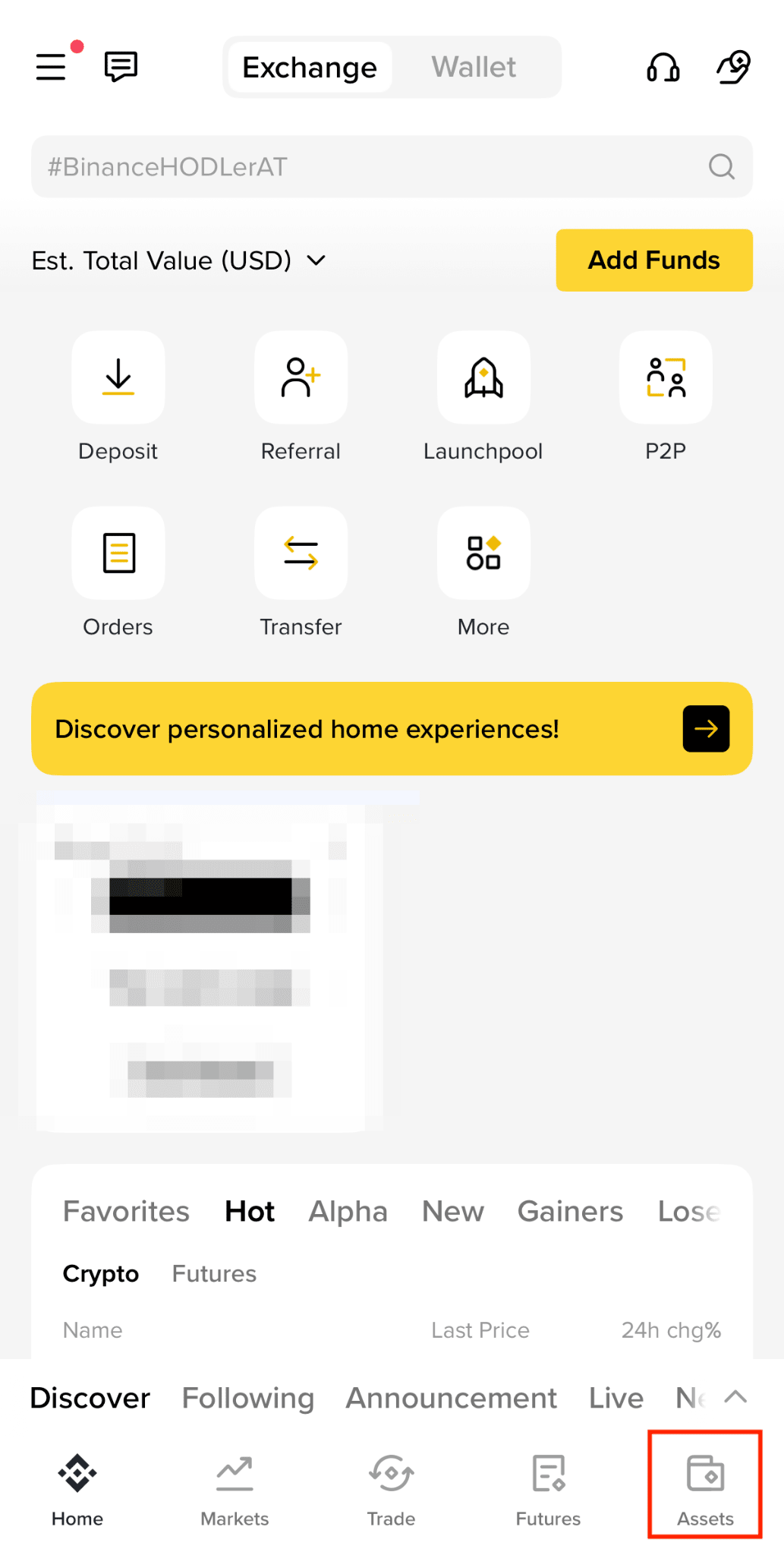
1. Log in to your Binance app and tap [Assets].
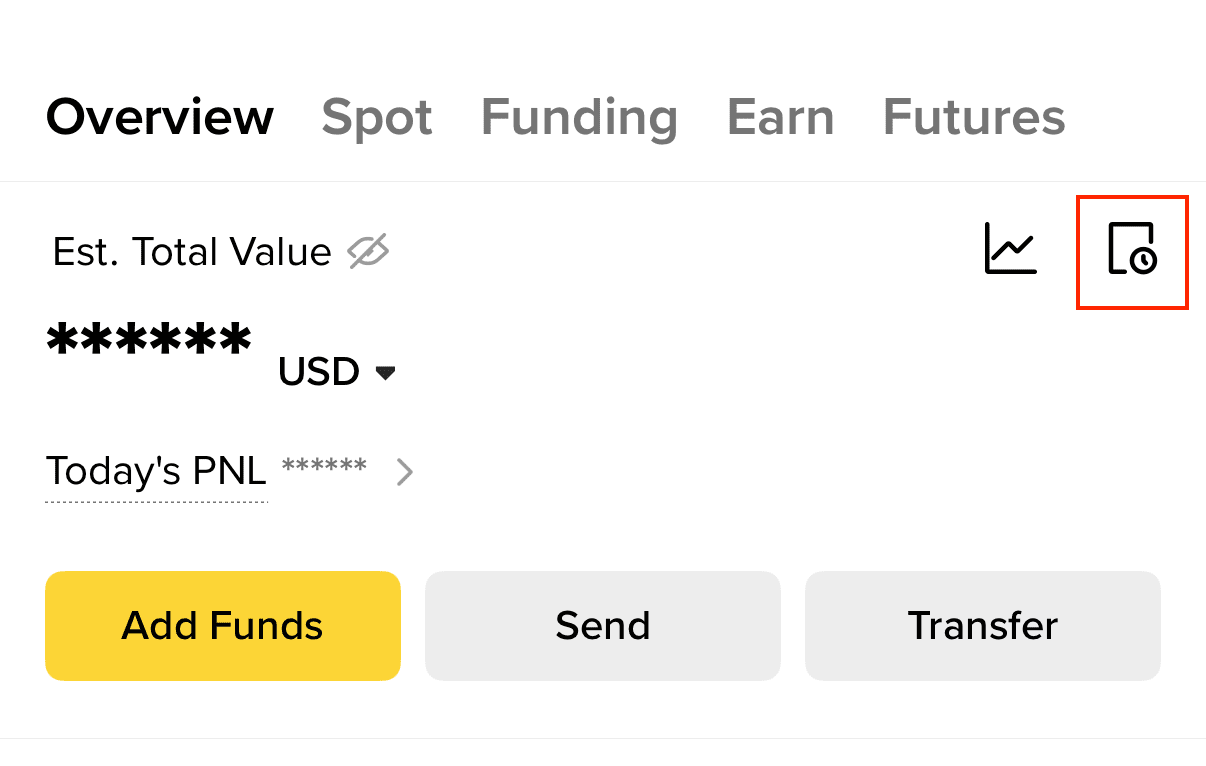
2. On the [Overview] tab, tap [Transfer].

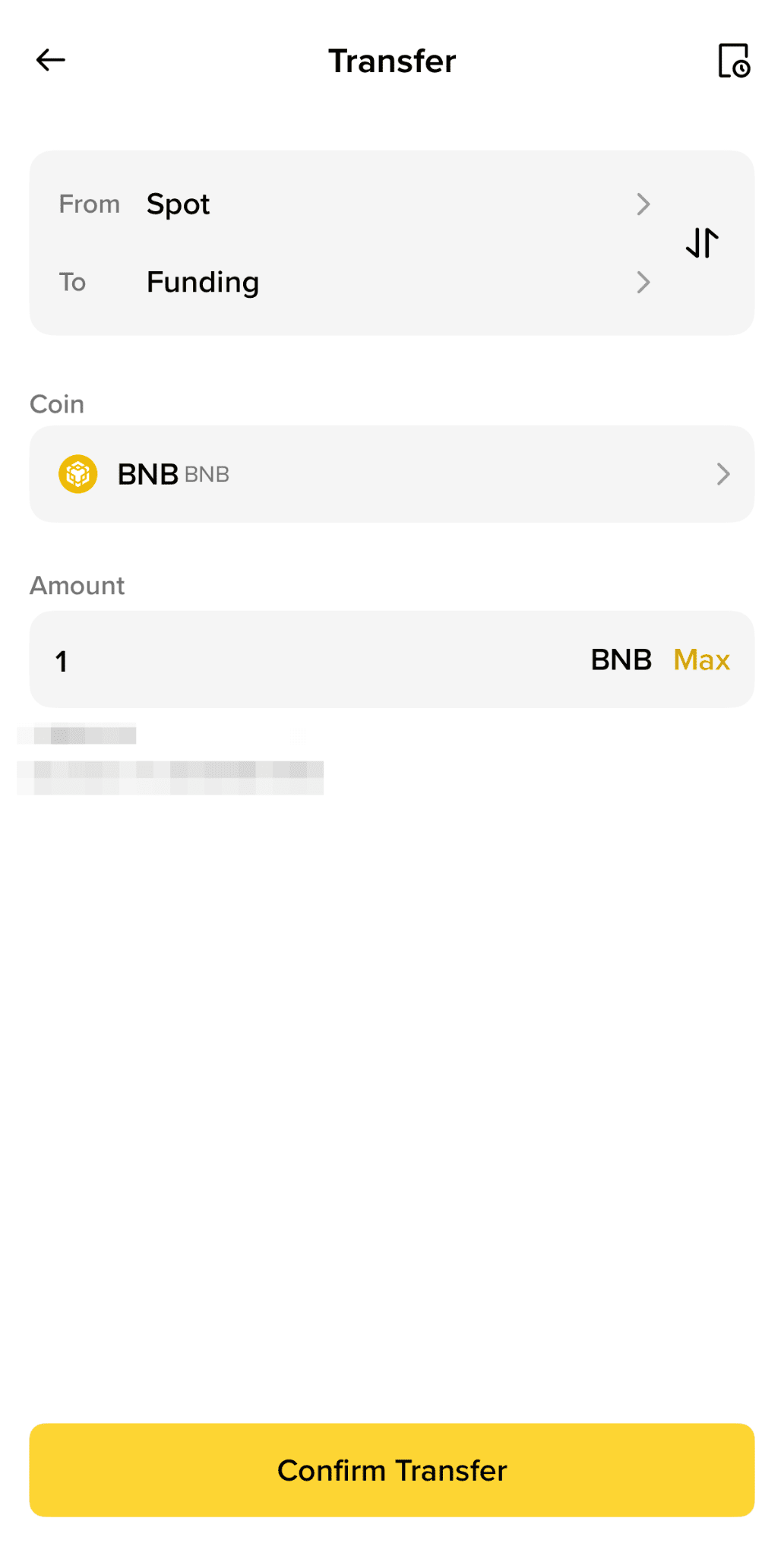
3. Choose [Spot] as the destination account. Select the asset you want to transfer and enter the amount. Then tap [Confirm Transfer].
4. To check your transfer history, tap the history icon on the top right.