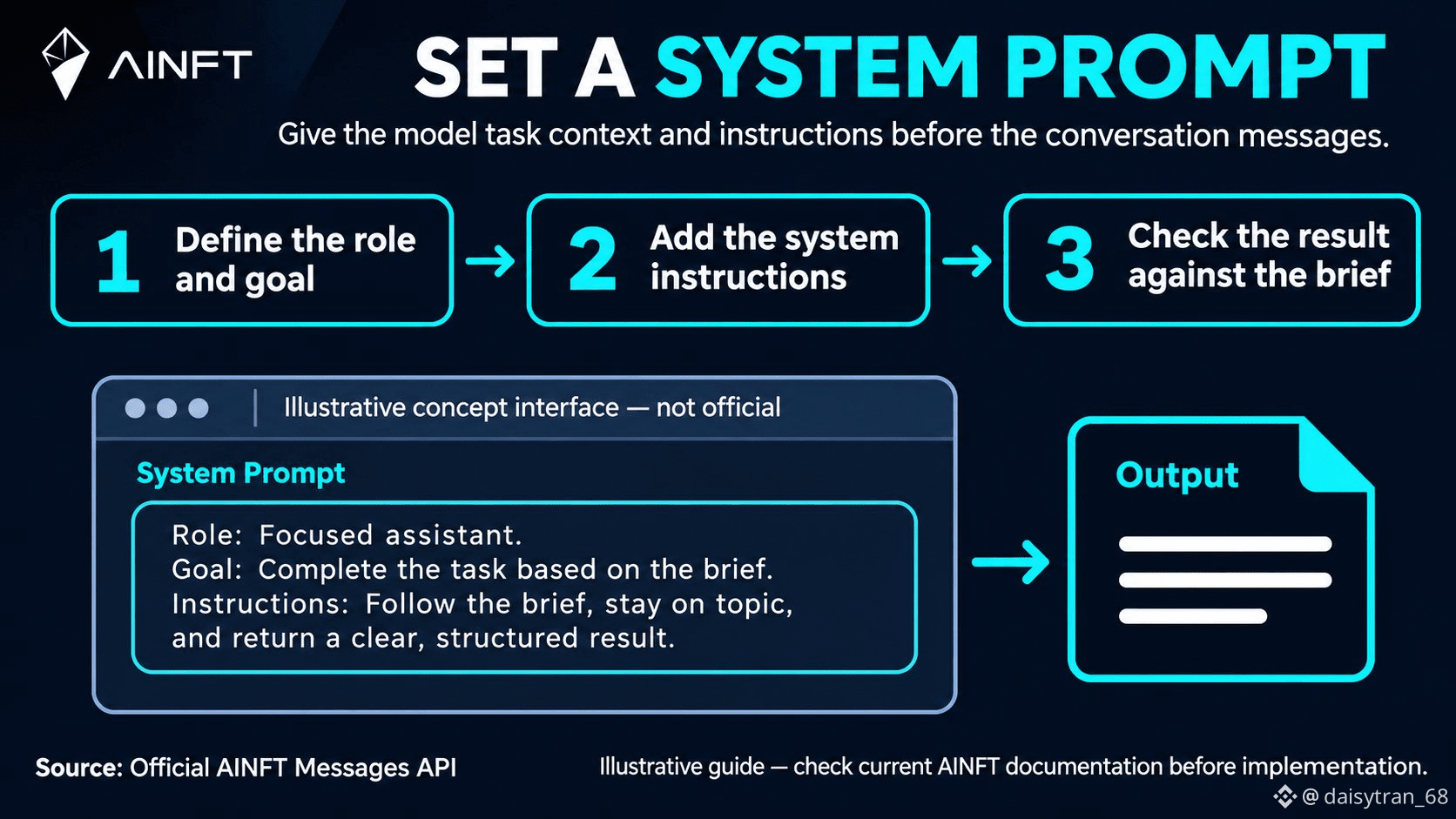
HOW TO SET A SYSTEM PROMPT
Before asking for an answer, define what a useful answer should look like.
A system prompt gives the model task-level direction before the conversation begins. It helps establish the assistant's role, goal, and response expectations instead of leaving everything to individual user messages.
Here’s how to make one more effective:
1️⃣
Define the Assistant's Role
Start by telling the model what role it should take.
A clearly defined role gives the model useful context for approaching the task.
2️⃣
State the Main Goal
Explain exactly what you want the assistant to accomplish.
Instead of writing something broad like "Help users," provide a specific objective, such as:
"Explain technical concepts in simple language and help users understand the steps required to complete a task."
The more clearly you define the goal, the easier it is to evaluate whether the response meets your expectations.
3️⃣
Add Practical Instructions
A good system prompt should also define relevant constraints.
Consider specifying:
→ Tone: Professional, friendly, concise, or conversational.
→ Structure: Use headings, numbered steps, or short paragraphs.
→ Scope: Focus on a particular subject and avoid unrelated information.
→ Response requirements: Include examples, explain technical terms, or acknowledge uncertainty when information is missing.
These details help turn a general instruction into a more useful working brief.
4️⃣
Test With a Representative Message
Don't assume the system prompt will work perfectly just because it sounds clear.
Send a realistic user message and evaluate the response:
Does the assistant follow the assigned role?
Does it address the actual task?
Is the tone and structure consistent with the instructions?
Does it stay within the defined scope?
If something is missing, refine the prompt and test again.
@Justin Sun孙宇晨 #TRONEcoStar