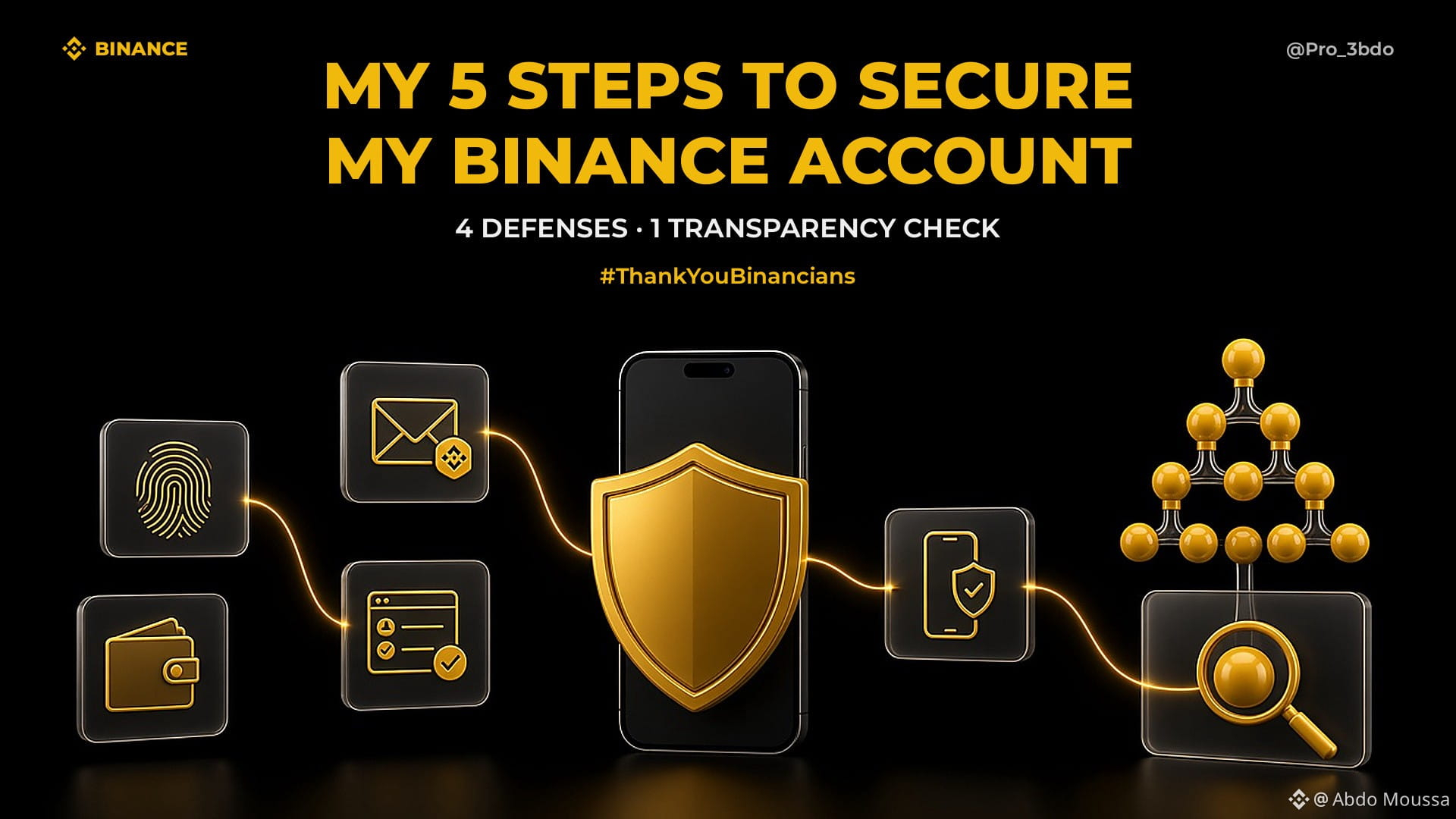
𝗠𝘆 𝗕𝗶𝗻𝗮𝗻𝗰𝗲 𝘀𝗲𝗰𝘂𝗿𝗶𝘁𝘆 𝗿𝗼𝘂𝘁𝗶𝗻𝗲: 𝟱 𝘀𝘁𝗲𝗽𝘀, 𝗻𝗼𝘁 𝗼𝗻𝗲 𝗺𝗮𝗴𝗶𝗰 𝗯𝘂𝘁𝘁𝗼𝗻 🛡️🔍
𝘉𝘦𝘧𝘰𝘳𝘦 𝘐 𝘵𝘳𝘢𝘥𝘦, 𝘐 𝘱𝘳𝘰𝘵𝘦𝘤𝘵. 𝘛𝘩𝘦𝘯 𝘐 𝘷𝘦𝘳𝘪𝘧𝘺. 𝘏𝘦𝘳𝘦 𝘪𝘴 𝘵𝘩𝘦 𝘳𝘰𝘶𝘵𝘪𝘯𝘦 𝘐 𝘸𝘢𝘯𝘵 𝘦𝘷𝘦𝘳𝘺 𝘧𝘳𝘪𝘦𝘯𝘥 𝘵𝘰 𝘶𝘯𝘥𝘦𝘳𝘴𝘵𝘢𝘯𝘥.
𝟭. 𝗣𝗮𝘀𝘀𝗸𝗲𝘆𝘀
What I do: use a passkey in Security → Passkeys (Biometrics).
Why: It is phishing-resistant, so a lookalike website cannot use it.
𝟮. 𝗔𝗻𝘁𝗶-𝗣𝗵𝗶𝘀𝗵𝗶𝗻𝗴 𝗖𝗼𝗱𝗲
What I do: check my code in Binance emails and open Binance directly.
Why: A logo can be copied. A missing or wrong code is a warning, not a reason to click.
𝟯. 𝗪𝗶𝘁𝗵𝗱𝗿𝗮𝘄𝗮𝗹 𝗪𝗵𝗶𝘁𝗲𝗹𝗶𝘀𝘁
What I do: approve trusted addresses and enable Whitelist Withdrawal Limit.
Why: Withdrawals are restricted to my list; the extra delay gives me time to spot a new address.
𝟰. 𝗦𝗲𝗰𝘂𝗿𝗲 𝗠𝘆 𝗗𝗲𝘃𝗶𝗰𝗲𝘀
What I do: update my phone/apps and remove apps from untrusted sources.
Why: Malicious apps can put credentials at risk. Account security starts with the device in my hand.
𝟱. 𝗩𝗲𝗿𝗶𝗳𝘆 𝗬𝗼𝘂𝗿 𝗔𝘀𝘀𝗲𝘁𝘀 ⭐
What I do: open Proof of Reserves, then Profile → Wallet → Verification, choose a date, review covered balances and use my Record ID/Merkle Leaf with the self-verification method.
Why: I check that my holdings were included in that snapshot, rather than rely on a headline. This is a transparency check, not a security or solvency guarantee.
Four defenses. One transparency check. Small habits, more informed peace of mind 💛
PoR: https://www.binance.com/en/proof-of-reserves
Security: https://www.binance.com/en/security
Crypto involves risk, this is not financial advice, always DYOR 💡
#ThankYouBinancians #Binance #CryptoSecurity #ProofOfReserves
Follow me for more 💛
𝘉𝘦𝘧𝘰𝘳𝘦 𝘐 𝘵𝘳𝘢𝘥𝘦, 𝘐 𝘱𝘳𝘰𝘵𝘦𝘤𝘵. 𝘛𝘩𝘦𝘯 𝘐 𝘷𝘦𝘳𝘪𝘧𝘺. 𝘏𝘦𝘳𝘦 𝘪𝘴 𝘵𝘩𝘦 𝘳𝘰𝘶𝘵𝘪𝘯𝘦 𝘐 𝘸𝘢𝘯𝘵 𝘦𝘷𝘦𝘳𝘺 𝘧𝘳𝘪𝘦𝘯𝘥 𝘵𝘰 𝘶𝘯𝘥𝘦𝘳𝘴𝘵𝘢𝘯𝘥.
𝟭. 𝗣𝗮𝘀𝘀𝗸𝗲𝘆𝘀
What I do: use a passkey in Security → Passkeys (Biometrics).
Why: It is phishing-resistant, so a lookalike website cannot use it.
𝟮. 𝗔𝗻𝘁𝗶-𝗣𝗵𝗶𝘀𝗵𝗶𝗻𝗴 𝗖𝗼𝗱𝗲
What I do: check my code in Binance emails and open Binance directly.
Why: A logo can be copied. A missing or wrong code is a warning, not a reason to click.
𝟯. 𝗪𝗶𝘁𝗵𝗱𝗿𝗮𝘄𝗮𝗹 𝗪𝗵𝗶𝘁𝗲𝗹𝗶𝘀𝘁
What I do: approve trusted addresses and enable Whitelist Withdrawal Limit.
Why: Withdrawals are restricted to my list; the extra delay gives me time to spot a new address.
𝟰. 𝗦𝗲𝗰𝘂𝗿𝗲 𝗠𝘆 𝗗𝗲𝘃𝗶𝗰𝗲𝘀
What I do: update my phone/apps and remove apps from untrusted sources.
Why: Malicious apps can put credentials at risk. Account security starts with the device in my hand.
𝟱. 𝗩𝗲𝗿𝗶𝗳𝘆 𝗬𝗼𝘂𝗿 𝗔𝘀𝘀𝗲𝘁𝘀 ⭐
What I do: open Proof of Reserves, then Profile → Wallet → Verification, choose a date, review covered balances and use my Record ID/Merkle Leaf with the self-verification method.
Why: I check that my holdings were included in that snapshot, rather than rely on a headline. This is a transparency check, not a security or solvency guarantee.
Four defenses. One transparency check. Small habits, more informed peace of mind 💛
PoR: https://www.binance.com/en/proof-of-reserves
Security: https://www.binance.com/en/security
Crypto involves risk, this is not financial advice, always DYOR 💡
#ThankYouBinancians #Binance #CryptoSecurity #ProofOfReserves
Follow me for more 💛