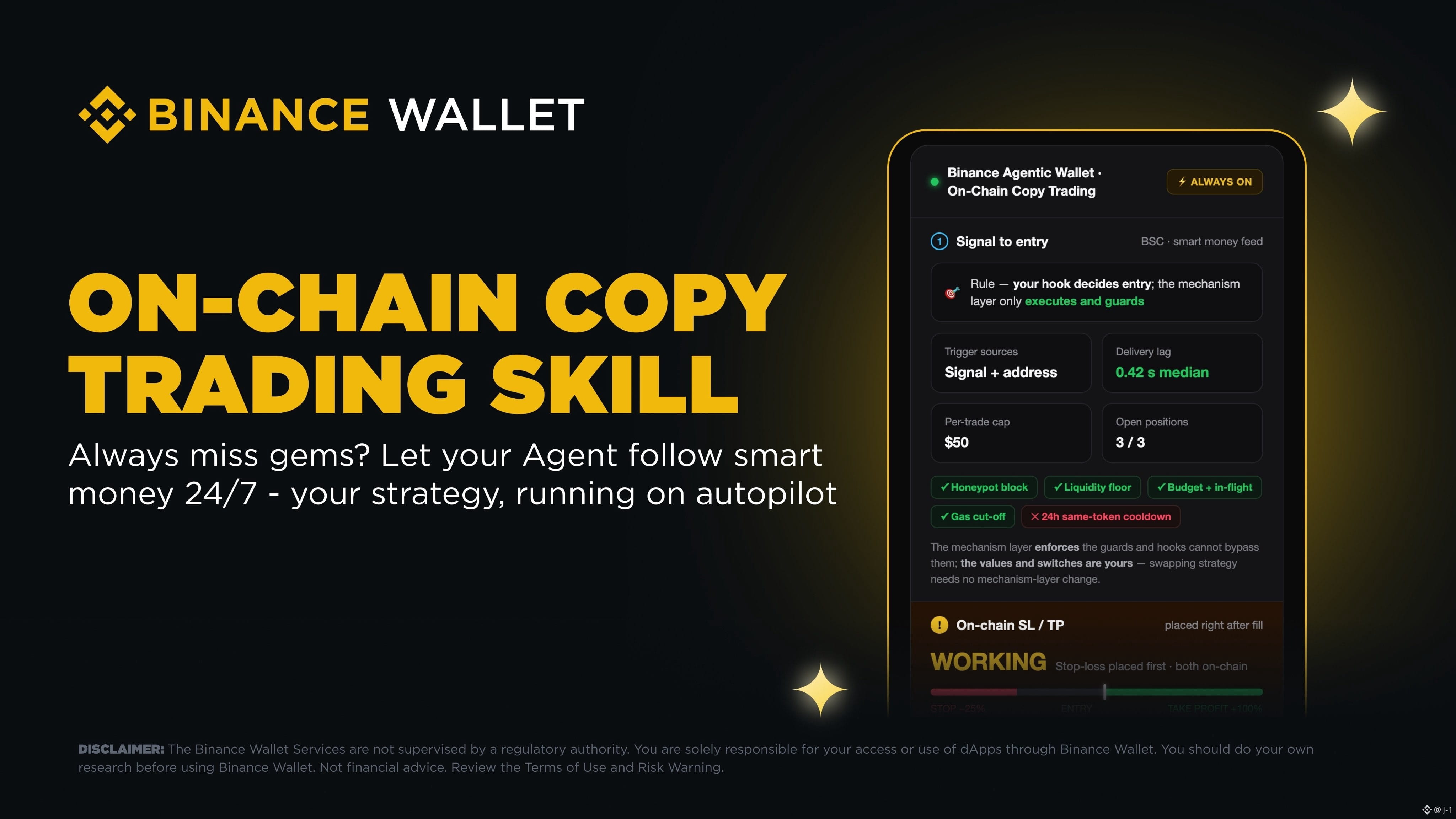
Setting up automated on-chain copy trading through your Binance Agentic Wallet is an intuitive process that puts your trading strategy entirely on autopilot.
To get started, simply navigate to the Binance Skills Hub and install the on-chain copy trading Skill. Following the installation, you will need to choose your target accounts. You can either manually select specific smart money addresses to follow, or you can opt to subscribe to the exclusive smart money signals provided directly by Binance Wallet.
The next phase is configuring your personal trading parameters. During this step, you will select your preferred chain, allocate your budget, determine your ideal position size, and establish your rules for both take-profit and stop-loss.
Before committing any actual funds, you have the ability to run a complete dry-run. This feature lets you test the entire pipeline at no cost, allowing you to refine and adjust your approach using real market data. Once your strategy is perfectly fine-tuned, you can confidently switch over to live trading. You can enjoy peace of mind knowing that every single position will automatically open with your specific stop-loss and take-profit orders securely placed on-chain.
For a comprehensive, step-by-step guide on how to complete this setup, please visit the official documentation here:
https://web3.binance.com/en/dev-docs/products/agentic-wallet/use-cases/copy-trading
To get started, simply navigate to the Binance Skills Hub and install the on-chain copy trading Skill. Following the installation, you will need to choose your target accounts. You can either manually select specific smart money addresses to follow, or you can opt to subscribe to the exclusive smart money signals provided directly by Binance Wallet.
The next phase is configuring your personal trading parameters. During this step, you will select your preferred chain, allocate your budget, determine your ideal position size, and establish your rules for both take-profit and stop-loss.
Before committing any actual funds, you have the ability to run a complete dry-run. This feature lets you test the entire pipeline at no cost, allowing you to refine and adjust your approach using real market data. Once your strategy is perfectly fine-tuned, you can confidently switch over to live trading. You can enjoy peace of mind knowing that every single position will automatically open with your specific stop-loss and take-profit orders securely placed on-chain.
For a comprehensive, step-by-step guide on how to complete this setup, please visit the official documentation here:
https://web3.binance.com/en/dev-docs/products/agentic-wallet/use-cases/copy-trading