
Binance's fundamental principle is transparency. In this regard, how you can verify your account balance using zk-SNARKs and Merkle Tree. Here's what you need to do;
Go to the official GitHub website and download the verification tool from the software repository.
Proof of Solvency Tool: https://github.com/binance/zkmerkle-proof-of-solvency/releases/tag/v1.0.0
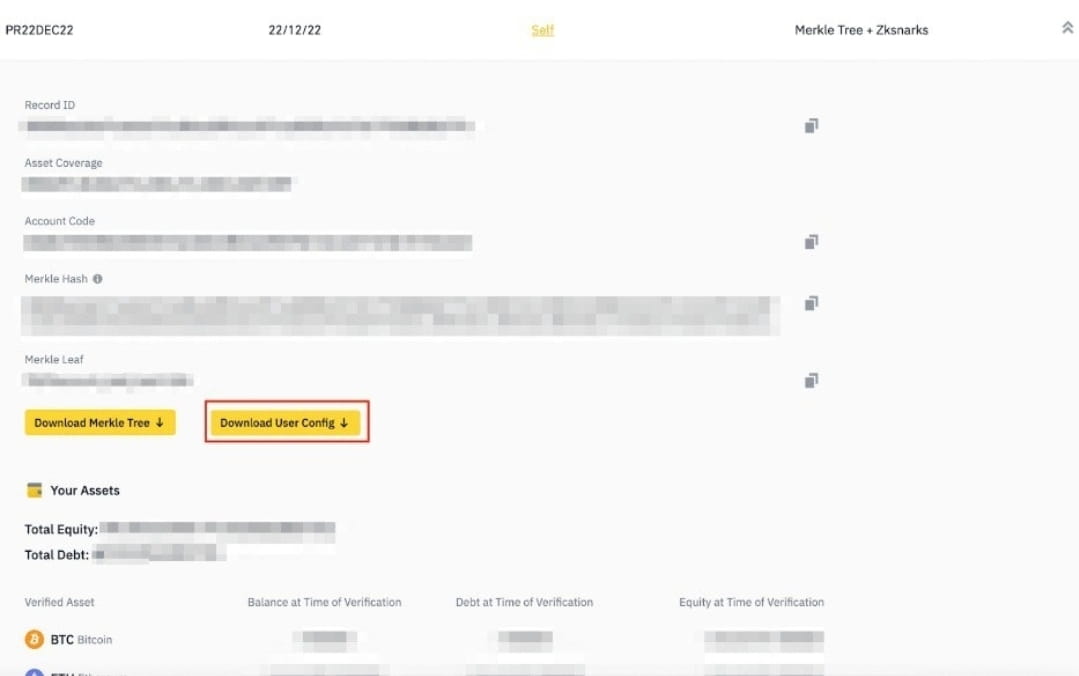
Go to Binance.com and log in to your account. Click [Profile] - [Wallet] - [Verification]. Then click the arrow to expand the verification data.
3. Search for self-verifying Merkle Tree entries and make sure [Verification Type] is "Merkle Tree + Zksnarks". You will see your account data. Click [Download Merkle Tree] to save it to your computer.
Please note that the report is a snapshot and does not reflect real-time assets. It may not match the current asset count.
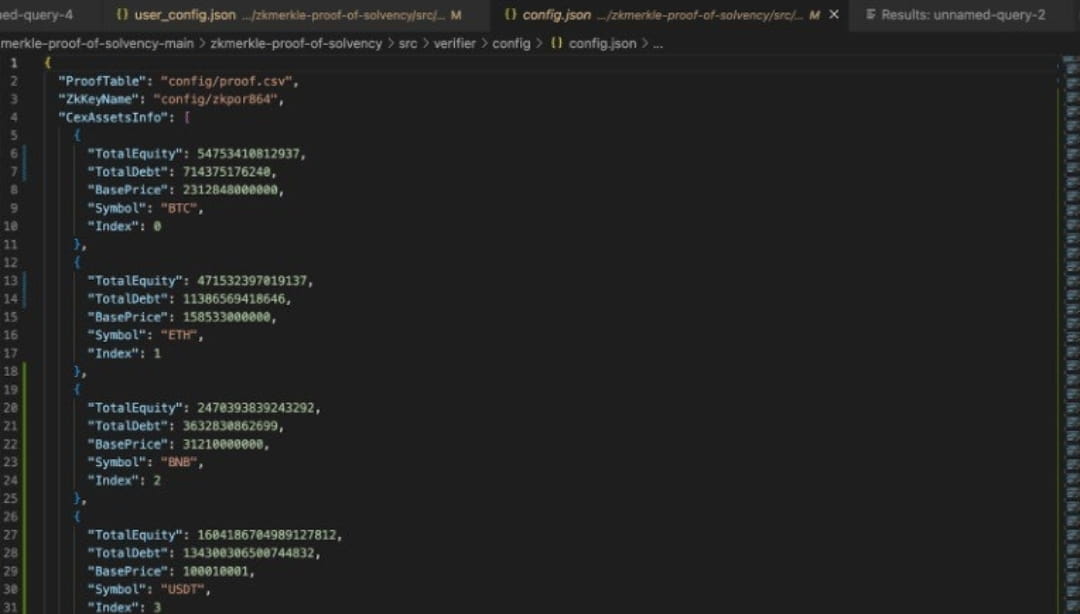
4. Go to the Verifier tool folder. Type and run “./verifier_darwin_amd64” on MacOS, “./verifier_linux_amd64” on Linux, or “./verifier_windows_amd64.exe” on Windows to verify the root hash.
Precondition:
Install the “config.json”, “proof.csv” and “zkpor864.vk.save” files in the zip file and place them in the “PathToVerifierTool/config” folder.
Setup:
Setup the “ProofTable” file to examine the proof data file of zk-SNARKs generated by the restorator.
Install the “ZkKeyName” file to display the verification key downloaded in the package. "CexAssetInfo" refers to the total customer balance of all tokens listed on Binance (including all verifiable and non-verifiable assets).
It can be verified using the proof of listed zk-SNARKs. You can cross-check with the verifiable asset in Binance's Proof of Reserve section. All balances and prices are in 10^8 format except BTTC, SHIB, LUNC, XEC, WIN, BIDR, SPELL, HOT and DOGE (10^2).
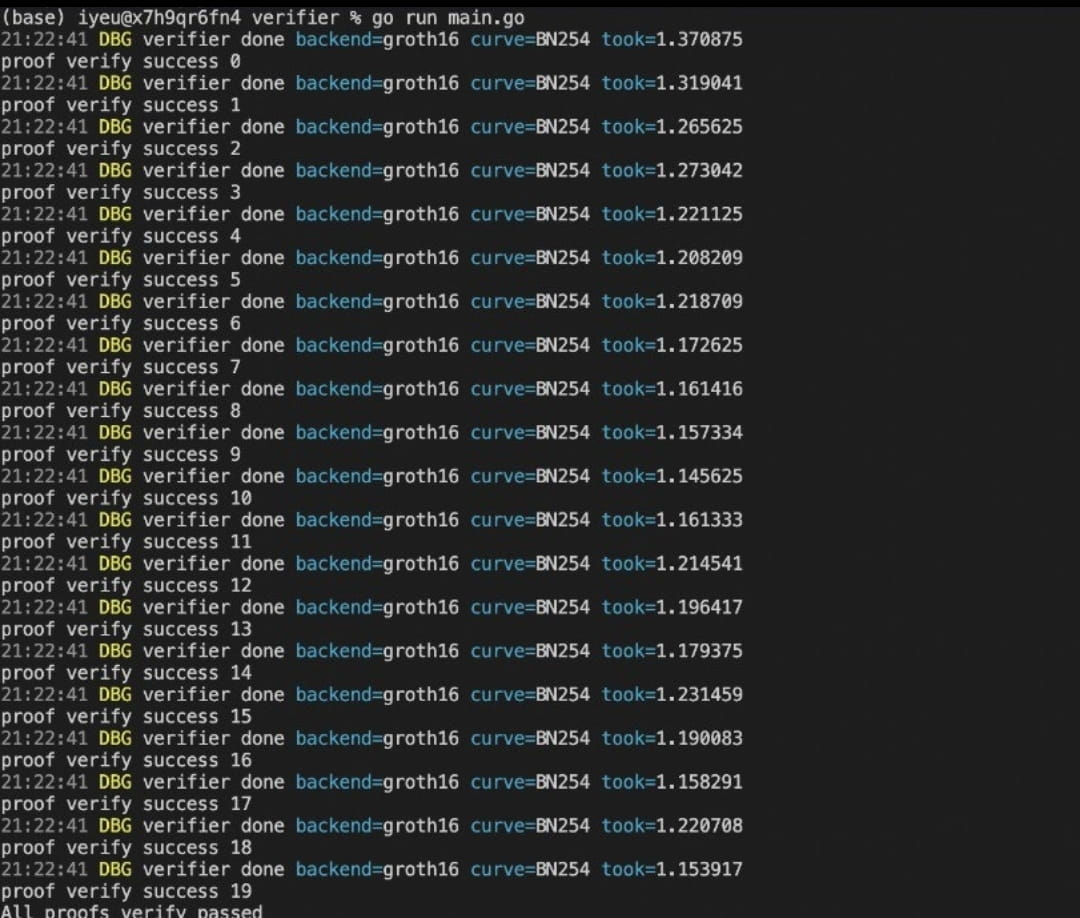
5. To verify your account information, use the format “./verifier_darwin_amd64 -user” on MacOS, “./verifier_linux_amd64 -user” on Linux, or “./verifier_windows_amd64.exe -user” on Windows.
Precondition:
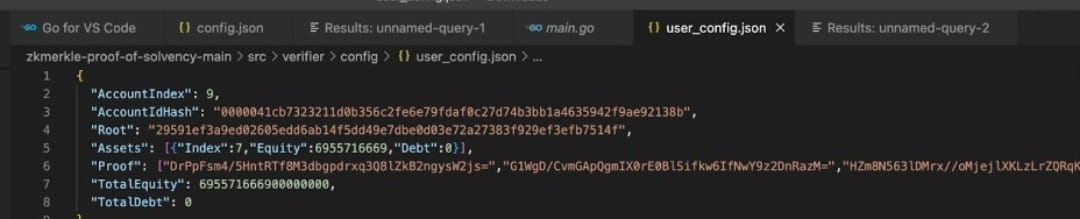
Download/Install the “user_config.json” file. This file is specifically created based on a user’s account data during the snapshot. You can find it in the zip file you downloaded. Place the file in the “PathToVerifierTool/config” folder.
Setup:
“AccountIndex”: The position of the Merkle Leaf within the Merkle Tree.
"AccountIdHash" - "Account Code": Identifies each user's account on Binance. You can find your account information on the [Verification] page.
“TotalEquity”: Total value of user balance (in USD); Values are in 10^16 format.
“TotalDebt”: Total value borrowed by the user (in USD); Values are in 10^16 format.
"Assets": User's assets in the snapshot. You can look up the assets equivalent to the indices in the asset template list downloaded in step 2. (see the "Asset_List.csv" file to define the token by index). Asset balances are in 10^8 format except BTTC, SHIB, LUNC, XEC, WIN, BIDR, SPELL, HOT and DOGE (10^2).
"Root": Merkle root hash of the verification process. It is used to check user information with Merkle path information from the same root hashes.
“Proof”: The user’s Merkle path.