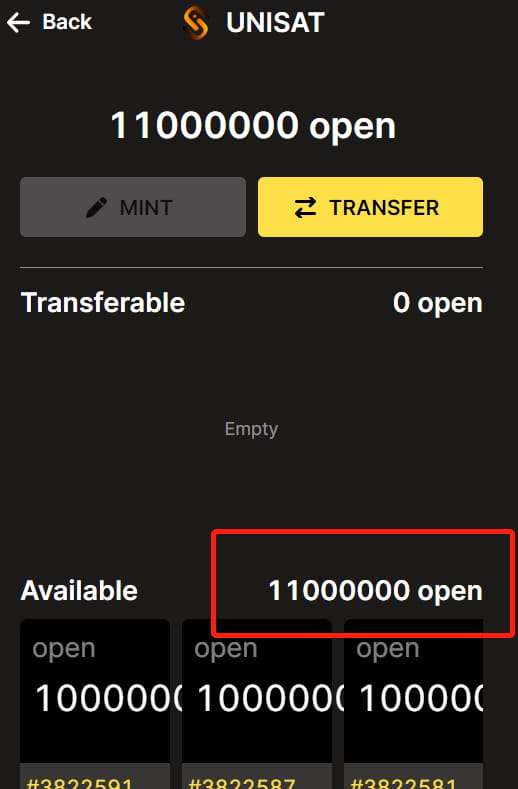
What is ORC-20? ORC-20 is an open standard that supplements and upgrades BRC-20. Some BRC-20 restrictions have been removed, and more operations have been defined.
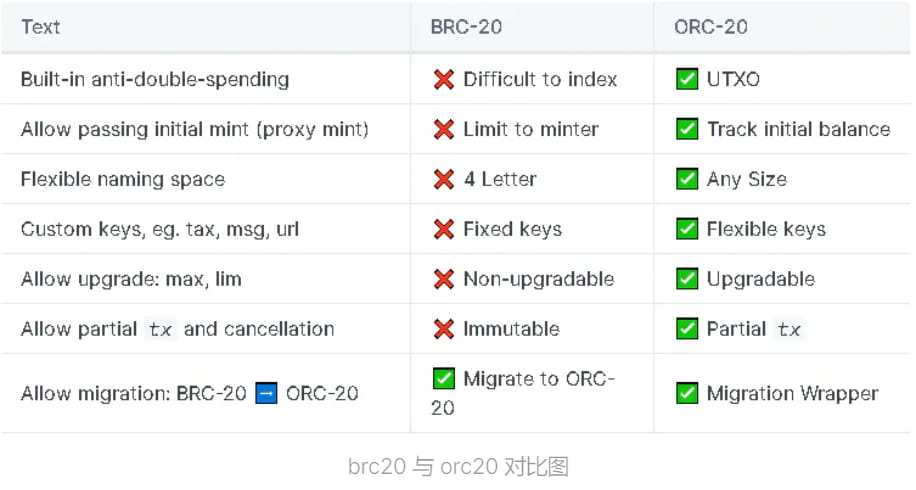
ORC-20 White Paper: https://docs.orc20.org/
Advantages: Can prevent the problem of double spending (transactions are more secure, no repeated consumption). Allows migration from BRC20 to ORC20. Transactions can be canceled.
Insufficient ORC20 does not limit 4 characters, the same name can define multiple copies (lack of brc20 rarity, token names are easy to be confused) Can change the initial supply and maximum mintage as well as taxes (similar to the Ethereum chain erc20) Has centralization! (The project can control the chips)
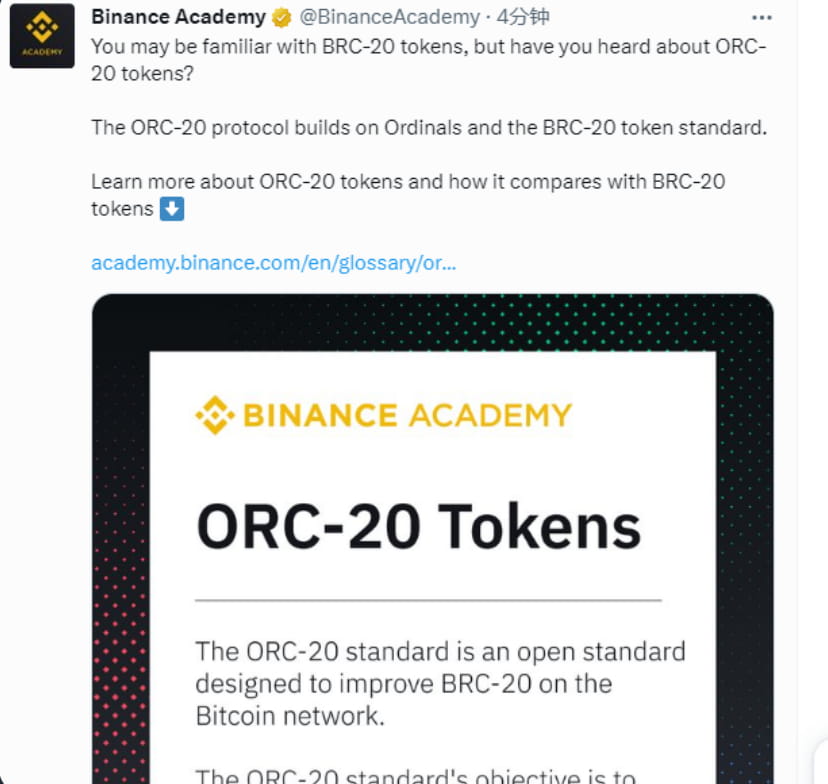
OK and Binance, two major exchanges, simultaneously released support for ORC-20 construction. Regardless of what this agreement will ultimately bring,
We all need to get on board with this trend!
1. How to find the token text. Currently, it is not possible to see the number of tokens minted. There is no corresponding index and no corresponding tools. It is all blind typing! Be aware of the risks!
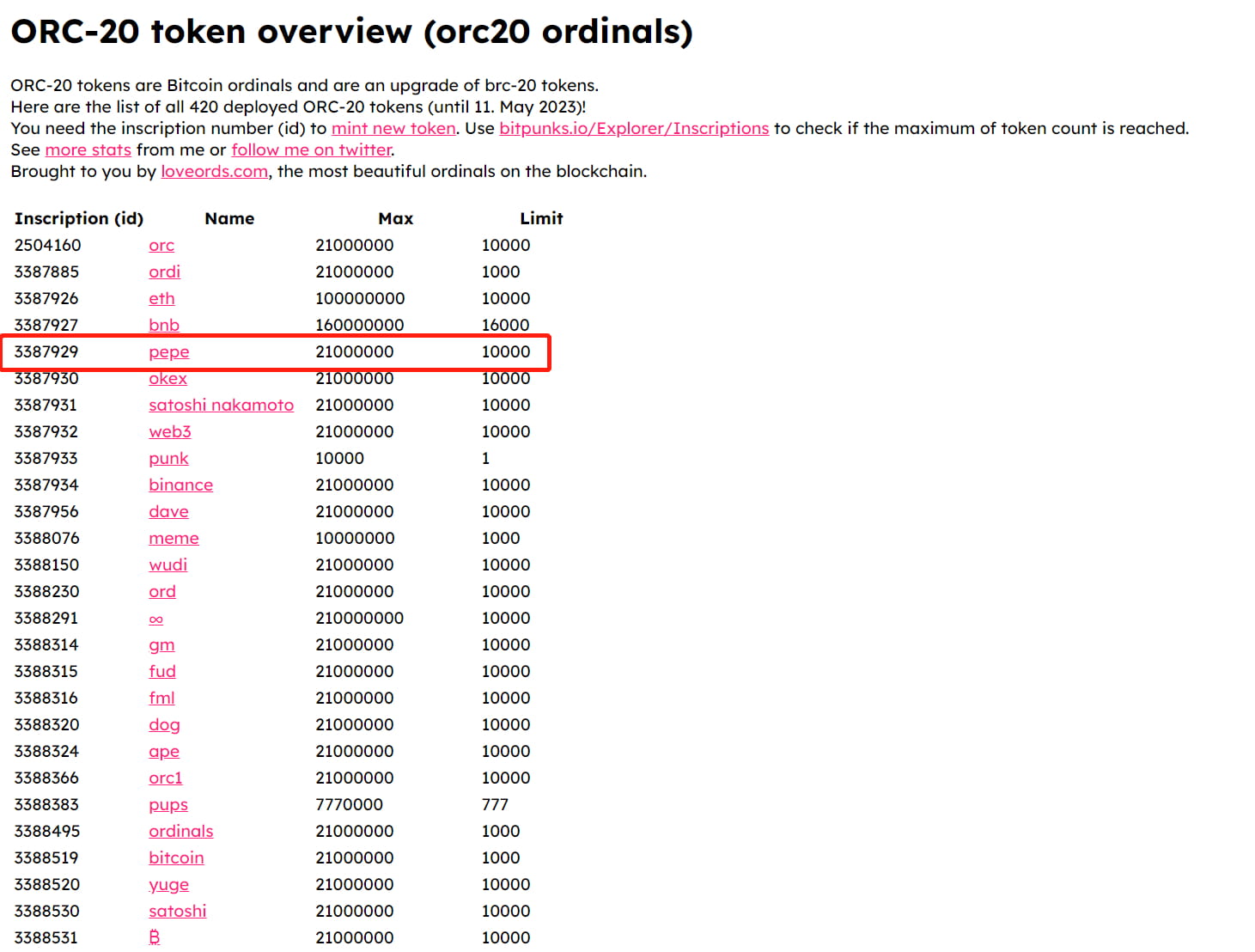
1. Open the ORC-20 token list: https://loveords.com/orc20
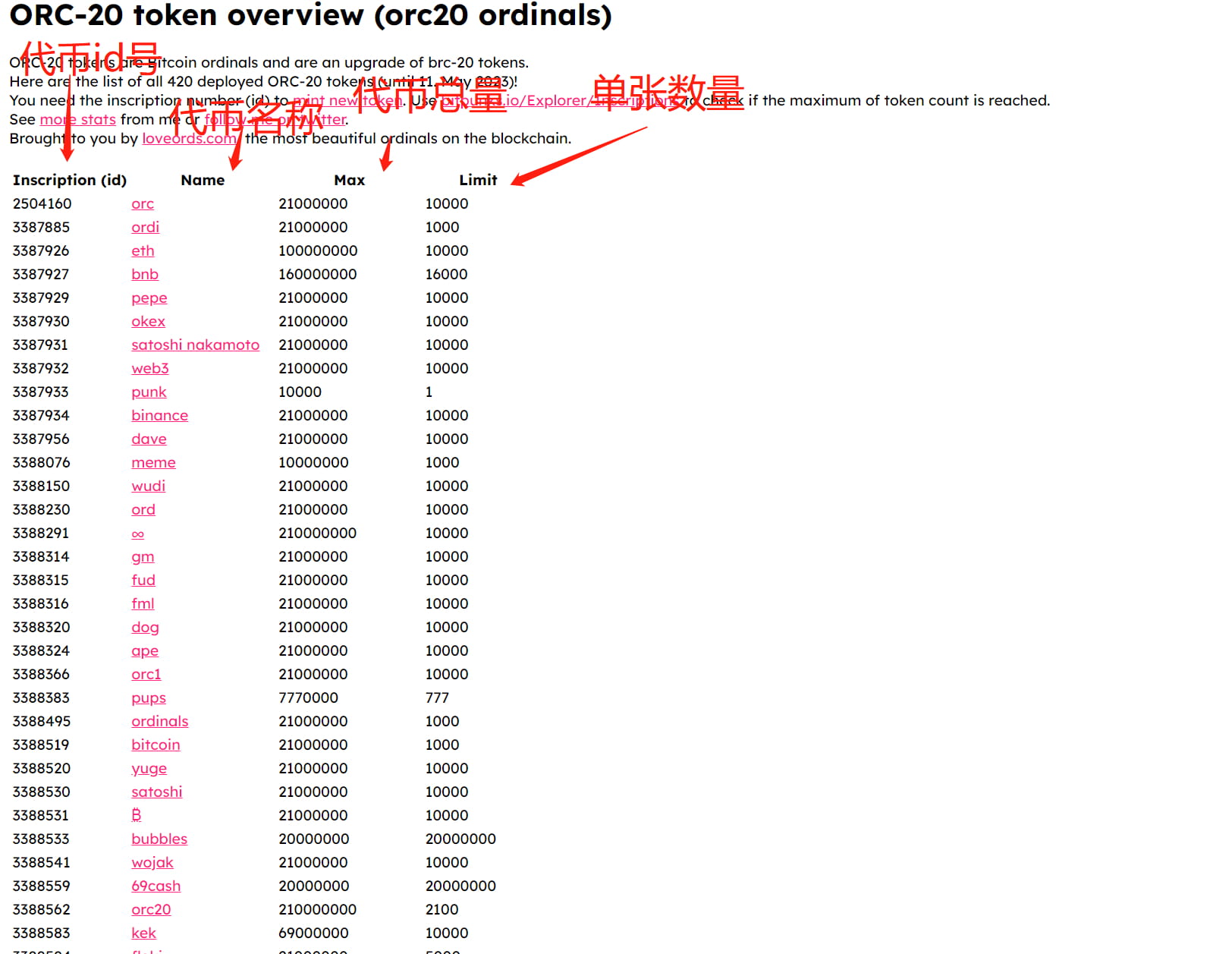
2. Find the token you want to mint and replace the text below (replace the Hanzi ones, as shown below)
I use pepe as an example.
{"p":"orc-20", "tick":"Token inscription", "id":"Inscription id", "op":"mint", "amt":"Single fixed number of tokens" }
{"p":"orc-20", "tick":"pepe", "id":"3387929", "op":"mint", "amt":"10000"}
After finding the token, fill in the token according to the above format, and then go to unisat to mint the token.
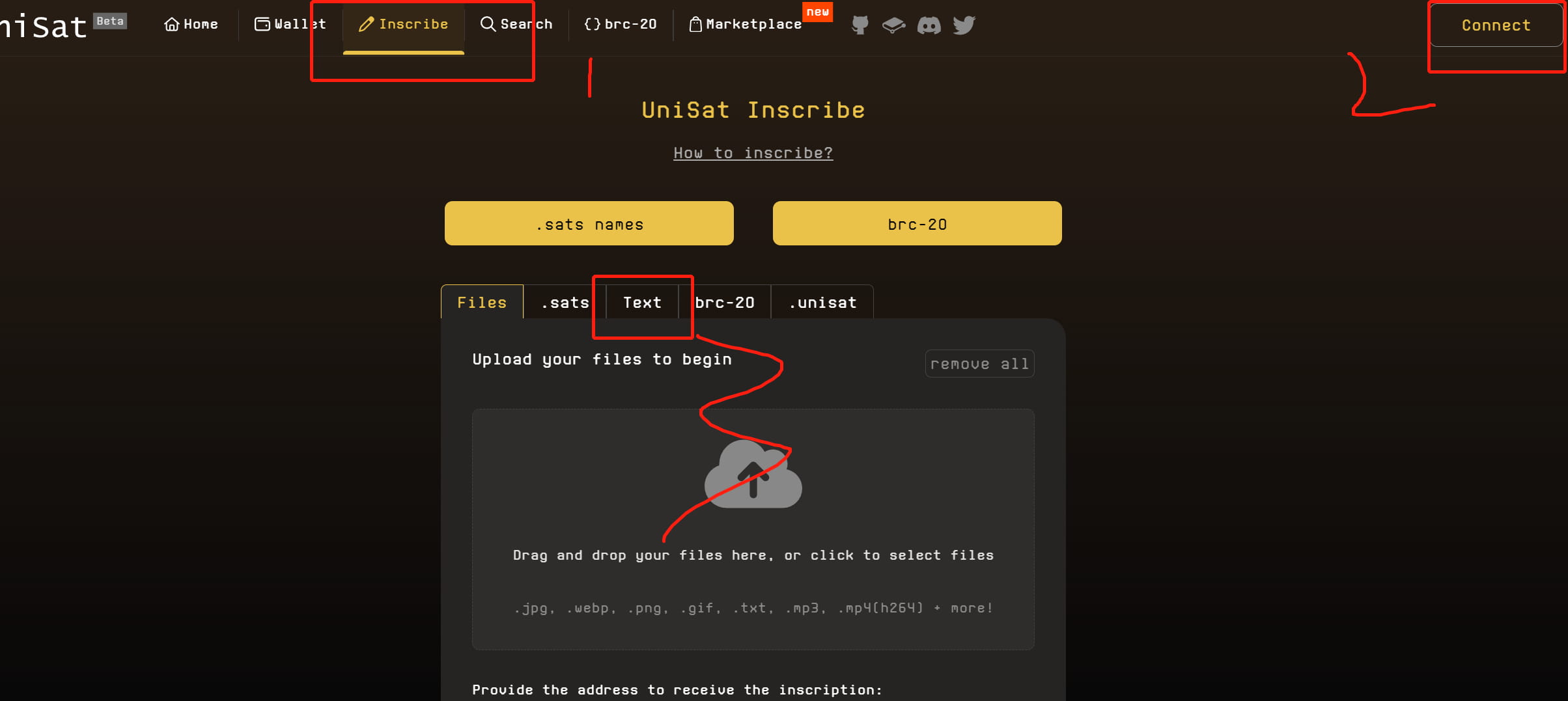
2. Inscription casting 1. Open the unisat web casting tool
Carry out step 1.2.3 as shown in the figure
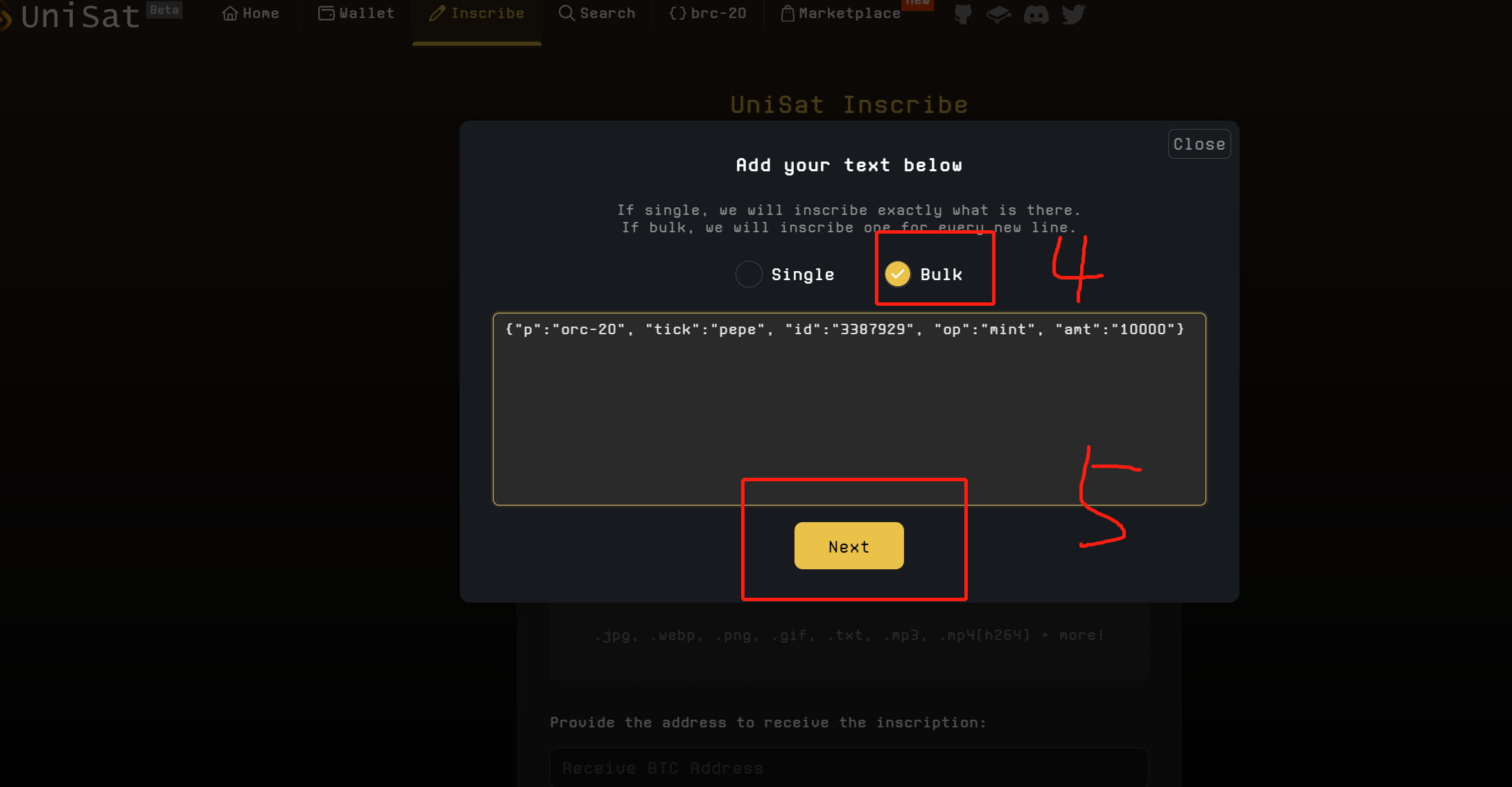
4. Select Bulk (make a test first. This one does not have an indexer. You need to verify whether it is still there. If it succeeds once, you can batch cast). Paste the text you just copied. For batch casting inscriptions, just paste multiple lines. (As shown in the picture, I batch cast 1 inscription at a time) Then click Next
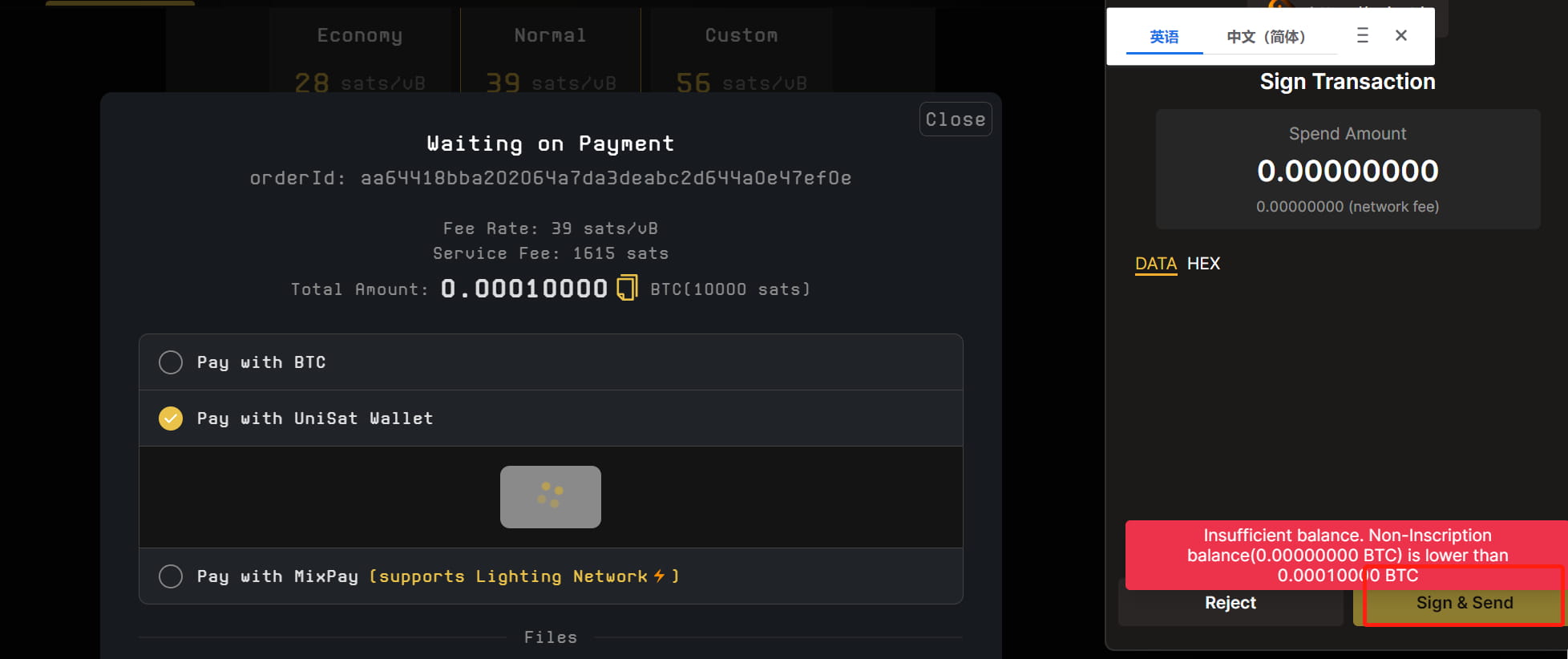
5. The link wallet address is the default. For gas, generally choose the rightmost one with a high success rate. Click the bottom to pay.
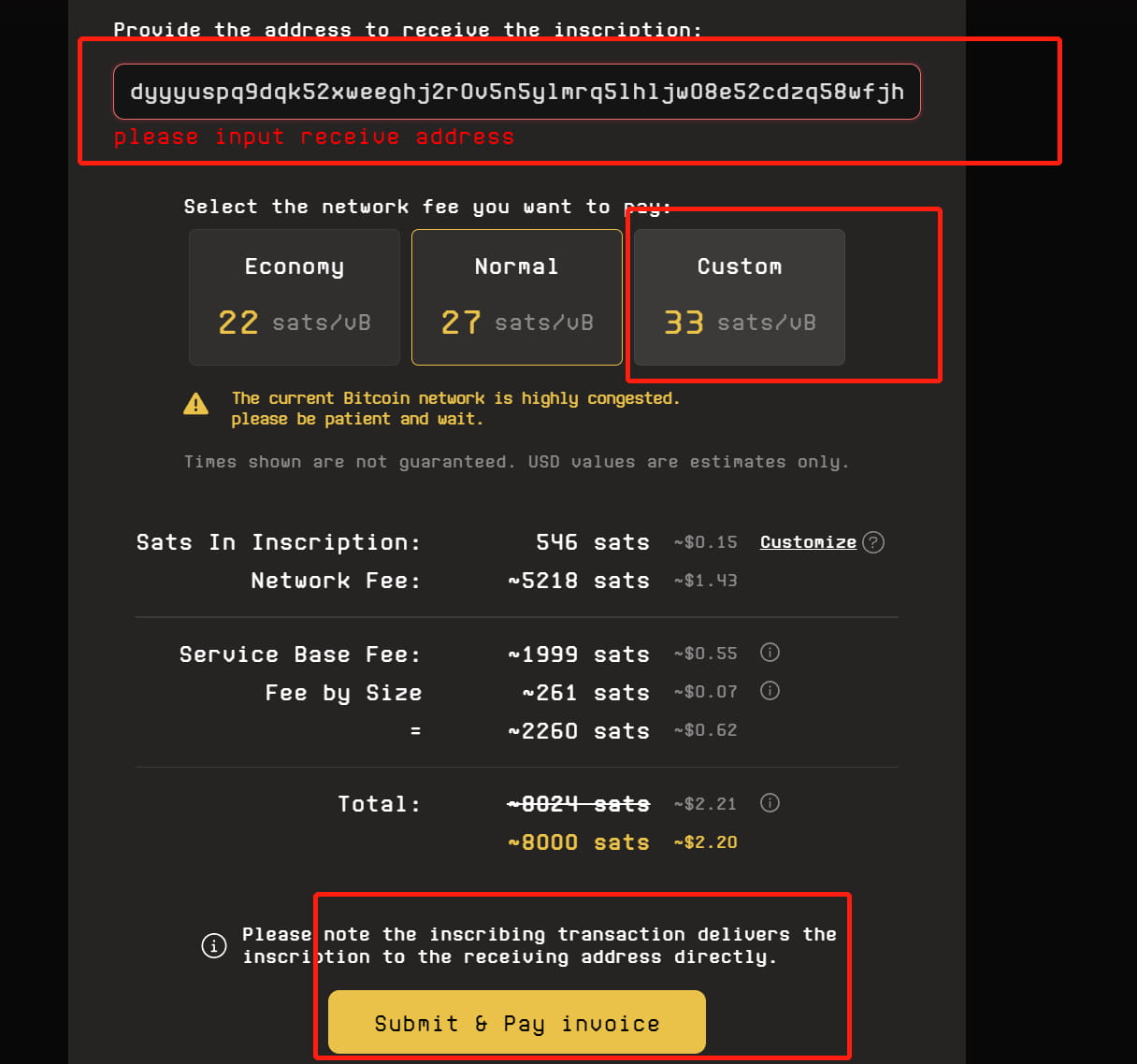
Casting will start after confirmation
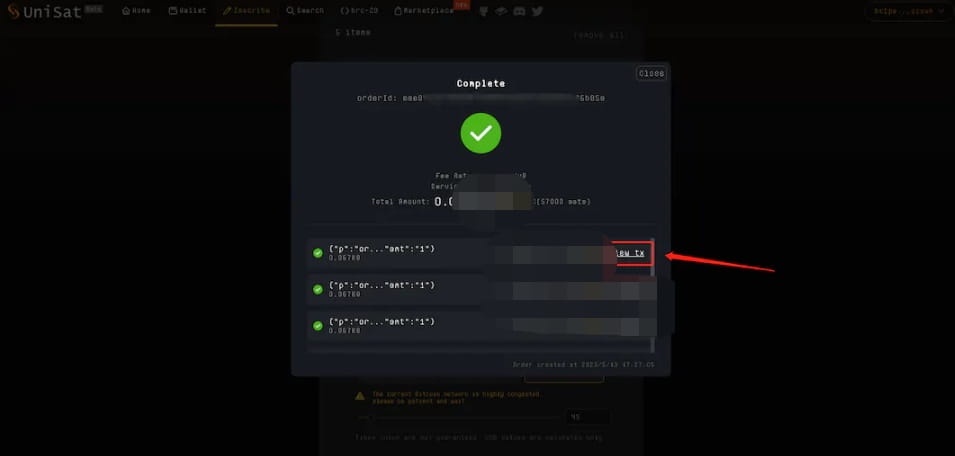
Showing green means casting is successful
In the end, it is subject to the arrival in the wallet. Click brc20 in the wallet and select the corresponding token. If it displays white, it means the account has been received, and gray means it is being confirmed again.