

Project:
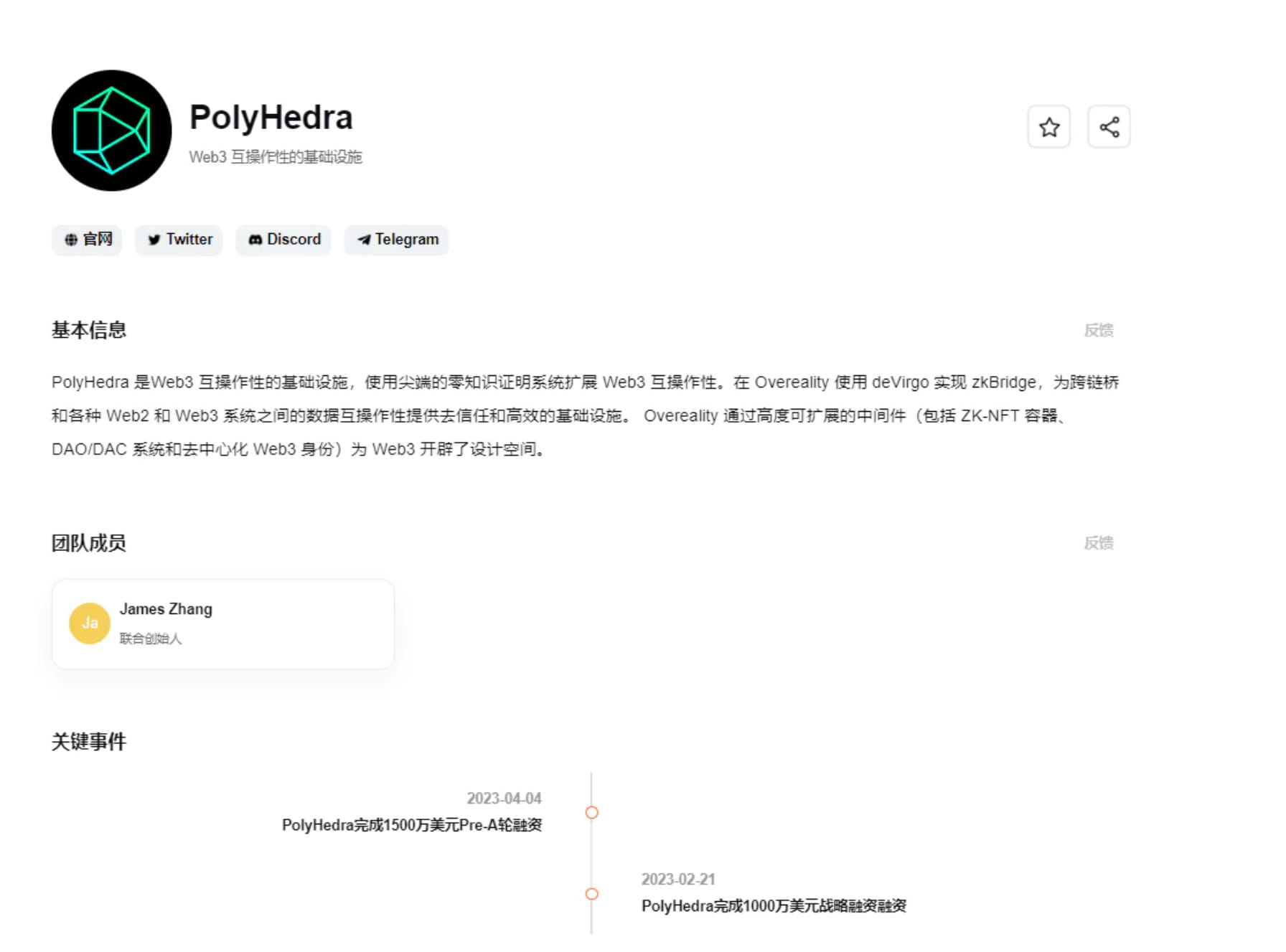
PolyHedra is the infrastructure for Web3 interoperability, extending Web3 interoperability using a cutting-edge zero-knowledge proof system. Implemented zkBridge using deVirgo at Overeality, providing a trustless and efficient infrastructure for cross-chain bridges and data interoperability between various Web2 and Web3 systems. Overeality opens up the design space for Web3 with highly scalable middleware including ZK-NFT containers, DAO/DAC systems, and decentralized Web3 identities.
PolyHedra has raised a total of US$25 million so far, led by Binance.
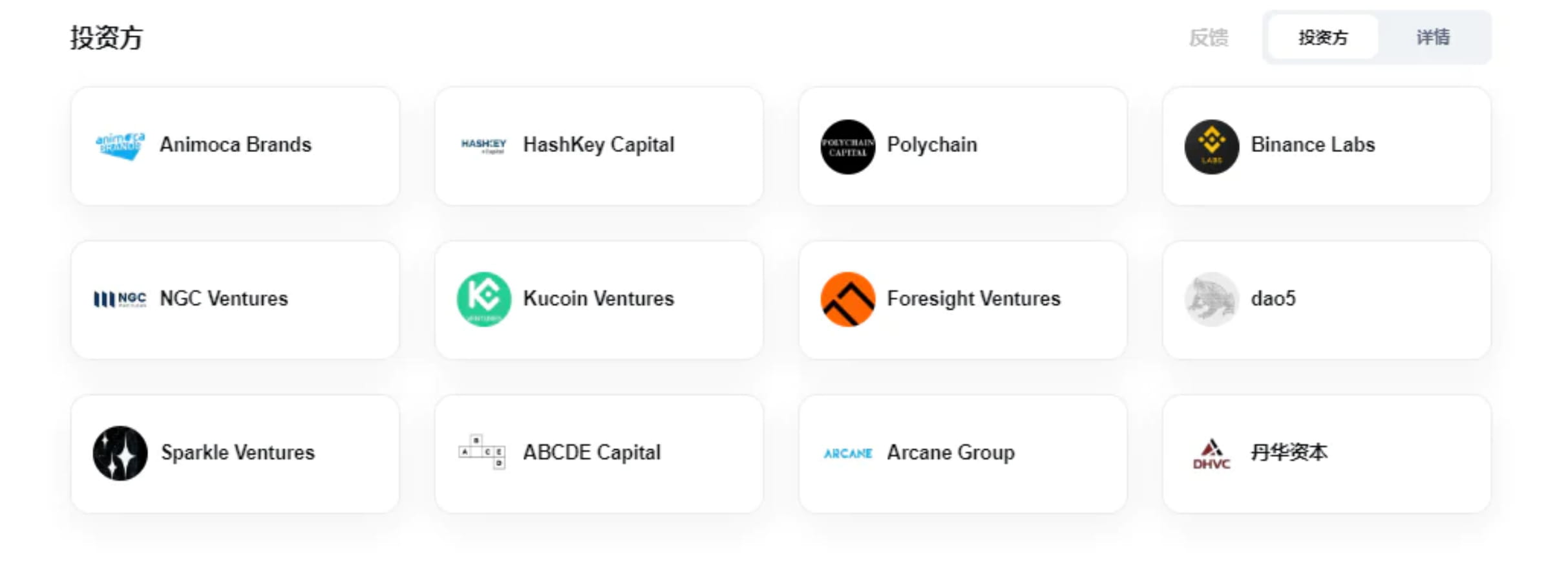
To introduce PolyHedra in simple terms, it is the LayerZero of the NFT market, both of which are cross-chain. The difference is that LayerZero uses tokens to cross-chain, while PolyHedra uses NFT and messages to cross-chain, so this is why it can attract so many big players. Guy's investment.
PolyHedra official Twitter: https://twitter.com/PolyhedraZK
PolyHedra official website: https://polyhedra.network/
Tutorial starts:
1. Mainnet NFT cross-chain
https://zkbridge.com/
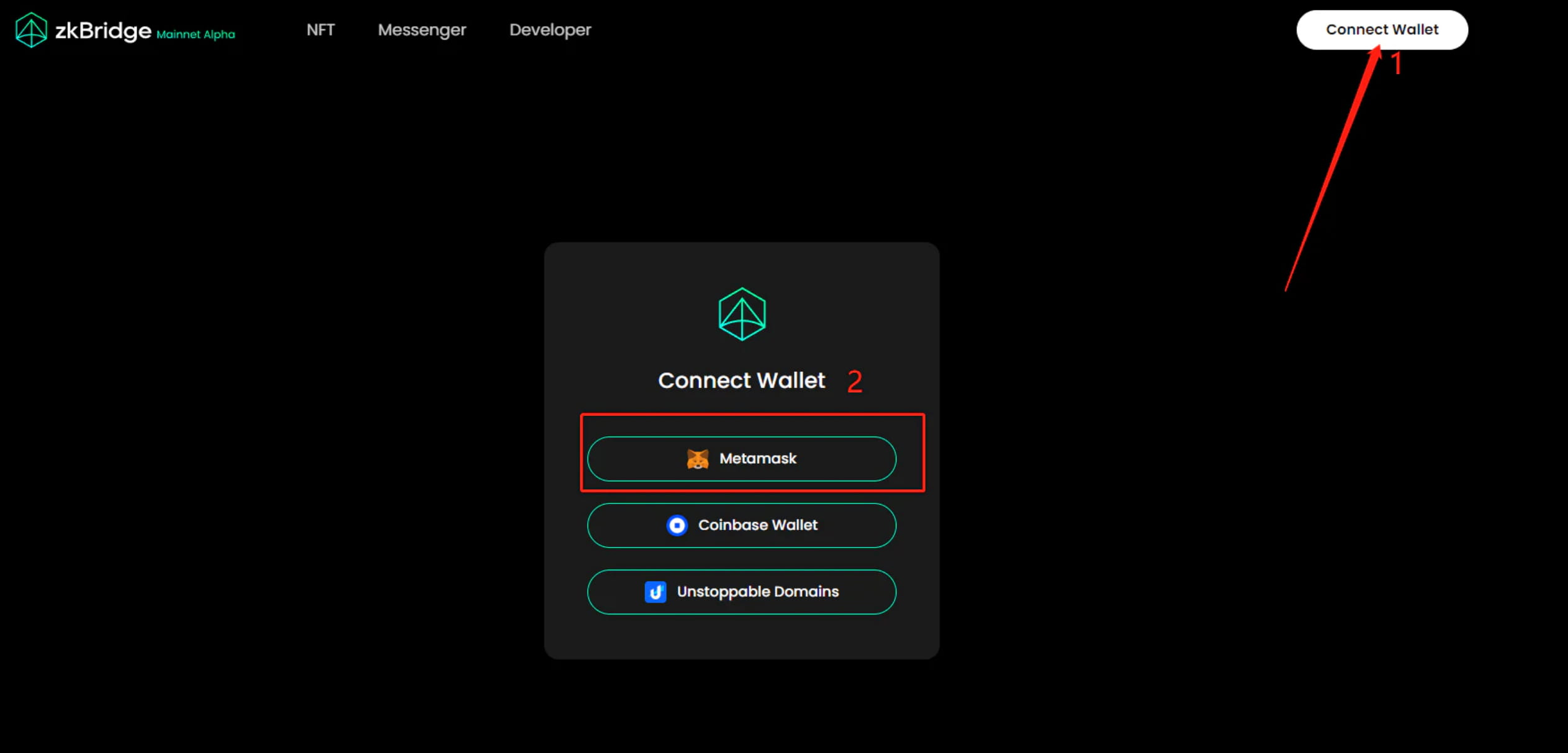
1-1 Let’s open PolyHedra’s official bridge and connect the little fox wallet
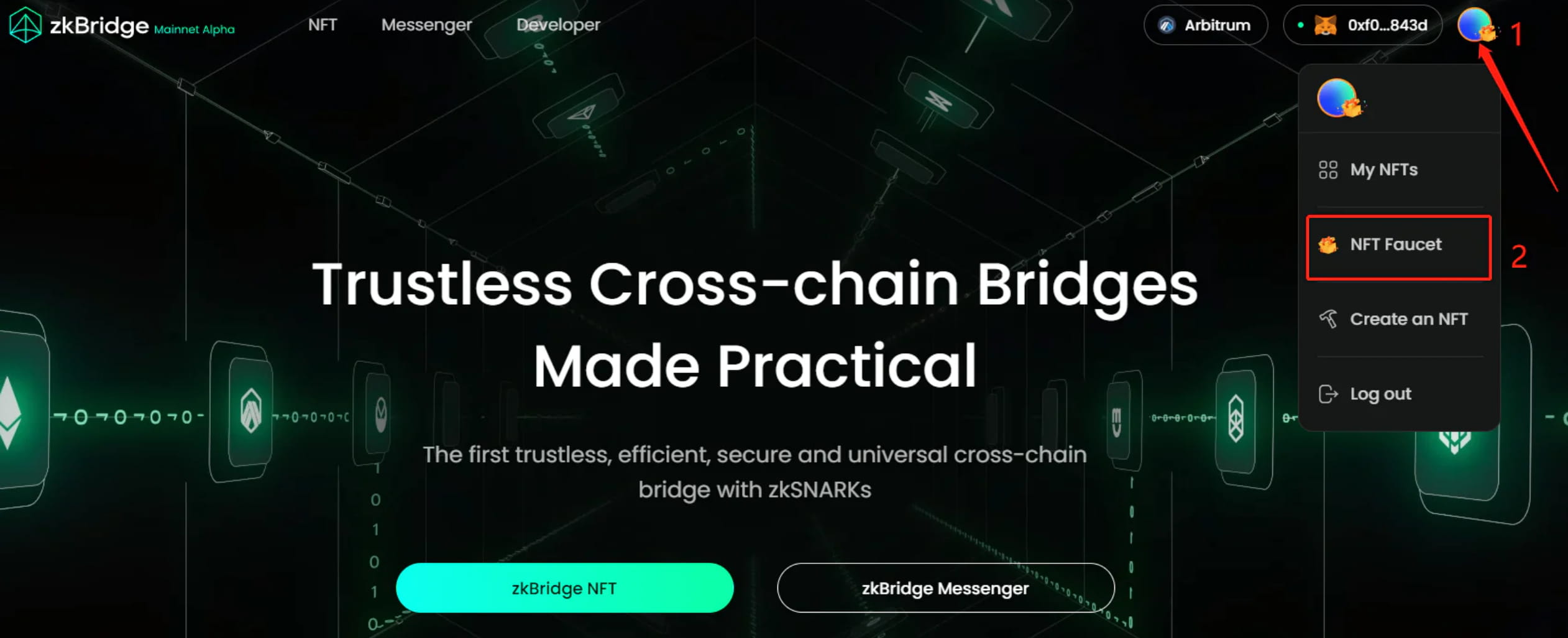
1-2 We click to log in to the account, we need to receive an NFT first
1-3 Choose the chain to receive. There are only two choices here, one is the BNB chain and the other is Ethereum. The GAS of Ether is too high, so we choose BNB to receive.
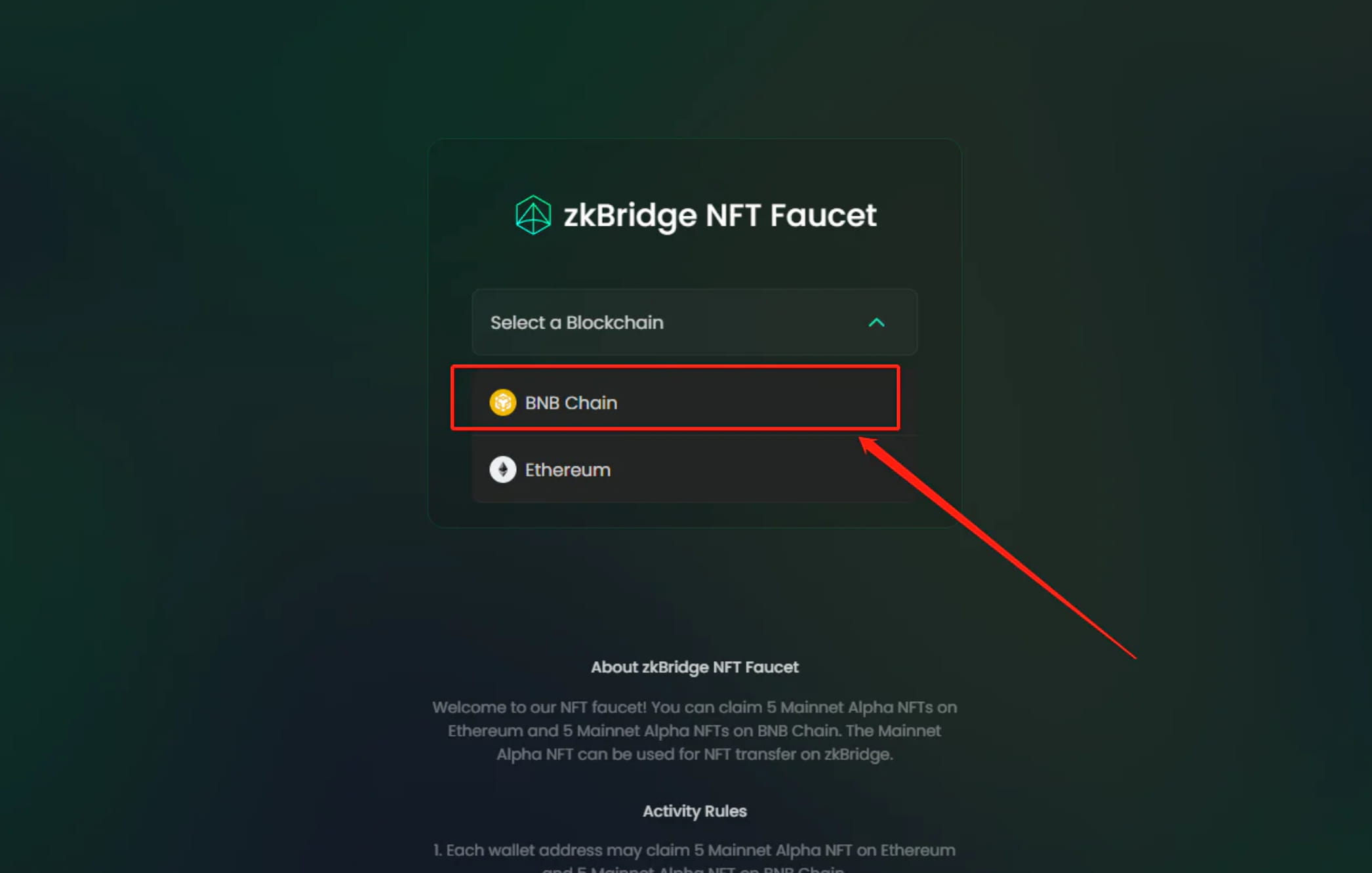
1-4Click Request
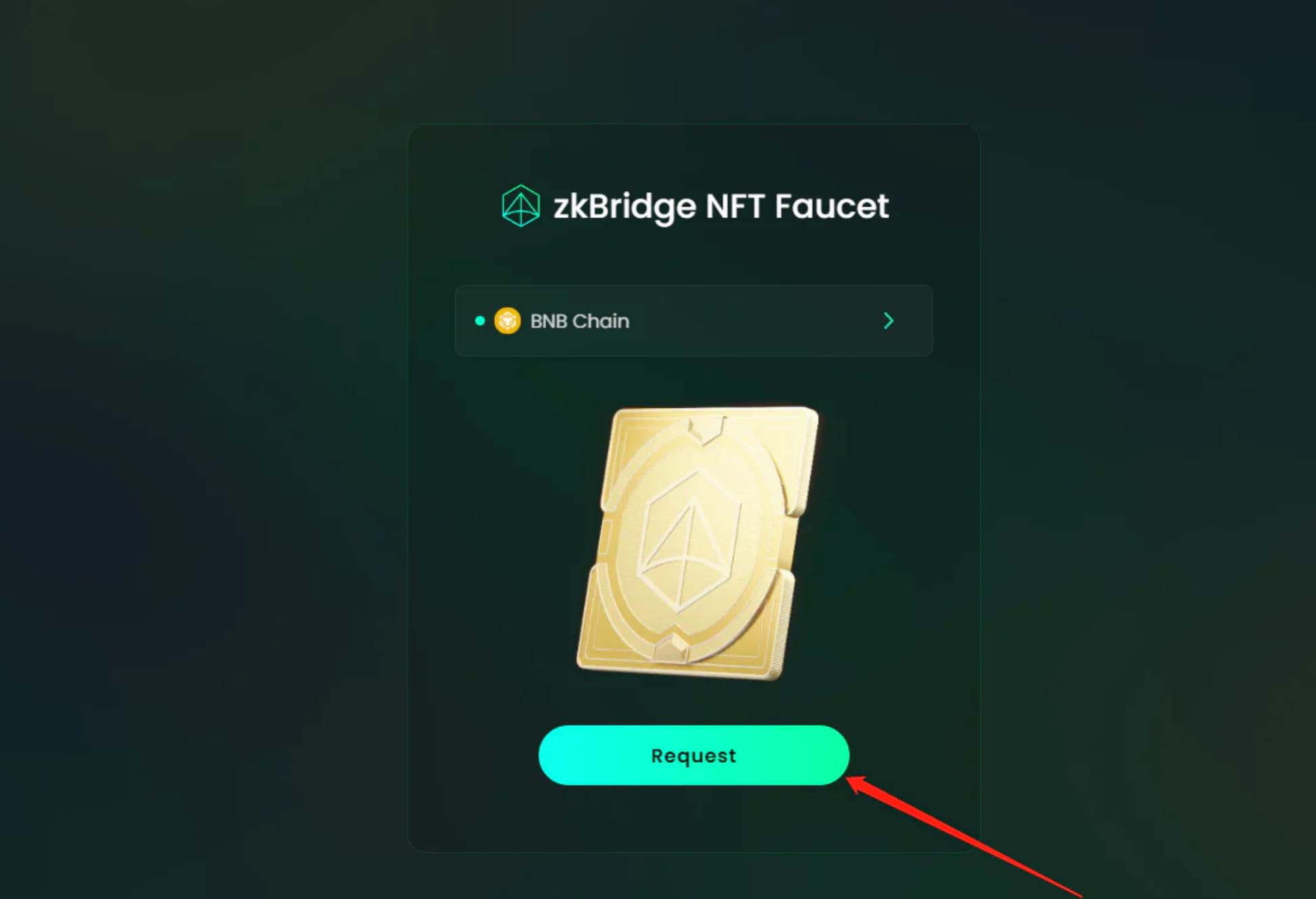
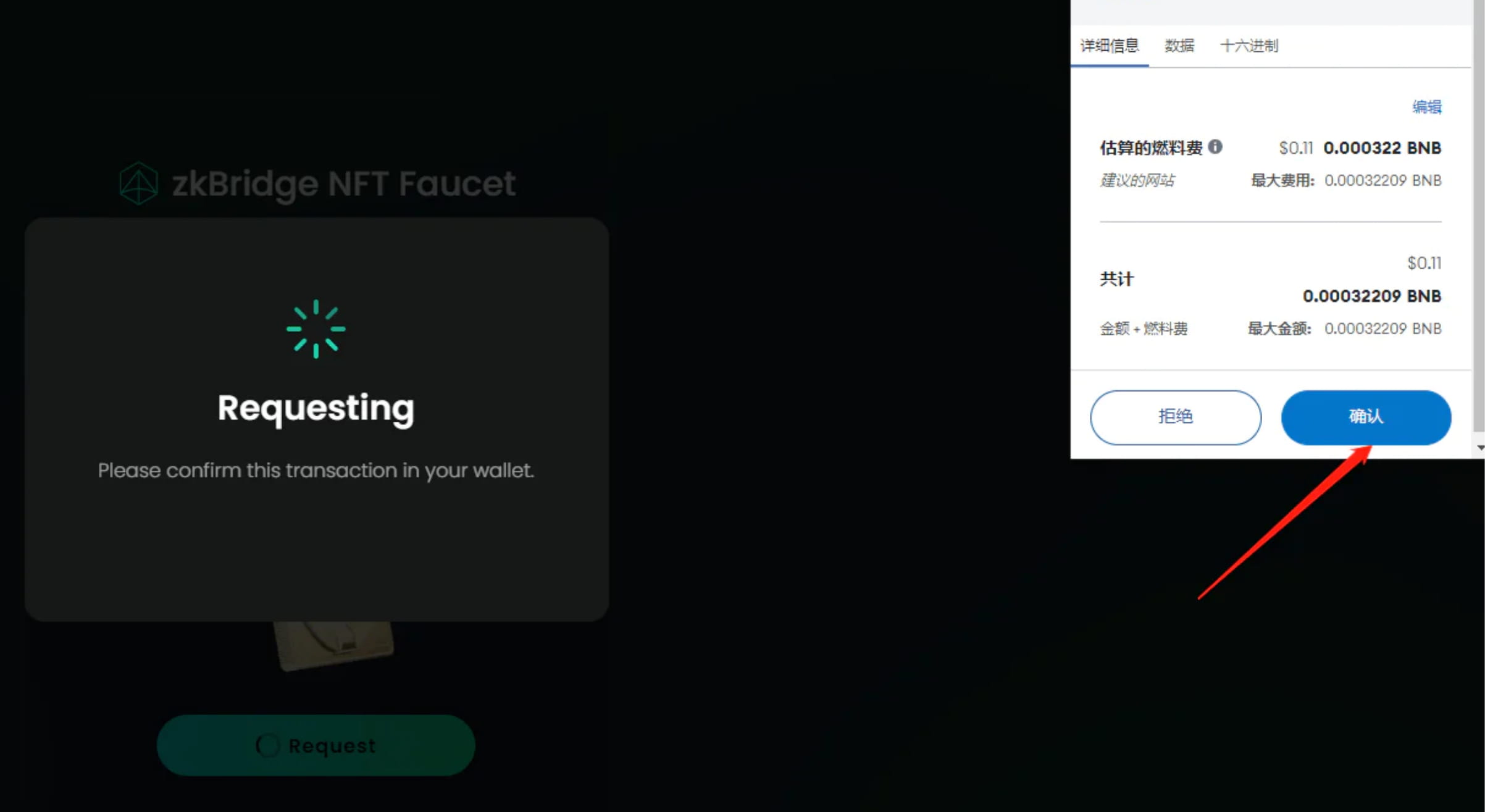
Confirmed in wallet, gas 0.11$
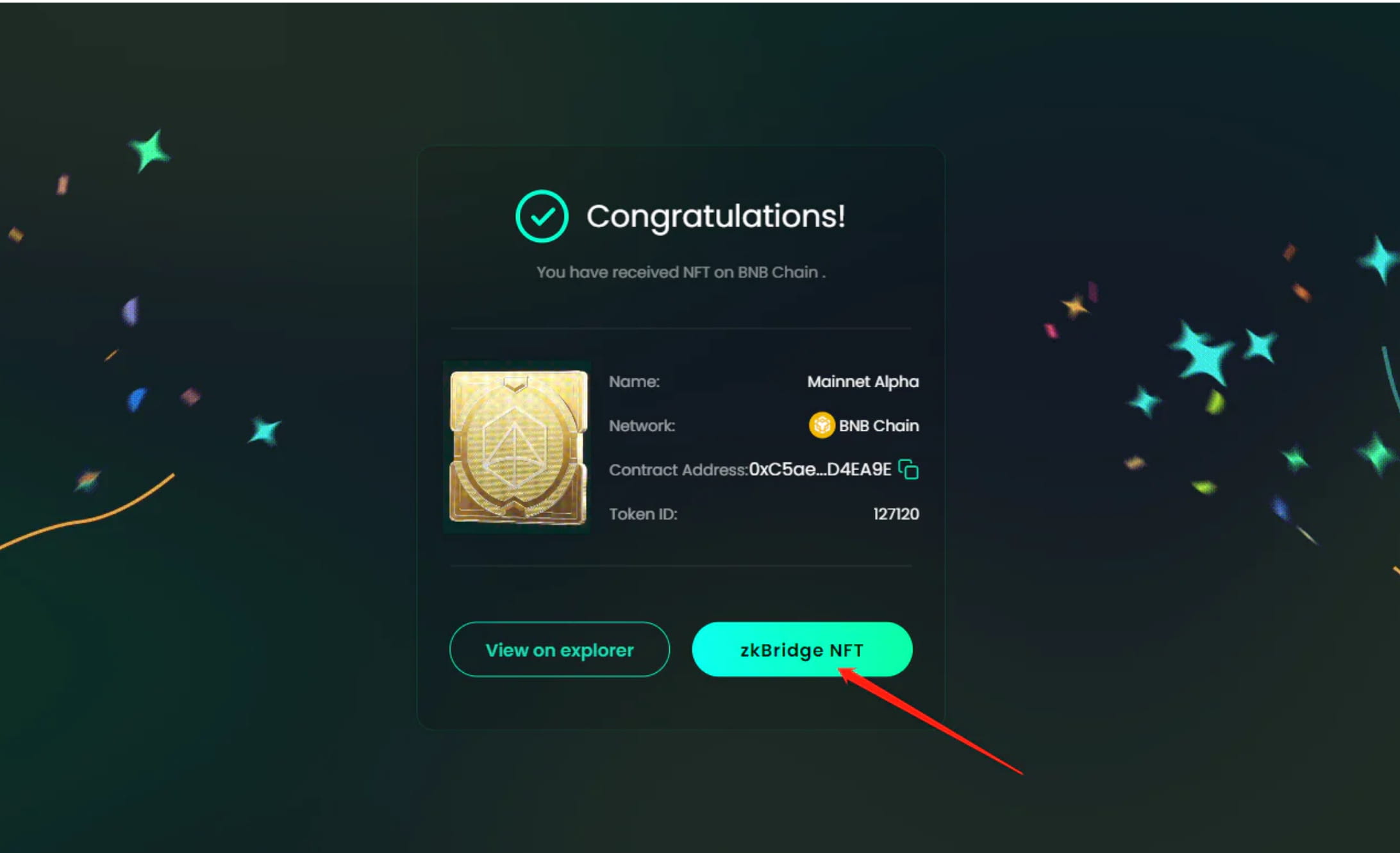
1-5 We click zkBridge NFT to start cross-chain operations
1-6 We click confirm import
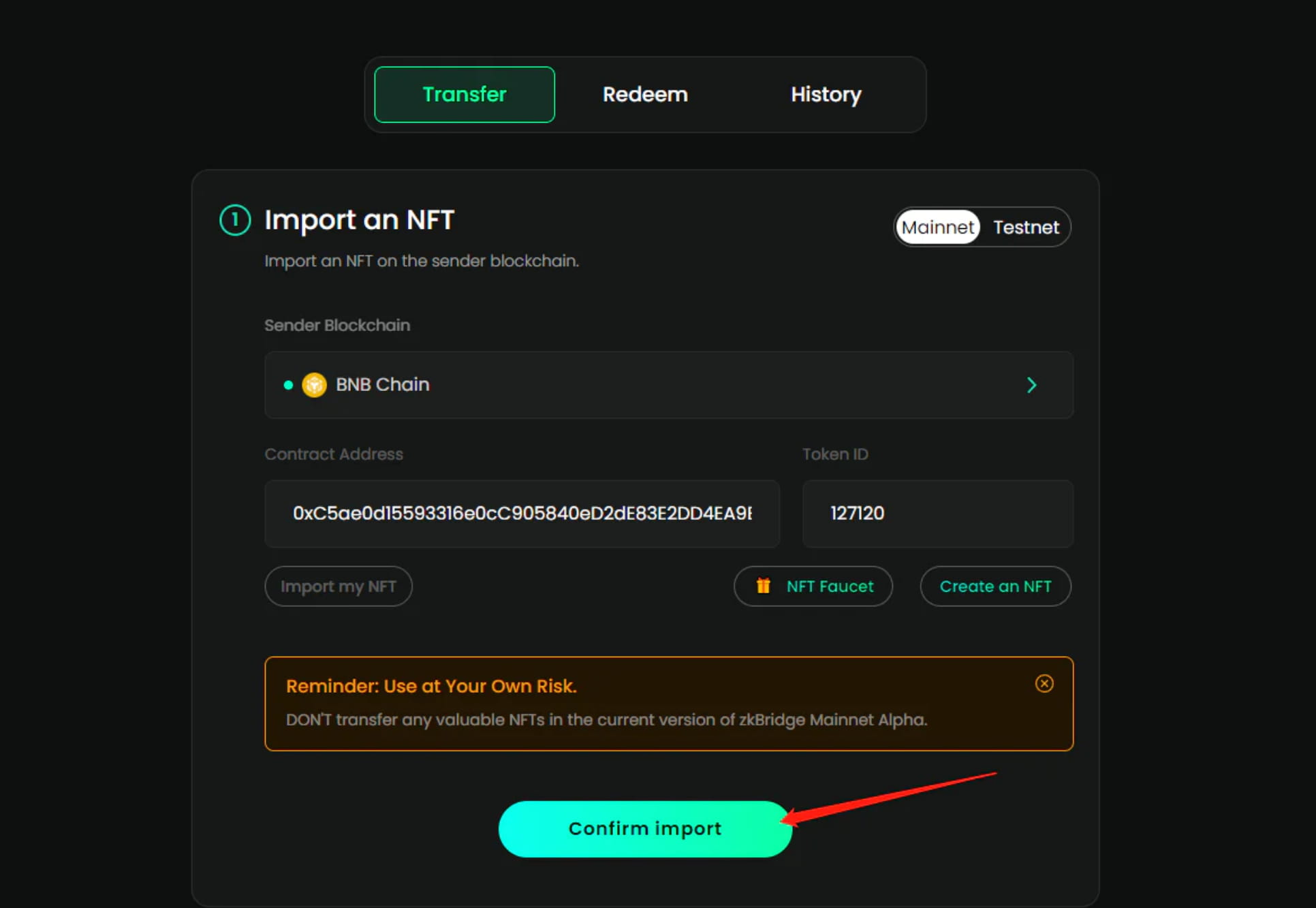
1-7 Click Next
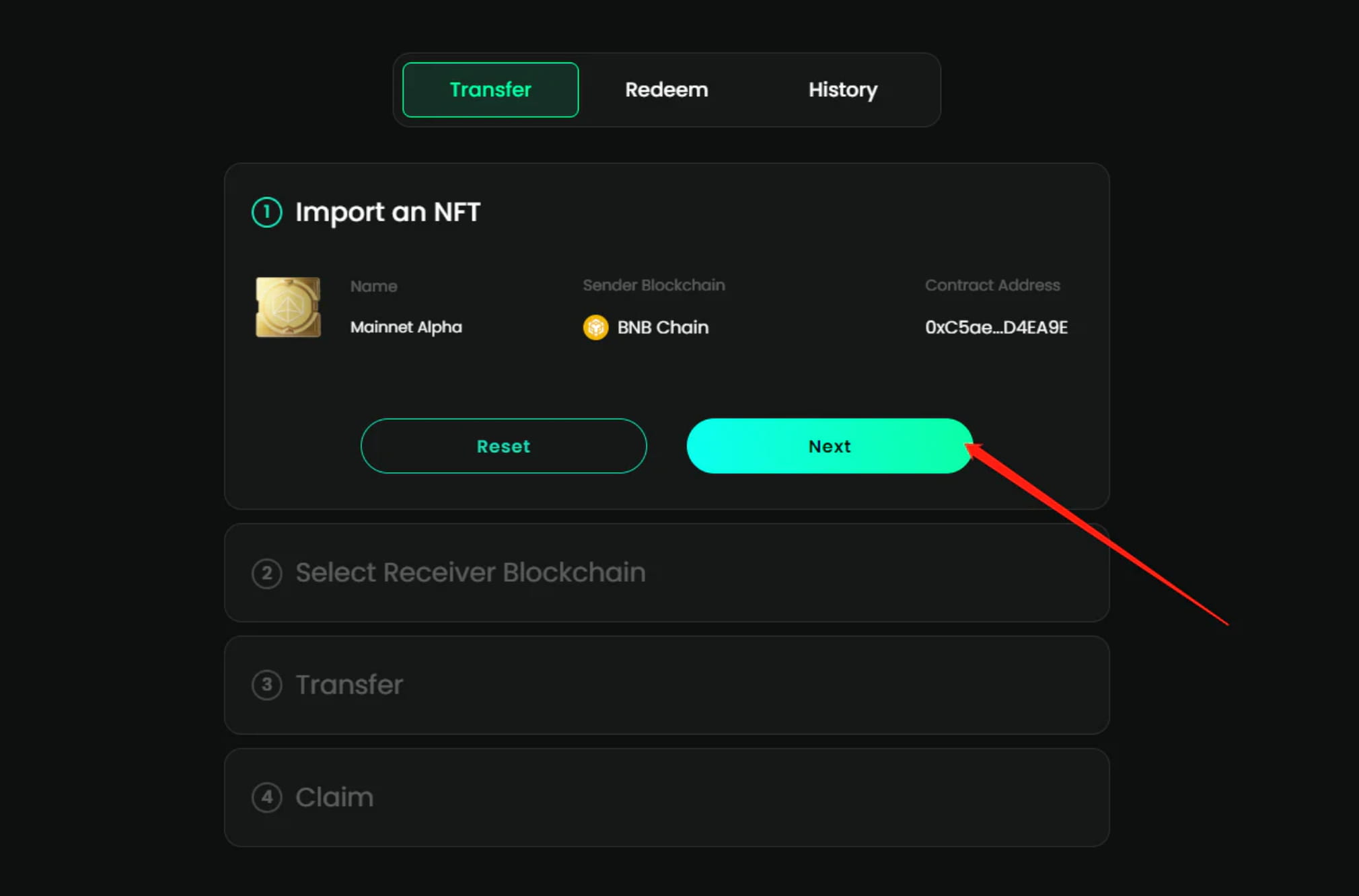
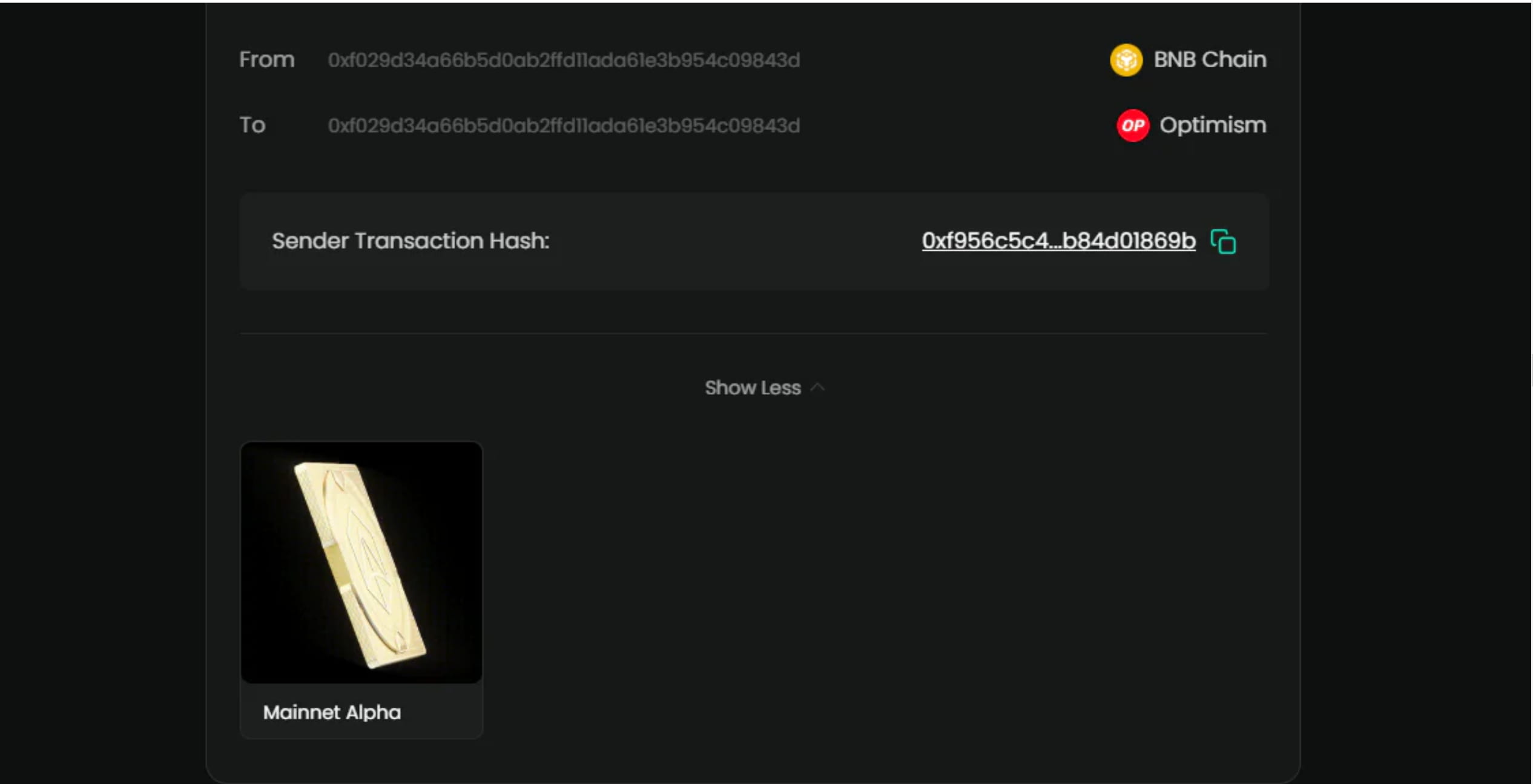
1-8 Select the network you need to cross. There are many. You choose which one has the cheapest gas and which one you take. Here I choose OP.
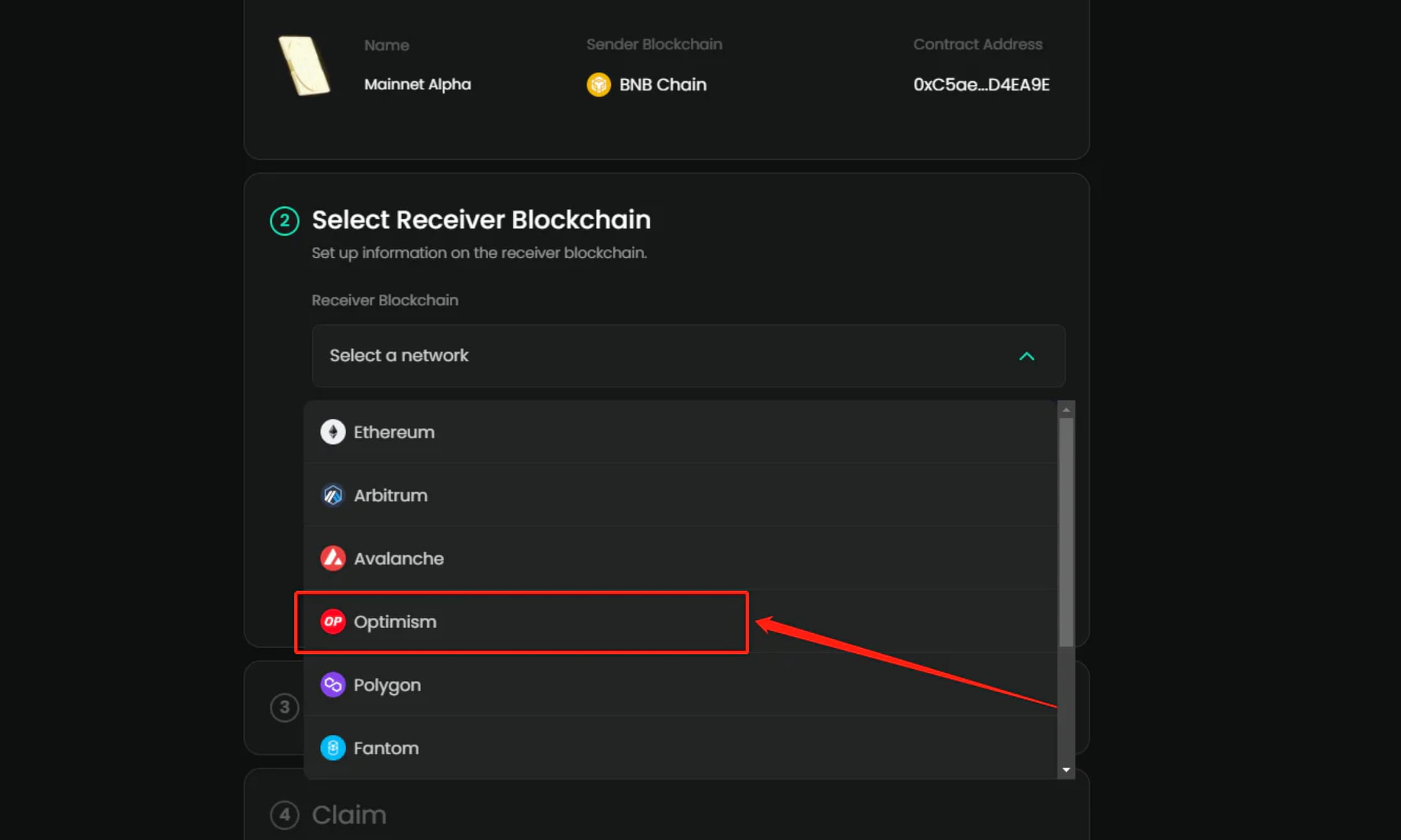
1-9 Continue and click Next
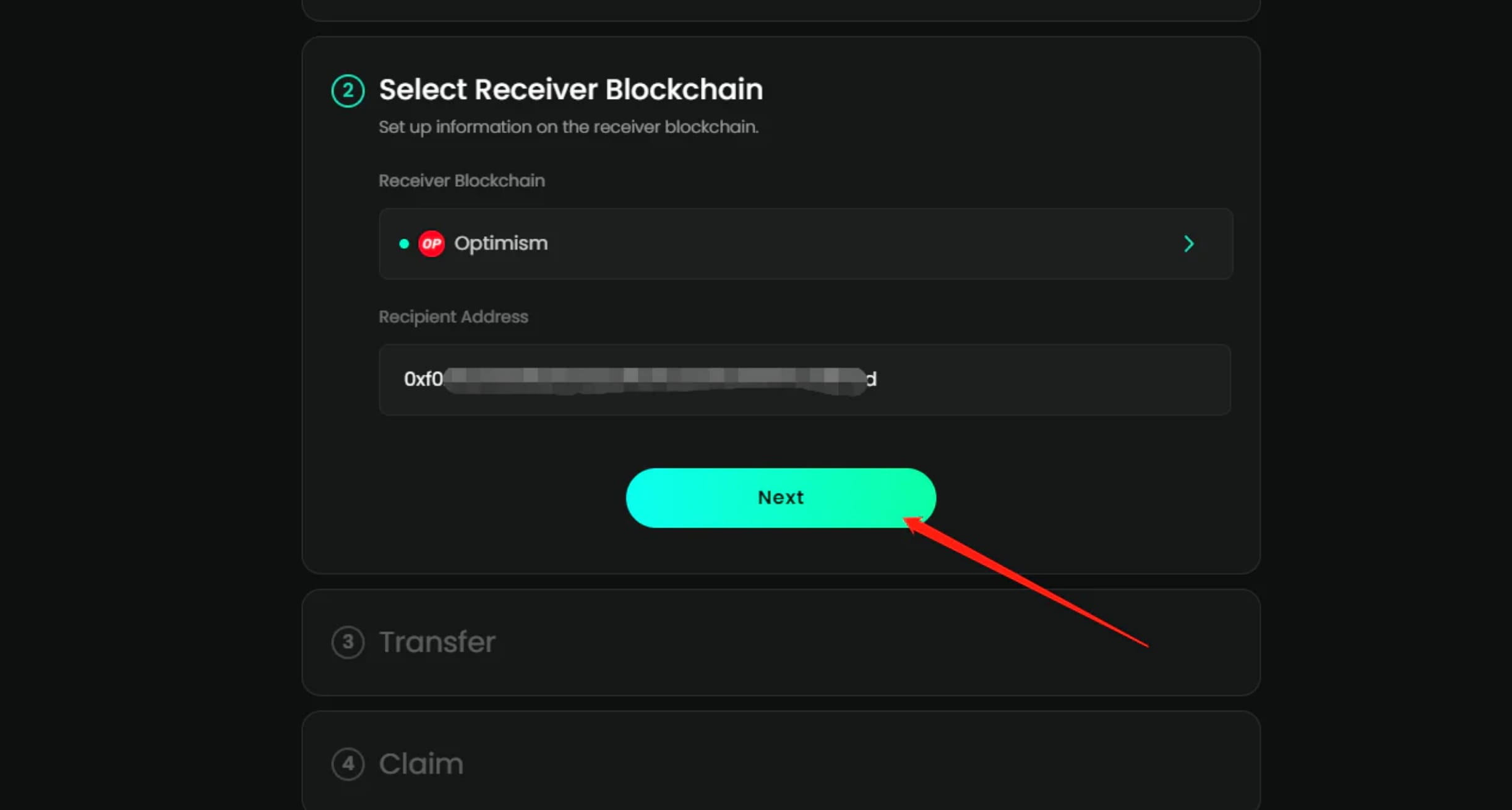
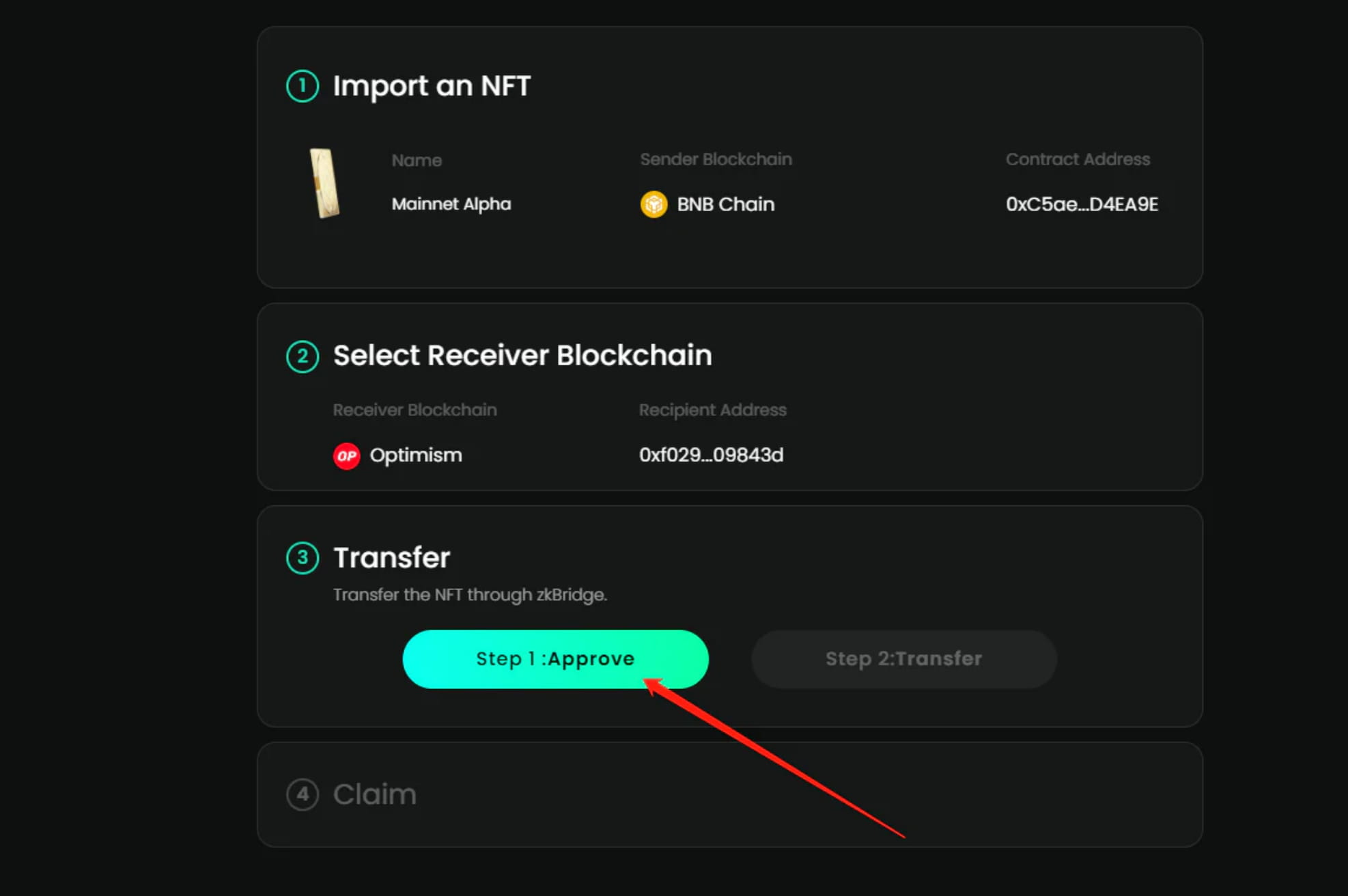
1-10 Click Step1: Approve
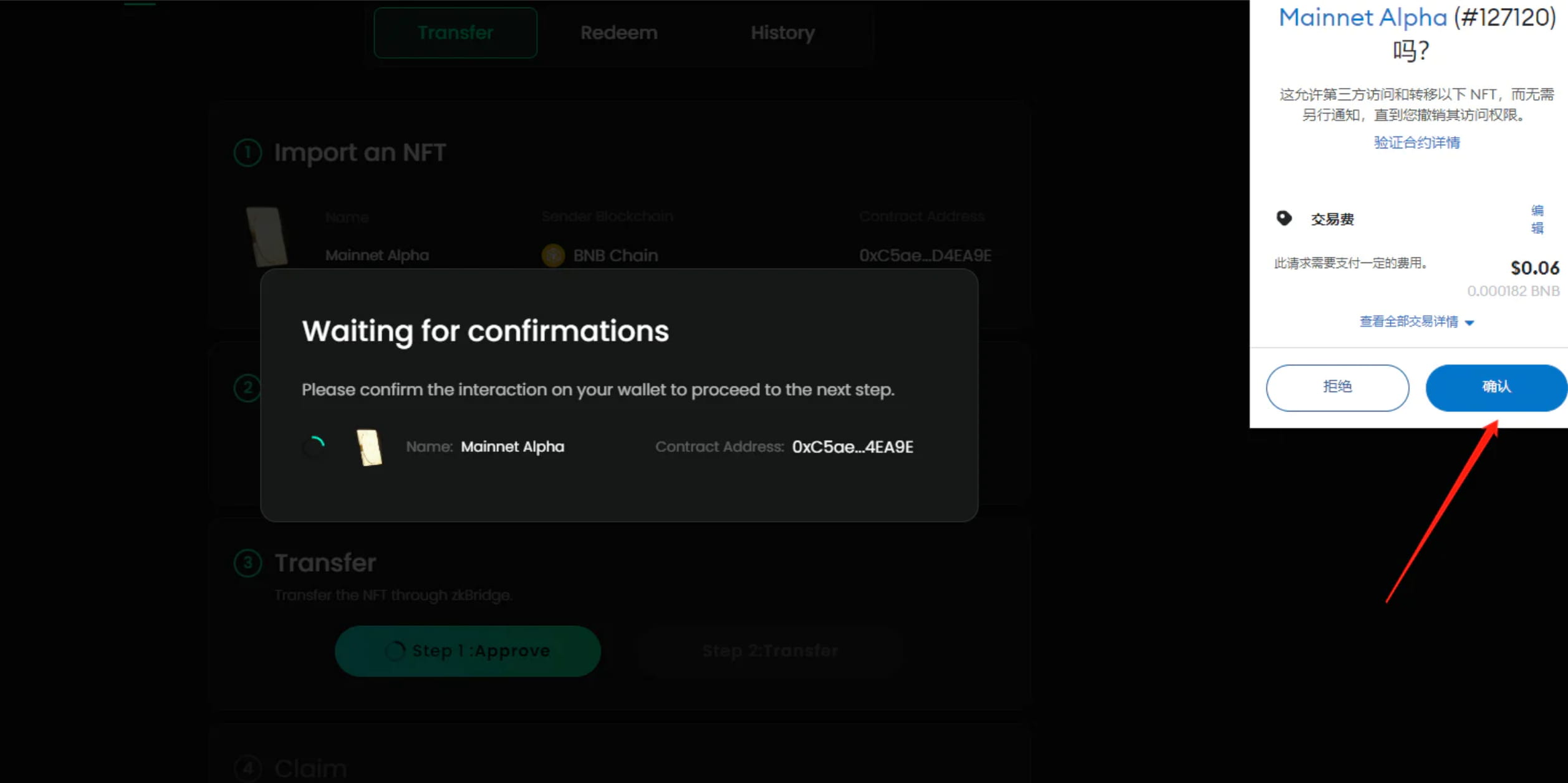
Confirm in wallet, gas0.06$
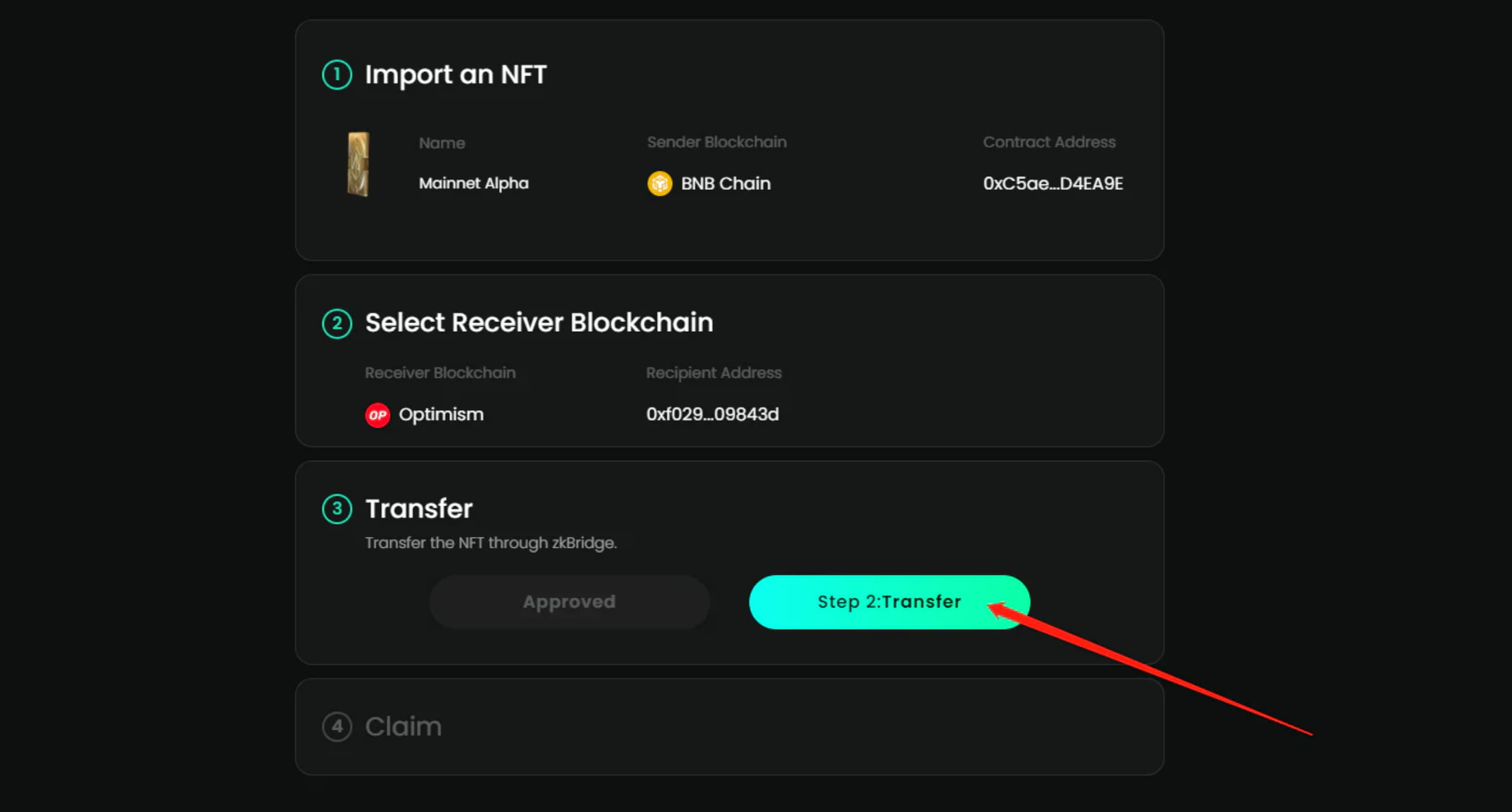
1-11 Continue to click step2:Transfer
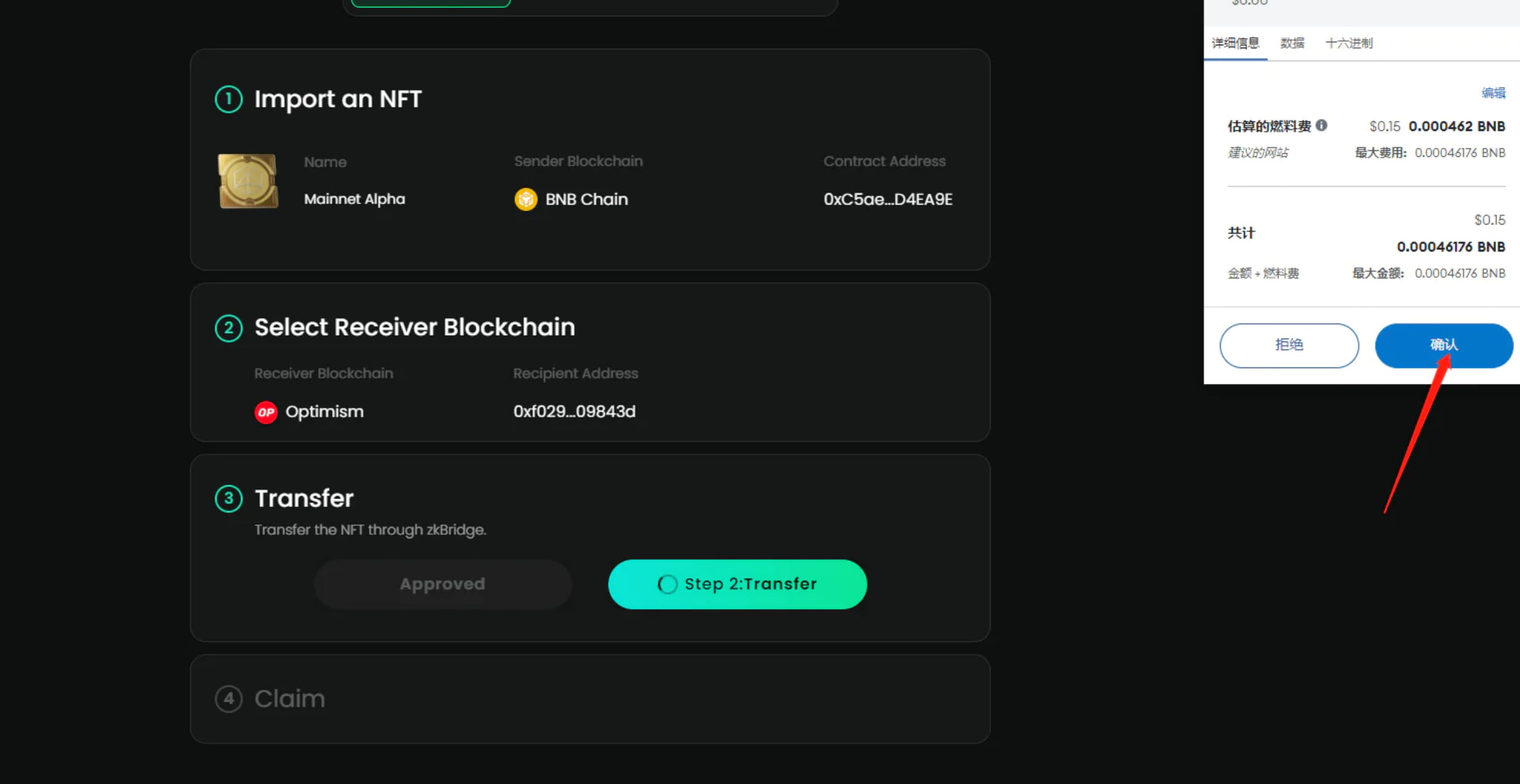
1-12 confirmed in wallet, gas0.15$
wait for completion
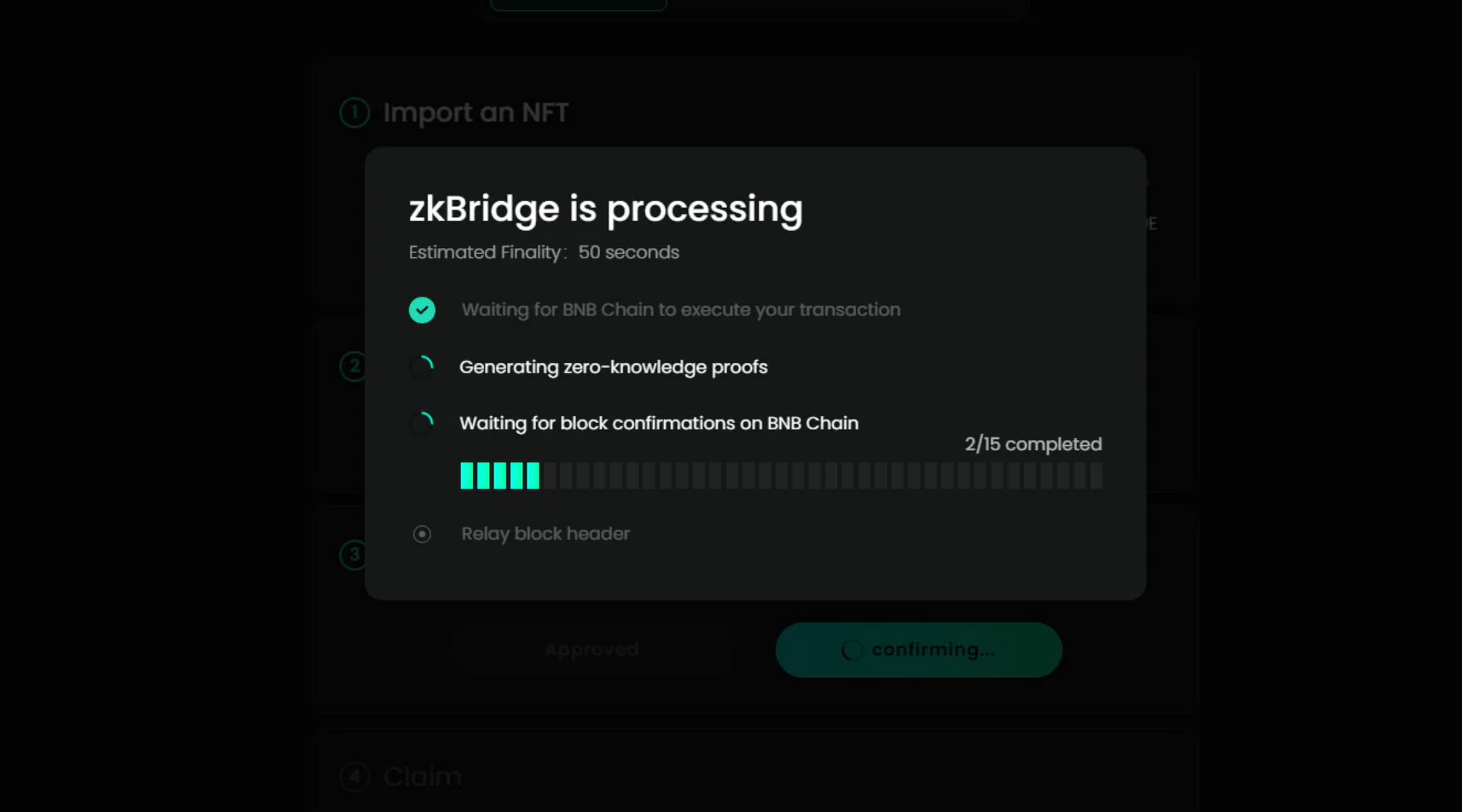
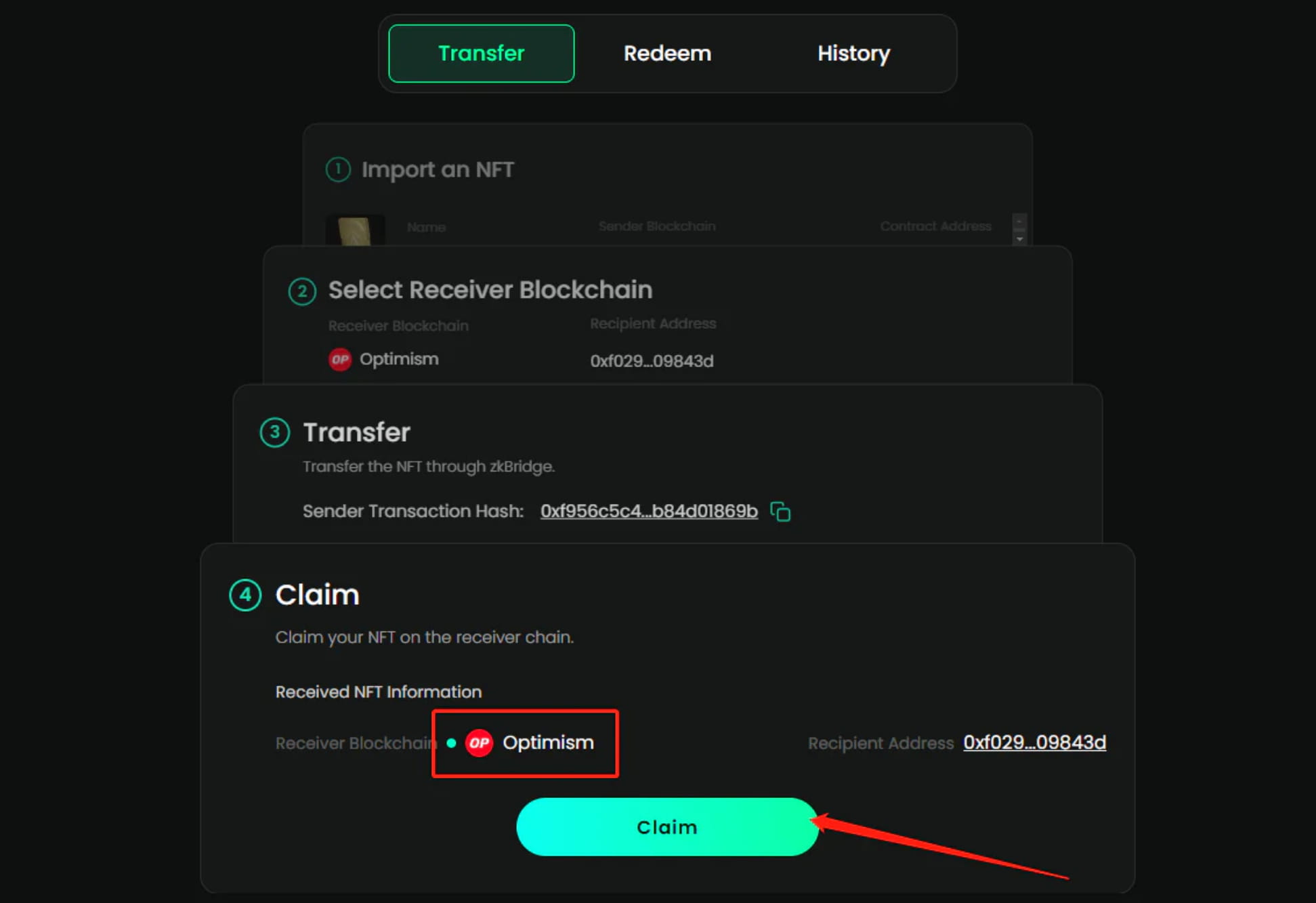
1-14 cast on OP, click claim
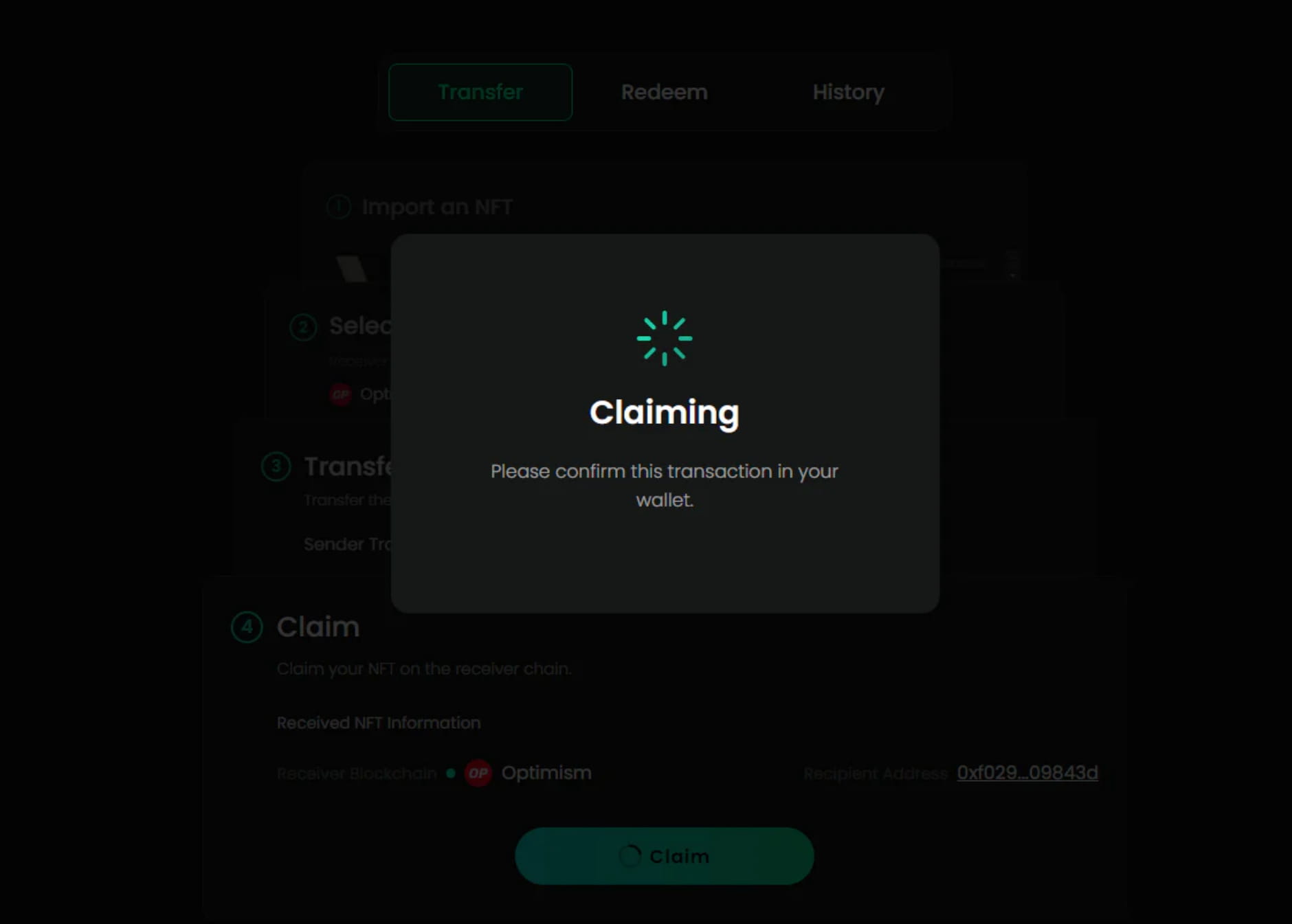
1-15 Confirm in the wallet that this GAS is going to eat people. You can do it when the gas is low.
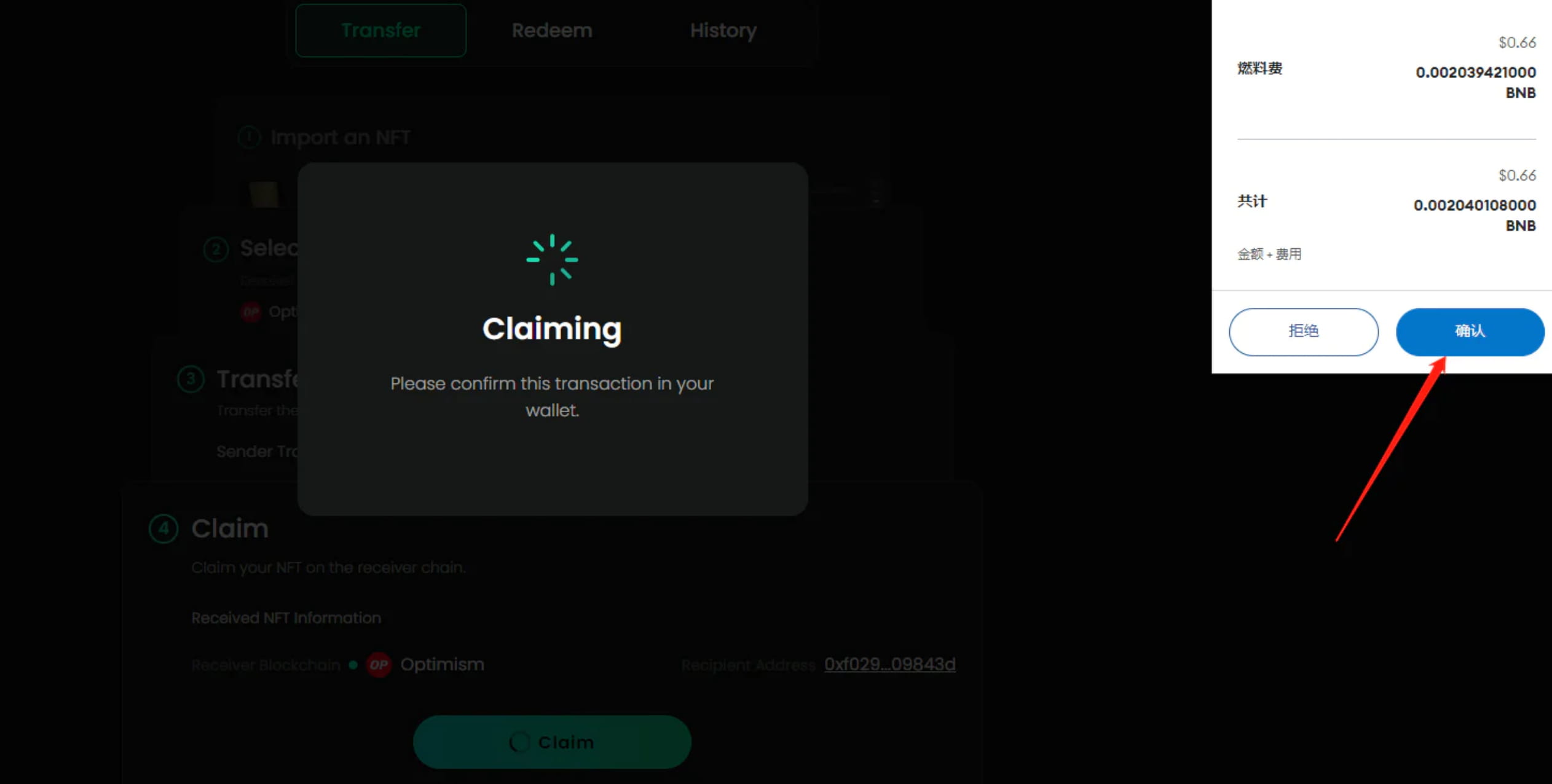
In this way, the cross-chain of the main network is completed.
2. Test network cross-chain
2-1 We need to obtain the test token GETH first
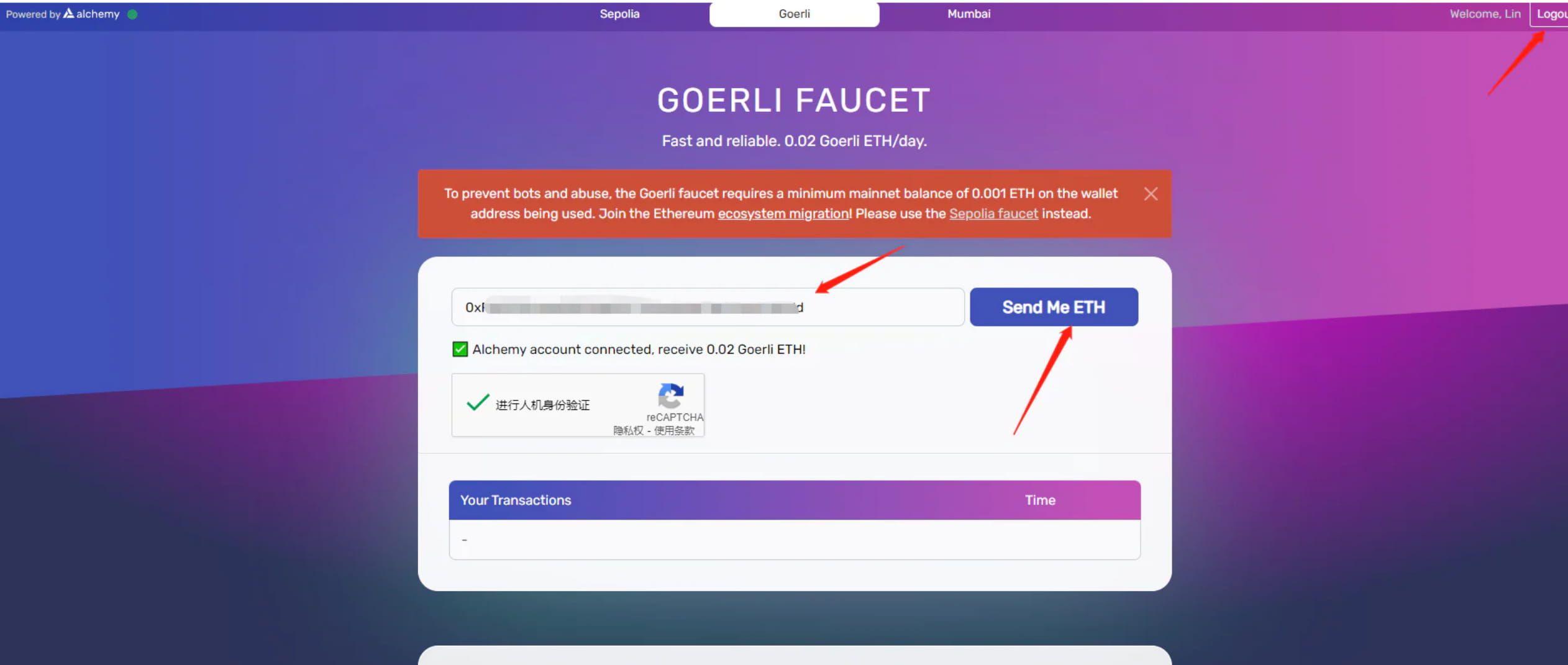
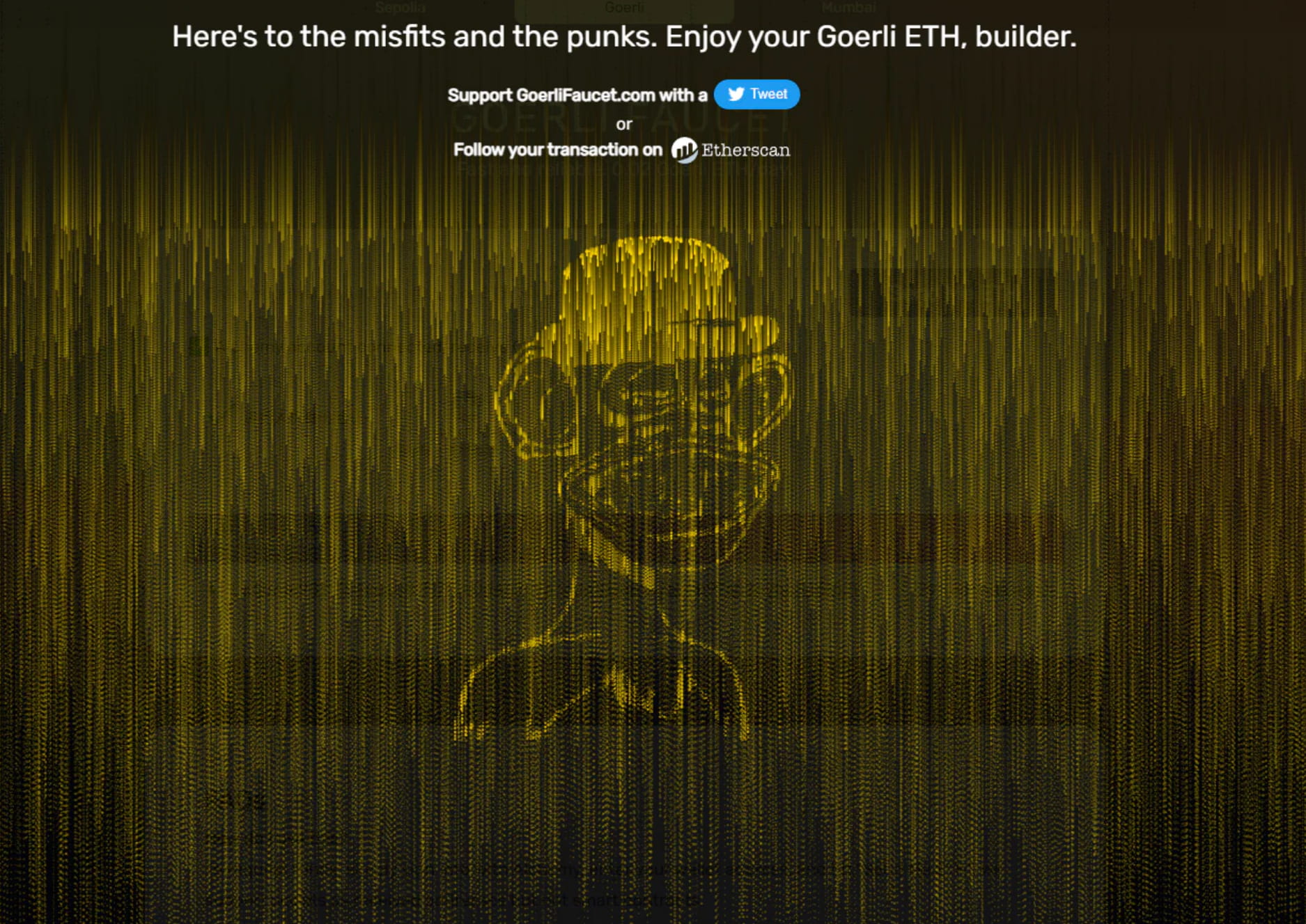
https://goerlifaucet.com/
This website is the simplest. You need to register with your email, then log in, enter your wallet address, perform human-machine verification, and then you can claim it. You can only receive 0.02 Geth every 24 hours, and it will arrive in your account in 1 minute. The advantage is simplicity.
This will be successful
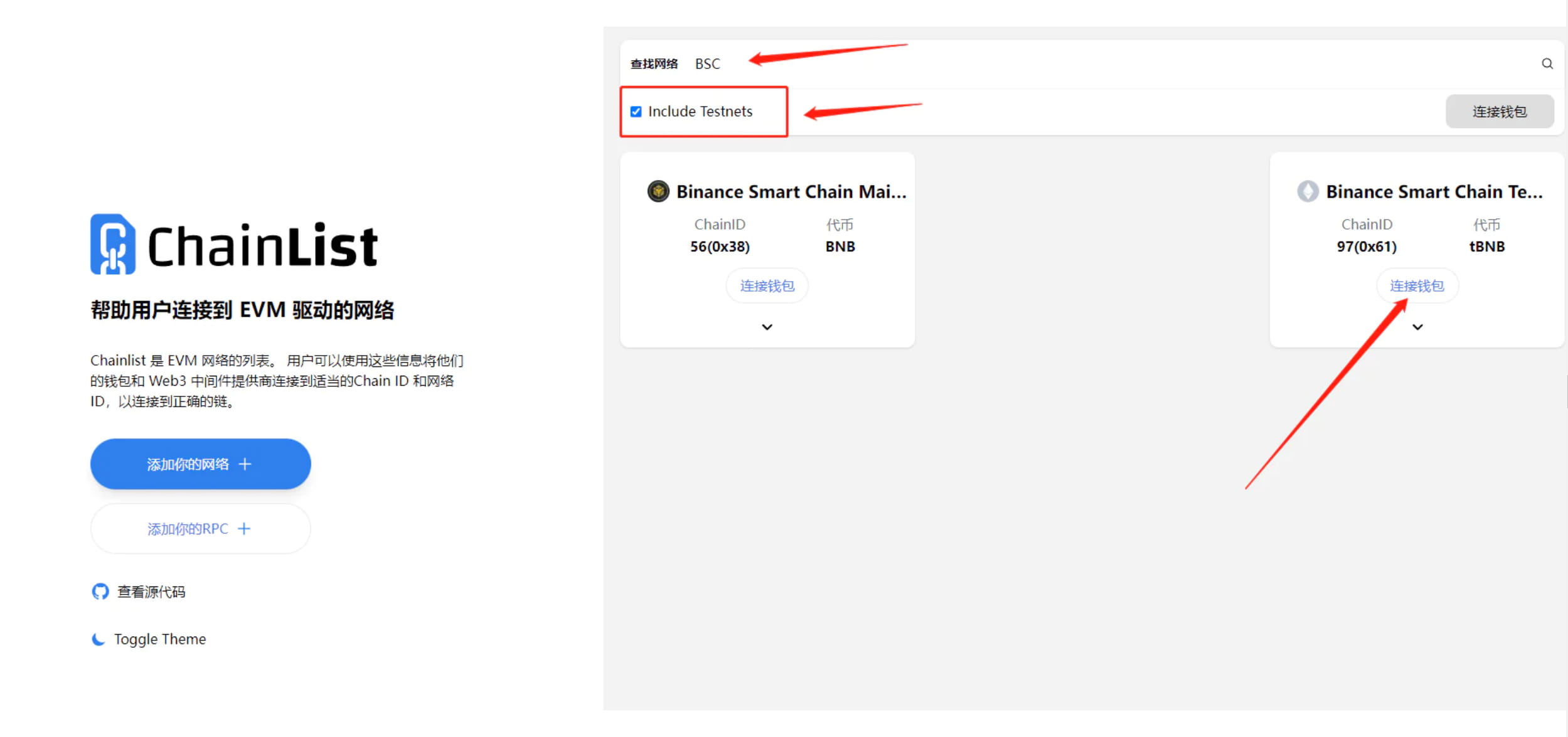
2-2 Receive the test token tBNB. Before receiving it, we need to add the BNB test network to the Little Fox wallet.
https://chainlist.org/zh?search=BSC&testnets=true
Connect the wallet, search for BSC, be sure to check the box in front of Include Testnets, then select the testnet and add it to the wallet
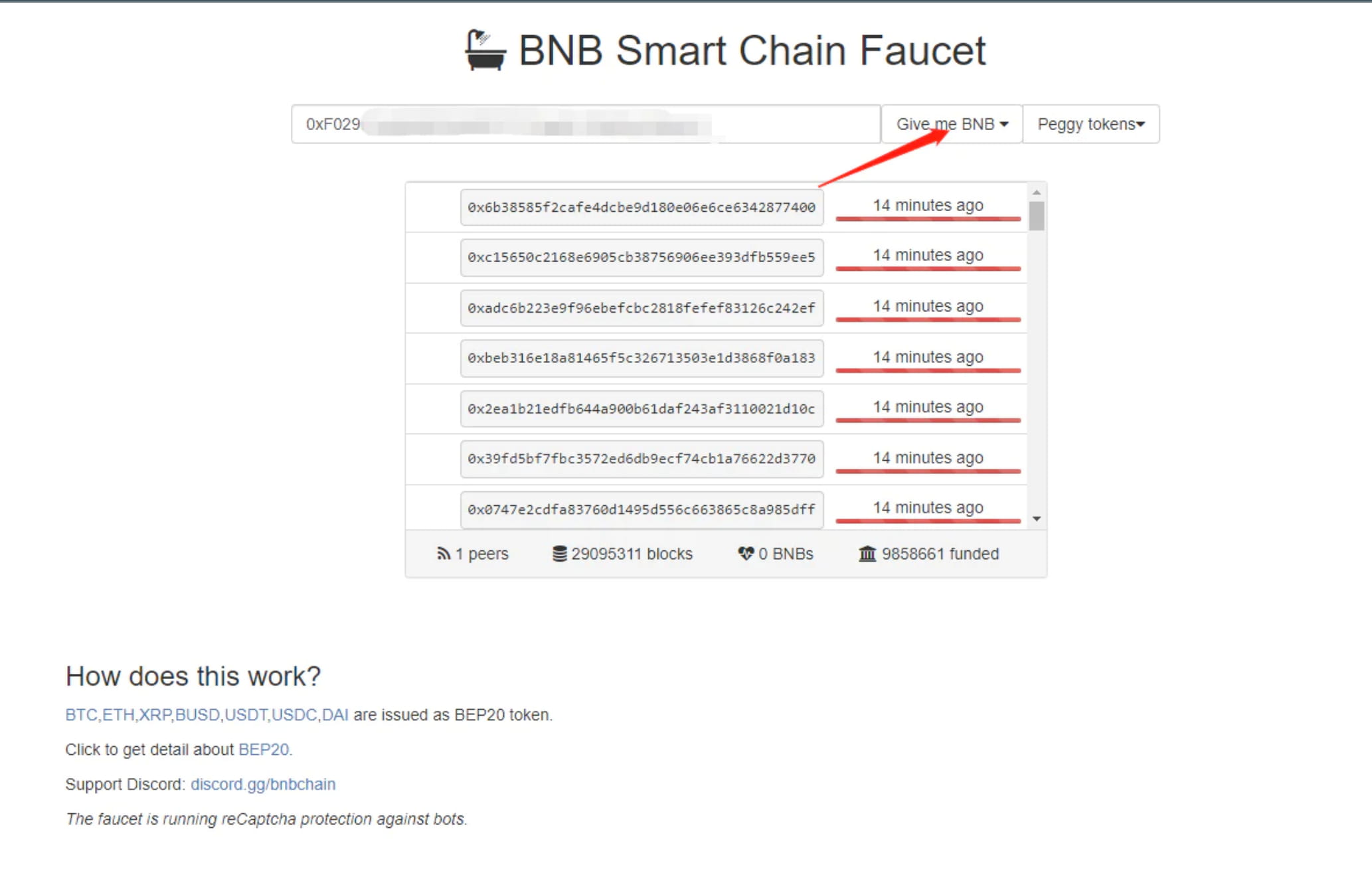
Open the website to claim tBNB, enter your wallet and click Give me BNB.
https://testnet.bnbchain.org/faucet-smart
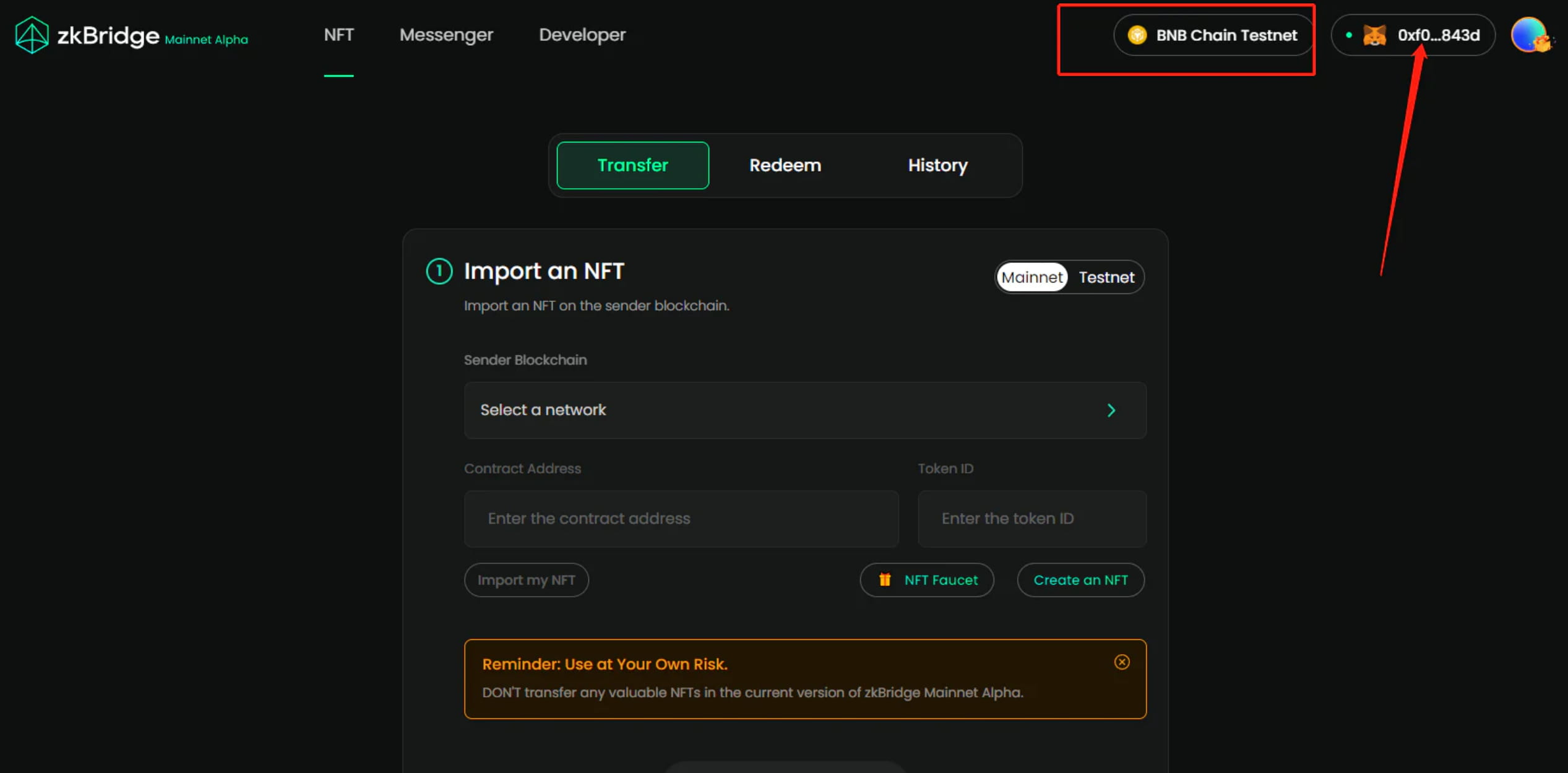
2-3 Create an NFT on the BNB test network, open PolyHedra’s official bridge, connect the Little Fox wallet, and switch the network to the BSC test network
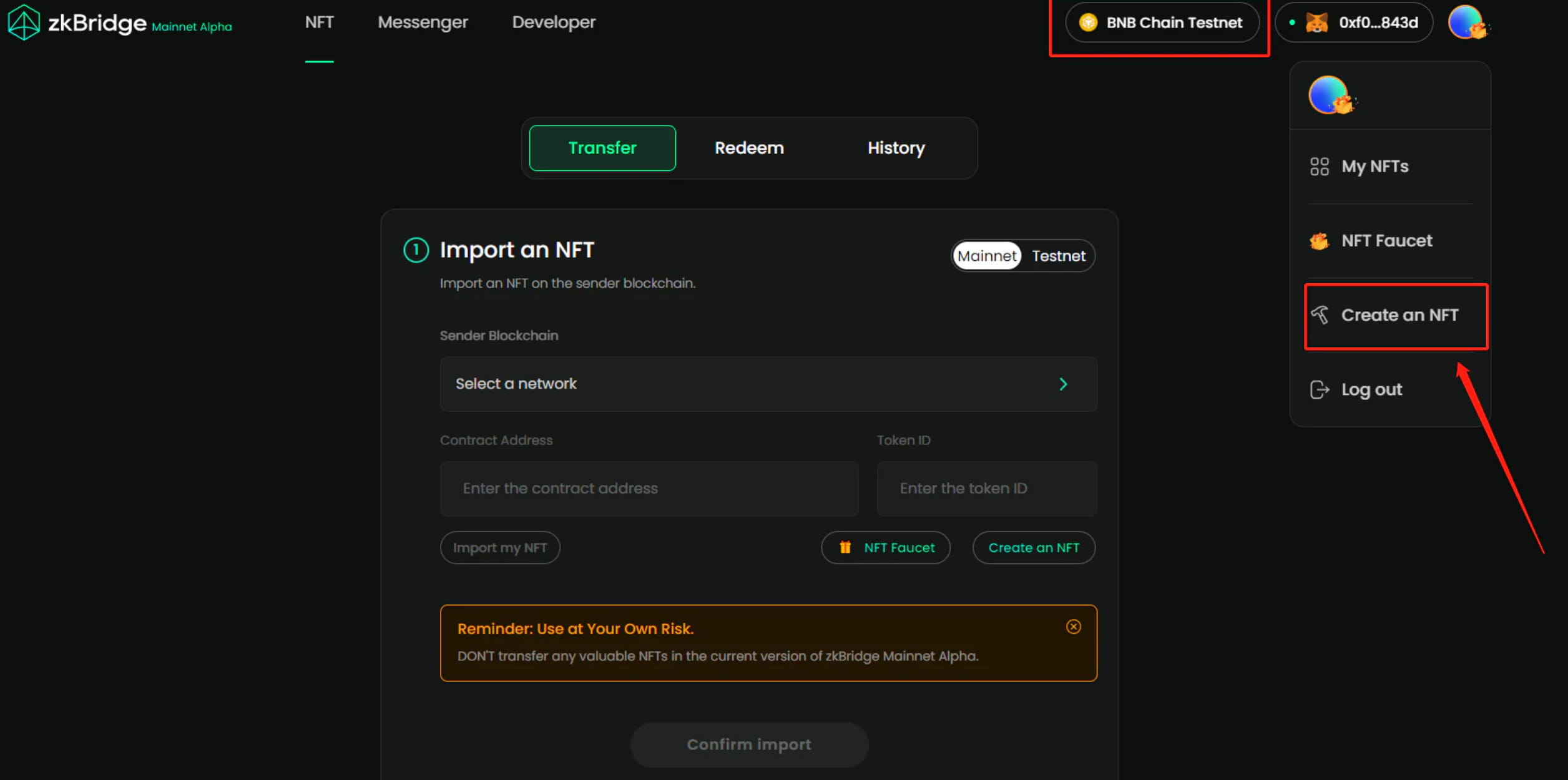
Click on the account and select Create an NFT
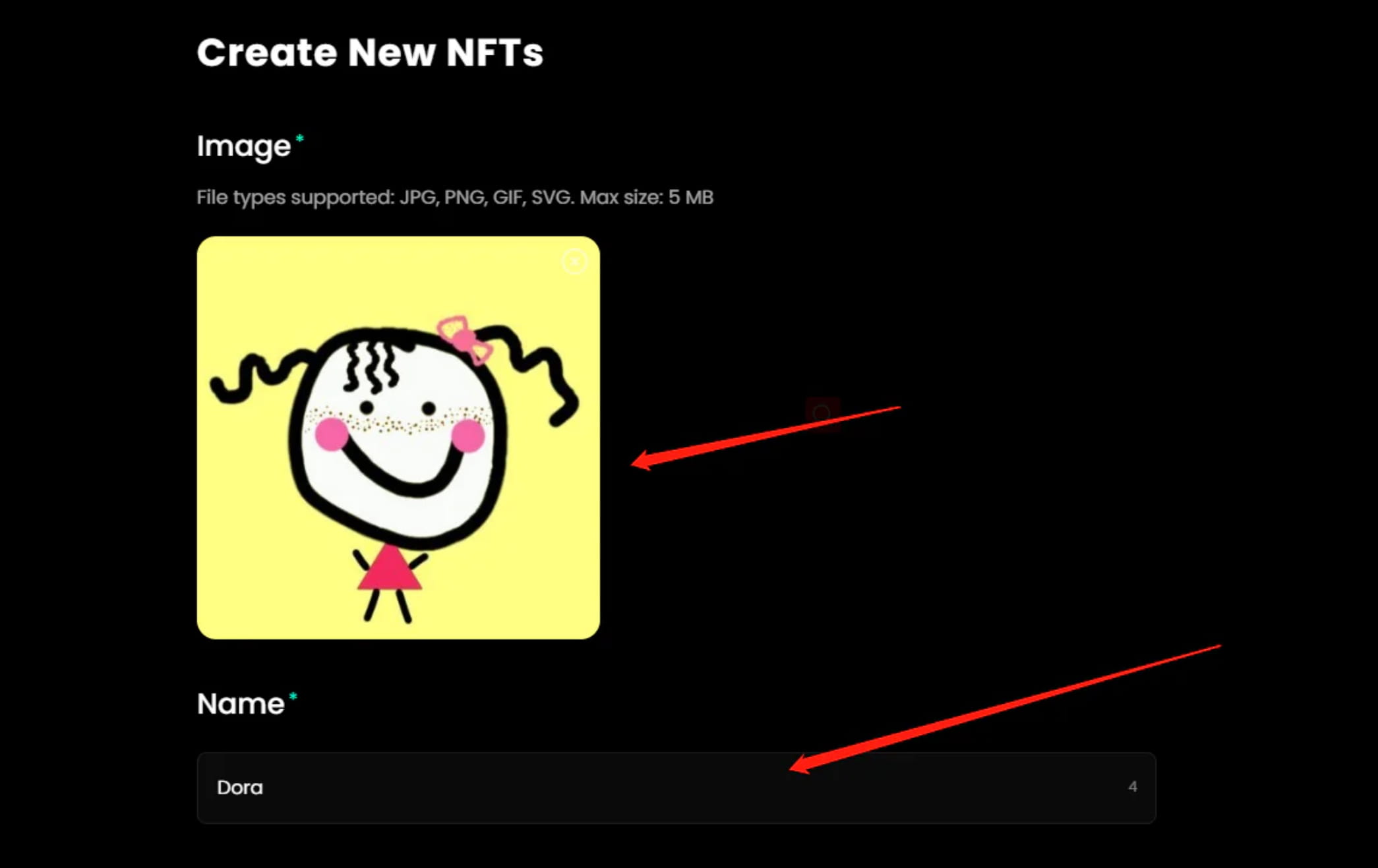
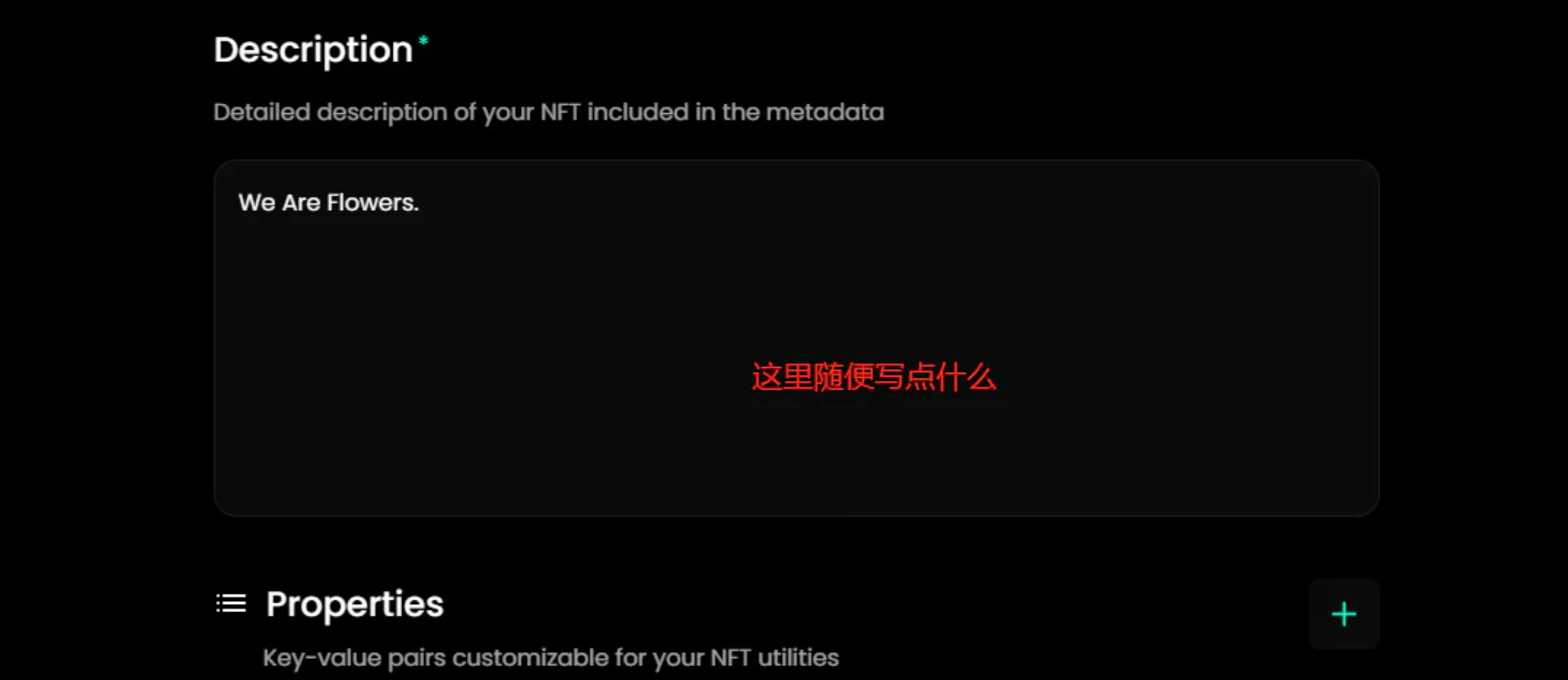
Upload a picture and enter a name
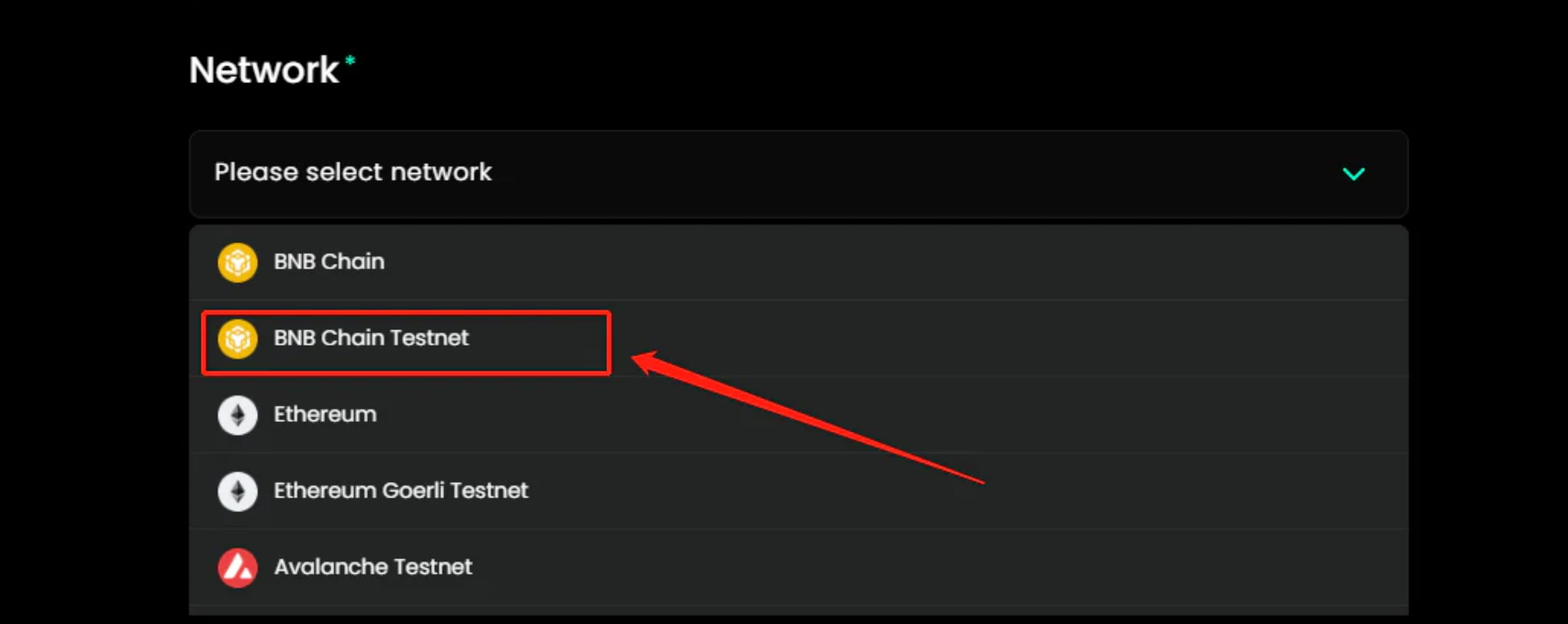
Network here select BSC test network
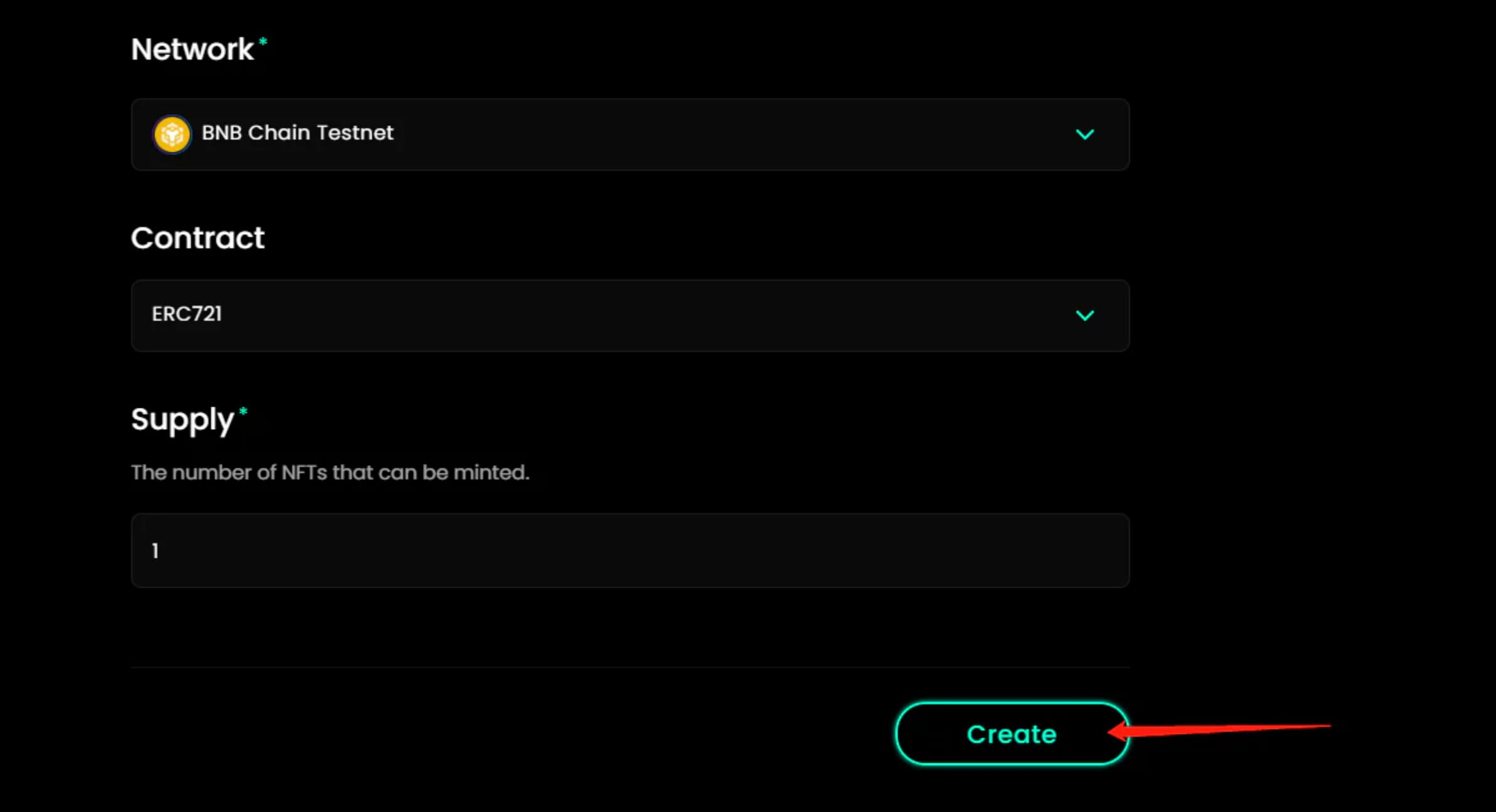
Click Create
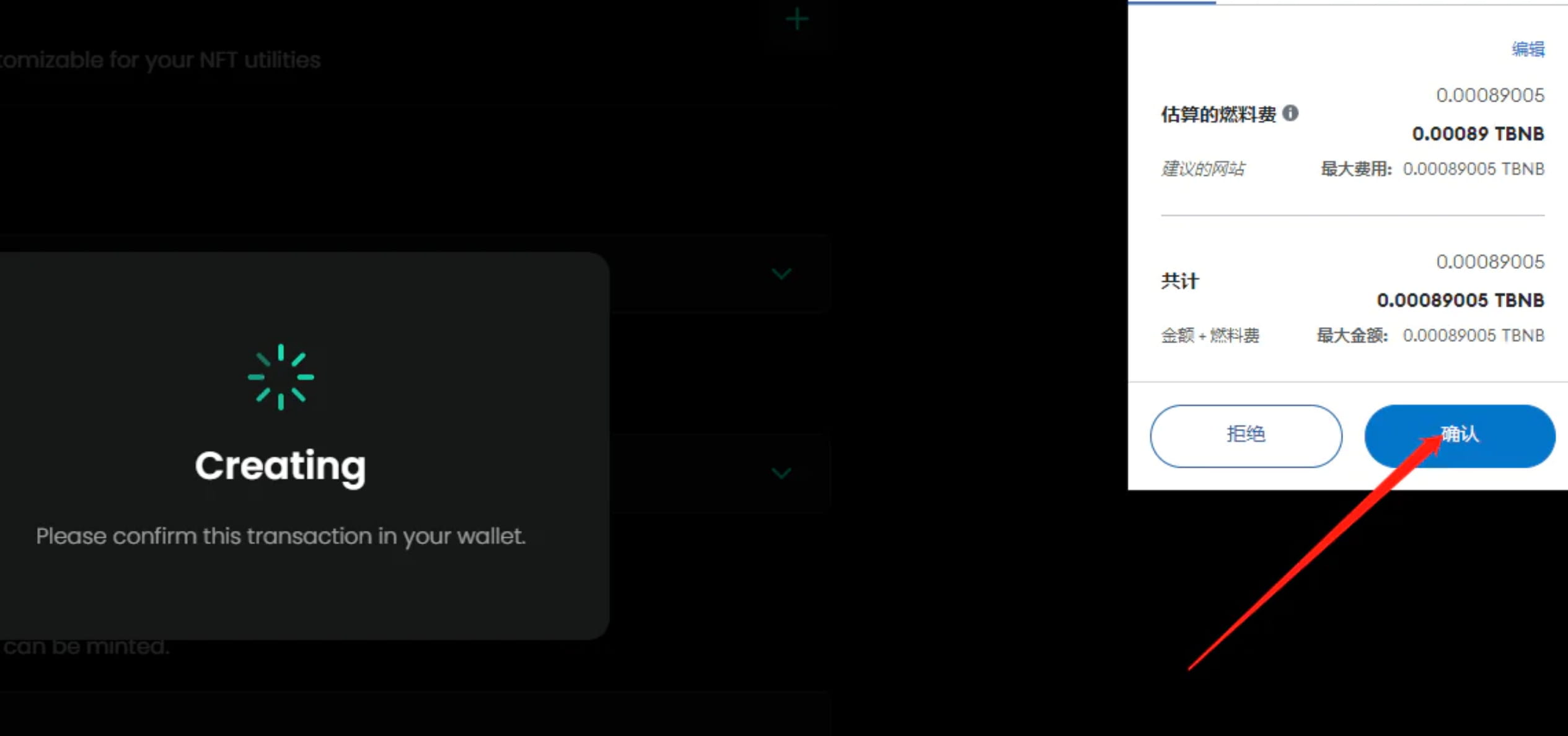
Wallet confirmation
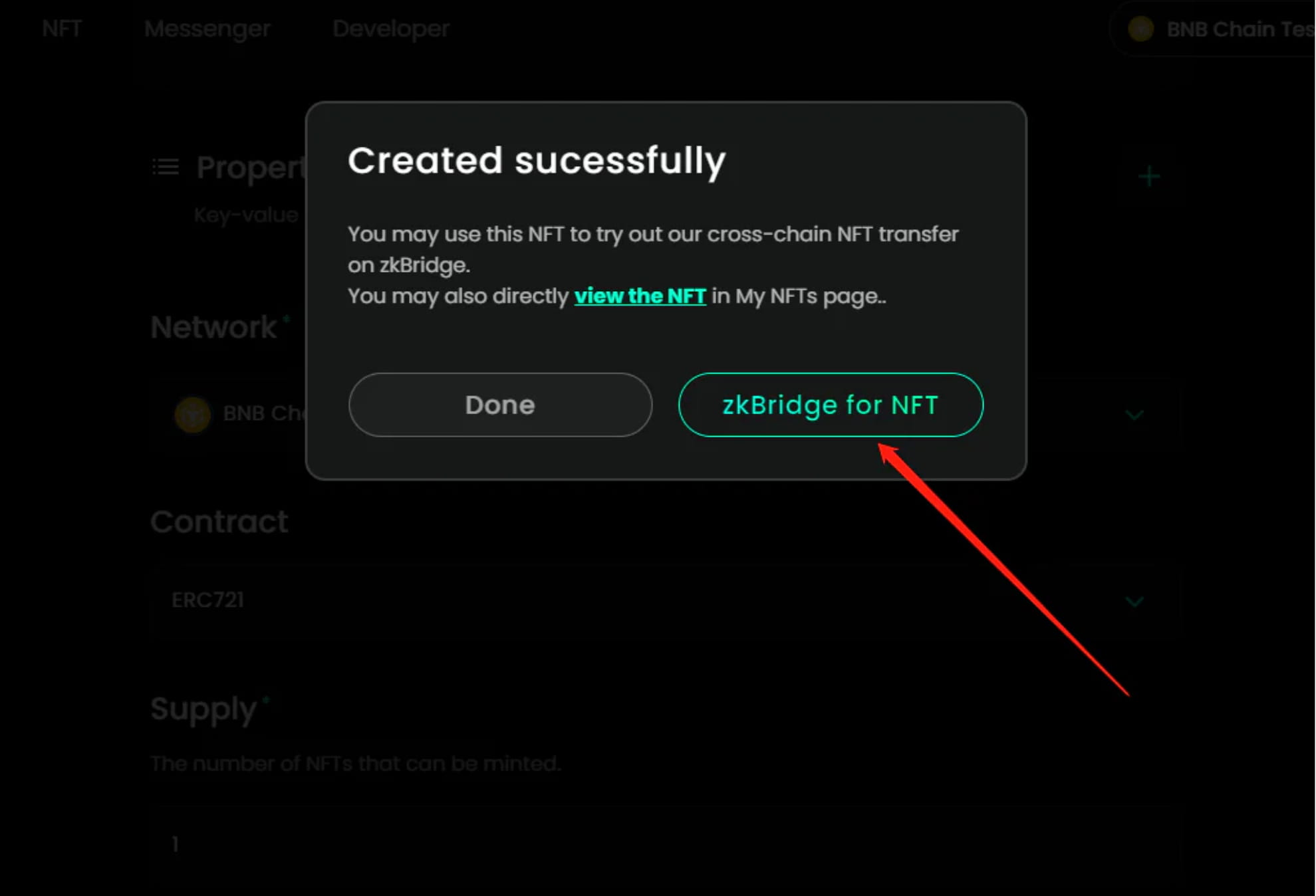
2-4 Click zkBridge for NFT
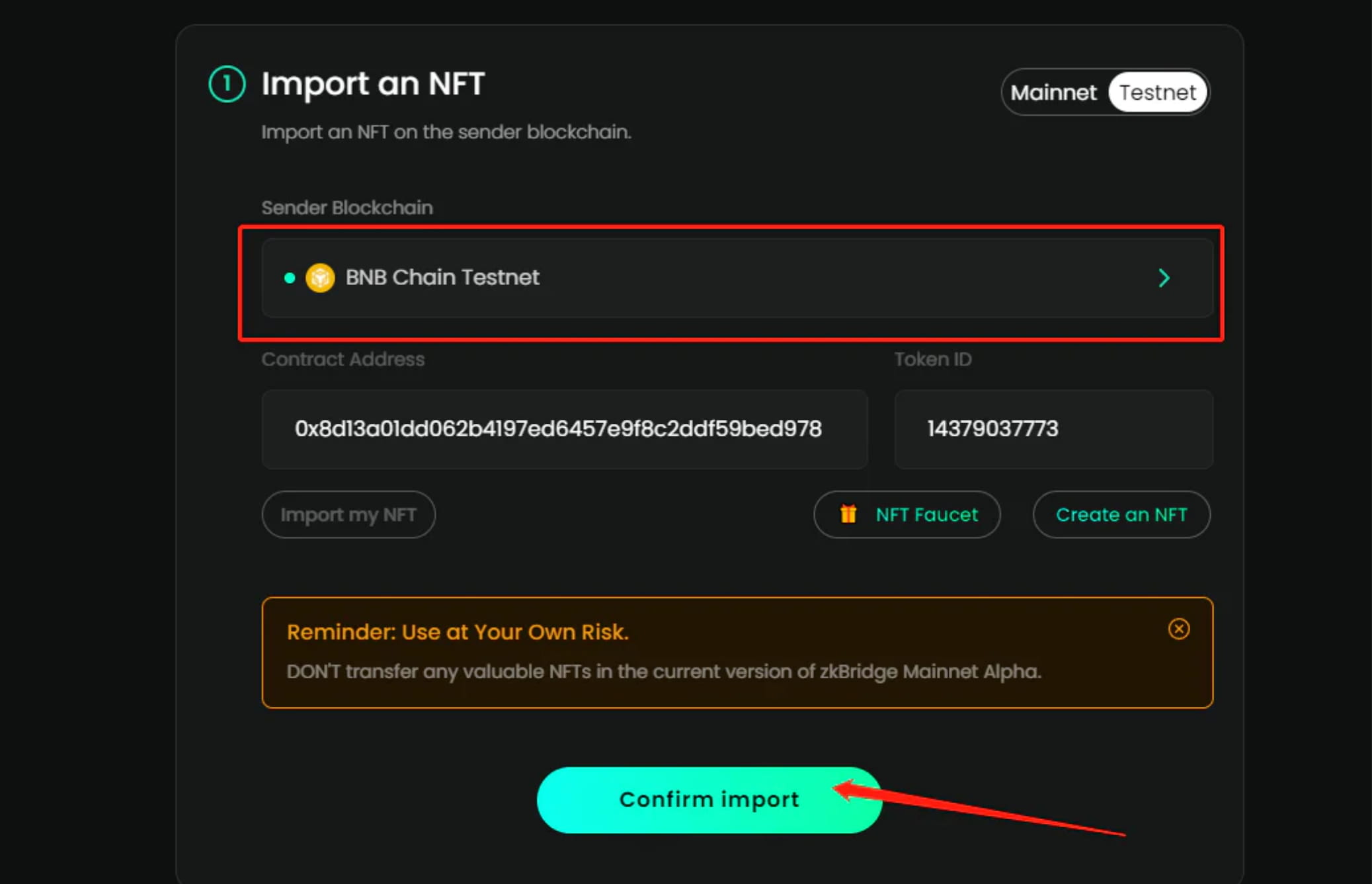
2-5 Network must choose BSC test network, click confirm import
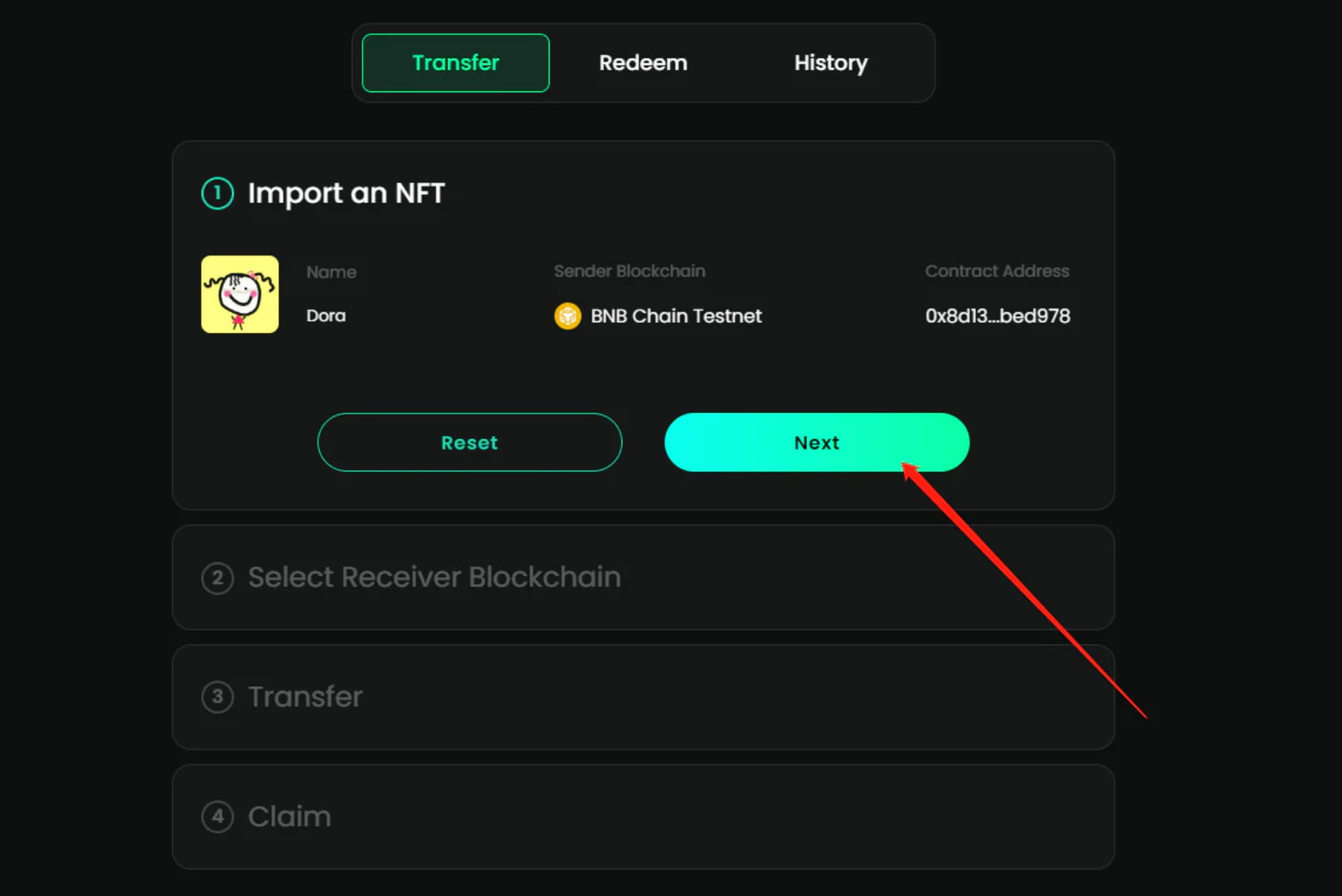
Click Next
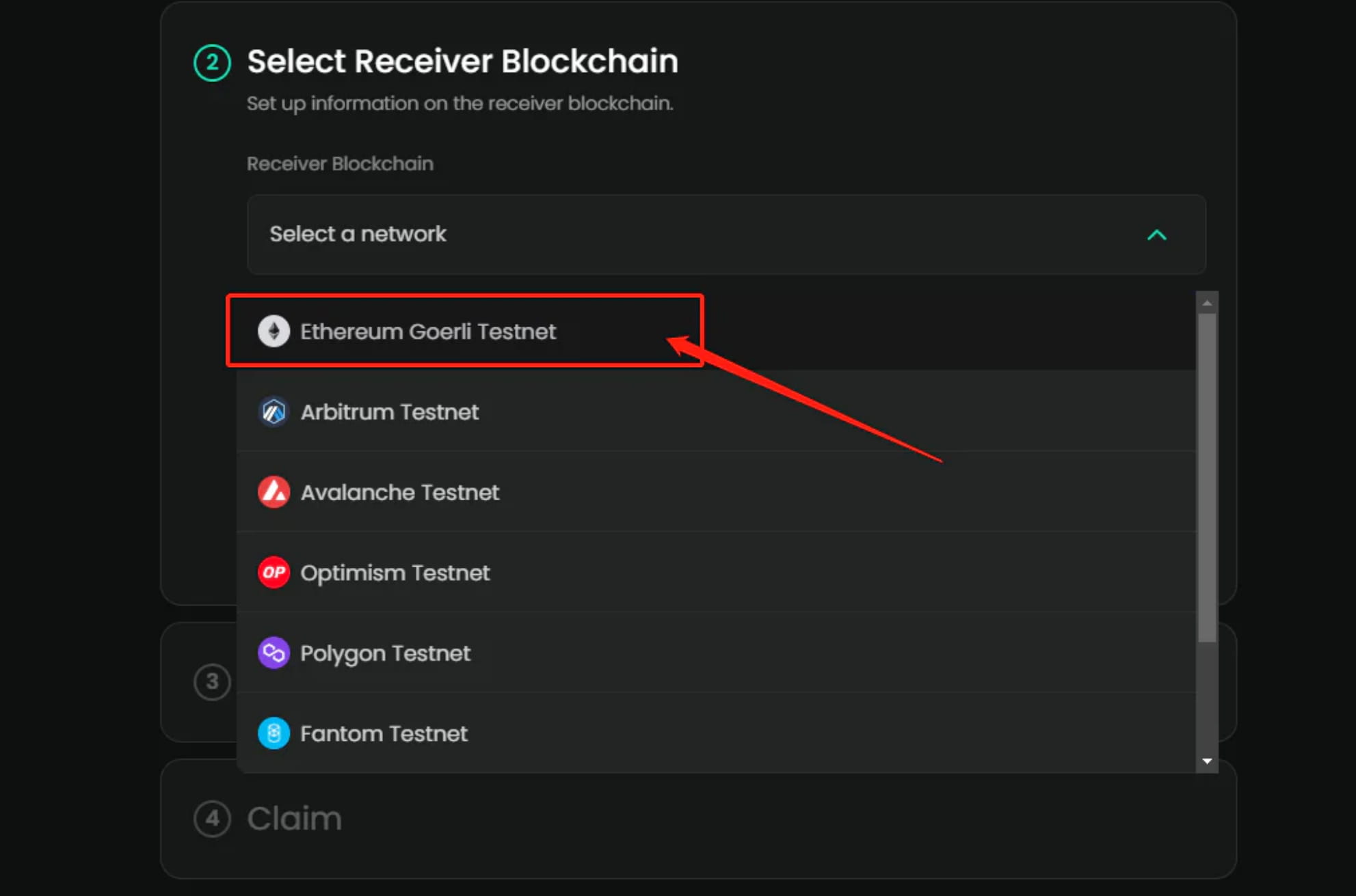
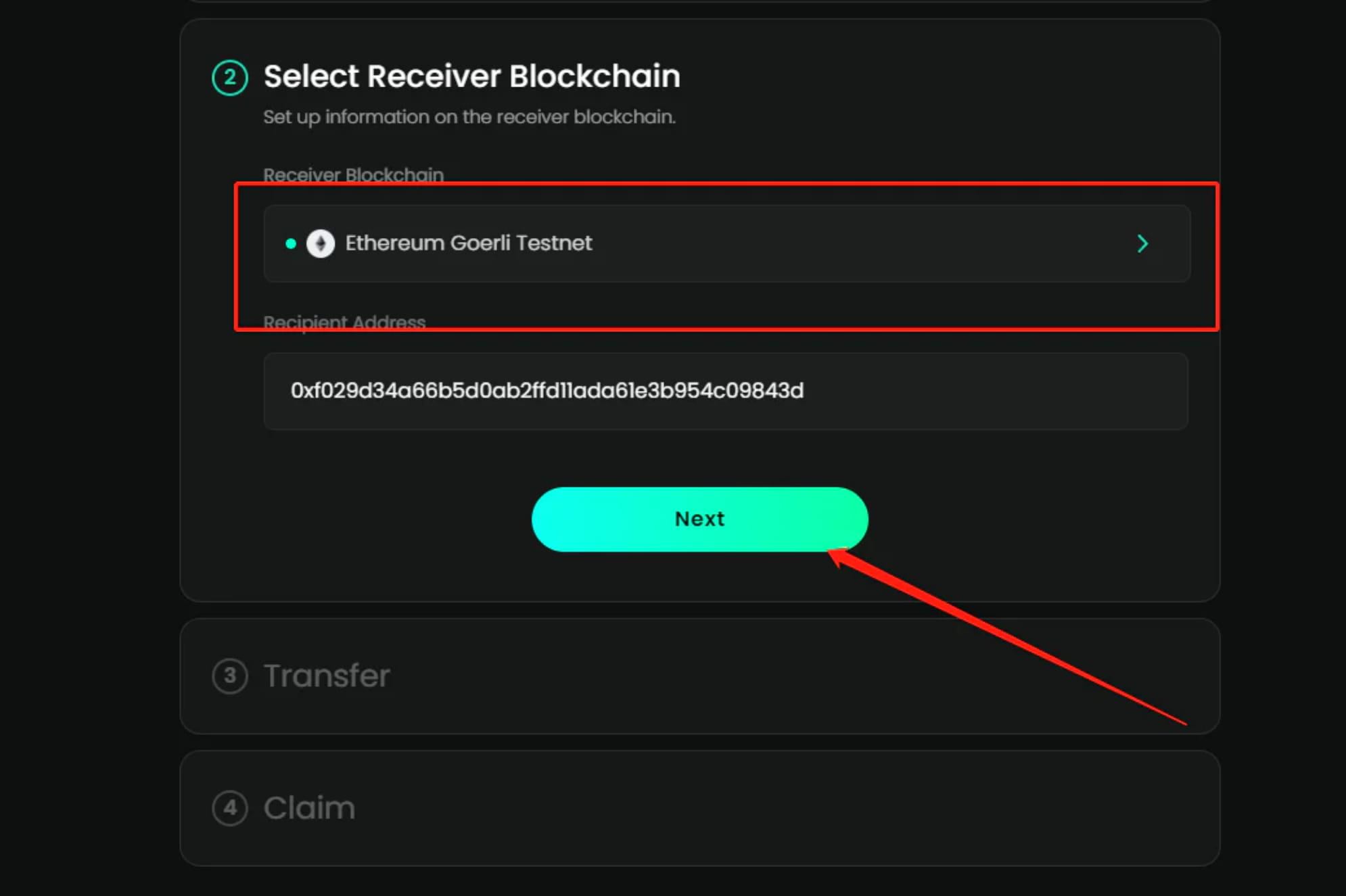
Network selection here we choose Goerli test network
Click Next
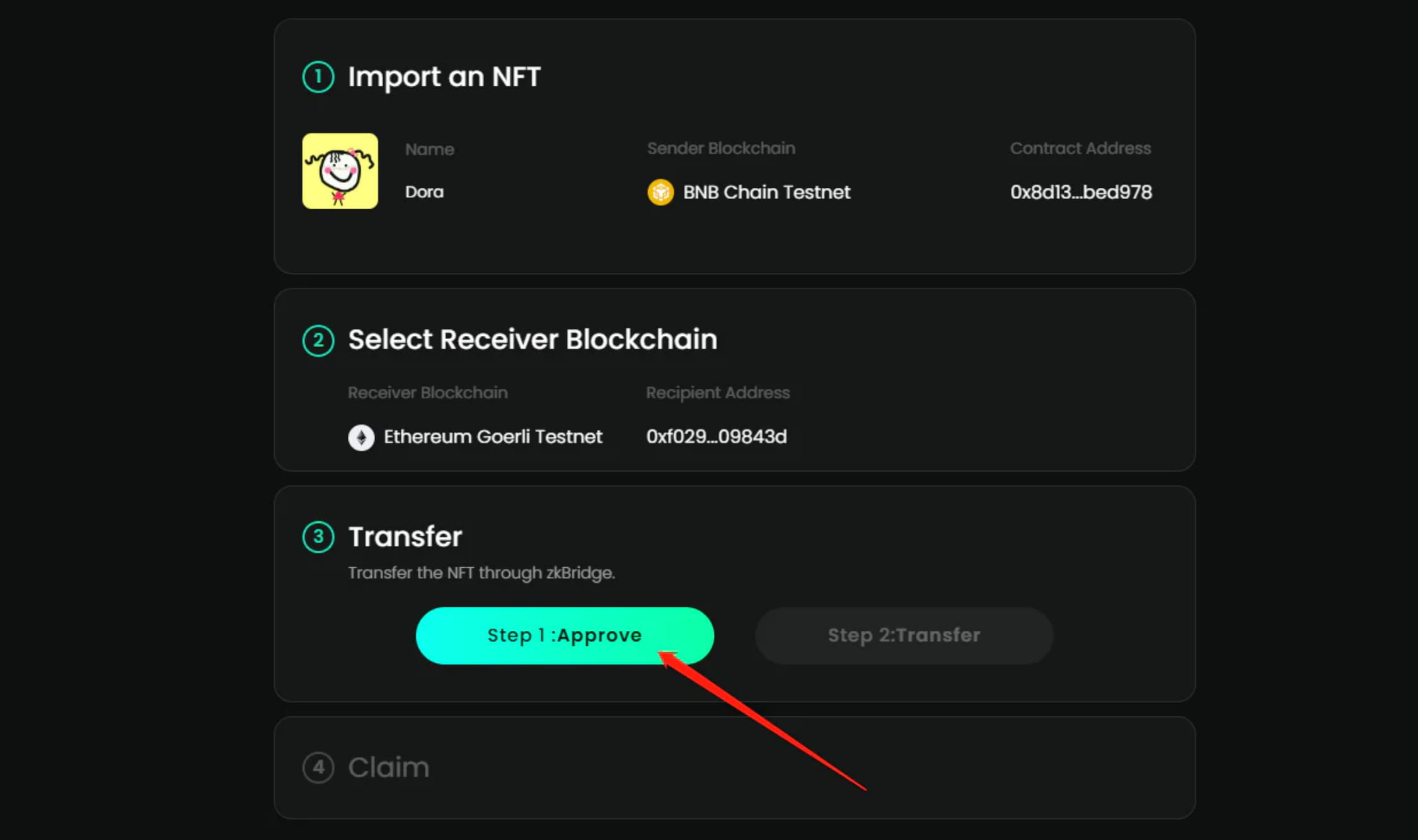
Click Step1:Approve
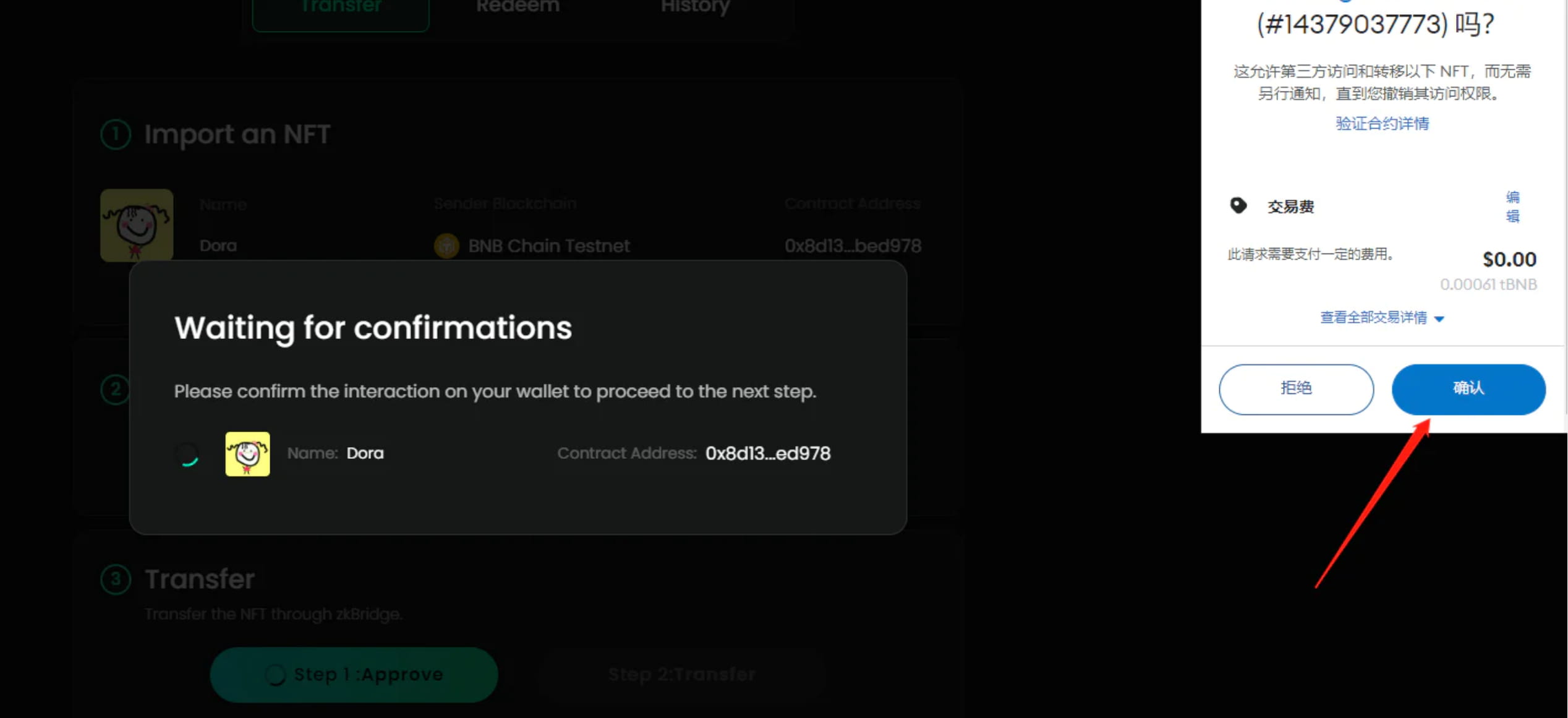
Confirm in wallet
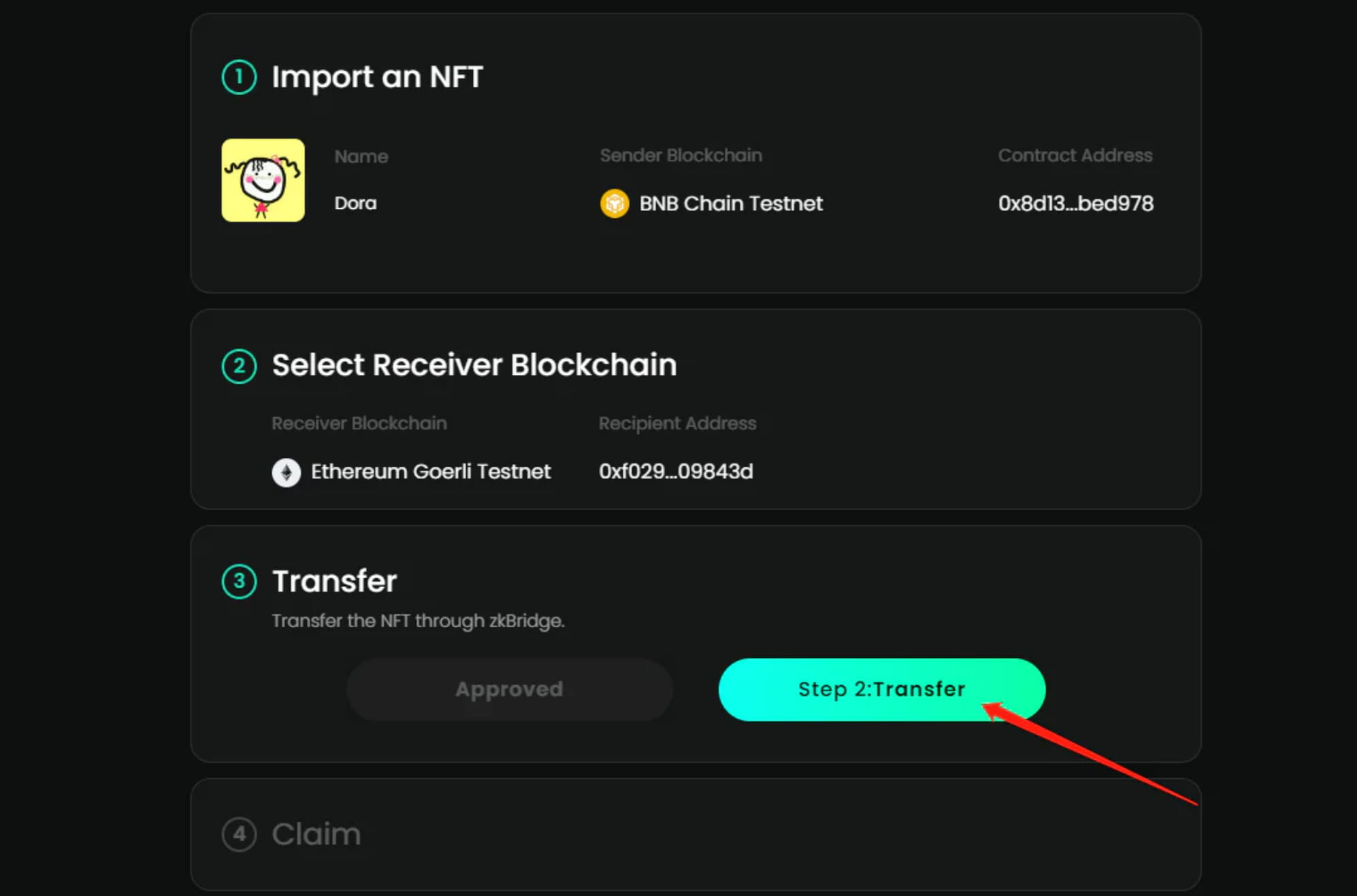
Continue to click step2:Transfer
Confirm in wallet
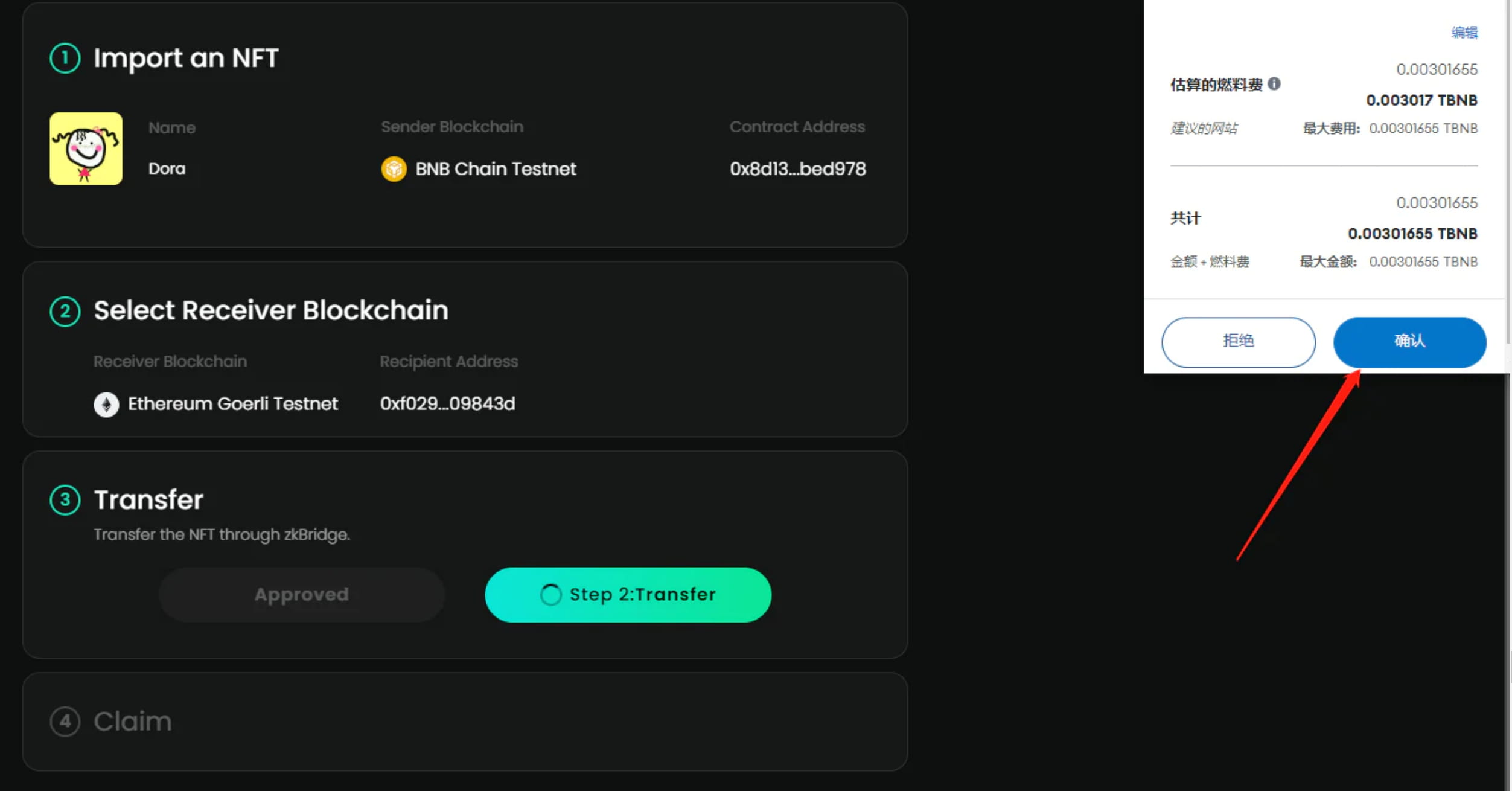
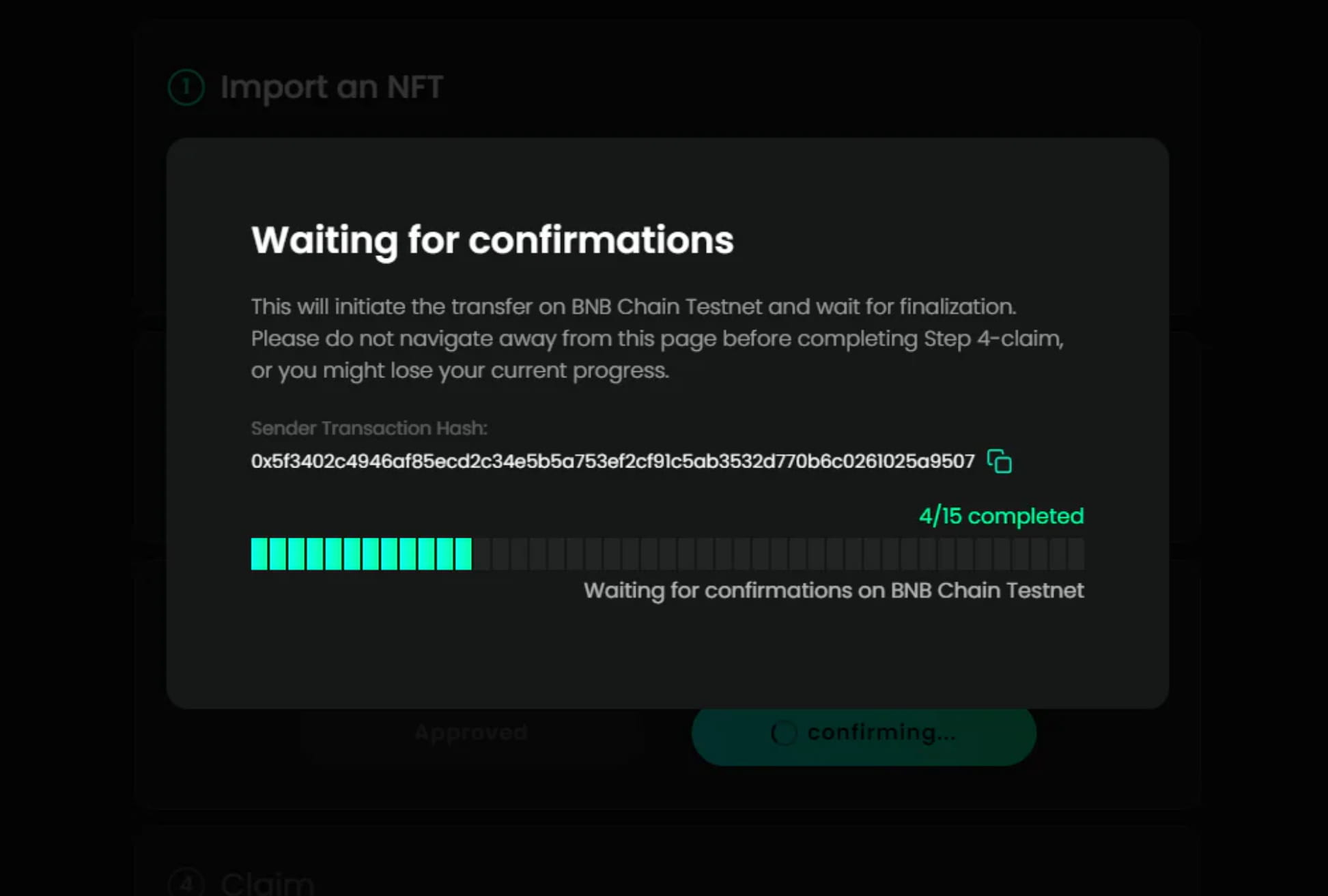
Wait for cross-chain to be completed
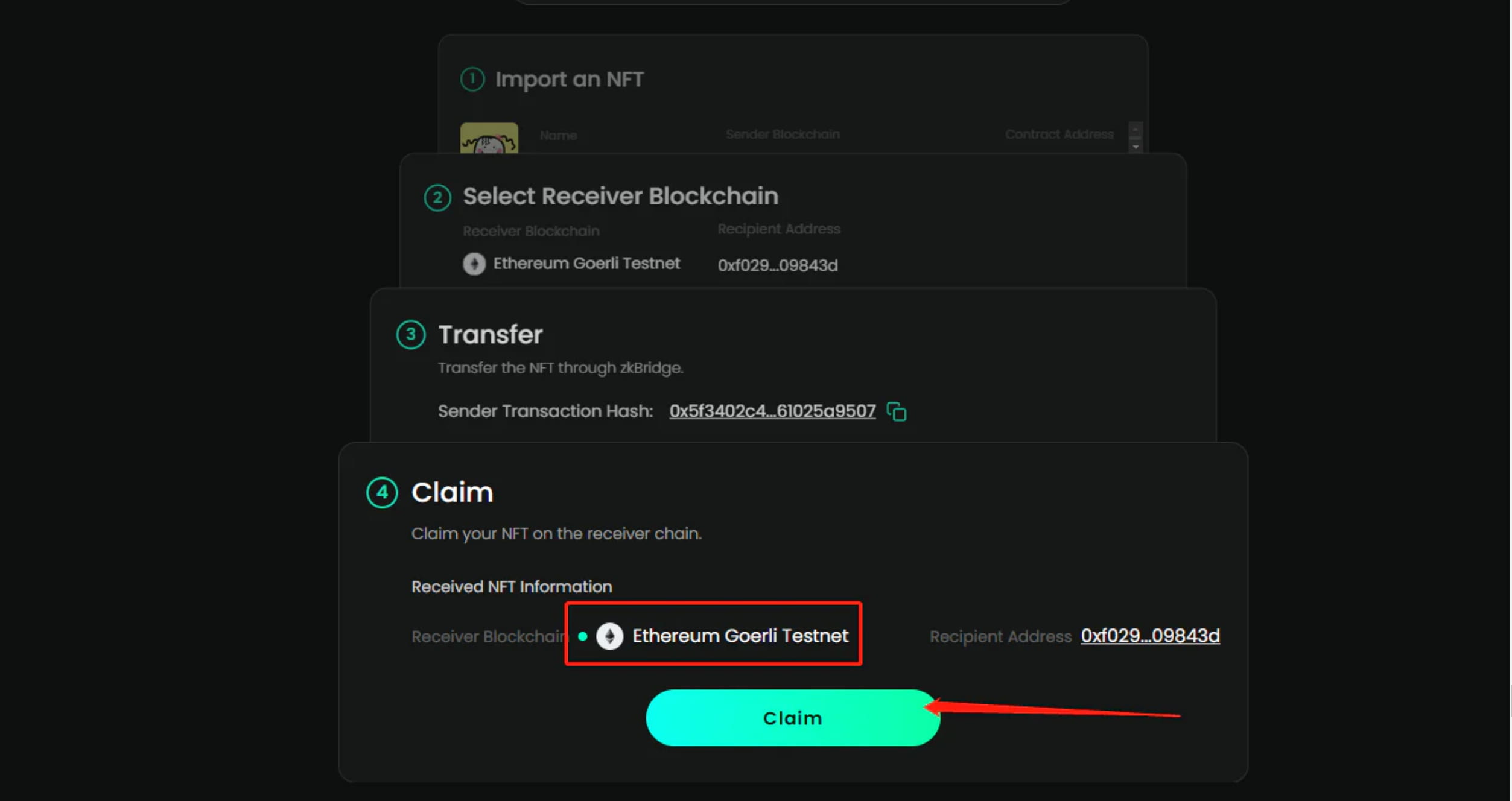
2-6 Mint NFT on Goerli testnet, click Claim
Switch networks in wallet
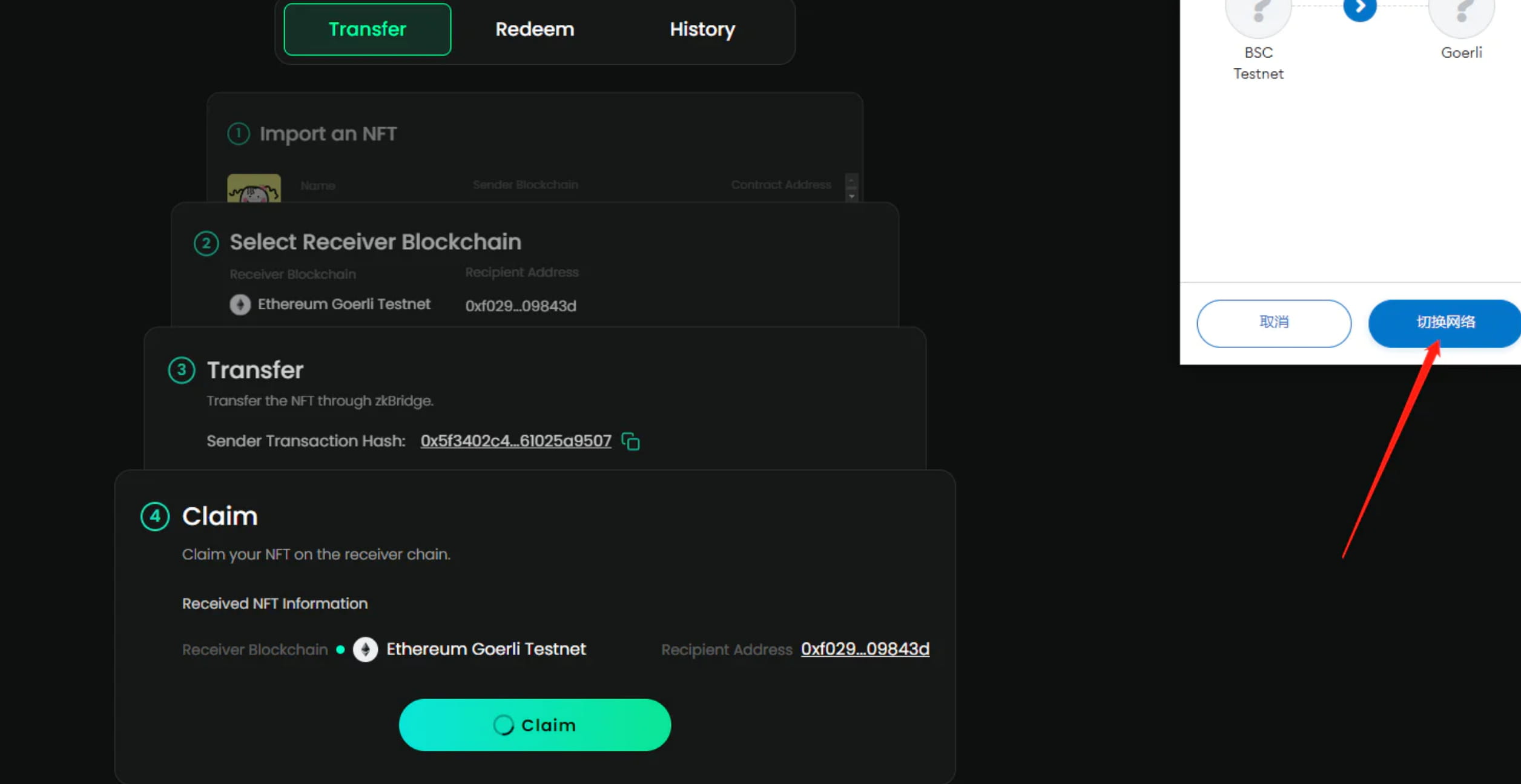
Confirm in wallet
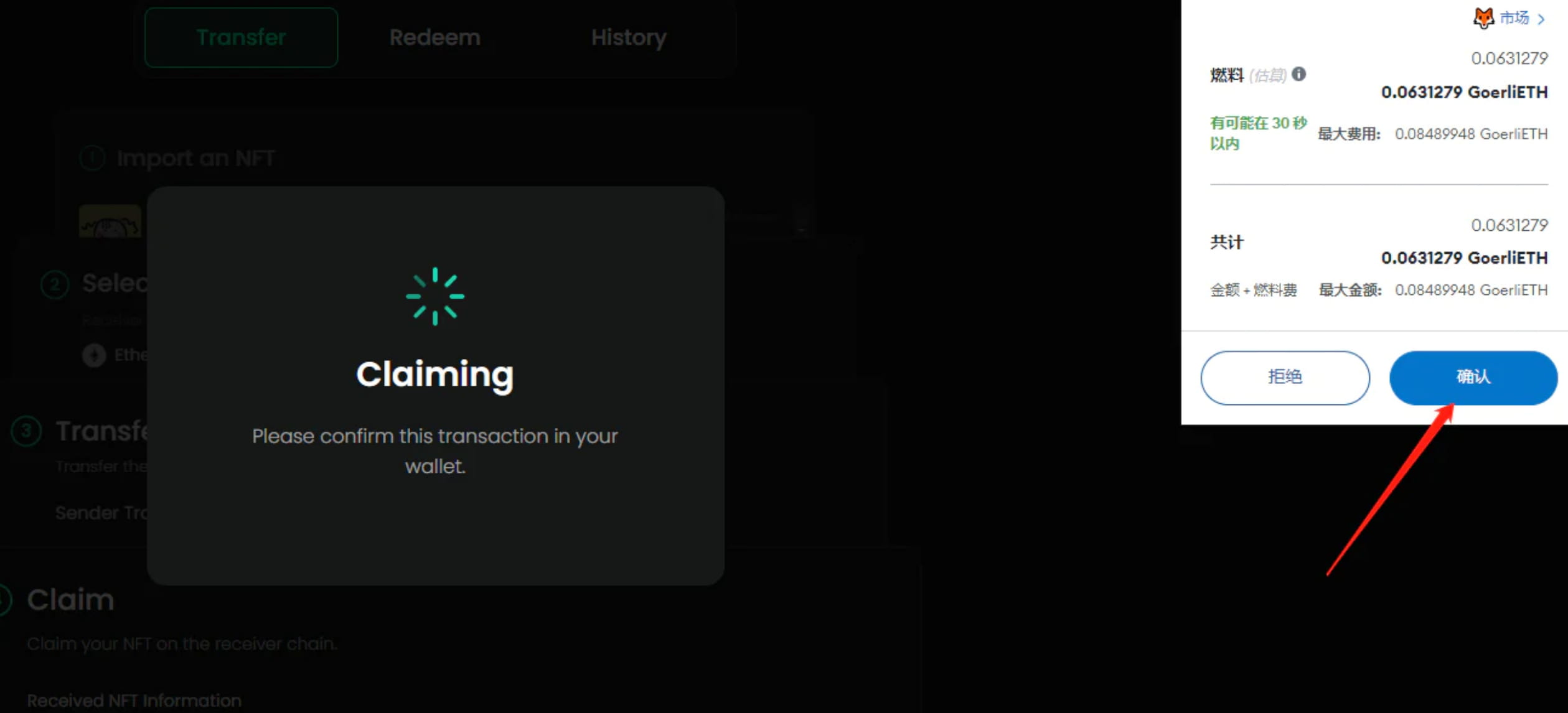
wait for completion
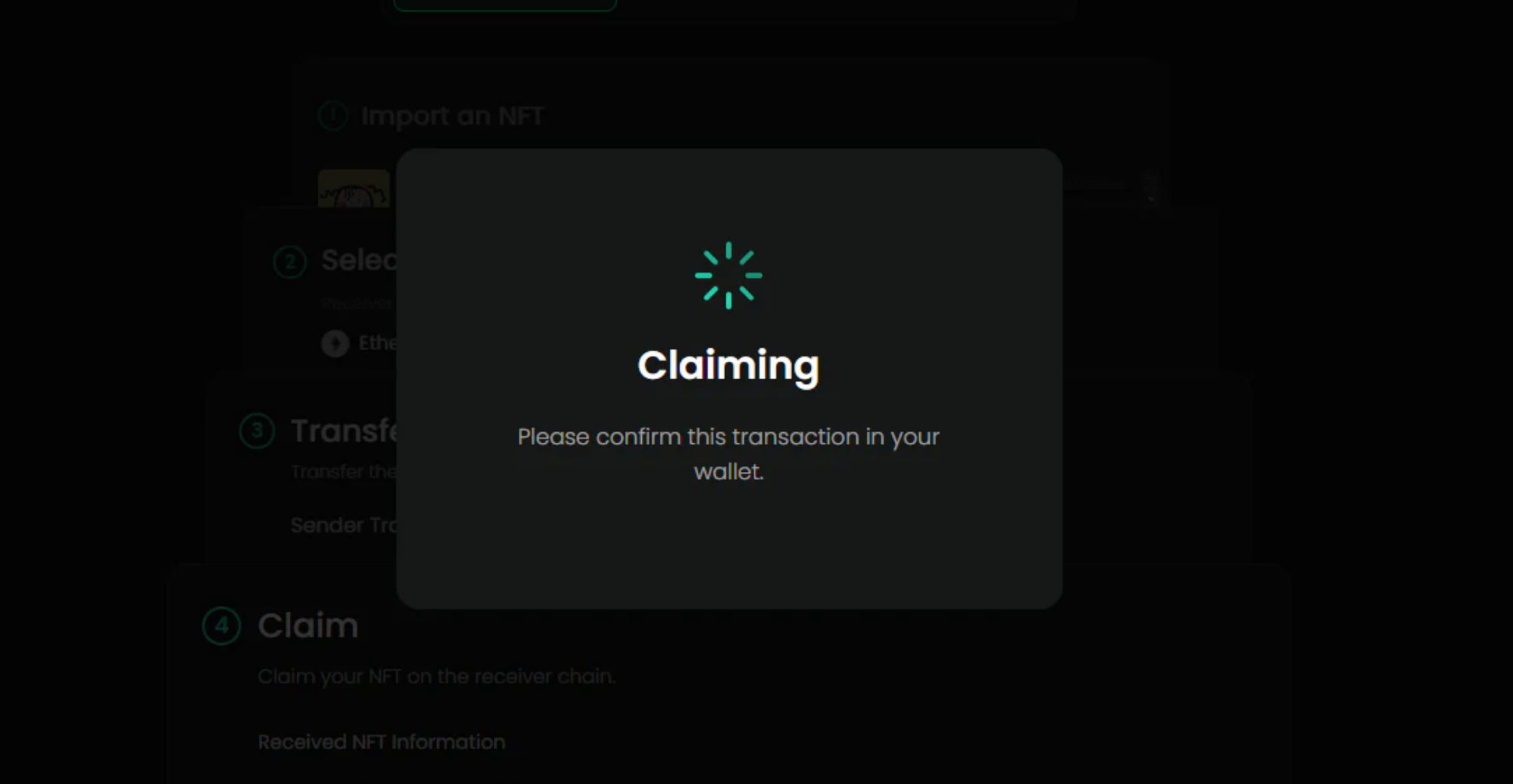
Finish
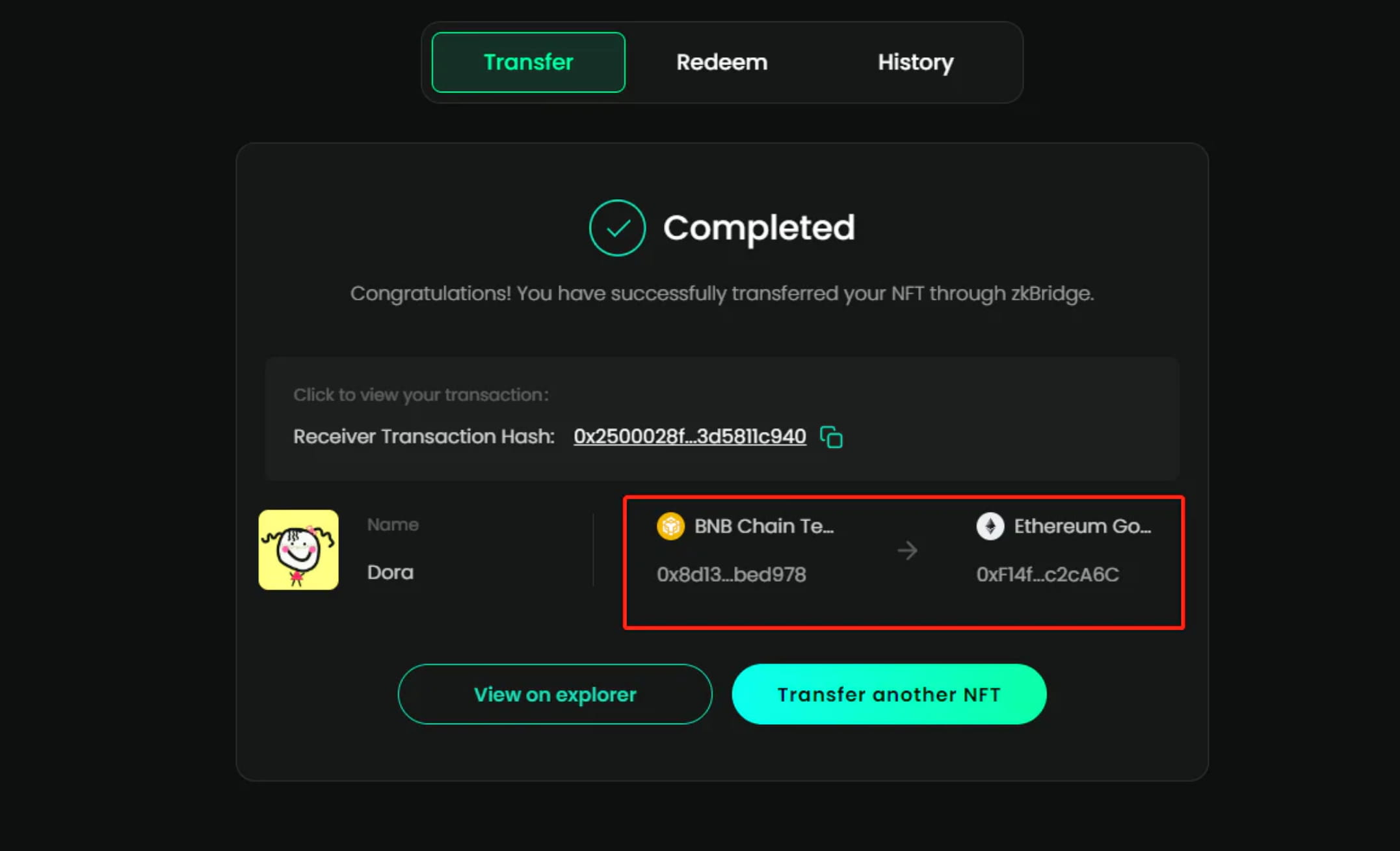
The tutorial ends here. There is no difficulty. It is just to cross the NFT from the BSC main network to the OP main network.
Then cross the NFT from the BSC test network to the Goerli test network.