Password manager 1Password was breached. Are your seed phrases still safe? 🤔
People in Chinese-speaking circles started sharing this over the weekend, so let’s get the facts straight. On November 25, 1Password published an official incident report:
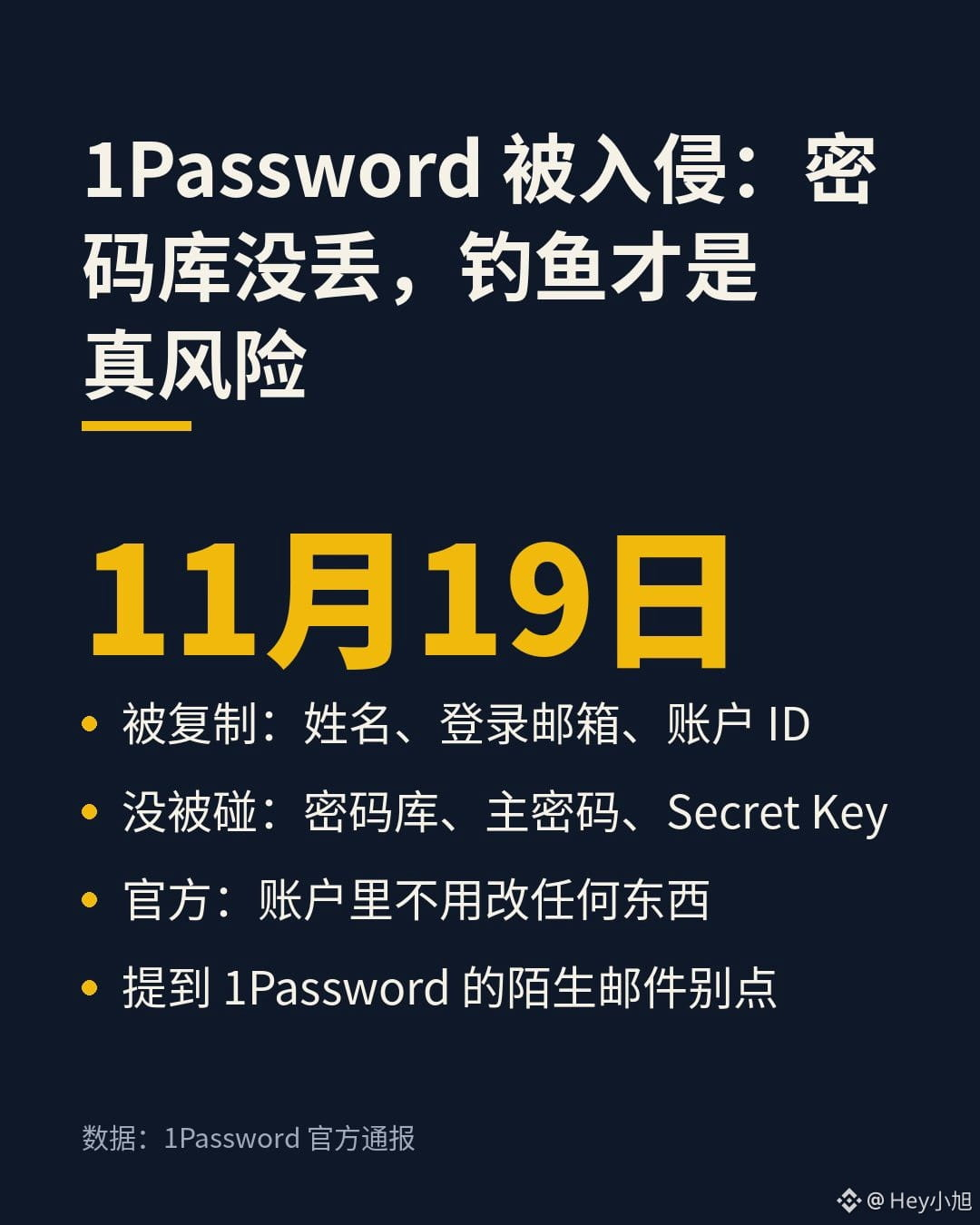
1. On November 19, they discovered that an attacker had gained access to an employee’s company GitHub account and pushed malicious code to the backend
2. The information copied belonged to “some users”: names, login email addresses, account IDs, signup and most recent login dates, public keys, and tokens from invitation and account recovery emails for a small number of people
3. What wasn’t accessed: the contents of password vaults, the keys that protect them, the Master Password, and the Secret Key (the company says it doesn’t store the last two in the first place)
So the biggest risk isn’t “your passwords were stolen,” but the phishing attempts that may follow. Scammers now know you use 1Password and know your email address, so they may send messages about “upgrading account security” or “recovering your account” to trick you into clicking.
The gist of the official statement: You don’t need to change anything in your account. Don’t trust any unexpected emails, texts, or calls mentioning 1Password. They will never ask you for your Master Password or Secret Key.
A quick self-check: It’s best not to store your seed phrase in any app connected to the internet. Handwriting it on paper and keeping it at home is safer than storing it in the cloud.
Is your seed phrase handwritten, or do you keep it in an app? 👇
Sources: 1Password’s official statement, BleepingComputer, SecurityWeek
#网络安全 #助记词 #CryptoWallet