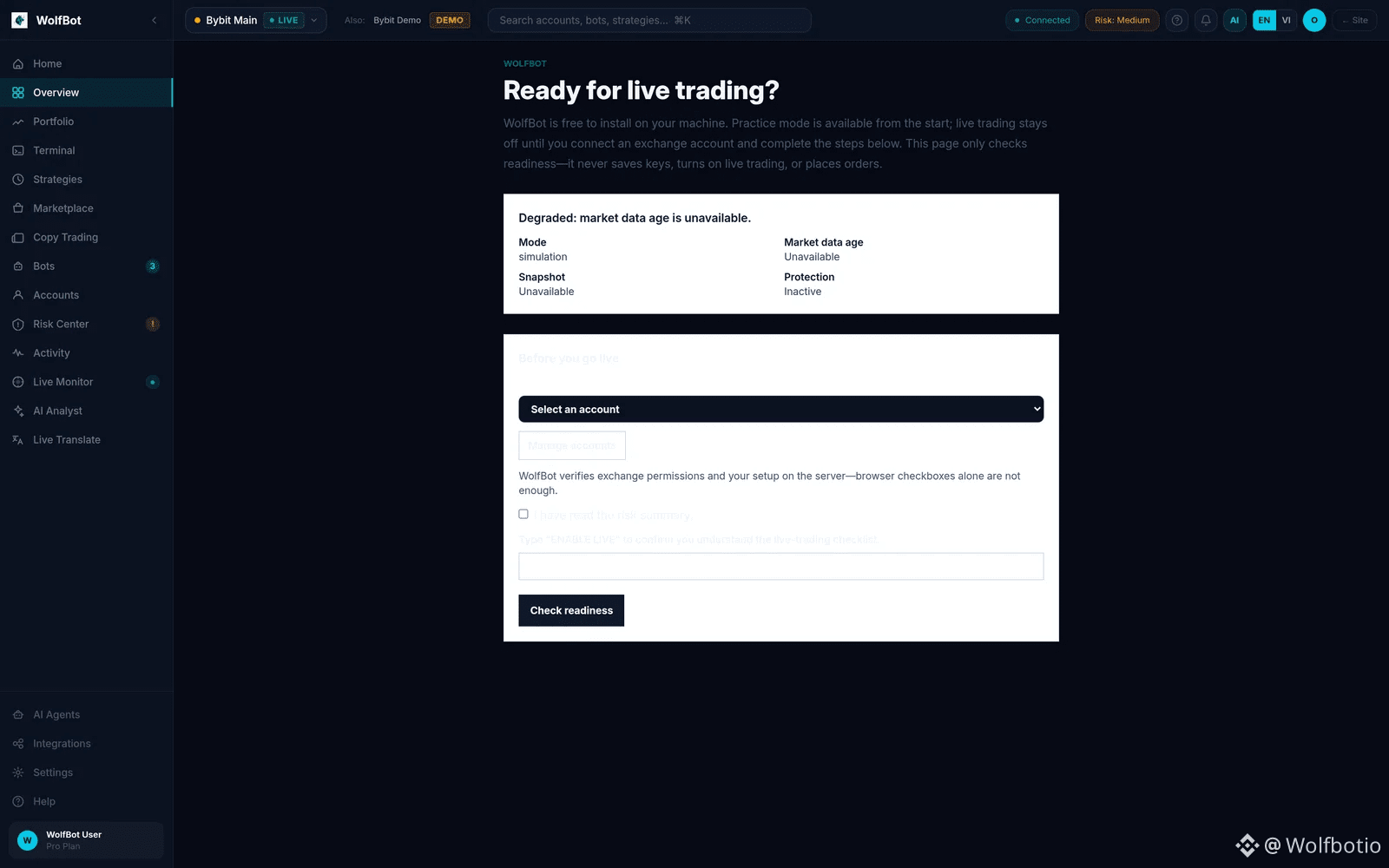
New to WolfBot Community? 🚀 The local setup screen guides you through everything!
This initial check is the perfect starting point for any new automation user. It immediately gives you crucial feedback on three key areas:
• Current operational mode
• Market-data status
• Protection status 🛡️
Here is what to expect during your first walkthrough:
1. The system automatically runs checks, giving you immediate operational feedback.
2. Important: The system is designed never to save your keys, turn on live trading, or place any orders during setup. ✅
3. You can start practicing right away because practice mode is available from the start. 🧑💻
4. Live trading functionality stays inactive until you actively connect an account and complete all readiness steps. 🛑
For a detailed walk-through and to begin your journey safely, check out this guide:
https://community.wolfbot.io/getting-started
#WolfBot #TradingAutomation #CryptoSetup #BeginnerTrading #Crypto