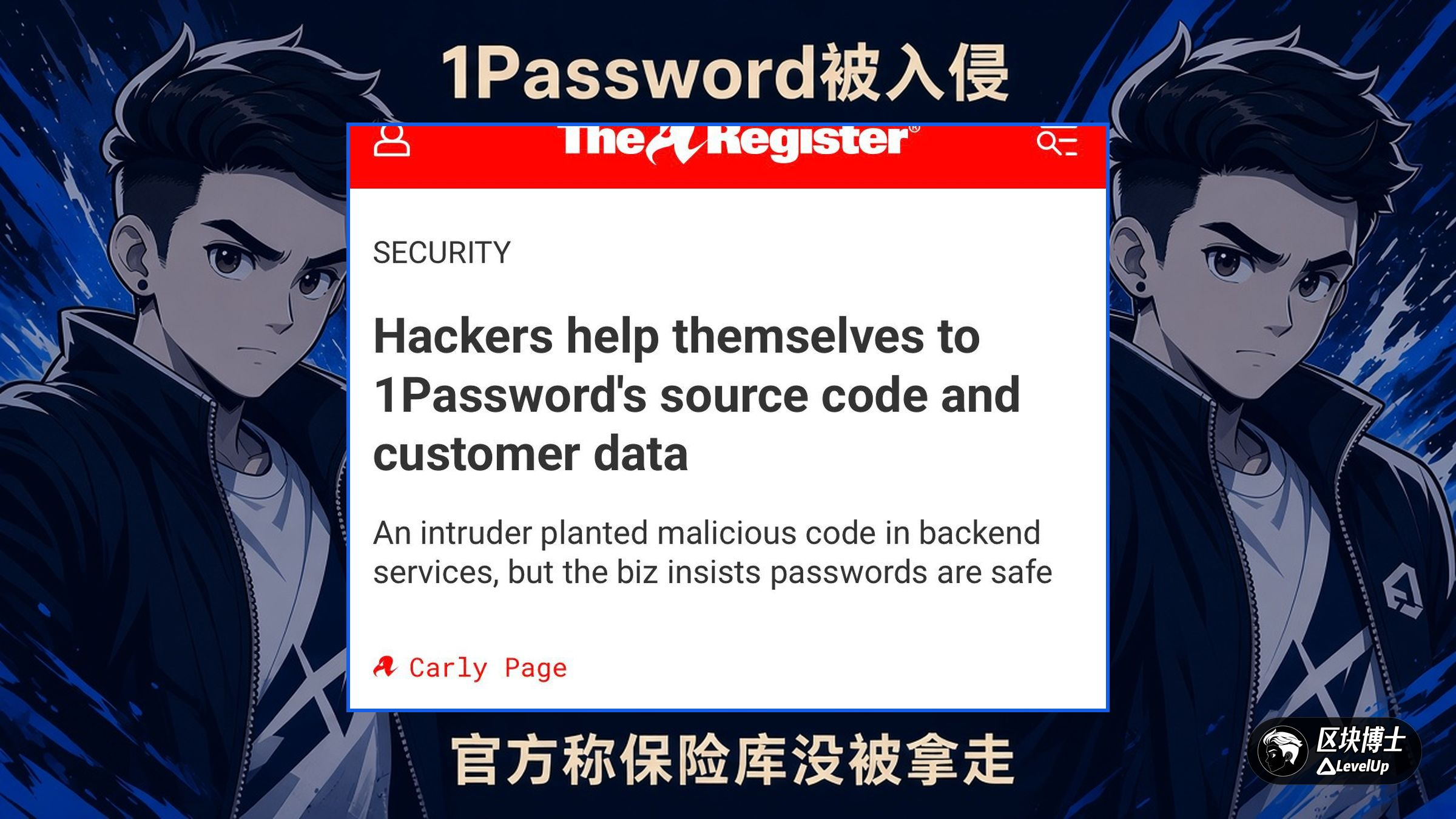
It's getting really hard now! Even 1Password isn't the ultimate security solution!
On November 25, 1Password published an official statement: It began investigating on November 19 after an attacker took over an employee's corporate GitHub account, copied private source code, pushed malicious code to backend services, and downloaded some customer account-management data. The Register's report the following day put the source code and customer data in its headline, while the company emphasized that vaults remained secure.
1️⃣ Some users' account-management data was taken
The official list includes names and email addresses used for login, account and user identifiers, account creation and recent login times, public keys, Secure Remote Password (SRP) parameters, tokens in some invitation and account-recovery email links, and other non-secret metadata. The company says public keys are public by design, and SRP parameters cannot be used to log in to accounts. The number of people affected has not been disclosed.
2️⃣ The contents and items in vaults were not accessed at any point, and were inaccessible to the attackers, according to the company
The keys that protect vaults are also on the list of things that were not affected. 1Password does not store account passwords or Secret Keys; account recovery keys, official apps, and browser extensions are also on that list. This is the company's statement. A full root cause analysis (RCA) will be published after the investigation is complete in the coming weeks, so it should not yet be described as having been independently audited and verified.
3️⃣ The Register points out two things the company has yet to explain
The report has no answers on how an employee's GitHub permissions could allow malicious code to be deployed to backend services, or on the extent of access to build and distribution infrastructure. Source code and continuous integration and continuous delivery (CI/CD) systems were accessed. The company says it has rotated potentially exposed internal credentials, and that services, availability, and product security were unaffected; apps and extensions were also unaffected. These are all still company statements. The Register compared this incident to the 2022 LastPass breach, where attackers first accessed the development environment and took source code, then later, in a second phase, obtained encrypted vault backups. That is an outside observation, not evidence that 1Password vaults were stolen in a second breach. The comparison is a reminder, not a claim that the same second phase will happen again.
So what should you do now?
4️⃣ The immediate priority is to watch out for phishing
Once names and email addresses have been taken, emails, texts, and calls impersonating a password manager can seem more convincing. Treat any recovery, invitation, or reauthorization request you didn't initiate as suspicious, and don't click links from unknown sources.
5️⃣ Enter your Master Password and Secret Key only in the official app you opened yourself, or on the official website you typed in yourself
1Password will never ask you for these out of the blue. The Secret Key is usually needed only when signing in on a new device for the first time.
6️⃣ Treat any unexpected message asking you to reconnect Grok Bot and 1Password, or asking for your Master Password or Secret Key, as suspicious
Based on what the company has disclosed about this incident, having 1Password connected to a Bot does not mean that passwords stored in vaults have been leaked in this breach.
7️⃣ Open the official app or website and check recent logins and devices
Look for any devices or login records you don't recognize.
8️⃣ The company says it has separately notified the small number of users with invitations or account recovery in progress
These tokens alone cannot be used to access an account; they also require single sign-on (SSO) or a verification code sent to the registered email address. Verification codes have been changed from 6 digits to 10 alphanumeric characters. The company says it found no evidence internally that anyone used these invitation tokens to take over accounts. If you receive this kind of official notification, follow the instructions in the official email.
9️⃣ You don't need to immediately change every password in your vault
The company also says customers don't need to change anything in their 1Password accounts, and shouldn't change their Master Password or Secret Key just because someone tells them to. Taking extra precautions is a personal choice; you could start by changing passwords for a few important accounts.
It's been confirmed once again that AI is accelerating everything. That makes it all the more important to keep your assets somewhere with better protections. For example, Binance has an official backstop if it gets hacked, but you don't get one if your account is stolen because 1Password was attacked. Be safe!