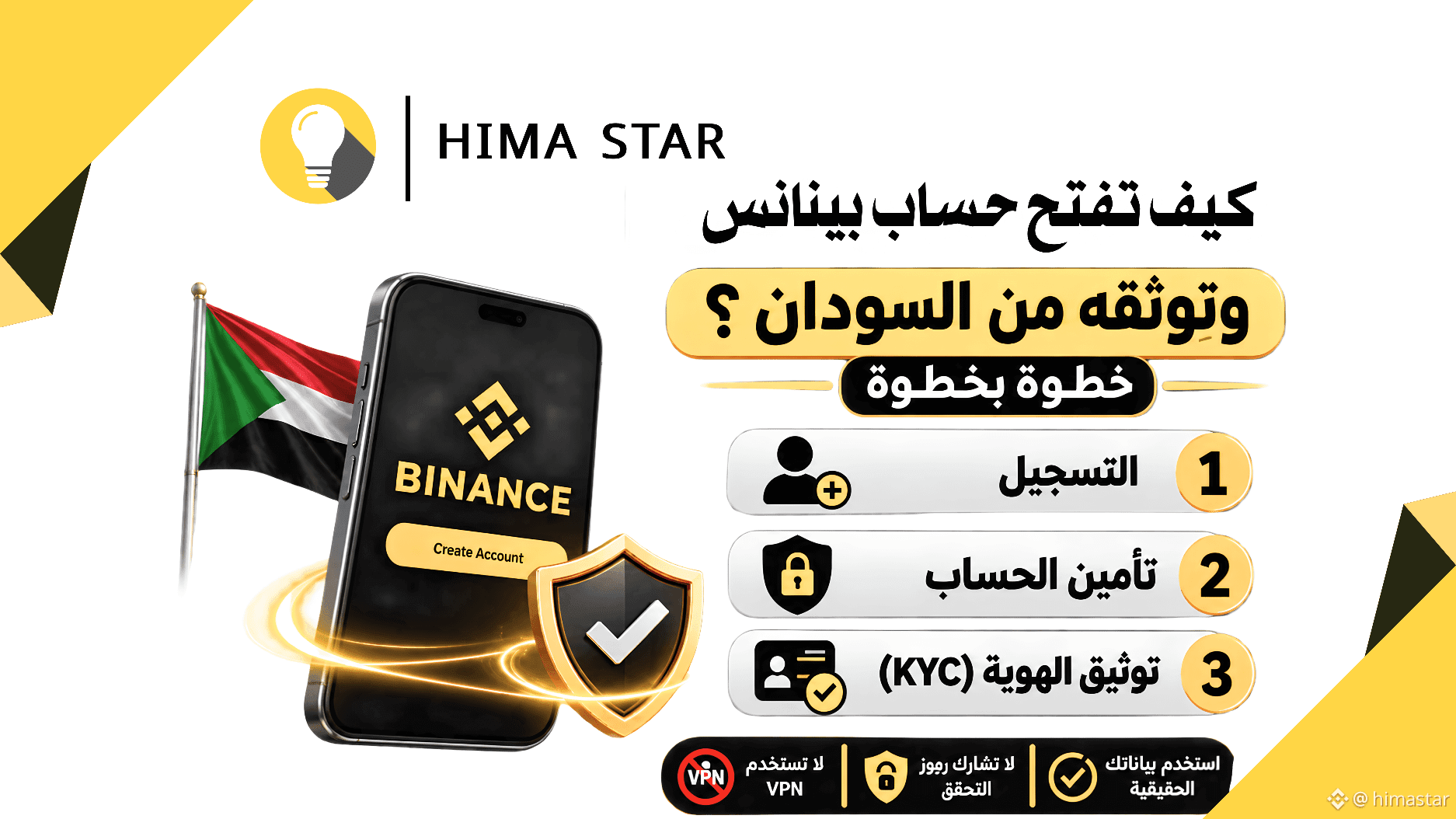
🇸🇩 Sudanese? Here’s how to open and verify a Binance account step by step!
Before entering the world of cryptocurrency, make sure your account is properly set up and secured. 🔐
1️⃣ Sign up
• Download the official Binance app.
• Sign up with your email address or phone number.
• Enter the verification code and create a strong password.
2️⃣ Secure your account
• Enable Google Authenticator.
• Enable an Anti-Phishing Code.
3️⃣ Verify your identity (KYC)
• Go to your profile and select Verification.
• Select your actual country of residence.
• Use an accepted identity document, such as a passport if supported.
• Take clear photos and complete facial verification.
⚠️ Important reminders:
• Use only your real information.
• Don’t use a VPN to circumvent the platform’s restrictions.
• Don’t share your password or verification codes.
• Accepted services and documents vary by country.
🔥 A question for the Sudanese community:
Have you managed to verify your Binance account from Sudan? Which document did you use?
Share your experience in the comments—it might help someone else! 🇸🇩
#Binance #السودان #العملات_الرقمية #CryptoSudan #توثيق_بينانس