$USDC #Binance đđď¸
âImagine youâre taking care of your seasonal shopping: grabbing a quick coffee, picking up a little something, or having a meal with friends. Instead of pulling out cash or switching apps, you pay straight from your phone using the balance you already have on Binance. Thatâs where Binance QR or the Binance Card comes in: they fit into your daily routine seamlessly.
âHow does it work?
âItâs really simple: use the available funds in your Binance account to pay at participating merchants, either by scanning a QR code or paying with your card. You choose to pay with crypto from your available balance and, depending on the merchant and payment settings, the business receives its local currencyâwithout you having to juggle anything at the register.
âStep by step (ideal for pairing with a screen recording + a real-life scene)
â1. At the checkout or counter: find the payment QR code or get your card ready when itâs time to pay.
â2. In the Binance app: open the QR payment option (or check/manage your card and funds in the app).
â3. Choose and confirm: select the available balance you want to use, check the amount, and confirm the transaction.
â4. All set: your payment is complete in seconds, and you can get on with your day. (If youâre making a video, show the person shopping first, then cut quickly to the phone screen to make it instantly clear.)
âWhy is it practical?
âEasy and straightforward: take care of everyday payments without any hassle.
âEverything in the app: review transactions, manage your funds, and keep track of everything in one place.
âA bridge between crypto and commerce: you pay with your crypto funds, and the merchant receives local currencyâall subject to the merchantâs availability, your country, your account level, and applicable terms.
#AfiliadosBinance #spot #pay #card
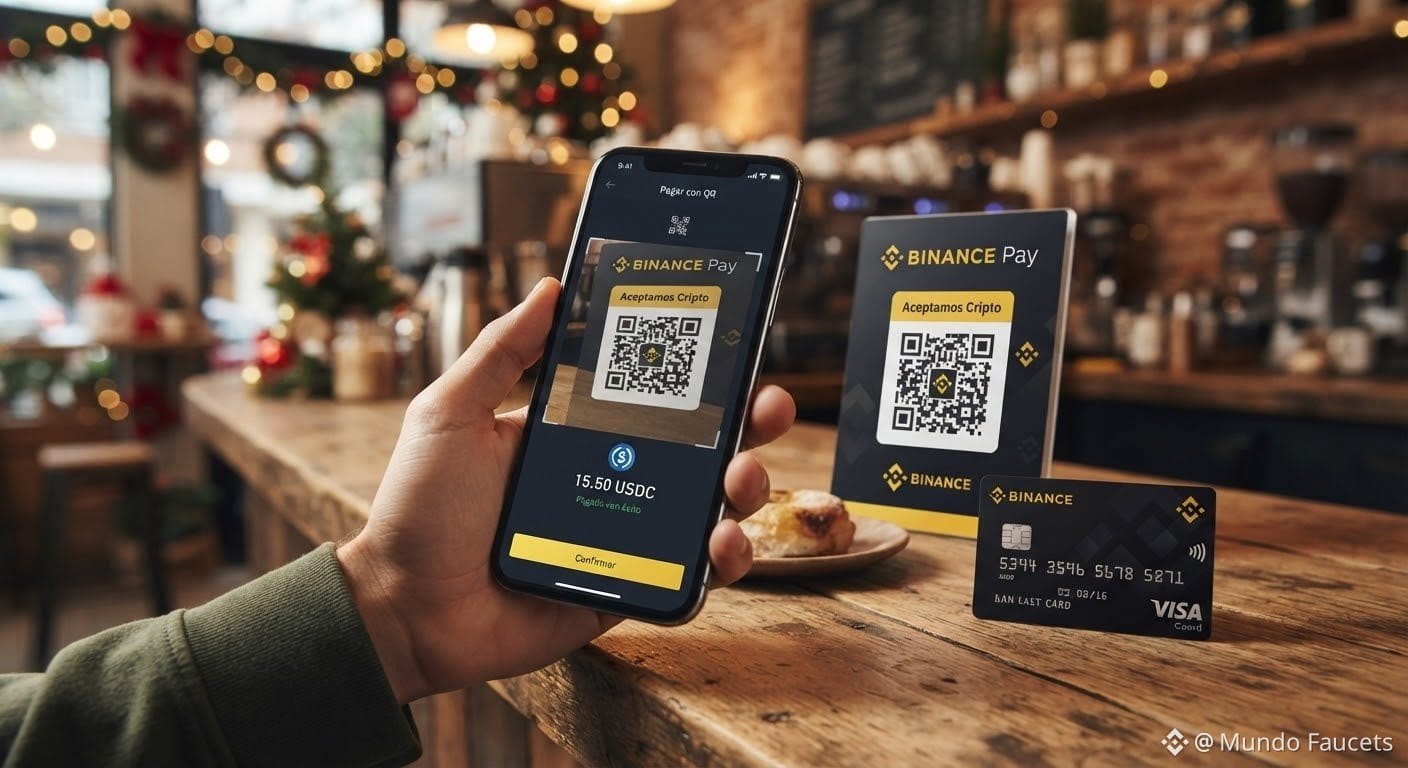
âImagine youâre taking care of your seasonal shopping: grabbing a quick coffee, picking up a little something, or having a meal with friends. Instead of pulling out cash or switching apps, you pay straight from your phone using the balance you already have on Binance. Thatâs where Binance QR or the Binance Card comes in: they fit into your daily routine seamlessly.
âHow does it work?
âItâs really simple: use the available funds in your Binance account to pay at participating merchants, either by scanning a QR code or paying with your card. You choose to pay with crypto from your available balance and, depending on the merchant and payment settings, the business receives its local currencyâwithout you having to juggle anything at the register.
âStep by step (ideal for pairing with a screen recording + a real-life scene)
â1. At the checkout or counter: find the payment QR code or get your card ready when itâs time to pay.
â2. In the Binance app: open the QR payment option (or check/manage your card and funds in the app).
â3. Choose and confirm: select the available balance you want to use, check the amount, and confirm the transaction.
â4. All set: your payment is complete in seconds, and you can get on with your day. (If youâre making a video, show the person shopping first, then cut quickly to the phone screen to make it instantly clear.)
âWhy is it practical?
âEasy and straightforward: take care of everyday payments without any hassle.
âEverything in the app: review transactions, manage your funds, and keep track of everything in one place.
âA bridge between crypto and commerce: you pay with your crypto funds, and the merchant receives local currencyâall subject to the merchantâs availability, your country, your account level, and applicable terms.
#AfiliadosBinance #spot #pay #card
