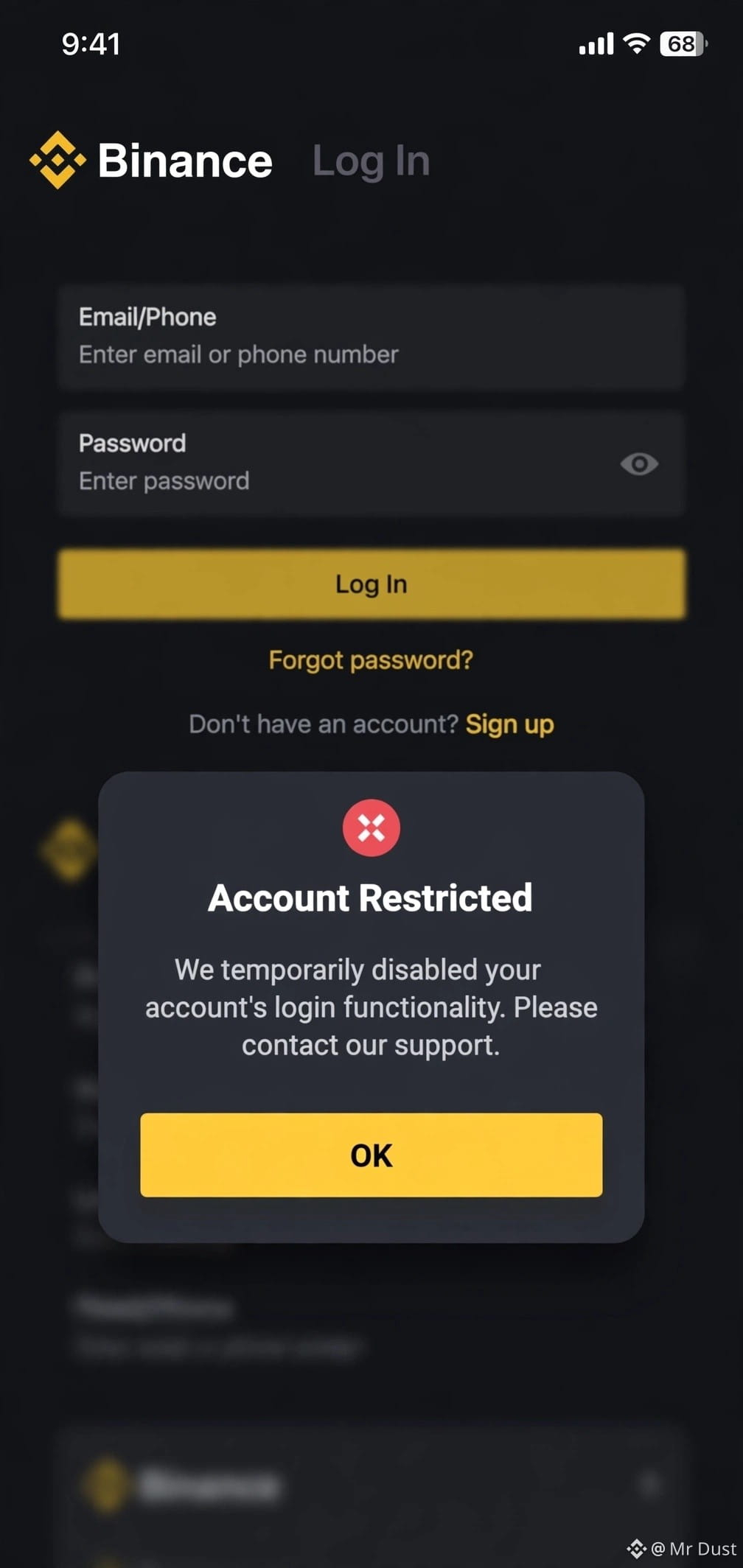
Binance Account FREEZE + 2FA Issue? 😰 Don't Panic!
This happened to me too, my account got frozen and the 2FA code was not coming. No need to panic, just follow these 4 steps:
STEP 1: Check first
Update your Binance app and try with a different internet connection. Sometimes it is only a network issue.
STEP 2: Fix 2FA
Sync the time in Google Authenticator. Go to Settings > Time correction for codes > Sync now. And keep your phone time on Auto. If the SMS code is not coming, try the Email code.
STEP 3: Check the freeze reason
Go to Binance > Profile > Support > My Requests. It will show why it was frozen. Usually it happens because of KYC or an unusual login.
STEP 4: Appeal
Click on "Unfreeze" or "Appeal" there, upload your CNIC + selfie video. It usually opens in 24-48 hours.
IMPORTANT: Never give your 2FA code, password or OTP to anyone. Binance never asks for your code in DM.
Has your account ever been frozen? Comment YES or NO 👇
#MrDust #BinanceAccountSuspended #Binance2FA #BinanceFreeze #binancesupport