


Whenever you receive a link in a DM from someone—or someone claiming to be a potential partner—should you click it?
My advice: Don’t click just yet.
This is especially important if you regularly interact with project teams, business partners, or airdrop campaigns.
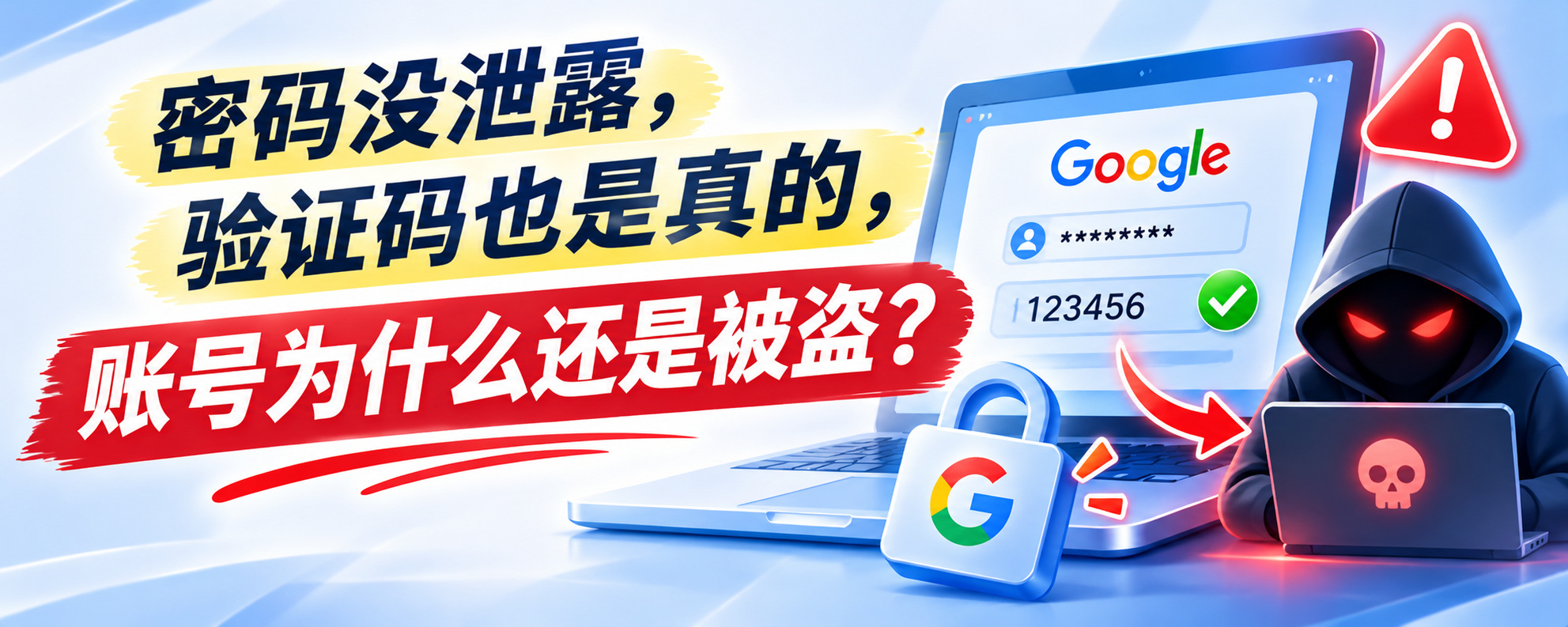
Last night, I learned about an attack method called AiTM (Adversary-in-the-Middle phishing) + Session Hijacking.
The dangerous part is that even if your password hasn’t been cracked, the verification code is genuinely sent by the platform—and your account can still be stolen!
How does it work?
1️⃣ You receive a link that looks legitimate
For example, someone sends you a Google Docs collaboration proposal, Google Drive project files, or a meeting invitation.
After you click, the page says you need to sign in to your Google account to view the file. Many people think this is normal and enter their username and password.
2️⃣ The attacker interferes in the middle
Put simply, the attacker acts like a middleman, positioned between you and the real website.
You enter your username and password, and the attacker forwards them to the real Google site. When Google asks for a verification code, the attacker relays that step too.
The whole process looks just like a normal sign-in. You might even successfully log in, but the attacker is logging in alongside you.
3️⃣ Session Hijacking
After you sign in, Google gives your browser a temporary login pass, called a session cookie.
If the attacker gets this pass, they may be able to access your account as you, without needing to enter your password or verification code again.
That’s why your account can still be stolen even if your password hasn’t been exposed.
---
So, how can you protect yourself?
1️⃣ Check the domain
Whenever you open a link or are redirected to a new page, check that the full domain is correct. Don’t just look at the link you initially received.
For example:
- "docs.google.com" ✅ An official Google domain
- "docs.google.com.evil.com" ❌ This actually belongs to evil.com
- "docs-google.com" ❌ Not an official Google domain
2️⃣ Use a Passkey whenever possible
Suppose you set up a Passkey on the real Google website, then accidentally visit a fake Google site. Even if the page looks identical, the Passkey checks the website’s domain and won’t authenticate you on a fake site if it doesn’t match.
Compared with traditional passwords, Passkeys offer stronger protection against this kind of phishing attack.
3️⃣ Not sure about a domain? Check it first.
✨ Verify the link on the project’s official X account, website, or community.
✨ Use WHOIS to look up domain registration information:
https://lookup.icann.org/
✨ Use VirusTotal to check whether security engines have flagged the link as malicious:
https://www.virustotal.com/
However, keep in mind that an old domain or one that hasn’t been flagged by VirusTotal isn’t necessarily safe.
The safest approach: Don’t log in through links sent by strangers. Go directly to the site through official channels.
---
A quick quiz to wrap things up:
You receive a Google Drive file, and the sender asks you to log in to view it. Which of the following is the real Google login domain?
A. "accounts.google.com"
B. "accounts.google.com.verify-login.net"
C. "google.accounts-login.com"
D. "accounts.google.com@secure-login.net"
Which one would you choose?