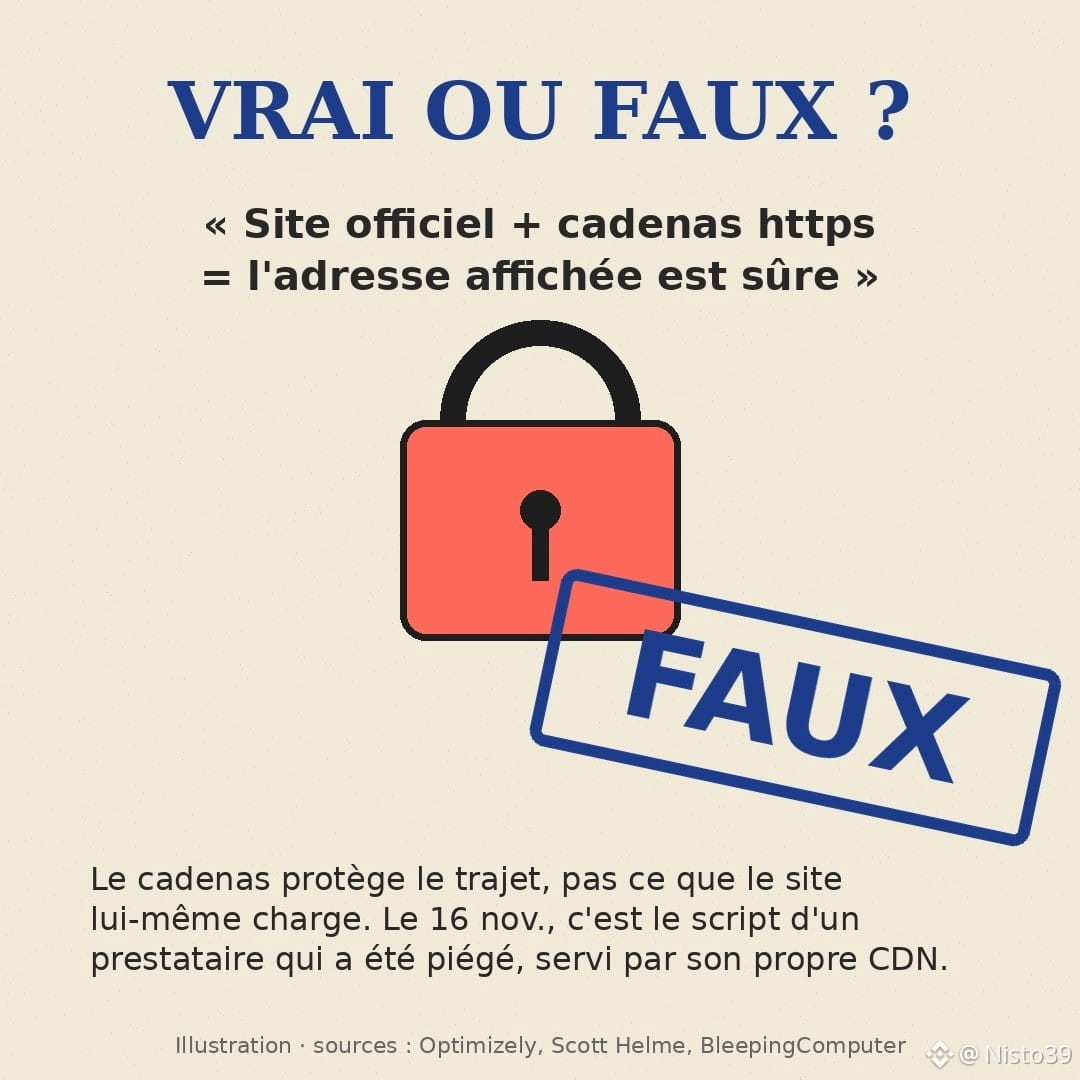
True or false: on an official website, with the https padlock, the crypto address you copy is guaranteed to be the right one.
False. And November 16 proved it on a large scale.
That day, an attacker exploited a vulnerability at Optimizely, a tool major brands use to test their pages. They slipped code into the projects of 178 organizations (identified by researcher Scott Helme). Among them: Ledger, CNN, BBC, Zoom, Salesforce, HSBC Insurance.
The script was served by Optimizely’s own CDN, with its certificate. To your browser, everything looked normal.
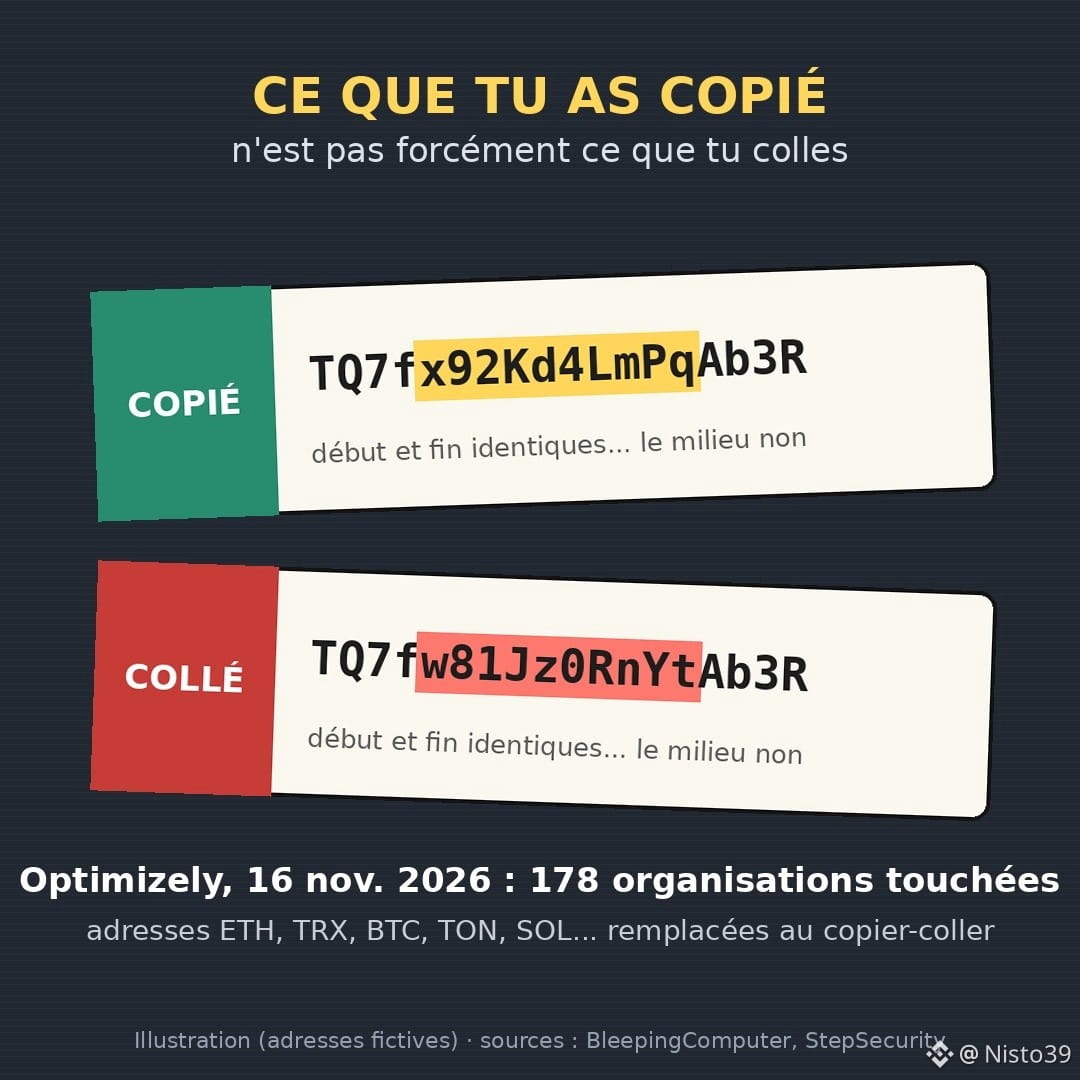
What it did: monitor the page, detect wallet addresses (ETH, TRX, BTC, TON, SOL, LTC, DOGE...) and replace them with the attacker’s. Valid addresses that pass format checks. It also stole bank card details.
Known tally so far: about $7,000 received in their wallets by November 16, according to Helme; some were already active beforehand. Optimizely says it fixed the vulnerability; everything was clean that same evening.
$7,000 isn’t much. In my view, the lesson is worth a lot more. The padlock protects the connection between you and the website, not what the website loads itself. Your only real defense is the confirmation screen in your wallet or on the exchange.
Three ten-second habits:
- compare the beginning, the end AND a few characters in the middle (clipboard hijackers often copy the beginning and end);
- save frequently used addresses in an address book / whitelist;
- for a large amount, send a small test transaction first.
This applies to $TRX or USDT on Tron just as much as to $ETH .
Do you check your address character by character, or do you trust copy and paste?
#securitecrypto #arnaque #wallet #Optimizely #cybersecurity
False. And November 16 proved it on a large scale.
That day, an attacker exploited a vulnerability at Optimizely, a tool major brands use to test their pages. They slipped code into the projects of 178 organizations (identified by researcher Scott Helme). Among them: Ledger, CNN, BBC, Zoom, Salesforce, HSBC Insurance.
The script was served by Optimizely’s own CDN, with its certificate. To your browser, everything looked normal.
What it did: monitor the page, detect wallet addresses (ETH, TRX, BTC, TON, SOL, LTC, DOGE...) and replace them with the attacker’s. Valid addresses that pass format checks. It also stole bank card details.
Known tally so far: about $7,000 received in their wallets by November 16, according to Helme; some were already active beforehand. Optimizely says it fixed the vulnerability; everything was clean that same evening.
$7,000 isn’t much. In my view, the lesson is worth a lot more. The padlock protects the connection between you and the website, not what the website loads itself. Your only real defense is the confirmation screen in your wallet or on the exchange.
Three ten-second habits:
- compare the beginning, the end AND a few characters in the middle (clipboard hijackers often copy the beginning and end);
- save frequently used addresses in an address book / whitelist;
- for a large amount, send a small test transaction first.
This applies to $TRX or USDT on Tron just as much as to $ETH .
Do you check your address character by character, or do you trust copy and paste?
#securitecrypto #arnaque #wallet #Optimizely #cybersecurity