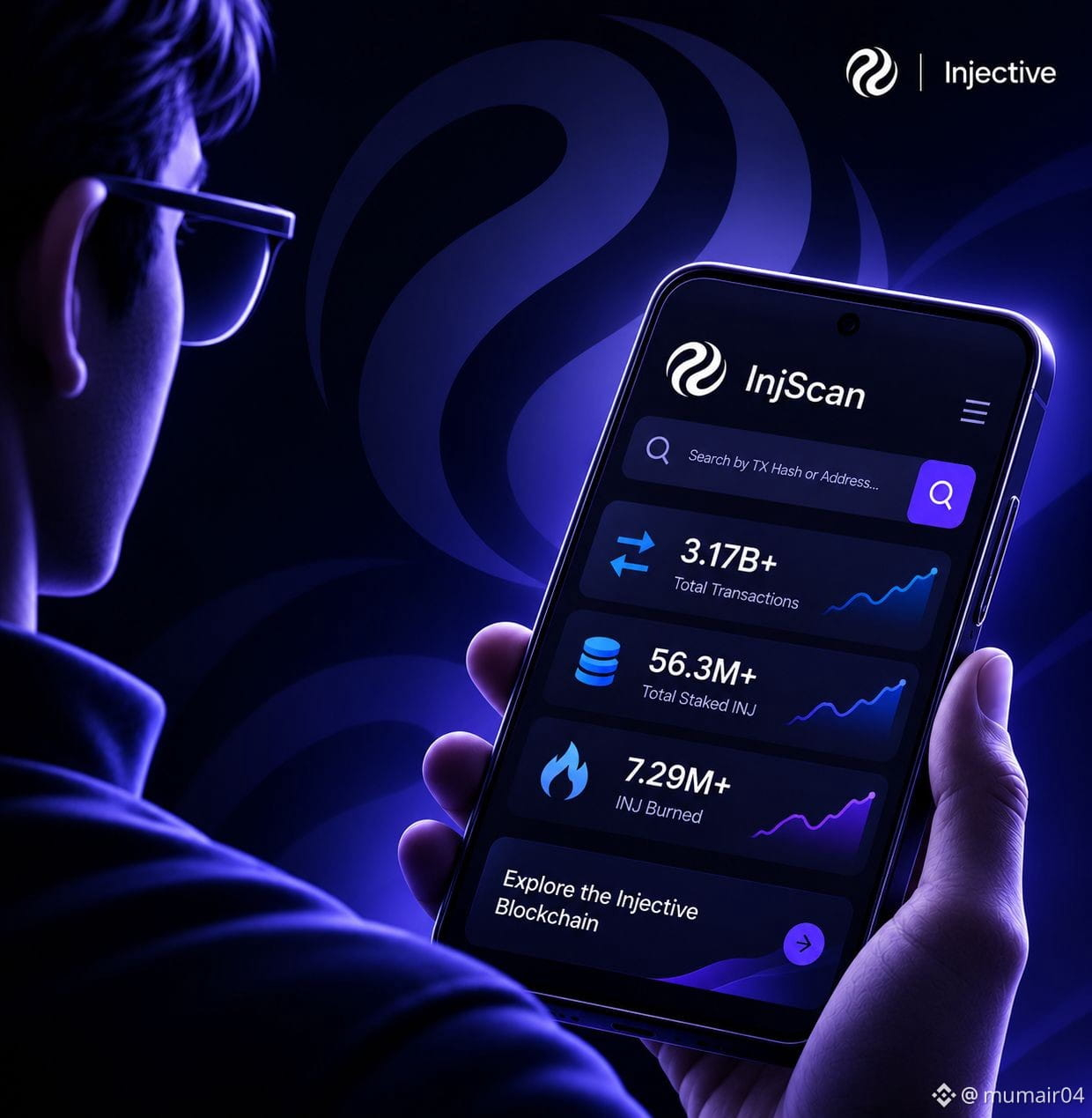
Let's learn how to use 𝗜𝗻𝗷𝗦𝗰𝗮𝗻 and access the information recorded on the @Injective blockchain.
𝗪𝗵𝗮𝘁 𝗶𝘀 𝗜𝗻𝗷𝗦𝗰𝗮𝗻?
InjScan is a blockchain explorer that makes Injective's public blockchain data accessible to everyone.
𝗛𝗲𝗿𝗲'𝘀 𝘄𝗵𝗮𝘁 𝘆𝗼𝘂 𝗰𝗮𝗻 𝗱𝗶𝘀𝗰𝗼𝘃𝗲𝗿:
- Verify transactions and check
their status.
- Explore wallet balances and
transaction history
- Track $INJ staking and validator
activity
- Track total $INJ burned.
- Track token supply and holder
distribution
- Monitor blocks and onchain
network activity
𝗛𝗼𝘄 𝘁𝗼 𝗖𝗵𝗲𝗰𝗸 𝗮𝗻𝗱 𝗩𝗲𝗿𝗶𝗳𝘆 𝗮 𝗧𝗿𝗮𝗻𝘀𝗮𝗰𝘁𝗶𝗼𝗻 𝗼𝗻 𝗜𝗻𝗷𝗦𝗰𝗮𝗻?
> Visit injscan.com
> Copy your Transaction Hash (TX
Hash) from your wallet's
transaction history.
> Paste it into InjScan's search
bar.
> Open the transaction to view its
status, sender, receiver,
transferred amount and
transaction fee.
This helps you independently verify whether your transaction was successful.
It's an essential tool for anyone who wants to explore and verify Injective's onchain activity. $INJ
#injective #crypto #INJ
𝗪𝗵𝗮𝘁 𝗶𝘀 𝗜𝗻𝗷𝗦𝗰𝗮𝗻?
InjScan is a blockchain explorer that makes Injective's public blockchain data accessible to everyone.
𝗛𝗲𝗿𝗲'𝘀 𝘄𝗵𝗮𝘁 𝘆𝗼𝘂 𝗰𝗮𝗻 𝗱𝗶𝘀𝗰𝗼𝘃𝗲𝗿:
- Verify transactions and check
their status.
- Explore wallet balances and
transaction history
- Track $INJ staking and validator
activity
- Track total $INJ burned.
- Track token supply and holder
distribution
- Monitor blocks and onchain
network activity
𝗛𝗼𝘄 𝘁𝗼 𝗖𝗵𝗲𝗰𝗸 𝗮𝗻𝗱 𝗩𝗲𝗿𝗶𝗳𝘆 𝗮 𝗧𝗿𝗮𝗻𝘀𝗮𝗰𝘁𝗶𝗼𝗻 𝗼𝗻 𝗜𝗻𝗷𝗦𝗰𝗮𝗻?
> Visit injscan.com
> Copy your Transaction Hash (TX
Hash) from your wallet's
transaction history.
> Paste it into InjScan's search
bar.
> Open the transaction to view its
status, sender, receiver,
transferred amount and
transaction fee.
This helps you independently verify whether your transaction was successful.
It's an essential tool for anyone who wants to explore and verify Injective's onchain activity. $INJ
#injective #crypto #INJ