That screenshot of your seed phrase in your phone’s photo library may already be waiting to be OCR-scanned.
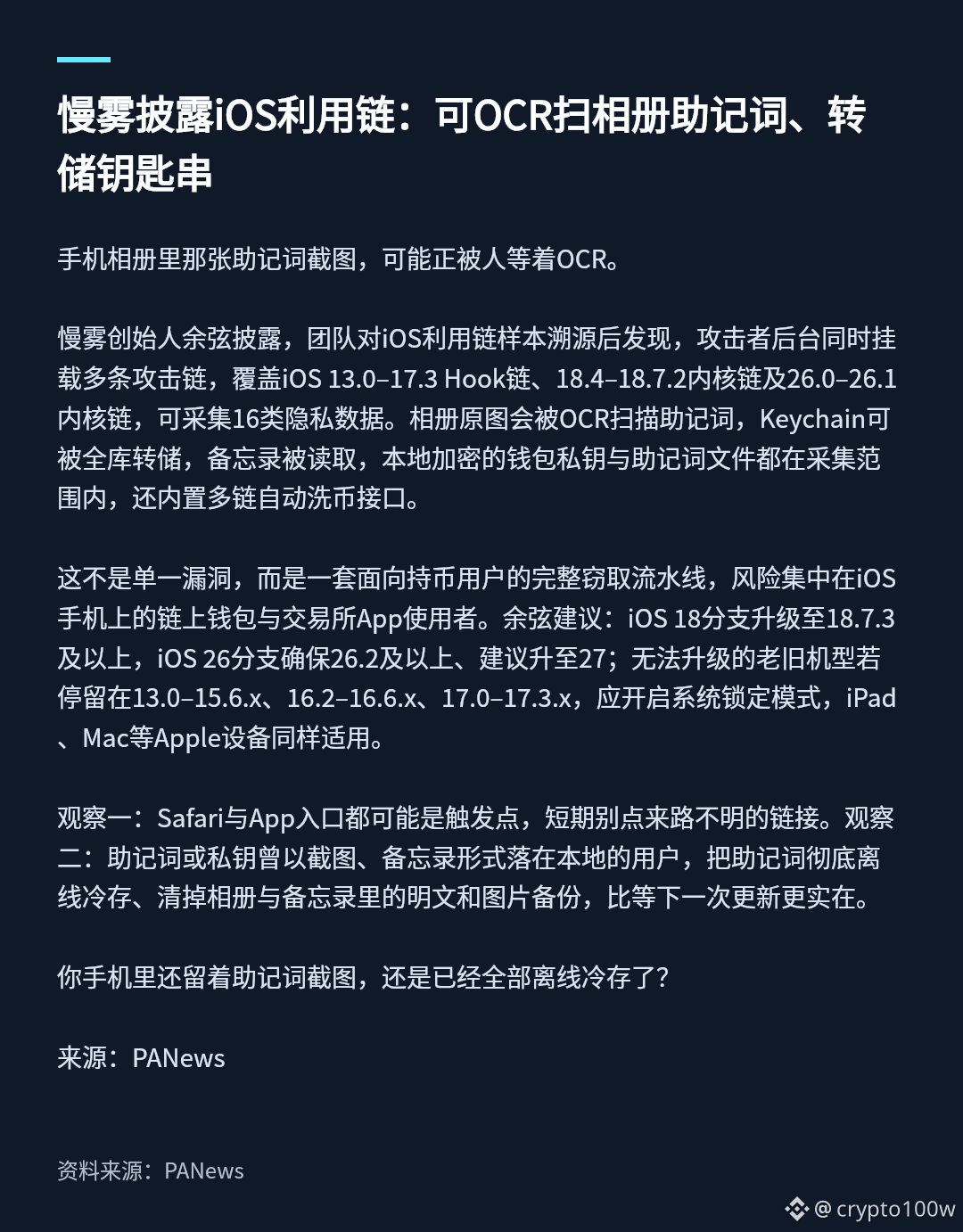
Yu Xian, founder of SlowMist, revealed that after tracing samples of an iOS exploit chain, his team found that the attackers had multiple attack chains running in parallel on their backend. These cover the iOS 13.0–17.3 Hook chain, the 18.4–18.7.2 kernel chain, and the 26.0–26.1 kernel chain, and can collect 16 types of private data. Original photos in the library can be OCR-scanned for seed phrases; the entire Keychain can be dumped; Notes can be read; and locally encrypted wallet private keys and seed phrase files are all within the scope of collection. It also comes with built-in interfaces for automatically laundering funds across multiple chains.
This is not a single vulnerability, but a complete theft pipeline targeting cryptocurrency holders. The risk is concentrated among users of on-chain wallets and exchange apps on iOS devices. Yu Xian recommends upgrading the iOS 18 branch to 18.7.3 or later, and ensuring the iOS 26 branch is at least 26.2, with an upgrade to 27 recommended. For older devices that cannot be upgraded and remain on 13.0–15.6.x, 16.2–16.6.x, or 17.0–17.3.x, enable Lockdown Mode. The same advice applies to other Apple devices such as iPads and Macs.
Observation 1: Both Safari and app entry points could trigger an attack, so avoid clicking links from unknown sources for now. Observation 2: If you have ever saved a seed phrase or private key locally as a screenshot or in Notes, move the seed phrase entirely to offline cold storage and delete any plaintext and image backups from Photos and Notes. That is more practical than waiting for the next update.
Do you still have a screenshot of your seed phrase on your phone, or have you moved it all to offline cold storage?
Source: PANews
Image 1: SlowMist reveals iOS exploit chain: can OCR-scan seed phrases in Photos and dump the Keychain · Key Points
Image source: https://www.panewslab.com/zh/articles/01a1ec8f-90b0-719a-a3a3-2a017d711e61
Yu Xian, founder of SlowMist, revealed that after tracing samples of an iOS exploit chain, his team found that the attackers had multiple attack chains running in parallel on their backend. These cover the iOS 13.0–17.3 Hook chain, the 18.4–18.7.2 kernel chain, and the 26.0–26.1 kernel chain, and can collect 16 types of private data. Original photos in the library can be OCR-scanned for seed phrases; the entire Keychain can be dumped; Notes can be read; and locally encrypted wallet private keys and seed phrase files are all within the scope of collection. It also comes with built-in interfaces for automatically laundering funds across multiple chains.
This is not a single vulnerability, but a complete theft pipeline targeting cryptocurrency holders. The risk is concentrated among users of on-chain wallets and exchange apps on iOS devices. Yu Xian recommends upgrading the iOS 18 branch to 18.7.3 or later, and ensuring the iOS 26 branch is at least 26.2, with an upgrade to 27 recommended. For older devices that cannot be upgraded and remain on 13.0–15.6.x, 16.2–16.6.x, or 17.0–17.3.x, enable Lockdown Mode. The same advice applies to other Apple devices such as iPads and Macs.
Observation 1: Both Safari and app entry points could trigger an attack, so avoid clicking links from unknown sources for now. Observation 2: If you have ever saved a seed phrase or private key locally as a screenshot or in Notes, move the seed phrase entirely to offline cold storage and delete any plaintext and image backups from Photos and Notes. That is more practical than waiting for the next update.
Do you still have a screenshot of your seed phrase on your phone, or have you moved it all to offline cold storage?
Source: PANews
Image 1: SlowMist reveals iOS exploit chain: can OCR-scan seed phrases in Photos and dump the Keychain · Key Points
Image source: https://www.panewslab.com/zh/articles/01a1ec8f-90b0-719a-a3a3-2a017d711e61