#AnthropicIPOTestsInvestorAppetiteForAI
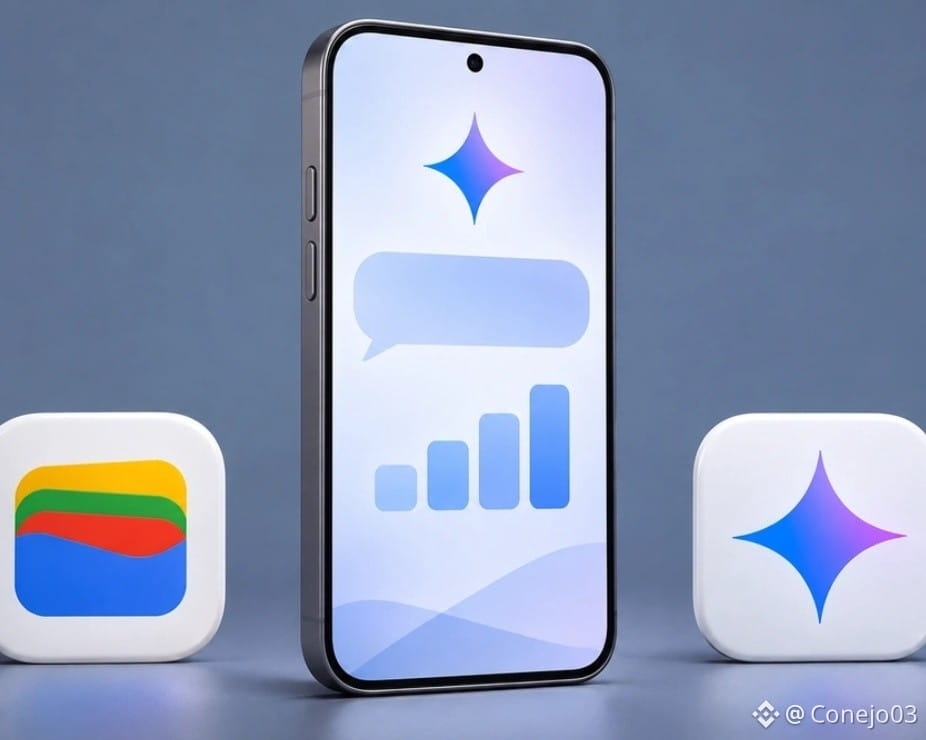
Gemini connects to Google Wallet to analyze spending and subscriptions.$GOOGL
@Google began integrating its digital wallet with Gemini so the assistant can answer questions based on each user's spending.
The feature began rolling out on November 13 in the United States and is available on the web and in the Android and iOS apps, according to the announcement. The new feature lets users ask the chat about purchases made during the month, subscription charges, or the budget for a trip.
👉 What Gemini can do with spending history.
Users can type “@Google Wallet” in the conversation to indicate where the data should come from. A question like “What did I spend more on this month than last month?” can return a summary of available transactions and charts in the chat. Users can also request a visualization of their cash flow to understand how spending is distributed over a period.
By comparing two months, users can distinguish between an increase in everyday spending and a one-time expense, such as buying plane tickets for a vacation.
#GoogleGemini
Another option is to find recurring charges and compare how much they cost in previous months. For anyone who pays for several services with different cards, a question about subscriptions can bring those charges together in a single answer and point out which ones have gone up in price.
$GOOGL
Spending history can also serve as a starting point for estimating a holiday budget based on the amount spent on gifts and travel last year.
Gemini connects to Google Wallet to analyze spending and subscriptions.$GOOGL
@Google began integrating its digital wallet with Gemini so the assistant can answer questions based on each user's spending.
The feature began rolling out on November 13 in the United States and is available on the web and in the Android and iOS apps, according to the announcement. The new feature lets users ask the chat about purchases made during the month, subscription charges, or the budget for a trip.
👉 What Gemini can do with spending history.
Users can type “@Google Wallet” in the conversation to indicate where the data should come from. A question like “What did I spend more on this month than last month?” can return a summary of available transactions and charts in the chat. Users can also request a visualization of their cash flow to understand how spending is distributed over a period.
By comparing two months, users can distinguish between an increase in everyday spending and a one-time expense, such as buying plane tickets for a vacation.
#GoogleGemini
Another option is to find recurring charges and compare how much they cost in previous months. For anyone who pays for several services with different cards, a question about subscriptions can bring those charges together in a single answer and point out which ones have gone up in price.
$GOOGL
Spending history can also serve as a starting point for estimating a holiday budget based on the amount spent on gifts and travel last year.