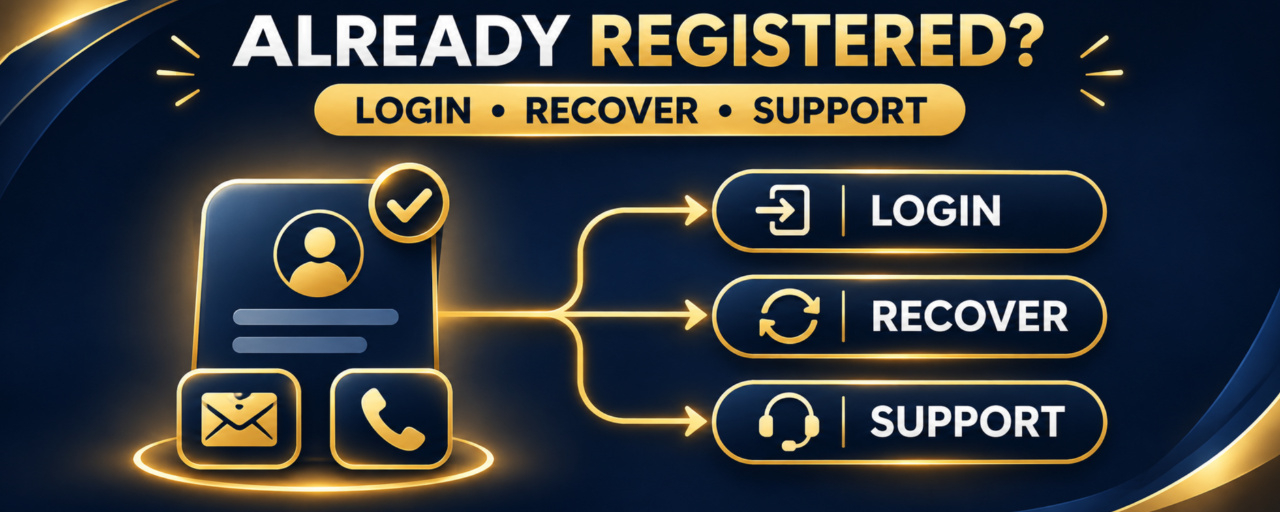

Binance email or phone already registered? Stop the new sign-up attempt and check whether an existing account, login method, or recovery path applies. This guide focuses on resolving a registration conflict without creating duplicate accounts.
Read the exact message first
Use the official Binance website or app available in your actual country or region. Record only the wording of the error for your own reference; do not post the email address, phone number, OTP, or account details publicly. Interface options can vary by region and registration method.
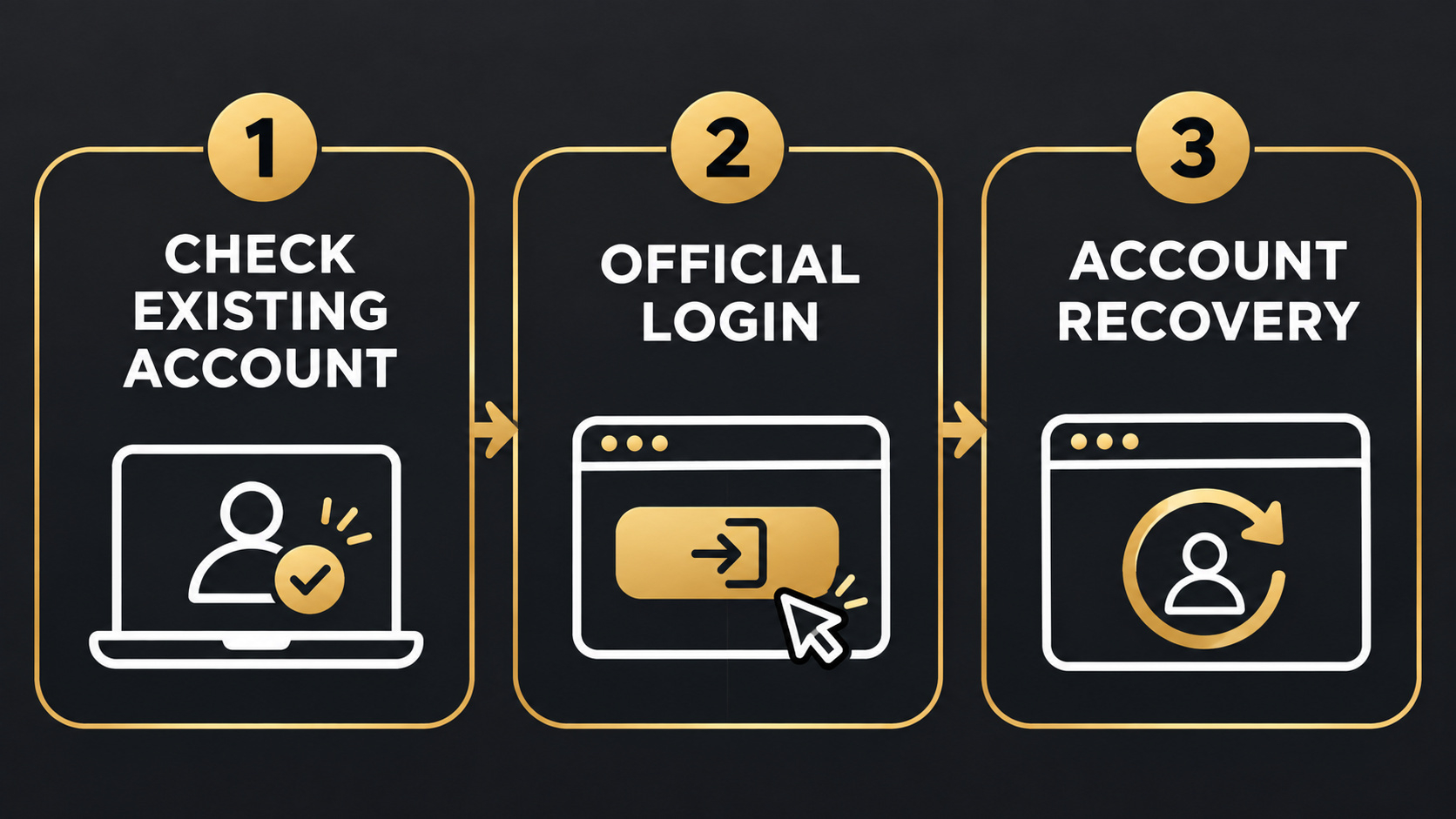
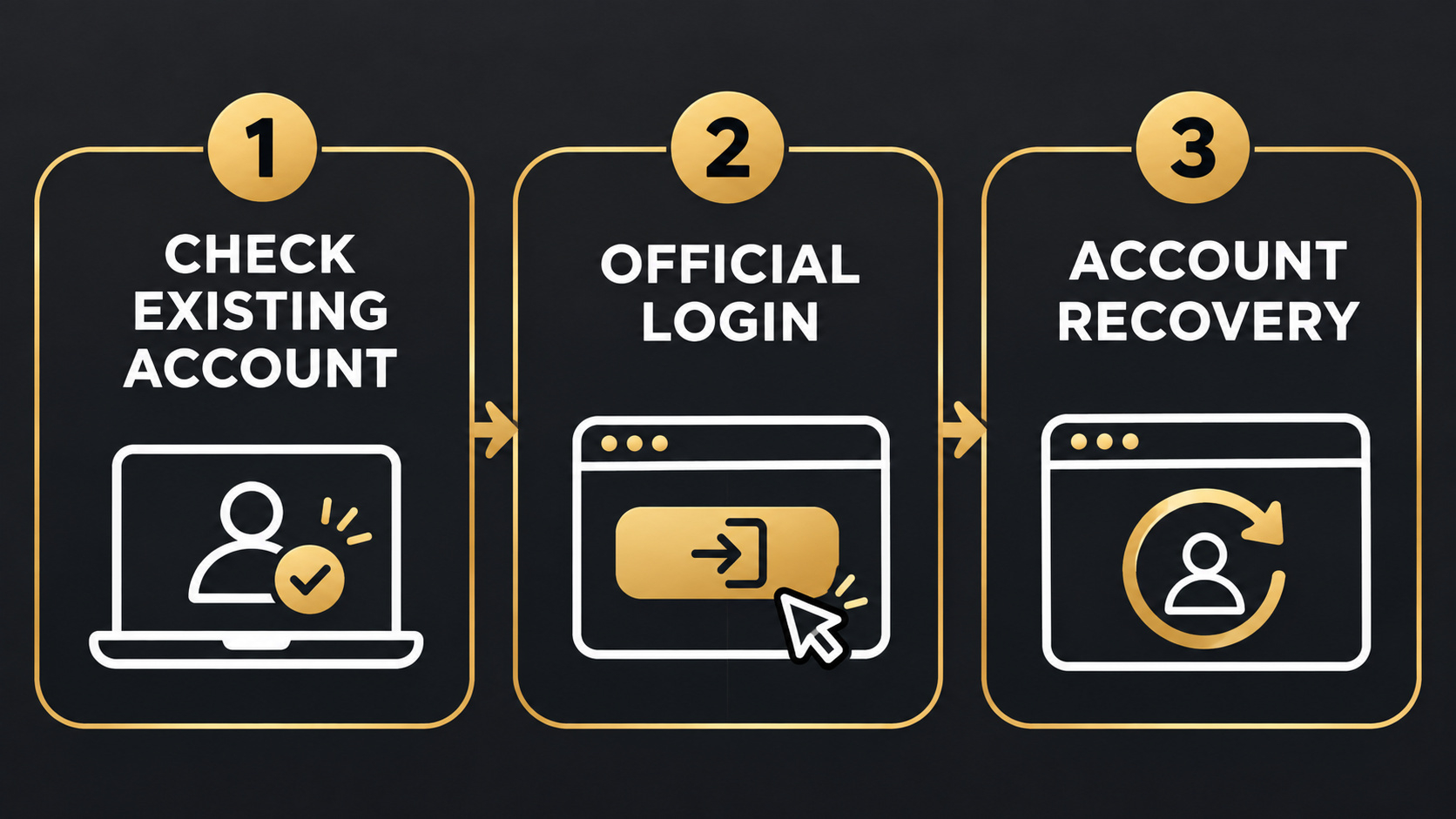
Check for an existing account
An “already registered” message can indicate that the email address or phone number is associated with an existing Binance account or login method. Try to remember whether you previously registered through email, phone, Apple, Google, or another option offered on the official screen. Do not create repeated accounts to test each possibility.
Use the official login page
Open the official login flow directly and use the legitimate sign-in method you recognize. Check the domain before entering any information. Never enter a password or verification code through a link sent by an unknown person, a Square comment, or an unofficial support account.
Use account recovery only when needed
If the account is yours but you cannot sign in, use the recovery or password-reset option shown on the official Binance login page. Follow the current prompts for the account and region. A recovery attempt does not guarantee access or a particular processing time.
If verification codes are involved
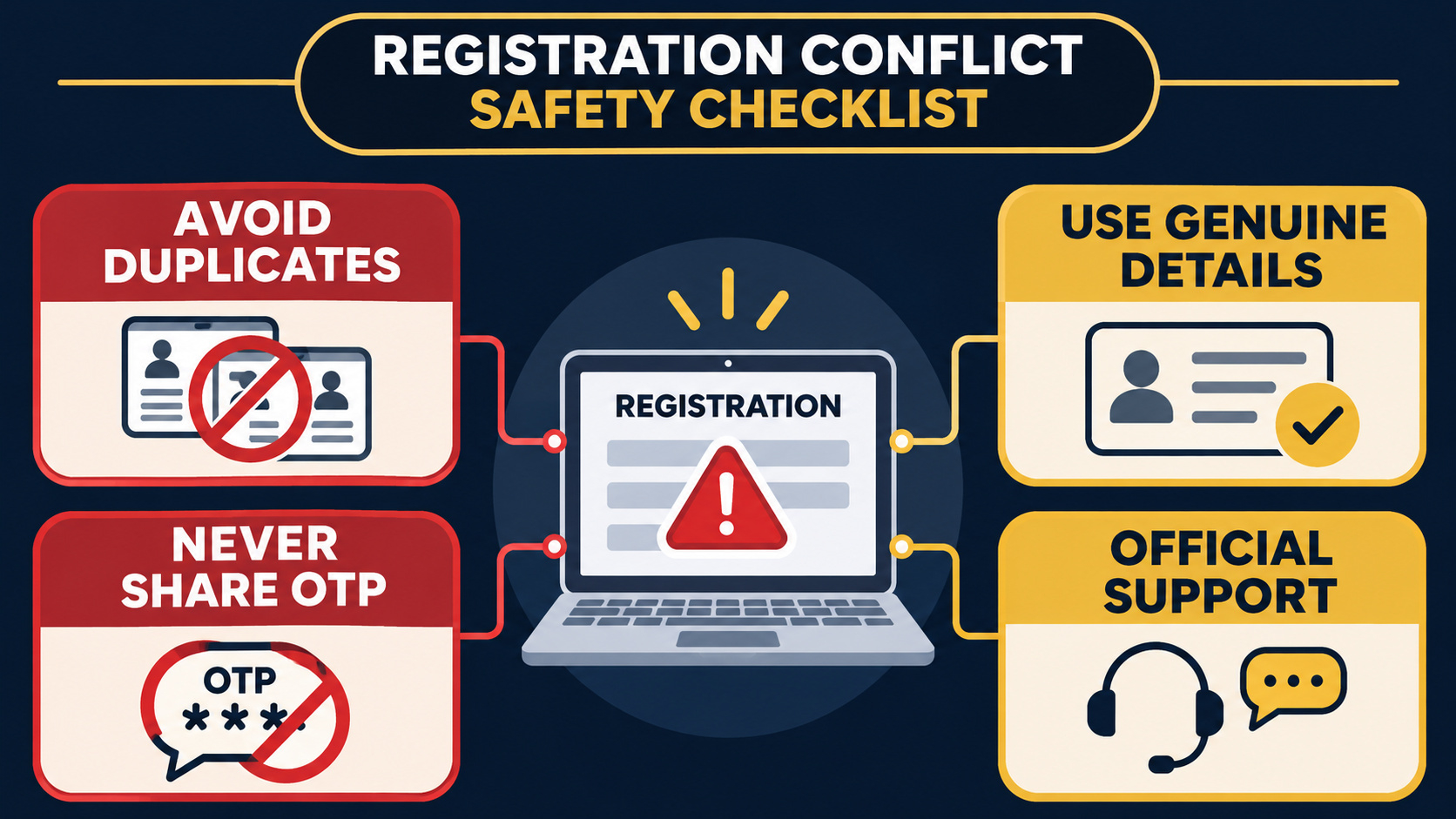
Check that the destination shown on the official screen is the email address or phone number you genuinely control. Review spam or blocked-message settings and request a new code only through the live official flow when allowed. Do not repeatedly request codes in rapid succession, and never share an OTP with anyone.
Avoid duplicate accounts and workarounds
Do not create a second account to bypass an “already registered” message. Do not use another person’s email, phone, identity, nationality, residence, or address. Do not change device location or network settings to bypass regional availability. Use genuine personal information and the service legally available where you live.
When official support is the right next step
Contact official Binance support when you do not recognize the existing-account association, the official recovery flow cannot identify a safe next step, you lost access to the registered contact method, or the live interface contradicts your genuine account information. Share only what official support requests inside the authenticated channel.
Frequently asked questions
Q1. Why does Binance say my email is already registered? The address may already be associated with an account or login method. Stop registration and check the official login and recovery options.
2. Why does Binance say my phone number is already registered?
The number may be linked to an existing account. Use the official login or support path instead of creating duplicate accounts.
3. Should I create another account with a different email?
No. Do not create a duplicate account to work around the message. First identify or recover the existing account through official channels.
4. Can I use social login if I originally used email or phone?
Use only the sign-in methods shown for your account and region. If you are unsure how the account was created, use the official recovery or support flow rather than guessing.
5. What if I no longer control the email address or phone number?
Use the recovery options shown on the official login page or contact official support. Do not ask another person to receive or forward an OTP.
6. Can support guarantee that I regain access?
No. Access, recovery, verification, and processing time depend on Binance’s current checks and the account’s circumstances.
7. Can I use a VPN or different country to register again?
No. Use your genuine nationality, actual residence, and personal information. Never bypass regional restrictions.
Official Binance sources
How to Register on the Binance App How to Resolve 2FA Code Error for My Binance Account? Regional support pages and live options can differ. Confirm the registration, login, and recovery methods displayed for the Binance service legally available where you genuinely live. If Binance is available in your region and you have confirmed that no existing account applies, review the official registration requirements before submitting. No approval, access, reward, discount, recovery, or processing time is guaranteed. Open the official Binance registration page with referral code UAUBG73C
Affiliate disclosure: this Article includes a referral sign-up link.
#BinanceSignup #AccountRecovery #RegistrationHelp #CryptoEducation