
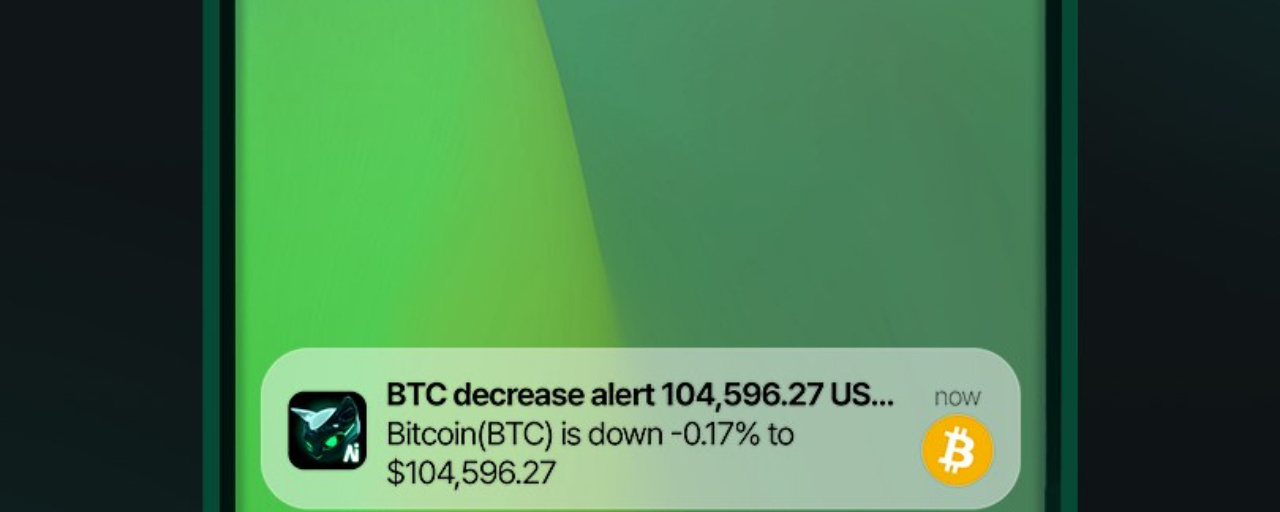

**Stop Staring at the Chart: Set a Price Alert and Let Your Phone Do the Work**
Be honest: how many times have you opened the app today just to see the price barely moving? The chart won’t go up any faster just because you keep checking it. Usually, the only thing that goes up first is your anxiety. Better to set a price alert: you choose the price, and your phone lets you know when it hits that level.
A price alert is a price notification. You set a price level for a coin, and the app sends you a notification as soon as the price reaches or passes that level. Simple, but it’s what separates people with a plan from people who just react every time they open the app.
**How to Set Price Alerts You’ll Actually Use**
First, decide which price levels actually matter for your plan. For example, a support area where you’d reassess if the price breaks below it, or a target price where you’d start buying in gradually. Alerts without a reason are just notifications you’ll ignore.
Second, open the coin’s page in your exchange app or the price-tracking app you use, then look for the bell icon or alerts menu. Almost every crypto app has this feature, usually on the coin’s detail page.
Third, create the alert: choose the condition—whether the price rises above a certain level or falls below one—enter the price, then save it. Double-check that you’ve set it for the right coin and trading pair, so you don’t get an alert for a different coin.
Fourth, set several alerts at different levels instead of just one. Set one at an early warning level, and another at a level where you really need to make a decision. Turn off or delete old alerts that are no longer relevant, so your phone isn’t buzzing with reminders about an outdated plan.
Fifth, when an alert goes off, don’t immediately hit buy or sell in a panic. An alert is a wake-up call to reassess, not an order to act. Open the chart, look at the situation with a clear head, then decide based on your original plan.
Here’s an example: you have your eye on a coin, but it’s still too expensive according to your plan. Set one alert at your target price to start buying in gradually, and another slightly above the current price to let you know if the trend changes and you need to reassess. Those two notifications replace dozens of pointless app checks. You can get on with your life and only be interrupted when something important happens.
Alerts are also useful for positions you already hold. Set a reminder at your planned stop-loss level, so if the price falls that far, you hear about it from a notification—not from a group chat that’s already half a day late.
The bottom line: keeping an eye on the chart is a job you can delegate to your phone. Save your energy for thinking, and let notifications guard the price for you.
What price levels do you usually set alerts for? Your target buy price, or a level to watch out for if the price drops?
This content is for educational purposes only, not investment advice. Always DYOR before making a decision based on any alert.
#PriceAlert #LearnCrypto #CryptoForBeginners