
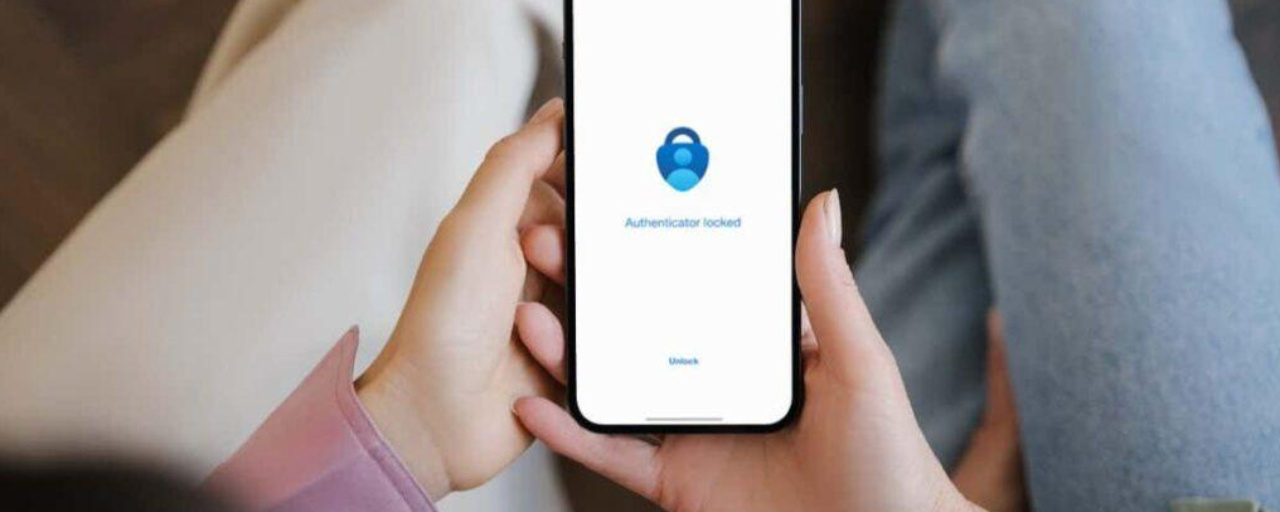

Have you ever imagined this: your phone goes missing, someone else can still take over your number, and suddenly the login code for your crypto account ends up in the wrong hands?
The scary thing is, this isn’t a movie scenario. It’s why SMS-based 2FA is considered the weakest option.
2FA stands for Two-Factor Authentication. Put simply: after entering your password, you still have to prove one more thing. So even if your password gets leaked, your account won’t be breached right away. It’s a two-layer door, not a single one.
**Why Are SMS Codes Less Secure?**
SMS codes are sent through your phone number. The problem is, that number is tied to the cellular network and your SIM card—not just to you.
If someone takes over your number, illegally clones it, or gets hold of your phone, the code could end up in the wrong hands. Not to mention, SMS messages can be delayed, cut off, or visible in lock screen notifications. It’s convenient, sure, but convenience alone isn’t enough to protect your money.
**What Makes an Authenticator App Different?**
An authenticator app generates codes right on your phone. They change every few seconds and aren’t sent over SMS.
Those codes are tied to your device and the initial setup. Someone who only knows your password and phone number might not be able to get in, because they don’t have your device. Think of it like a house key: an SMS code is a key sent through someone else, while an authenticator is a key you always keep in your own pocket.
Now, here’s the part people often overlook...
**How to Switch to an Authenticator, One Step at a Time**
1. Go to your account’s security settings and choose 2FA with an authenticator app.
2. Scan the code that appears using the authenticator app on your phone.
3. Enter the 6-digit code to test it. Don’t close the page just yet.
4. Save your backup code somewhere physically secure—not in a screenshot in your photo gallery.
5. Test it by logging out and then back in, so you can be sure everything works properly.
**Common Mistakes That Can Leave You Kicking Yourself**
- You’ve set up an authenticator, but lost your backup code. Your phone breaks, and you’re locked out of your account.
- You save a screenshot of the setup code in the cloud. That’s like putting a spare key under the doormat, except someone can lift the doormat remotely.
- You use one phone for all your accounts without any backup. It may be convenient, but it puts all your risk in one place.
It is a little inconvenient at first. But five minutes of hassle is far better than days of panic.
The bottom line: if an account holds real money, don’t leave its security up to SMS alone. Step up your protection, use an authenticator, and store your backup codes safely.
Are you still using SMS for 2FA, or have you switched to an authenticator?
*This article is for educational purposes only and is not investment advice. Always do your own research (DYOR) and keep your account secure.*
#CryptoSecurity #2FA #LearnCrypto #CryptoForBeginners
$BTC$ETH$BNB