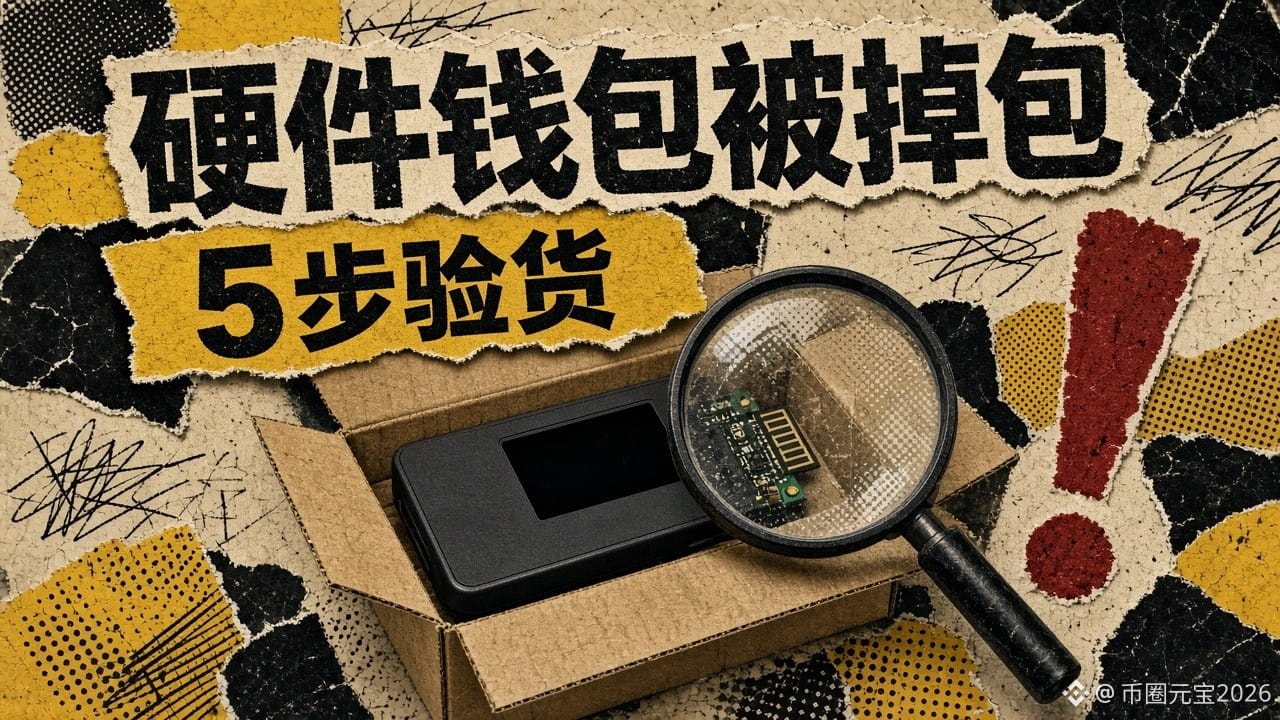
【Security Alert】Hardware wallets tampered with by a reseller: Trezor confirms 3 devices. If you bought one, follow these 5 steps to check it
A hardware wallet may be at its most dangerous while it’s still inside its shipping box.
On the evening of November 12 Beijing time, Trezor released its investigation findings. Key points:
- Scope of impact: Trezor Safe 5 devices bought between August 20 and September 23, 2026, through reseller CryptoBilis (including its Tokopedia and Shopee stores, as well as direct sales). 3 devices have been confirmed tampered with: 1 was examined by the company’s lab, and 2 were identified from internal photos sent in by users.
- So far, 48 CryptoBilis buyers have contacted the company. No confirmed cases have been found involving other resellers or models, and the company says it has received no reports of users losing funds.
- How the tampering worked: An extra small circuit board was added between the mainboard and the screen. It only “spied” on information without changing it—everything displayed on the screen, including the recovery phrase shown when creating a wallet and the recovery phrase and passphrase entered when restoring one, was recorded, encrypted, and sent to the attackers over a cellular network. If there was no connection, the data was stored until the next opportunity.
- Company response: On November 11, Trezor released firmware 2.13.1, which prevents these tampered devices from capturing information; it also cut its reseller network by about 80%.
One key point: a firmware update cannot protect recovery phrases that were already copied before the update. So the company recommends that CryptoBilis buyers transfer their crypto to a new wallet generated with a new recovery phrase. Those who bought from CryptoBilis starting in March 2026 can contact the company to get a replacement device.
No matter which brand you use, follow these 5 steps to check your device:
1. Check the source: Buy from the official website or a reseller listed by the brand, and keep your order records. Treat secondhand devices, purchases through buying agents, and prices below the official price as “risky” by default.
2. Check the seals: Look for damage, resealing, or adhesive residue on the tamper-evident seals on the box and device.
3. Check the firmware: Trezor says its devices leave the factory without firmware. If a new device can be used immediately when switched on, or the box includes a sheet with a pre-written recovery phrase, stop using it.
4. Verify the device using official software: When Trezor Suite connects, it verifies the security chip in Safe-series devices. If verification fails, don’t transfer crypto to it.
5. Your recovery phrase should only appear when you generate it yourself: Any “pre-set” recovery phrase, or any step asking you to photograph it or enter it on a website, is a trap.
One last step to avoid being scammed again: The company warns that scammers may impersonate Trezor and send “replacement” or “refund” notices. Request replacements only through the official support page. Trezor will never ask you for your recovery phrase.
People say hardware wallets are the safest option, but in this case the problem was in the shipping box. First, tell me: did you buy your hardware wallet from the official website, an authorized reseller, or secondhand/through a buying agent? Pick one; no need to name the brand.
Follow me. When security incidents affect wallets or exchanges, I’ll cover them in a 【Security Alert】, first explaining who’s affected and how to check, then how it works.
This article does not constitute investment advice.
#安全警报 #硬件钱包 #助记词 #ScamPrevention
A hardware wallet may be at its most dangerous while it’s still inside its shipping box.
On the evening of November 12 Beijing time, Trezor released its investigation findings. Key points:
- Scope of impact: Trezor Safe 5 devices bought between August 20 and September 23, 2026, through reseller CryptoBilis (including its Tokopedia and Shopee stores, as well as direct sales). 3 devices have been confirmed tampered with: 1 was examined by the company’s lab, and 2 were identified from internal photos sent in by users.
- So far, 48 CryptoBilis buyers have contacted the company. No confirmed cases have been found involving other resellers or models, and the company says it has received no reports of users losing funds.
- How the tampering worked: An extra small circuit board was added between the mainboard and the screen. It only “spied” on information without changing it—everything displayed on the screen, including the recovery phrase shown when creating a wallet and the recovery phrase and passphrase entered when restoring one, was recorded, encrypted, and sent to the attackers over a cellular network. If there was no connection, the data was stored until the next opportunity.
- Company response: On November 11, Trezor released firmware 2.13.1, which prevents these tampered devices from capturing information; it also cut its reseller network by about 80%.
One key point: a firmware update cannot protect recovery phrases that were already copied before the update. So the company recommends that CryptoBilis buyers transfer their crypto to a new wallet generated with a new recovery phrase. Those who bought from CryptoBilis starting in March 2026 can contact the company to get a replacement device.
No matter which brand you use, follow these 5 steps to check your device:
1. Check the source: Buy from the official website or a reseller listed by the brand, and keep your order records. Treat secondhand devices, purchases through buying agents, and prices below the official price as “risky” by default.
2. Check the seals: Look for damage, resealing, or adhesive residue on the tamper-evident seals on the box and device.
3. Check the firmware: Trezor says its devices leave the factory without firmware. If a new device can be used immediately when switched on, or the box includes a sheet with a pre-written recovery phrase, stop using it.
4. Verify the device using official software: When Trezor Suite connects, it verifies the security chip in Safe-series devices. If verification fails, don’t transfer crypto to it.
5. Your recovery phrase should only appear when you generate it yourself: Any “pre-set” recovery phrase, or any step asking you to photograph it or enter it on a website, is a trap.
One last step to avoid being scammed again: The company warns that scammers may impersonate Trezor and send “replacement” or “refund” notices. Request replacements only through the official support page. Trezor will never ask you for your recovery phrase.
People say hardware wallets are the safest option, but in this case the problem was in the shipping box. First, tell me: did you buy your hardware wallet from the official website, an authorized reseller, or secondhand/through a buying agent? Pick one; no need to name the brand.
Follow me. When security incidents affect wallets or exchanges, I’ll cover them in a 【Security Alert】, first explaining who’s affected and how to check, then how it works.
This article does not constitute investment advice.
#安全警报 #硬件钱包 #助记词 #ScamPrevention