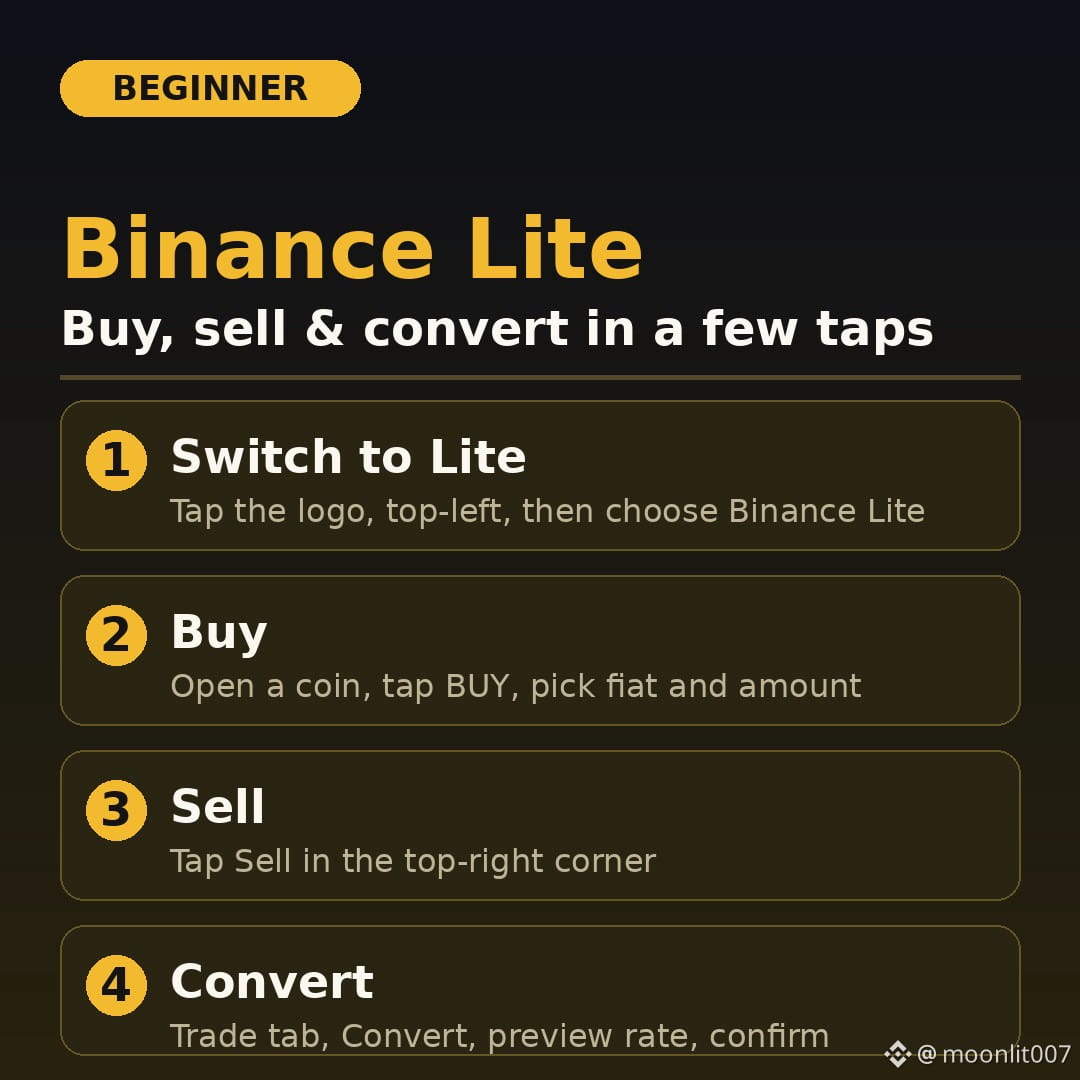
🔰 Beginner’s guide to Binance Lite: buy, sell, and convert
Binance Lite is a simpler mode inside the Binance app. It has fewer charts and tools, so it’s easier to use if you’re new to crypto.
📱 How to get started:
Open the Binance app and tap the Binance logo in the top-left cornerSelect Binance Lite
💰 Buying: Open the coin you want, tap BUY, choose your fiat currency, enter the amount, and confirm. The crypto appears in your wallet.
📉 Selling: Tap Sell in the top-right corner, choose the coin, and confirm.
🔄 Converting: Use the Convert option to swap one coin for another. Check the rate before you confirm. Convert can fill at the market price, or you can set a limit price.
#binancelite #crypto
$BNB
Binance Lite is a simpler mode inside the Binance app. It has fewer charts and tools, so it’s easier to use if you’re new to crypto.
📱 How to get started:
Open the Binance app and tap the Binance logo in the top-left cornerSelect Binance Lite
💰 Buying: Open the coin you want, tap BUY, choose your fiat currency, enter the amount, and confirm. The crypto appears in your wallet.
📉 Selling: Tap Sell in the top-right corner, choose the coin, and confirm.
🔄 Converting: Use the Convert option to swap one coin for another. Check the rate before you confirm. Convert can fill at the market price, or you can set a limit price.
#binancelite #crypto
$BNB