


In October, Binance Square continued to roll out new features.
From Meme interactions and discovering trending topics to chat and livestream experiences, this update helps you find popular content faster, join discussions more easily, and enjoy more ways to interact and manage your experience. Let’s take a look at what’s new this month.
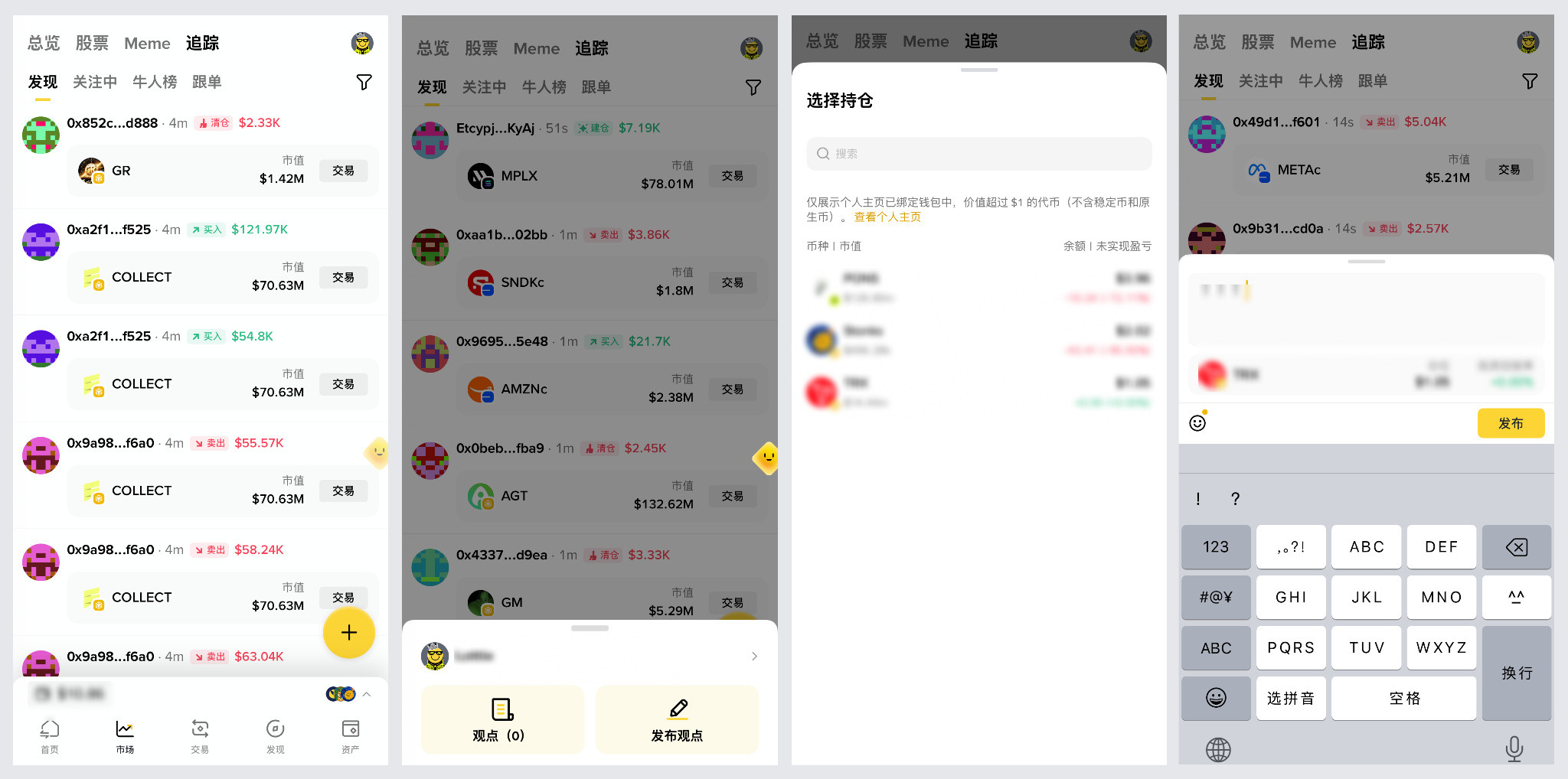
1. Browse Meme content in one place and spot popular trends more easily
Looking for the latest popular Memes everyone’s trading or discussing? No need to search all over the place.
The wallet’s “Tracking” discovery page shows on-chain transactions in real time, making popular Memes easy to spot at a glance. Tap “Trade” to place an order directly, or tap “+” in the bottom-right corner to share your holdings and thoughts. You can also switch between feature tabs like “Following,” “Top Traders,” and “Copy Trading” to find people, check rankings, and follow trades more easily.
2. Trending news is easier to spot
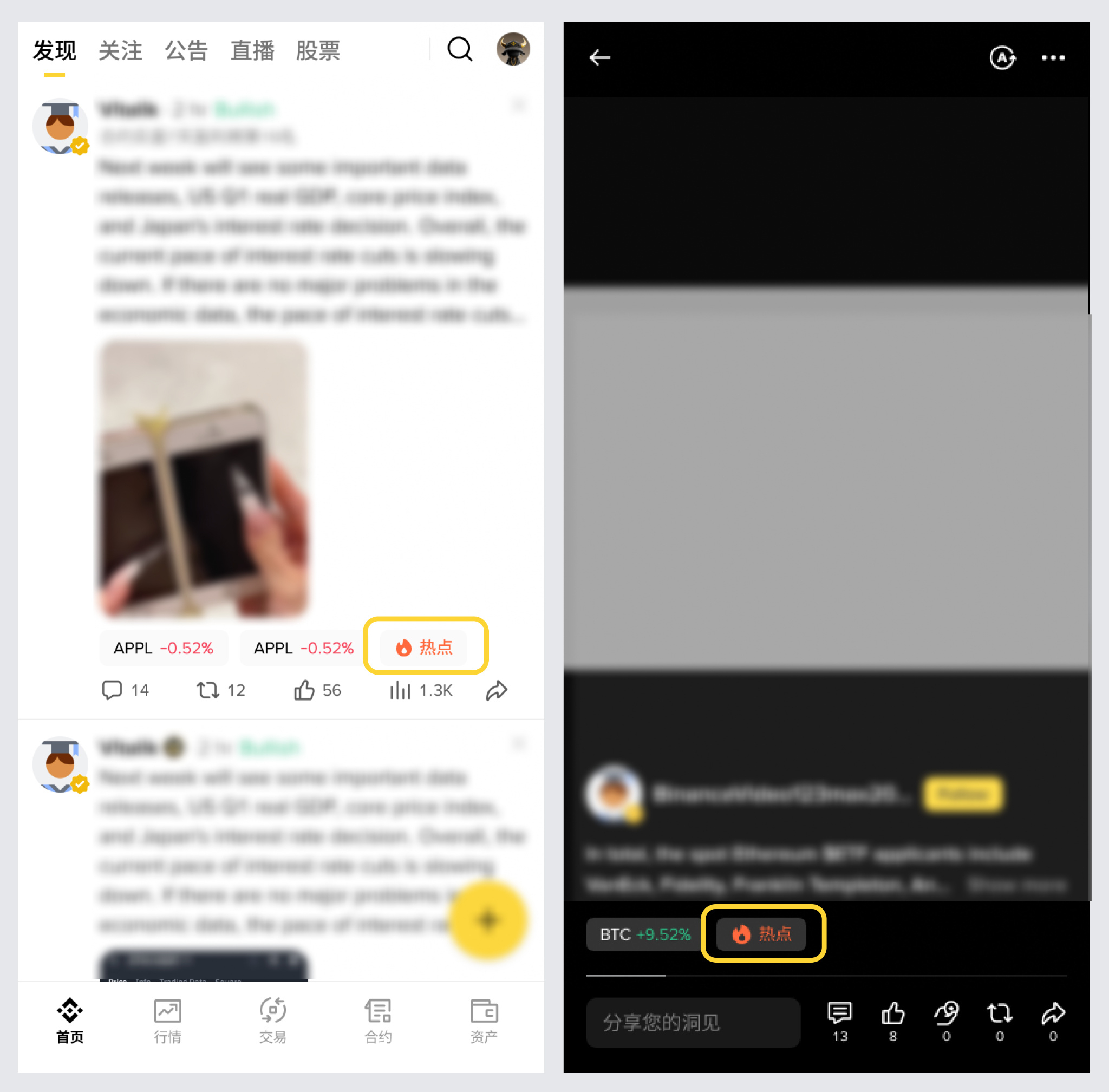
It’s now easier to see at a glance what’s happening in the market.
Trending news on the Discover page has been upgraded to make important market events and popular stories stand out even more. You can now catch the latest trends faster while browsing the Square, without having to search for them.
3. Live room blocklist is here, making host management easier
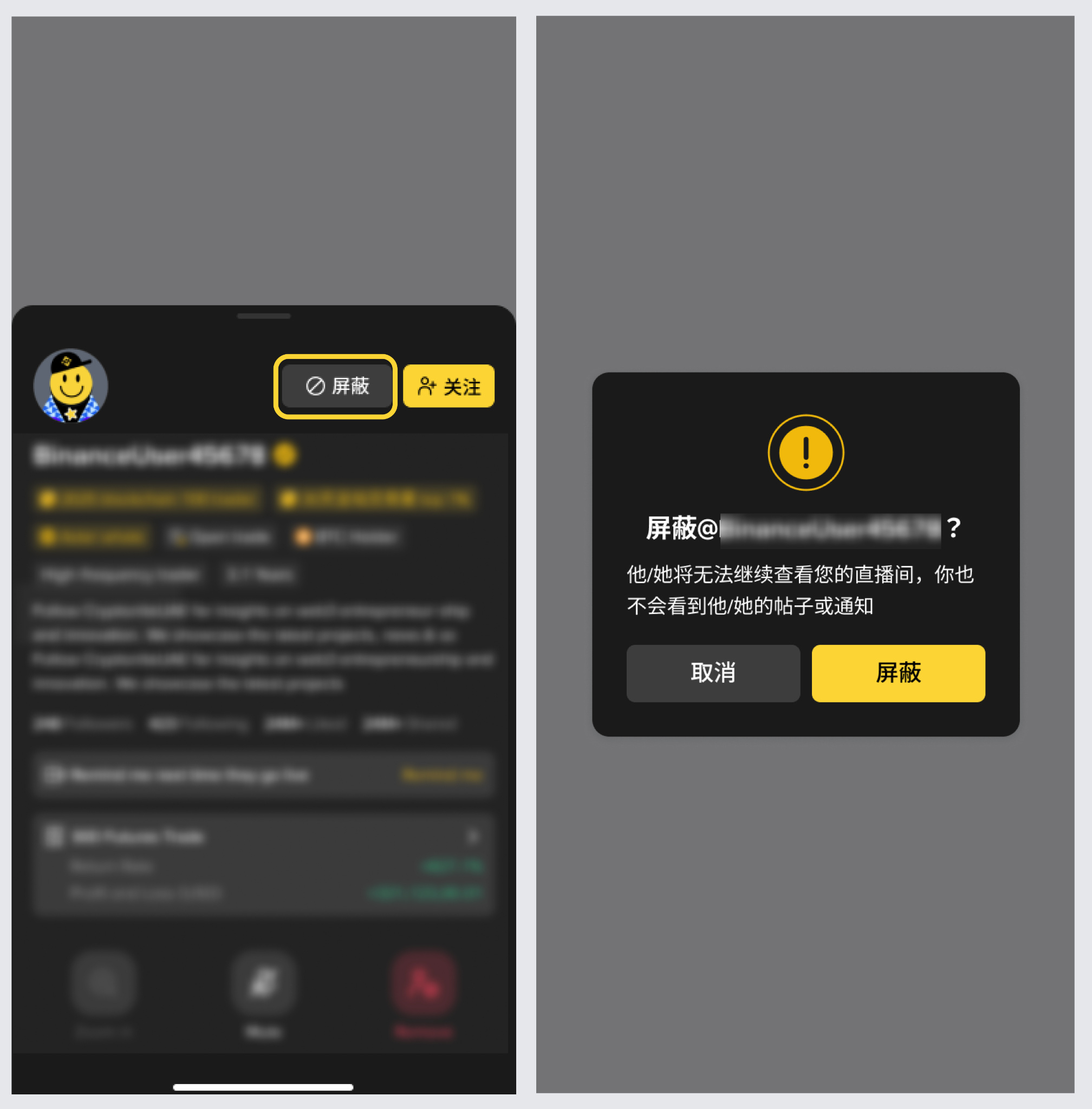
Hosts can now take action directly when a user repeatedly disrupts the livestream experience.
Hosts can add specific users to the live room blocklist by selecting “Block,” preventing them from rejoining the livestream. This helps reduce unnecessary disruptions and makes it easier to manage the live room and its interactions.
4. Open a chat right after sharing
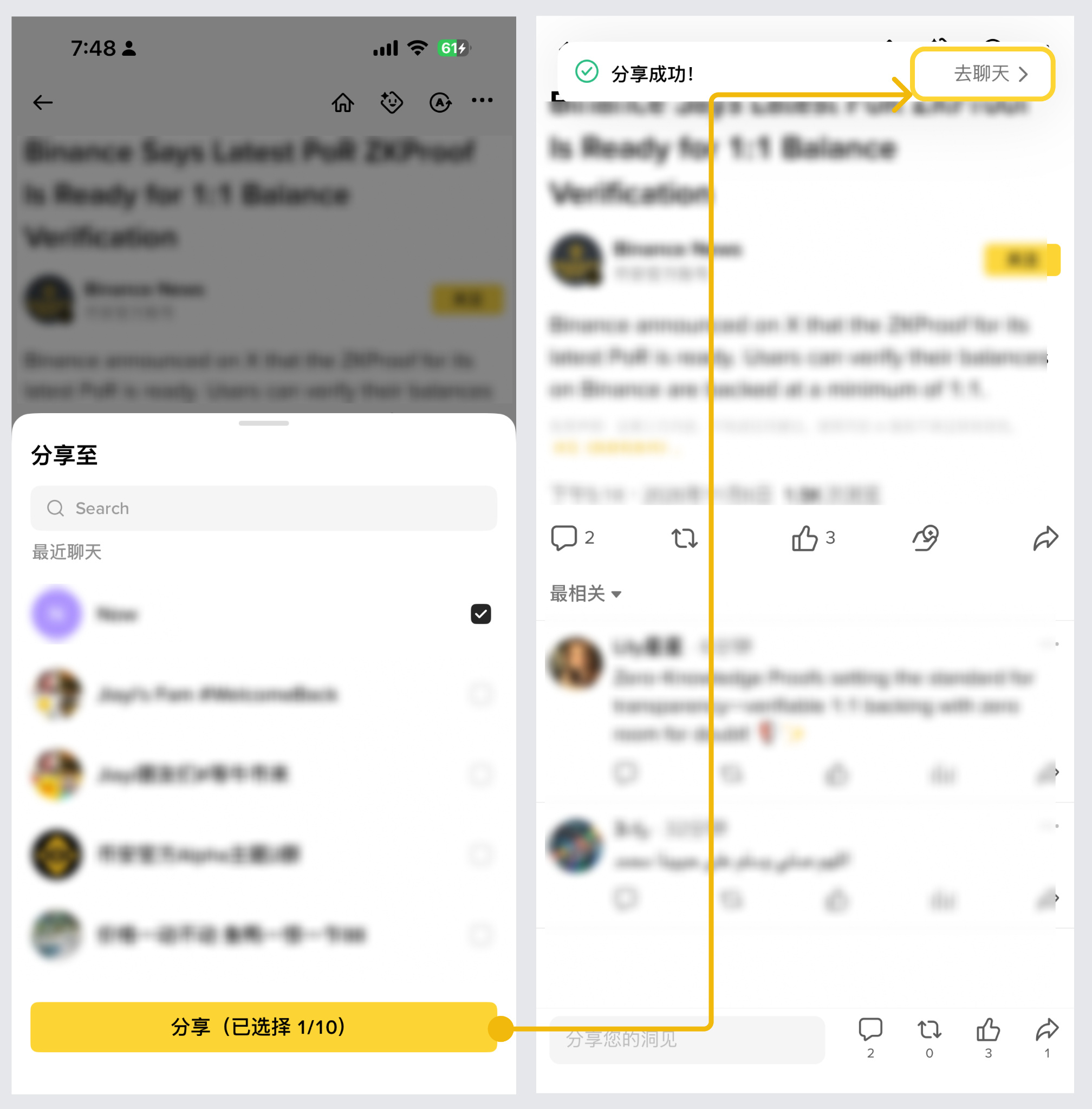
Found something worth discussing? Keep the conversation going right after sharing it.
Once content has been shared, a “Go to chat” option will appear. Tap it to open a half-screen chat window. No need to leave the current page and look for the chat—going from sharing content to discussing it is now seamless.
5. Add nicknames for friends to find chats more easily
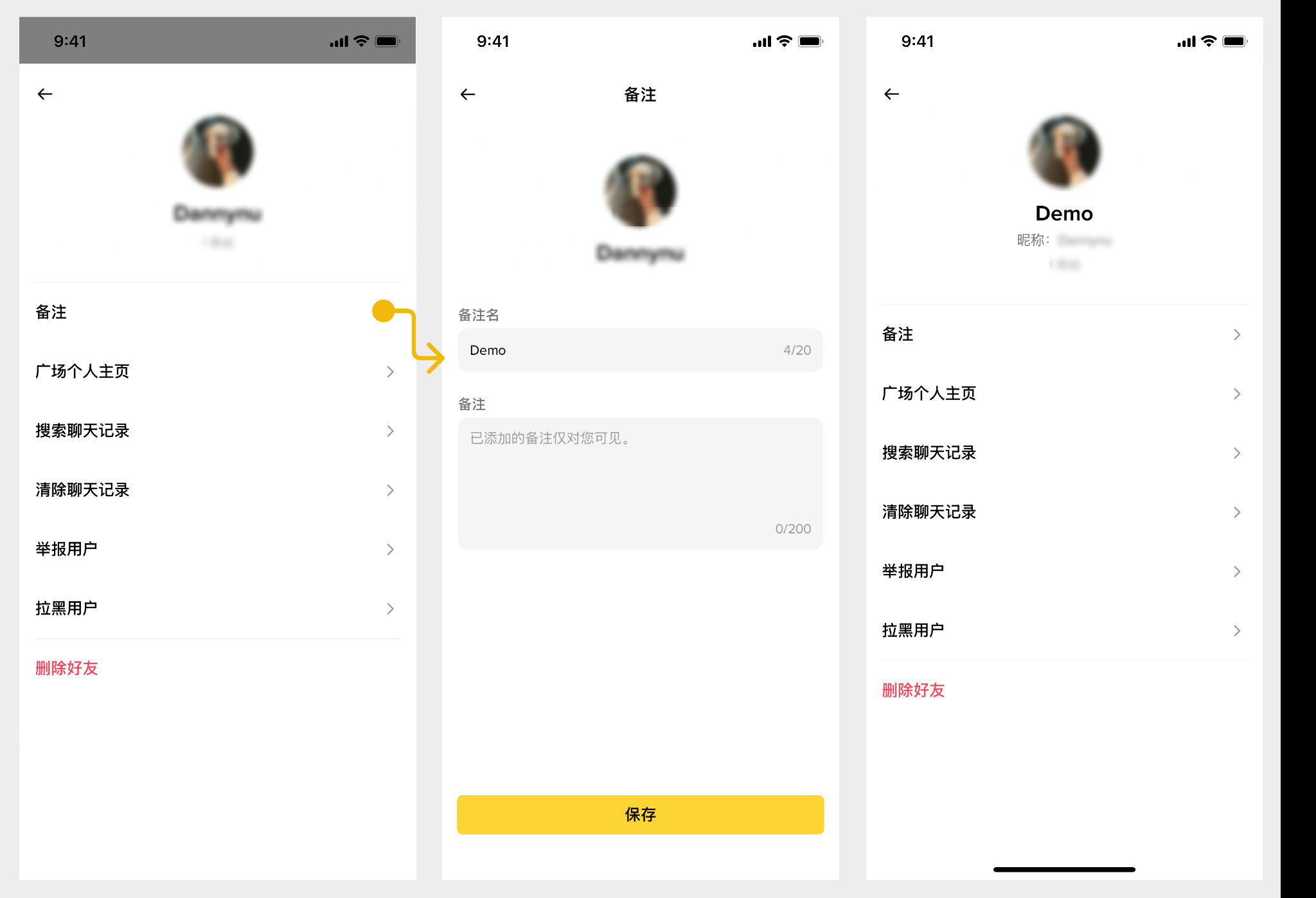
Have too many friends to keep track of who’s who? You can now set a custom nickname for each friend.
Once set, the nickname will appear in the conversation list, chat window, group chats, and message notifications, making it easier to find people and chat with them.
6. Edit images before sending for easier sharing
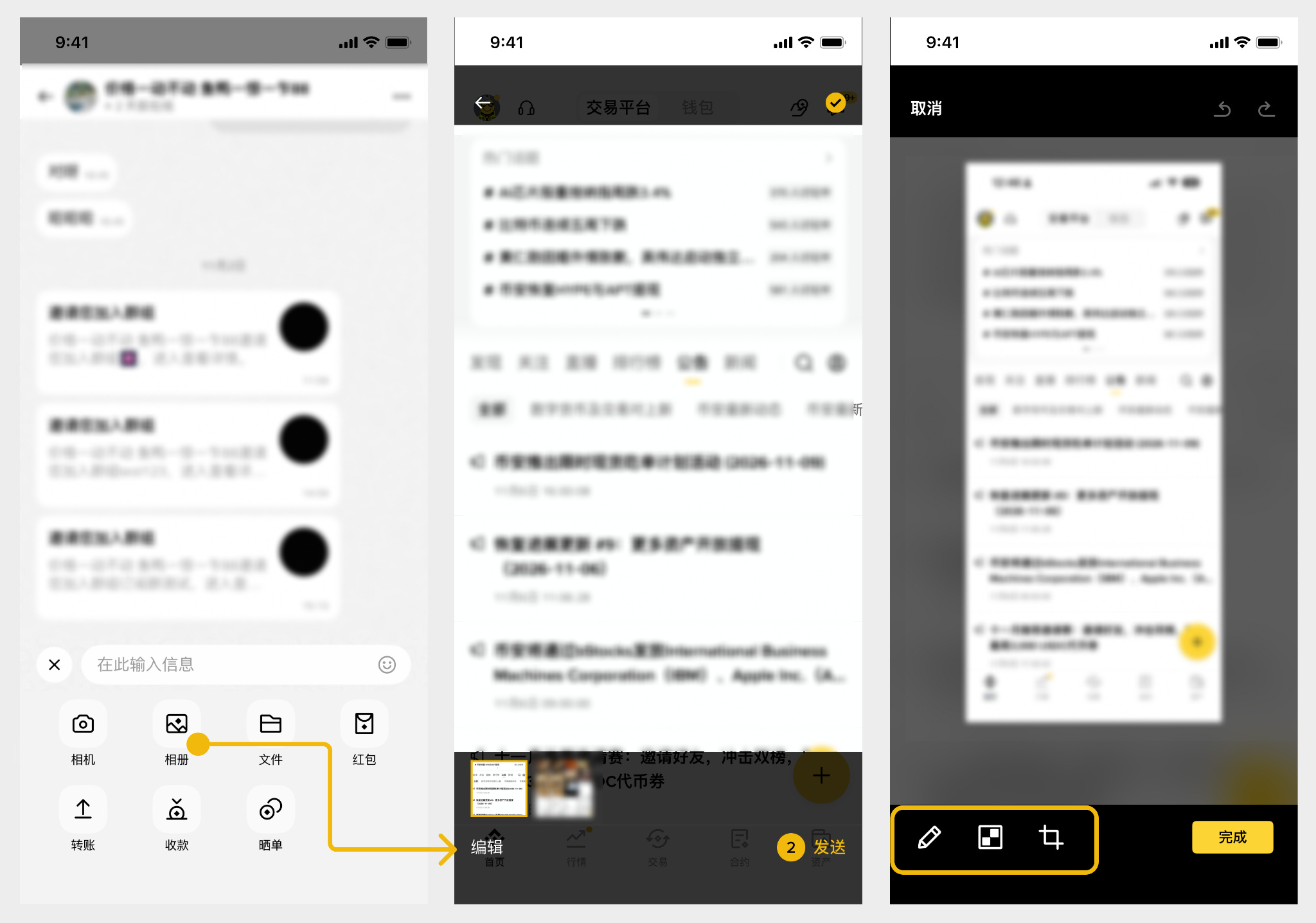
Want to highlight something in an image or annotate key information? You can now edit it before sending.
You can edit images from your album before sending them, or paste an image directly from your clipboard into a chat room for faster sharing.
7. Friend list is here, making it easier to find people
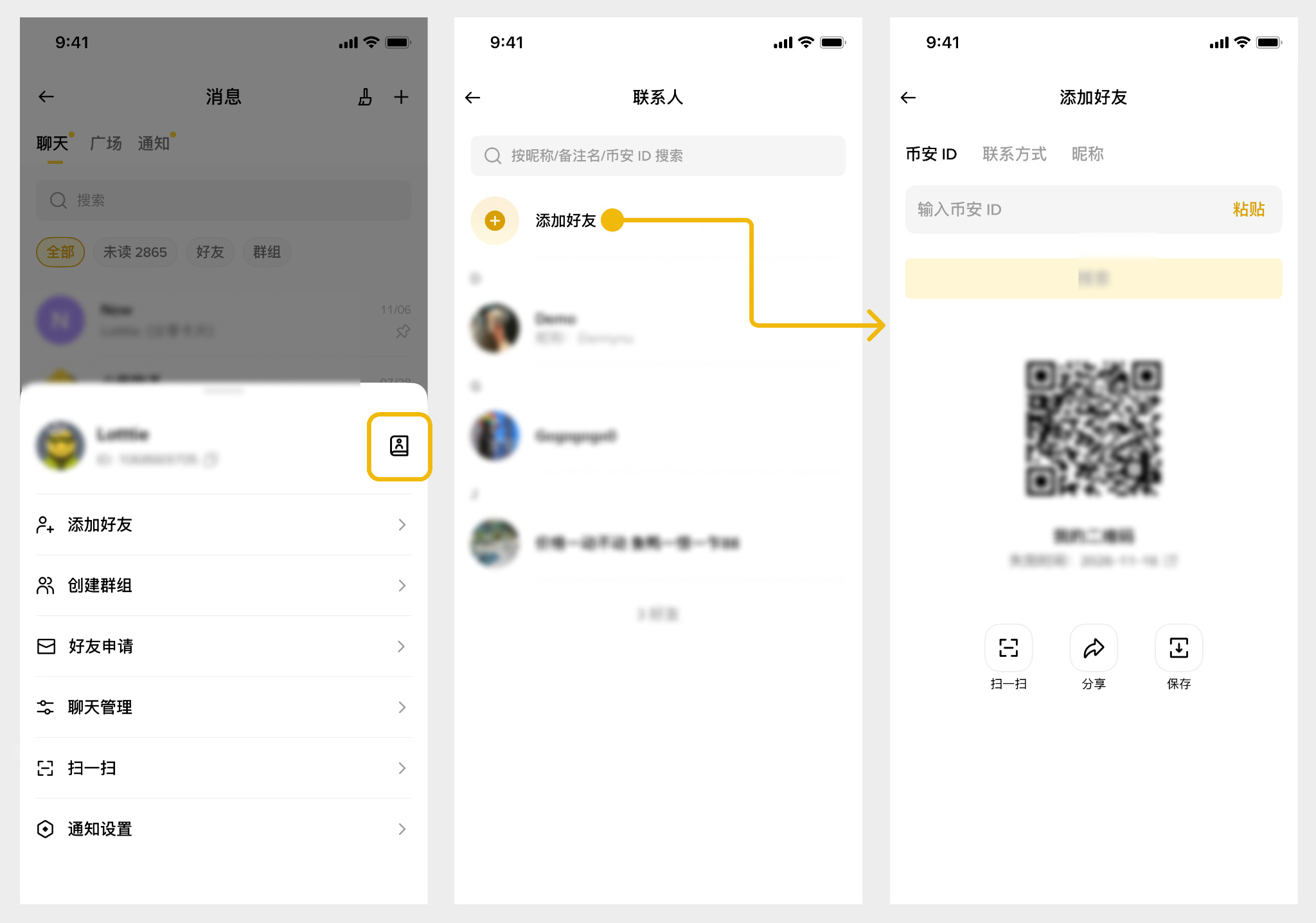
Want to find a friend quickly? No need to scroll through old conversations anymore.
Tap “+” in the top-right corner to open your friend list, where you can also search for friends directly. Finding someone and starting a chat is now easier than ever.
That’s it for Binance Square’s October product updates.
From discovering trending topics to joining discussions, and from sharing content to interacting in livestreams, we want to make every moment of browsing and connecting feel smoother.
What other features would you like to see? Let us know in the comments. We’ll keep listening to your feedback and improving your Square experience.