Your email may have been exposed elsewhere, and a password alone just won’t cut it.
For convenience, many people only enable SMS verification. But if your SIM card is swapped or your signal is intercepted, verification codes could end up in someone else’s hands. So you should switch this up.
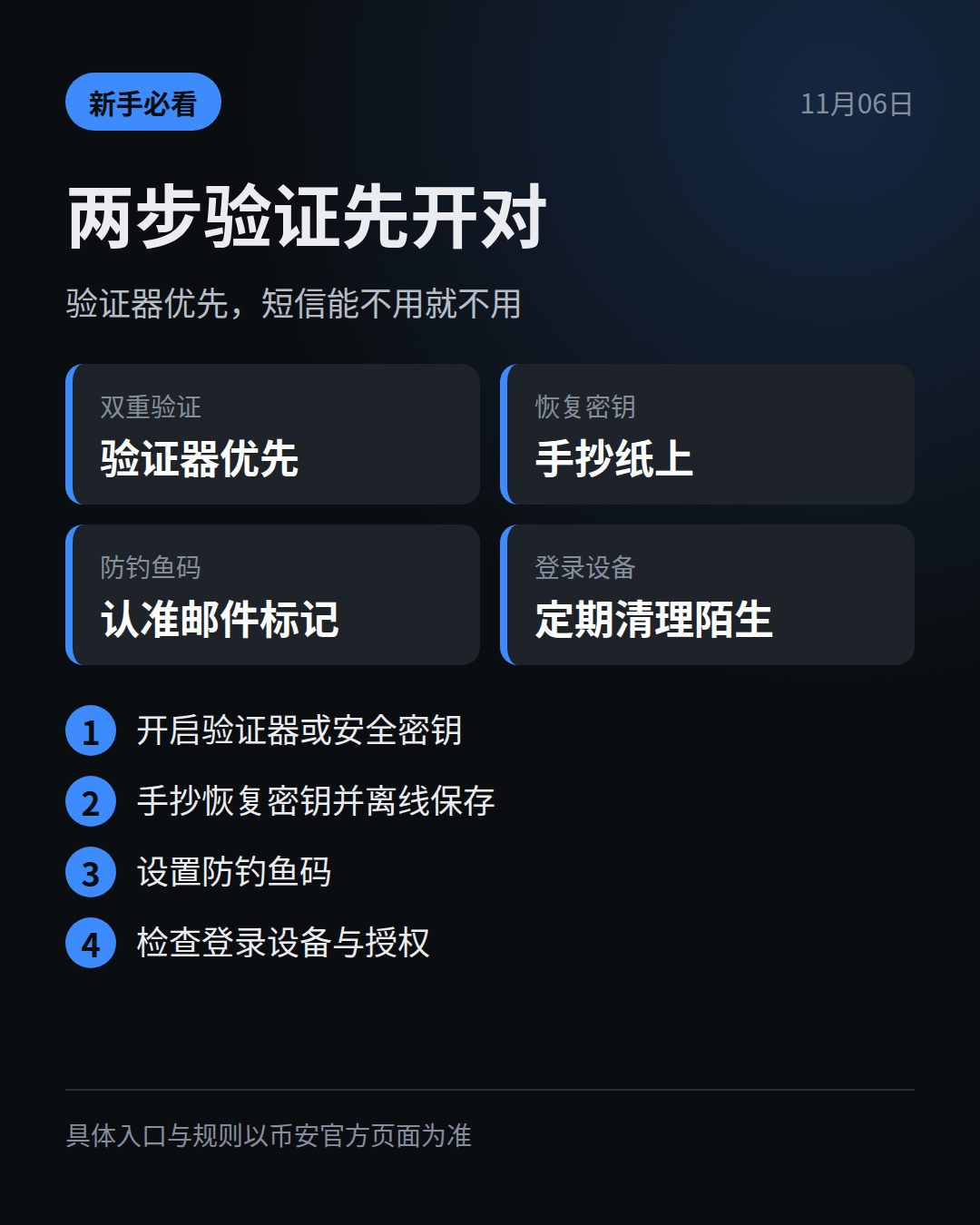
1️⃣ For two-factor authentication, prioritize an authenticator app or security key, and use SMS as a last resort. Codes are generated locally, without relying on your mobile carrier.
2️⃣ When you set it up, you’ll get a recovery key. Write it down on paper—don’t take a screenshot or save it to cloud storage or chat history. If you lose your phone, you’ll need it to get back in.
3️⃣ Set up an anti-phishing code, too. After that, if you get an email claiming to be from Binance without this code, you can pretty much assume it’s fake.
4️⃣ Every so often, review your login devices and authorized apps. If you see a device you don’t recognize, remove it. Don’t wait until something goes wrong to check.
Refer to Binance’s official pages for where to find these settings and the specific rules. Don’t follow links sent by other people to find your settings.
Are you using SMS verification or an authenticator right now? #AccountSecurity
For convenience, many people only enable SMS verification. But if your SIM card is swapped or your signal is intercepted, verification codes could end up in someone else’s hands. So you should switch this up.
1️⃣ For two-factor authentication, prioritize an authenticator app or security key, and use SMS as a last resort. Codes are generated locally, without relying on your mobile carrier.
2️⃣ When you set it up, you’ll get a recovery key. Write it down on paper—don’t take a screenshot or save it to cloud storage or chat history. If you lose your phone, you’ll need it to get back in.
3️⃣ Set up an anti-phishing code, too. After that, if you get an email claiming to be from Binance without this code, you can pretty much assume it’s fake.
4️⃣ Every so often, review your login devices and authorized apps. If you see a device you don’t recognize, remove it. Don’t wait until something goes wrong to check.
Refer to Binance’s official pages for where to find these settings and the specific rules. Don’t follow links sent by other people to find your settings.
Are you using SMS verification or an authenticator right now? #AccountSecurity