Don’t laugh at me—I only remembered after learning the hard way.
Today’s topic: How to read candlestick charts
Binance uses green for price increases and red for price decreases by default, but you can change it in settings to red for increases and green for decreases.
When setting a stop-loss, watch out for short-term fluctuations such as price wicks. If your stop-loss price is too close, it may get triggered.
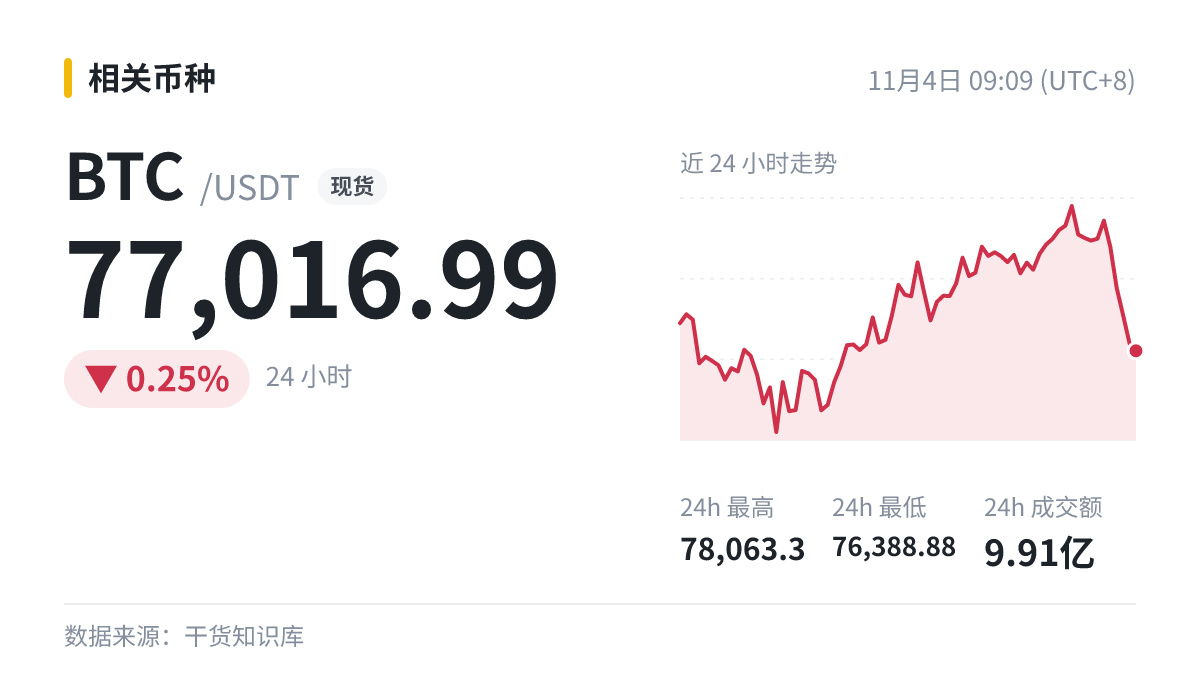
Market snapshot: $BTC Current price: 77016.99 (24h -0.25%).
Today’s topic: How to read candlestick charts
Binance uses green for price increases and red for price decreases by default, but you can change it in settings to red for increases and green for decreases.
When setting a stop-loss, watch out for short-term fluctuations such as price wicks. If your stop-loss price is too close, it may get triggered.
Market snapshot: $BTC Current price: 77016.99 (24h -0.25%).