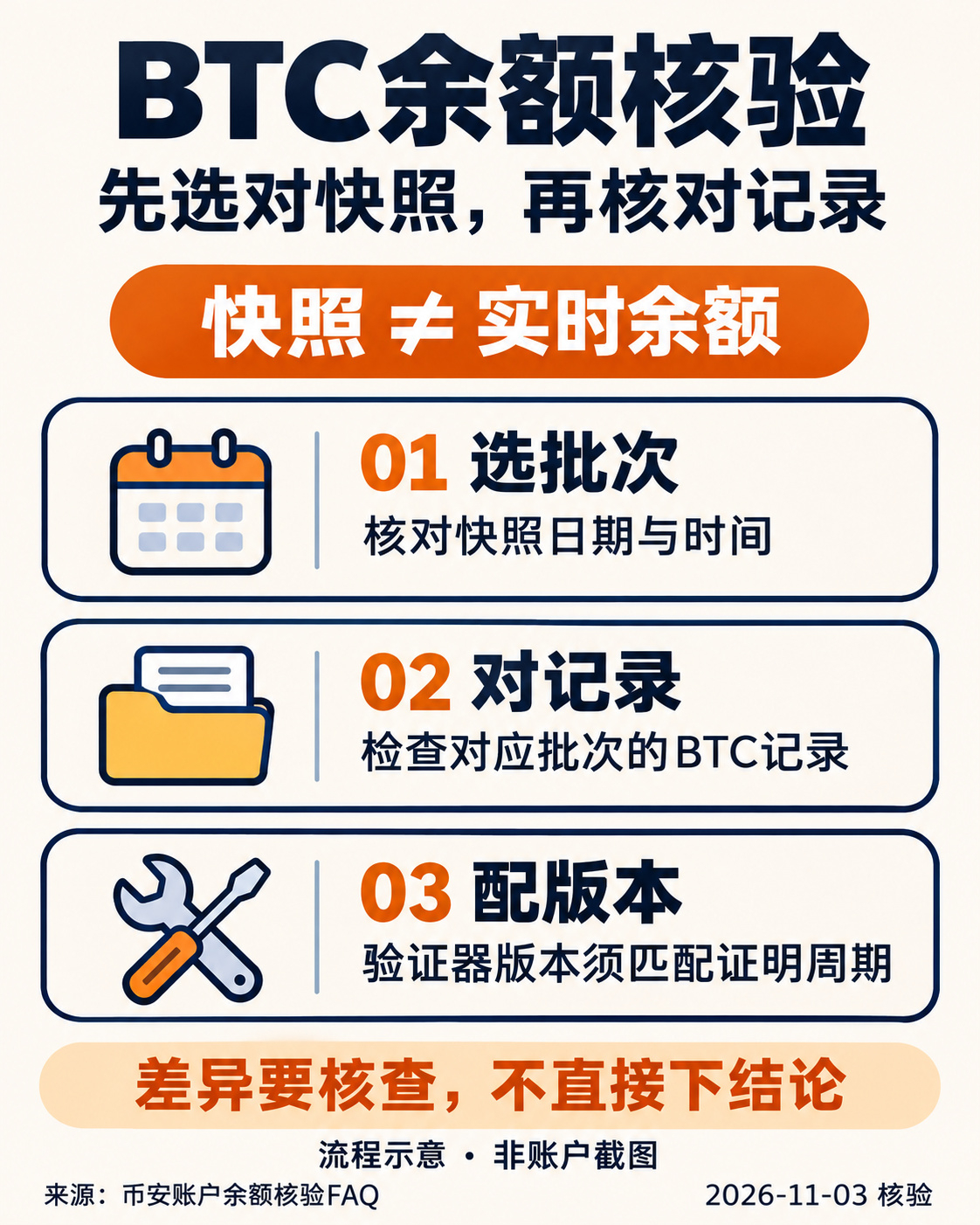
BTC Balance Verification: Choosing the Right Snapshot
After this round of Proof of Reserves updates, the first step in checking your BTC balance is not to subtract today’s wallet balance from the figure in the report.
The verification FAQ updated by Binance on November 2 clearly states that the report is a snapshot from a specific point in time, not a real-time display of assets. Balance changes after the snapshot do not automatically update that old record; however, this does not mean that every discrepancy can be ignored.
You can check in three steps:
① Select a batch on the official account verification page, and note the snapshot date and time.
② Confirm that you’re checking the BTC record in that batch, then review the account records for the corresponding period. Don’t mix files from different batches.
③ Choose the verifier version listed in the relevant table in the official FAQ. Tool versions correspond to proof periods, so you can’t just use any old installation package as a substitute.
This explains how to prepare for verification; it is not the result of verifying my account, and it does not mean that all assets or withdrawal services have been restored. If you find a discrepancy you can’t explain, contact official customer support through the app. Don’t give your account verification documents to strangers.
When checking, are you more likely to overlook the snapshot date or the tool version?
Source: Binance FAQ, “How to Verify Your Account Balance.” This content may be eligible for platform creator rewards or fee-sharing; eligibility and earnings have not been confirmed.
$BTC #储备证明 #账户核验 #Security Reminder
After this round of Proof of Reserves updates, the first step in checking your BTC balance is not to subtract today’s wallet balance from the figure in the report.
The verification FAQ updated by Binance on November 2 clearly states that the report is a snapshot from a specific point in time, not a real-time display of assets. Balance changes after the snapshot do not automatically update that old record; however, this does not mean that every discrepancy can be ignored.
You can check in three steps:
① Select a batch on the official account verification page, and note the snapshot date and time.
② Confirm that you’re checking the BTC record in that batch, then review the account records for the corresponding period. Don’t mix files from different batches.
③ Choose the verifier version listed in the relevant table in the official FAQ. Tool versions correspond to proof periods, so you can’t just use any old installation package as a substitute.
This explains how to prepare for verification; it is not the result of verifying my account, and it does not mean that all assets or withdrawal services have been restored. If you find a discrepancy you can’t explain, contact official customer support through the app. Don’t give your account verification documents to strangers.
When checking, are you more likely to overlook the snapshot date or the tool version?
Source: Binance FAQ, “How to Verify Your Account Balance.” This content may be eligible for platform creator rewards or fee-sharing; eligibility and earnings have not been confirmed.
$BTC #储备证明 #账户核验 #Security Reminder