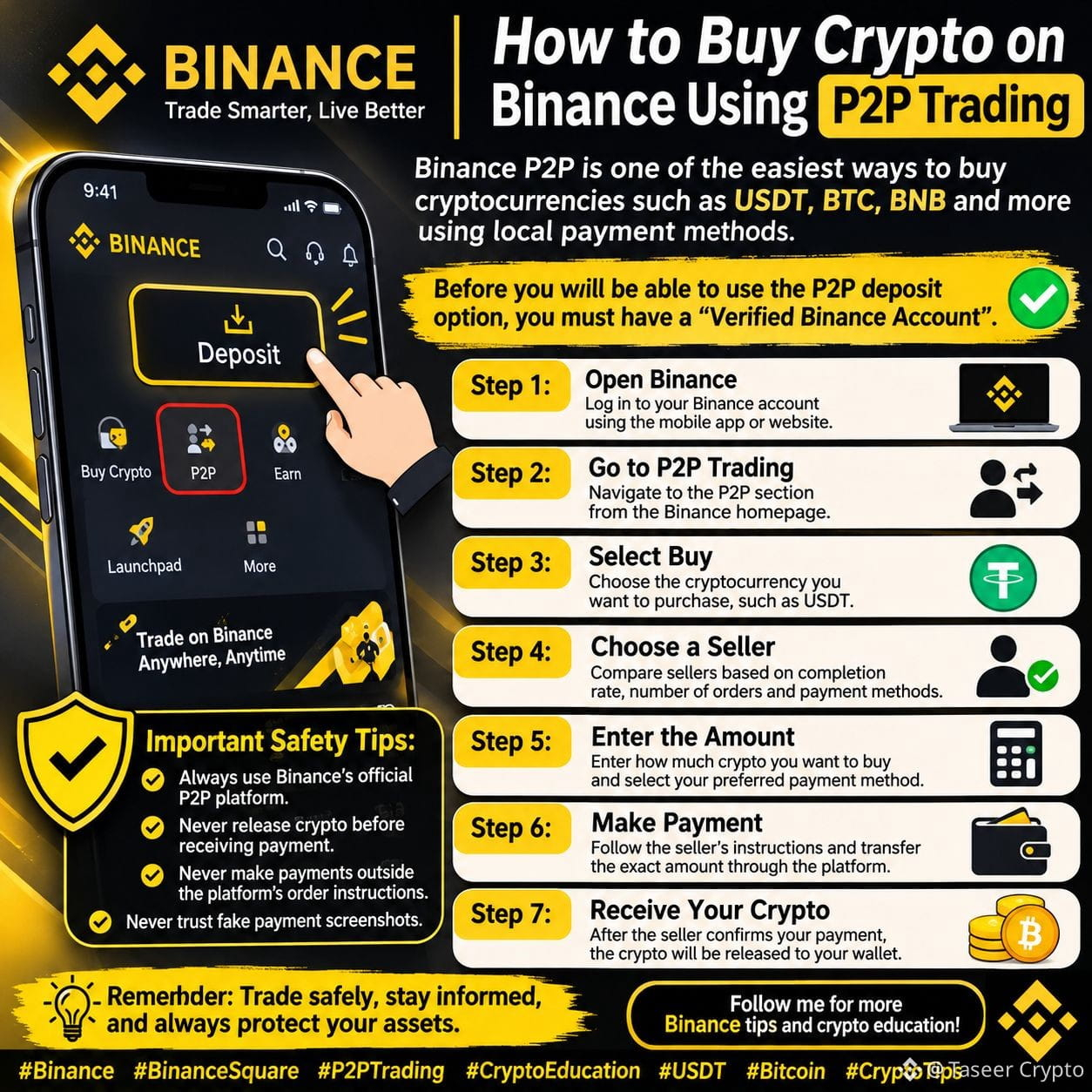
🚀 How to Buy Crypto on Binance Using P2P Trading
Binance P2P is one of the easiest ways to buy cryptocurrencies such as USDT, BTC, BNB, and more using local payment methods.
If you're new to Binance, don't worry! Here's a simple step-by-step guide to help you get started.
✅ Before You Start:
You must have a verified Binance account to use P2P trading.
📌 Step 1: Open Binance
Log in to your Binance account using the mobile app or website.
📌 Step 2: Go to P2P Trading
Navigate to the P2P section from the Binance homepage.
📌 Step 3: Select Buy
Choose the cryptocurrency you want to purchase, such as USDT.
📌 Step 4: Choose a Seller
Compare sellers based on their completion rate, number of orders, and available payment methods.
📌 Step 5: Enter the Amount
Enter how much crypto you want to buy and select your preferred payment method.
📌 Step 6: Make Payment
Follow the seller's instructions and transfer the exact amount through the selected payment method.
📌 Step 7: Receive Your Crypto
After the seller confirms receiving your payment, the cryptocurrency will be released to your Funding Wallet.
⚠️ Important Safety Tips:
• Always use Binance's official P2P platform.
• Never release crypto before receiving payment.
• Never make payments outside the platform's order instructions.
💡 Remember: Trade safely, stay informed, and always protect your assets.
❤️ Follow me for more Binance tips and crypto education!
#Binance #BinanceSquare #P2PTrading #CryptoEducation #USDT #Bitcoin #CryptoTips
Binance P2P is one of the easiest ways to buy cryptocurrencies such as USDT, BTC, BNB, and more using local payment methods.
If you're new to Binance, don't worry! Here's a simple step-by-step guide to help you get started.
✅ Before You Start:
You must have a verified Binance account to use P2P trading.
📌 Step 1: Open Binance
Log in to your Binance account using the mobile app or website.
📌 Step 2: Go to P2P Trading
Navigate to the P2P section from the Binance homepage.
📌 Step 3: Select Buy
Choose the cryptocurrency you want to purchase, such as USDT.
📌 Step 4: Choose a Seller
Compare sellers based on their completion rate, number of orders, and available payment methods.
📌 Step 5: Enter the Amount
Enter how much crypto you want to buy and select your preferred payment method.
📌 Step 6: Make Payment
Follow the seller's instructions and transfer the exact amount through the selected payment method.
📌 Step 7: Receive Your Crypto
After the seller confirms receiving your payment, the cryptocurrency will be released to your Funding Wallet.
⚠️ Important Safety Tips:
• Always use Binance's official P2P platform.
• Never release crypto before receiving payment.
• Never make payments outside the platform's order instructions.
💡 Remember: Trade safely, stay informed, and always protect your assets.
❤️ Follow me for more Binance tips and crypto education!
#Binance #BinanceSquare #P2PTrading #CryptoEducation #USDT #Bitcoin #CryptoTips