A self-proclaimed Binance support agent is calling—you hang up first, or cooperate with their “account verification / refund claim”?
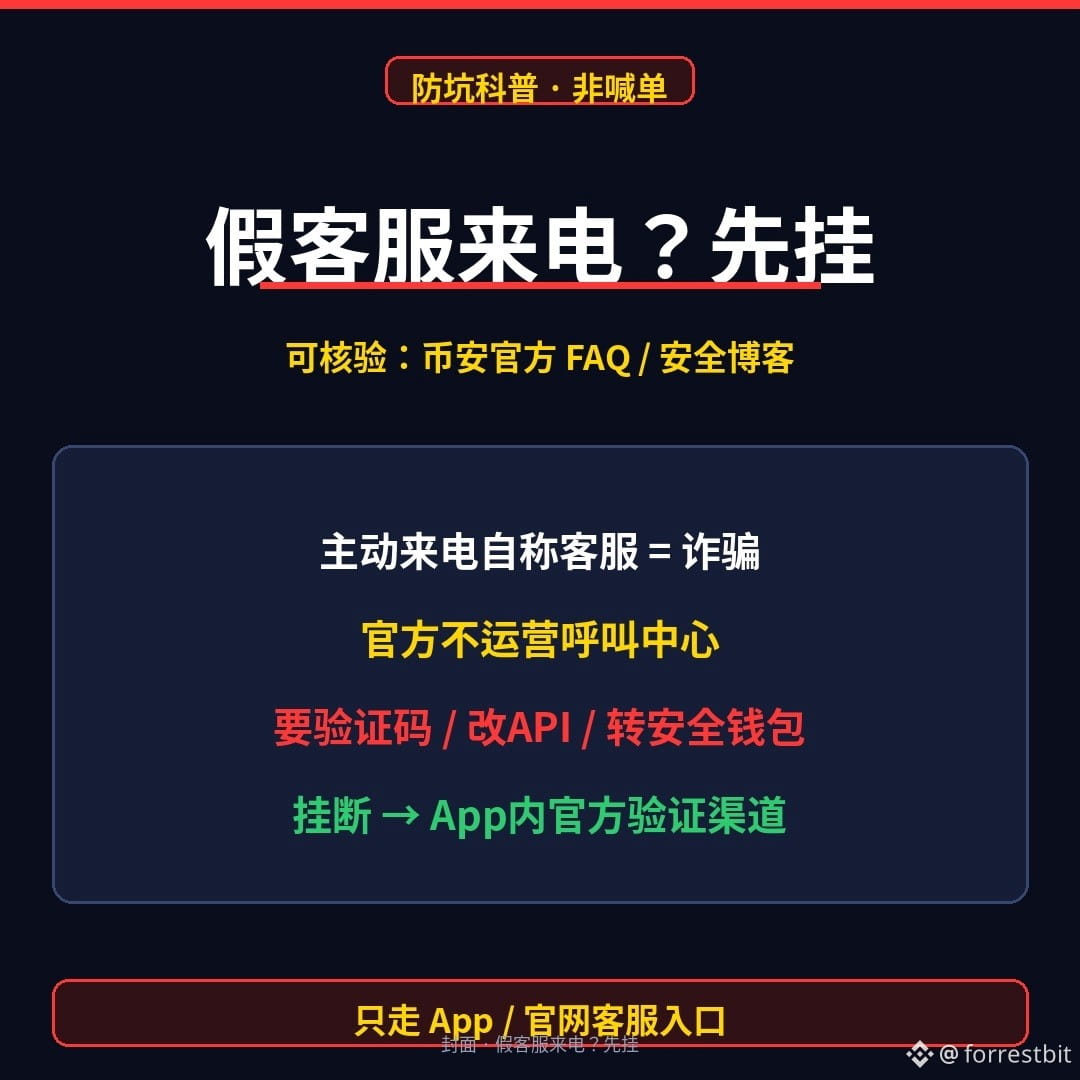
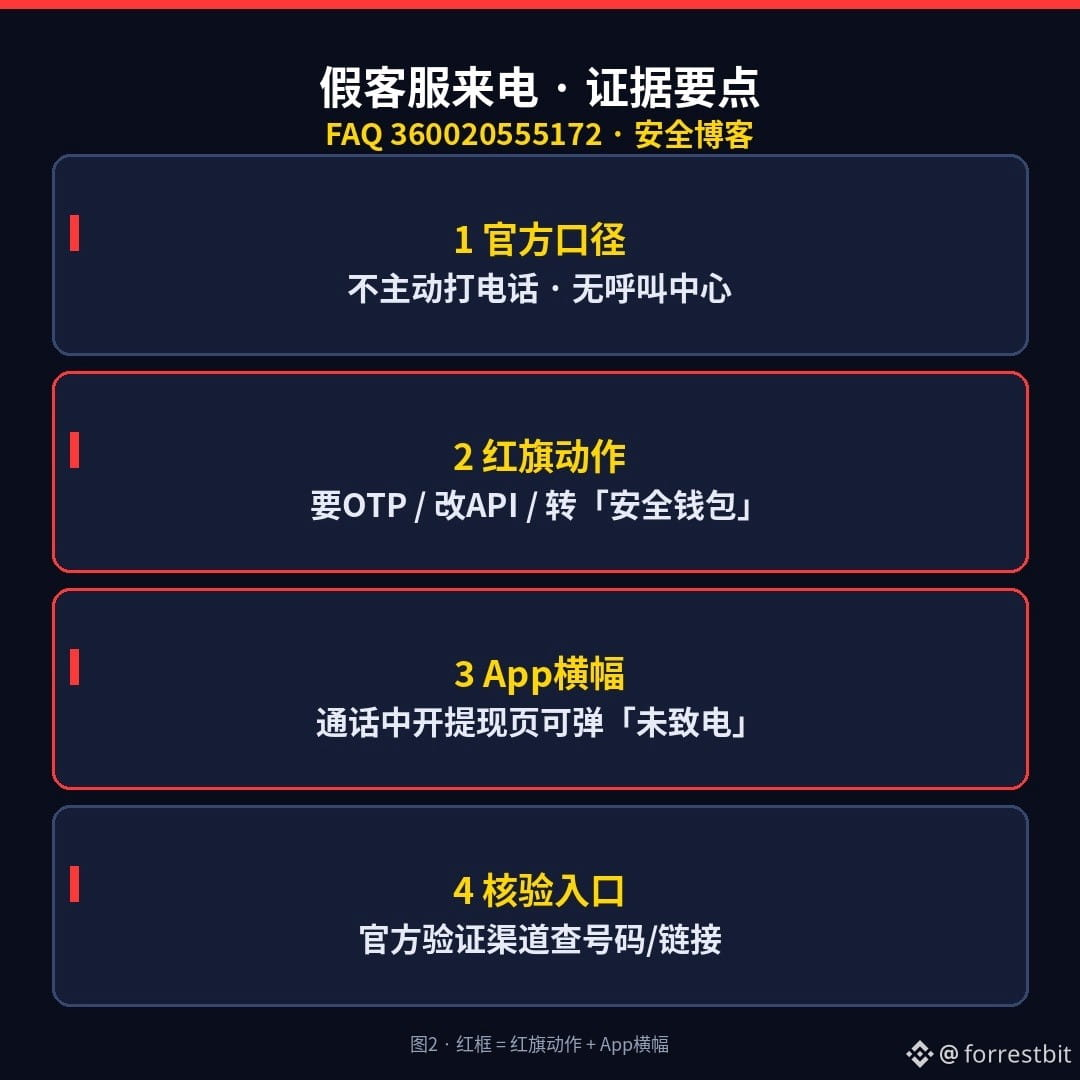
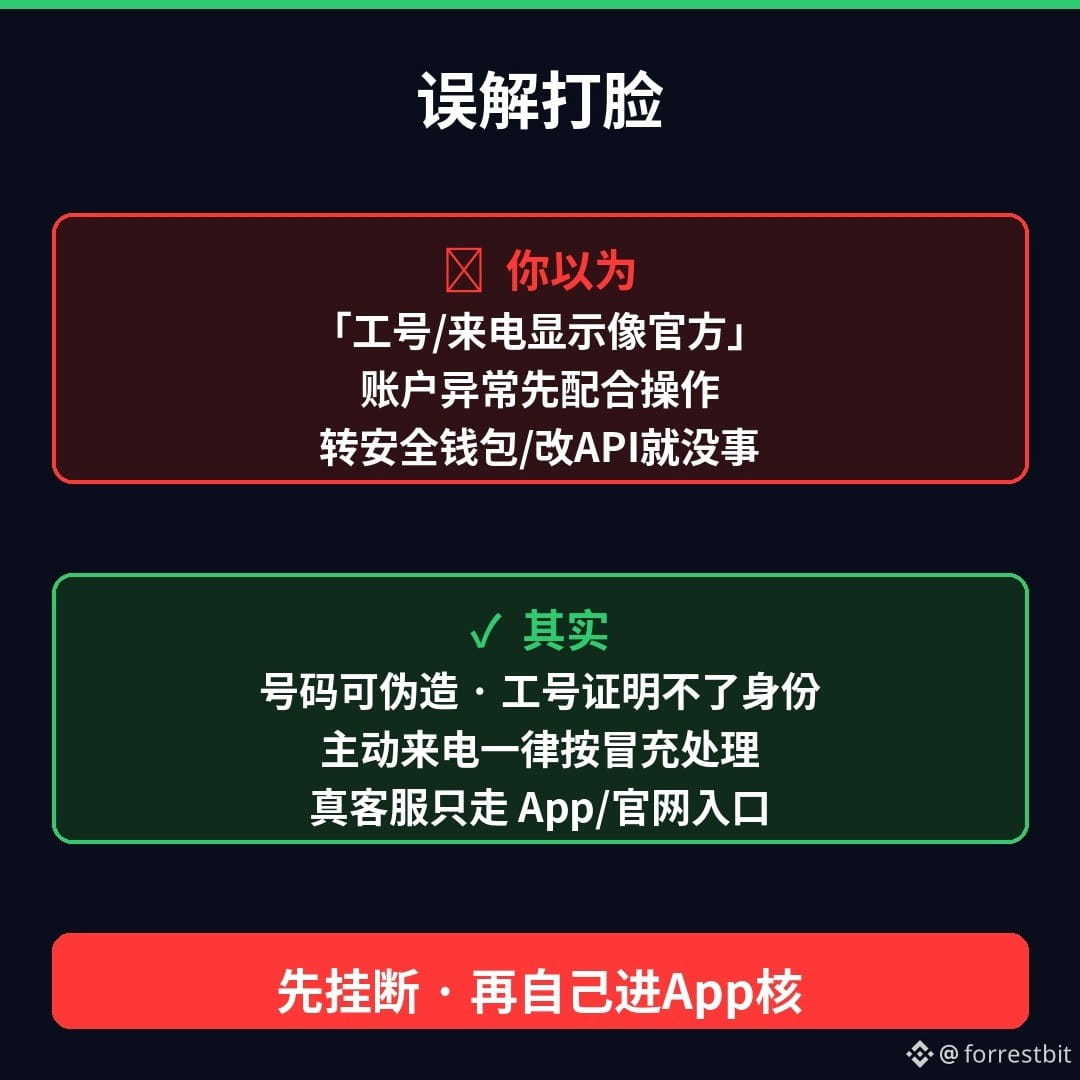
Around the time withdrawals resume, fake calls and DMs about “refunds, compensation, and risk-control verification” go into overdrive. Binance’s official stance is clear: Binance does not call users unsolicited or operate a call center. Text messages are mainly used to send OTPs; they won’t include a “customer support hotline” for you to call back. Treat anyone who calls you unsolicited claiming to be from Binance, risk control, compliance, or the refunds team as an impersonator—caller ID and employee IDs can both be faked.
Common scripts follow a few steps: claim your account has an issue and needs to be frozen → say they can help you claim compensation or fast-track a refund → guide you to change your API settings or enable remote access → or ask you to transfer your coins to a “safe wallet.” Remember these three red flags: requests for verification codes, requests to change API permissions, and requests to transfer funds to an unfamiliar address. If you open the withdrawal page in the app during the call, you may also see a banner saying “Binance is not calling you”—that’s the system helping you hit the brakes.
Think “If they sound official, I should cooperate”? In reality, genuine customer support and compensation updates are only available through the app or website that you open yourself. You can check suspicious numbers or links through Binance’s “Official Verification Channel.” Here are three things you can do tonight:
1) If someone calls you unsolicited claiming to be customer support or a refund specialist, hang up first. Don’t call back a number from a text message.
2) Don’t follow their instructions to change API settings, enable screen sharing, transfer funds to a “safe wallet,” or click a “claim compensation” link.
3) Worried about your account or withdrawal status? Open the official app yourself and check. Go to announcements or support through the app—don’t click links they send you.
Which worries you more: A) a fake support call with spoofed caller ID, or B) a fake refund agent with a “verified” profile picture in your DMs? Pick one in the comments (don’t post verification codes or recovery phrases).
(For educational purposes only; not investment advice. I don’t trade or give signals. This information is paraphrased from Binance’s official FAQ “How to Identify Fake Binance Support Phone Numbers,” its anti-fraud measures for withdrawals, and its security blog. Check the latest announcements in the app or on the website for updates on withdrawal resumption. This content was generated with AI assistance and edited by a human.)
$BNB $BTC
#加密安全 #防诈骗 #Web3Education
Around the time withdrawals resume, fake calls and DMs about “refunds, compensation, and risk-control verification” go into overdrive. Binance’s official stance is clear: Binance does not call users unsolicited or operate a call center. Text messages are mainly used to send OTPs; they won’t include a “customer support hotline” for you to call back. Treat anyone who calls you unsolicited claiming to be from Binance, risk control, compliance, or the refunds team as an impersonator—caller ID and employee IDs can both be faked.
Common scripts follow a few steps: claim your account has an issue and needs to be frozen → say they can help you claim compensation or fast-track a refund → guide you to change your API settings or enable remote access → or ask you to transfer your coins to a “safe wallet.” Remember these three red flags: requests for verification codes, requests to change API permissions, and requests to transfer funds to an unfamiliar address. If you open the withdrawal page in the app during the call, you may also see a banner saying “Binance is not calling you”—that’s the system helping you hit the brakes.
Think “If they sound official, I should cooperate”? In reality, genuine customer support and compensation updates are only available through the app or website that you open yourself. You can check suspicious numbers or links through Binance’s “Official Verification Channel.” Here are three things you can do tonight:
1) If someone calls you unsolicited claiming to be customer support or a refund specialist, hang up first. Don’t call back a number from a text message.
2) Don’t follow their instructions to change API settings, enable screen sharing, transfer funds to a “safe wallet,” or click a “claim compensation” link.
3) Worried about your account or withdrawal status? Open the official app yourself and check. Go to announcements or support through the app—don’t click links they send you.
Which worries you more: A) a fake support call with spoofed caller ID, or B) a fake refund agent with a “verified” profile picture in your DMs? Pick one in the comments (don’t post verification codes or recovery phrases).
(For educational purposes only; not investment advice. I don’t trade or give signals. This information is paraphrased from Binance’s official FAQ “How to Identify Fake Binance Support Phone Numbers,” its anti-fraud measures for withdrawals, and its security blog. Check the latest announcements in the app or on the website for updates on withdrawal resumption. This content was generated with AI assistance and edited by a human.)
$BNB $BTC
#加密安全 #防诈骗 #Web3Education