UniSat has turned OpenAPI into MCP, and you can install it directly from npm.
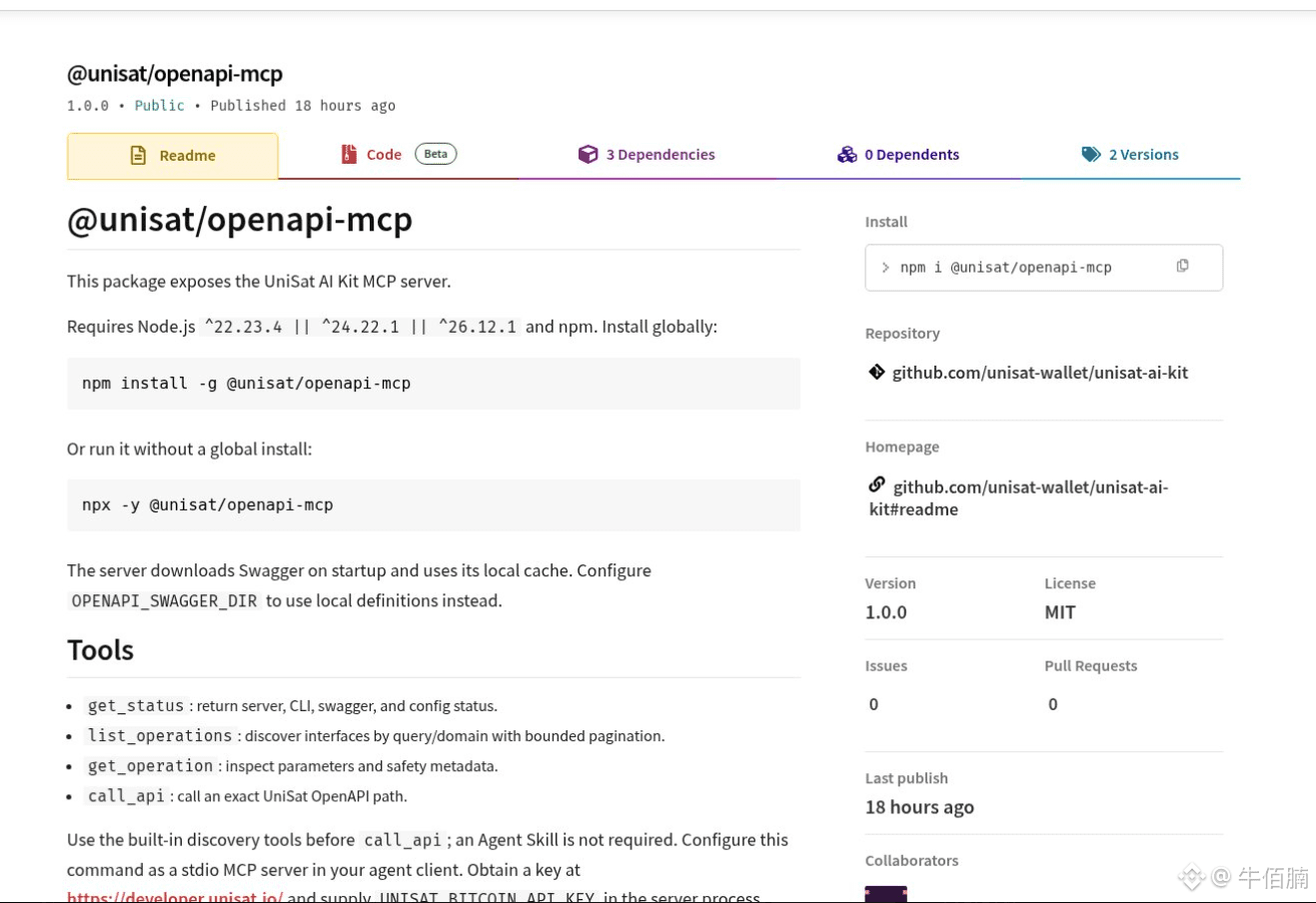
Quietly launched: @unisat/openapi-mcp went straight to 1.0.0, along with its companion CLI, @unisat/openapi-cli, also at 1.0.0.
Connect it locally to Cursor or Claude, and you can ask in plain language about Bitcoin and Fractal mainnet data. It’s not a chatbot—it’s a read-only on-chain query tool. Use your own key; it never touches your private keys.
📌
How to set it up?
1. Install Node on your computer (version 22 or later).
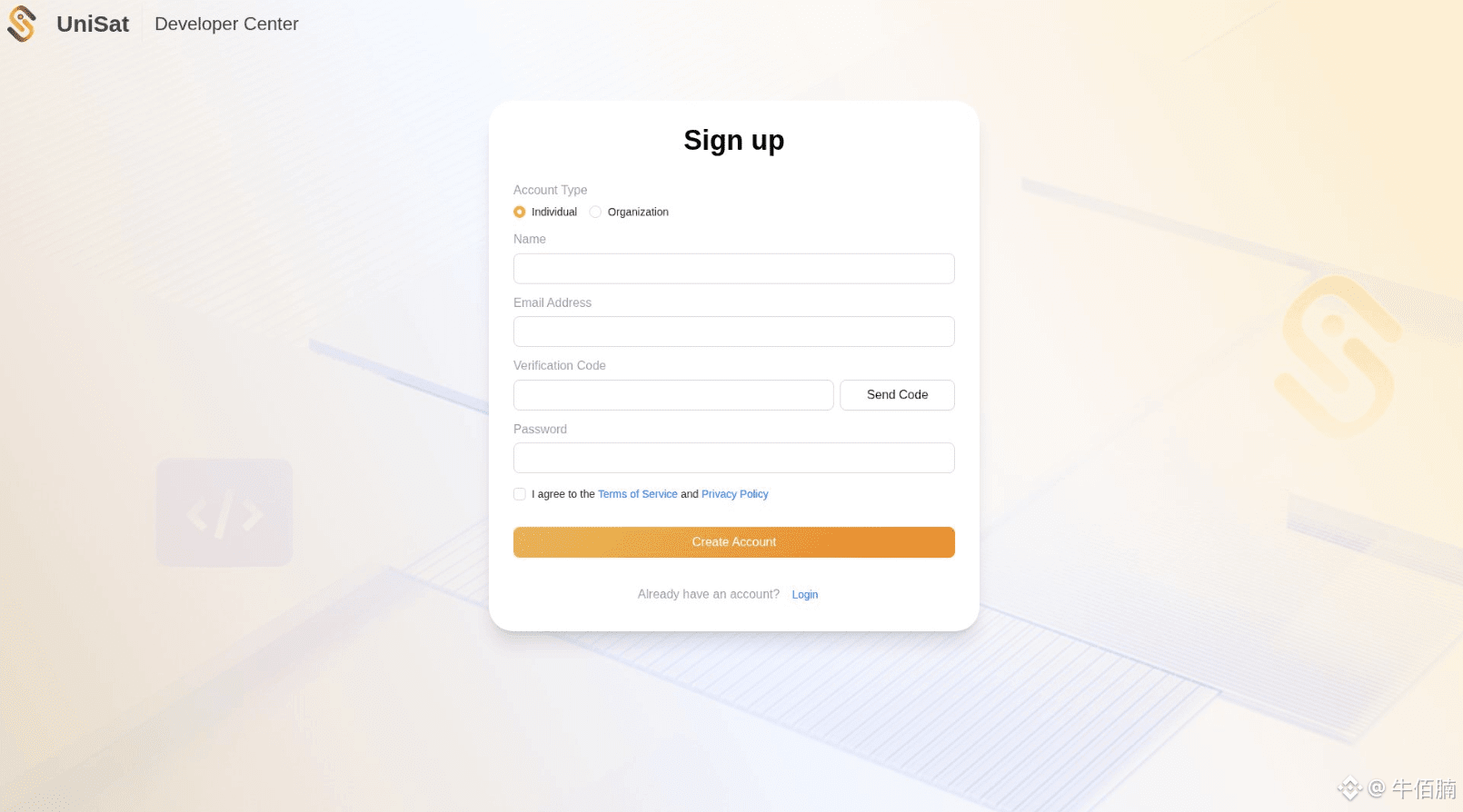
2. Go to
http://developer.unisat.io
to get a Bitcoin OpenAPI key (get a separate one to query Fractal; don’t use someone else’s).
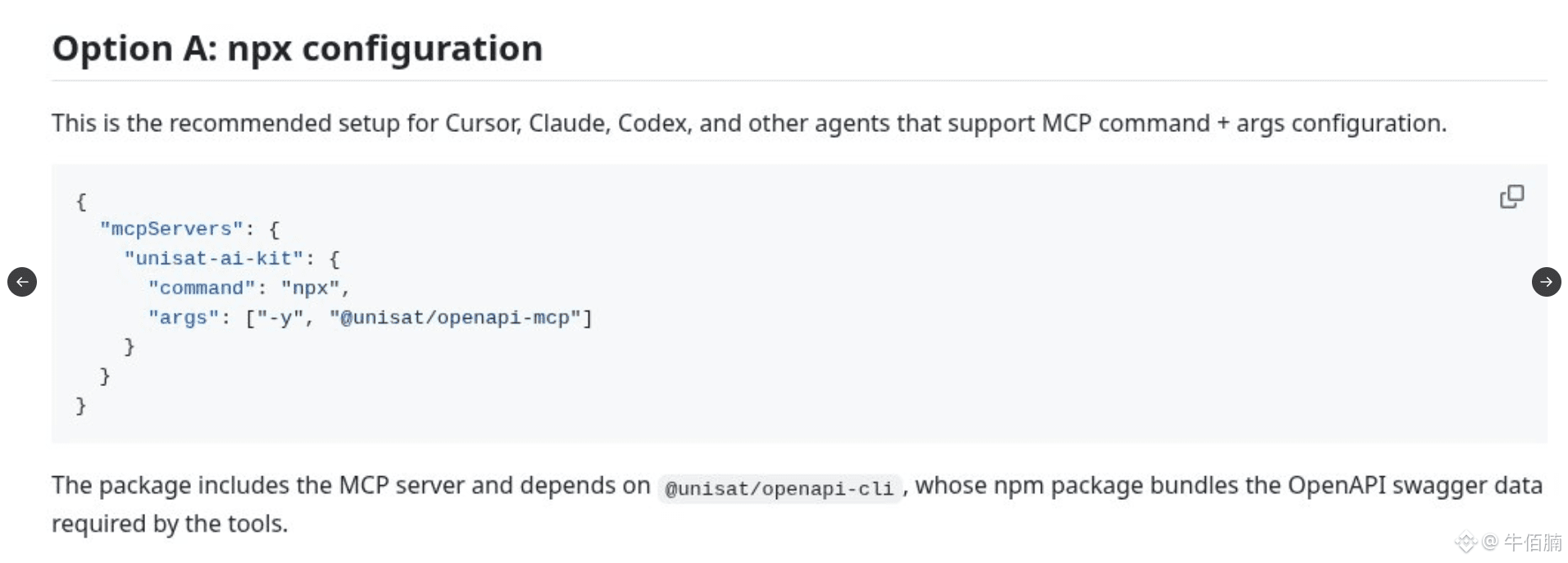
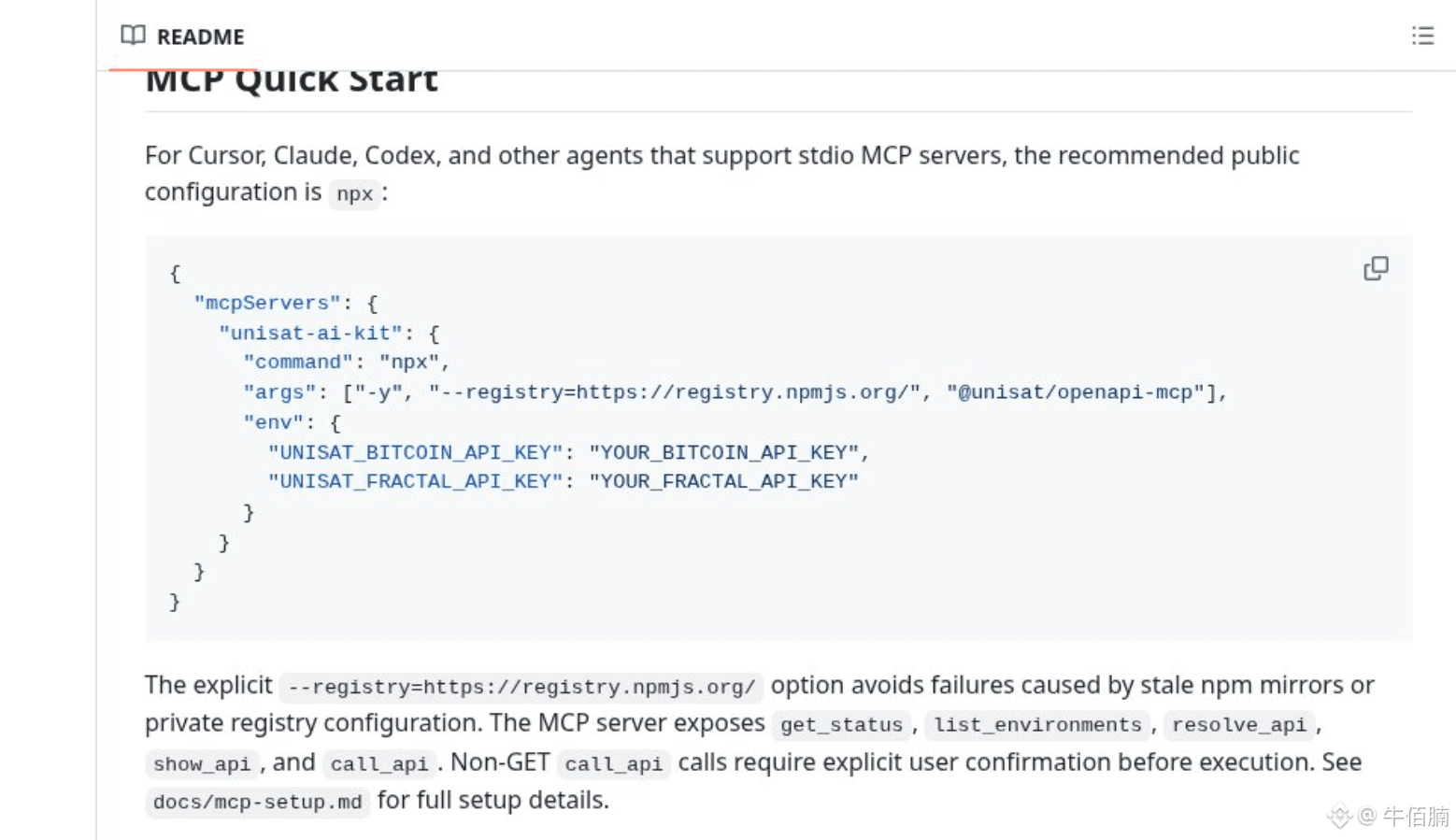
3. In Cursor → MCP → Add server, use the command npx -y @unisat/openapi-mcp, and enter your key as an environment variable.
4. Restart Cursor. If it appears in the tools list, you’re all set.
📌
Try it after installation:
1. For example, once connected, ask: “What’s the latest block height?”
If it returns a number, it’s working.
2. If it doesn’t, check whether the key or MCP connection is set up properly.
3. If you want to look up the brc-20 or Rune holders for an address, you used to have to write the requests yourself. Now you can just ask in plain language and let the Agent look it up.
The repository is at unisat-wallet/unisat-ai-kit. Use your own key and run it locally. $BTC
Quietly launched: @unisat/openapi-mcp went straight to 1.0.0, along with its companion CLI, @unisat/openapi-cli, also at 1.0.0.
Connect it locally to Cursor or Claude, and you can ask in plain language about Bitcoin and Fractal mainnet data. It’s not a chatbot—it’s a read-only on-chain query tool. Use your own key; it never touches your private keys.
📌
How to set it up?
1. Install Node on your computer (version 22 or later).
2. Go to
http://developer.unisat.io
to get a Bitcoin OpenAPI key (get a separate one to query Fractal; don’t use someone else’s).
3. In Cursor → MCP → Add server, use the command npx -y @unisat/openapi-mcp, and enter your key as an environment variable.
4. Restart Cursor. If it appears in the tools list, you’re all set.
📌
Try it after installation:
1. For example, once connected, ask: “What’s the latest block height?”
If it returns a number, it’s working.
2. If it doesn’t, check whether the key or MCP connection is set up properly.
3. If you want to look up the brc-20 or Rune holders for an address, you used to have to write the requests yourself. Now you can just ask in plain language and let the Agent look it up.
The repository is at unisat-wallet/unisat-ai-kit. Use your own key and run it locally. $BTC