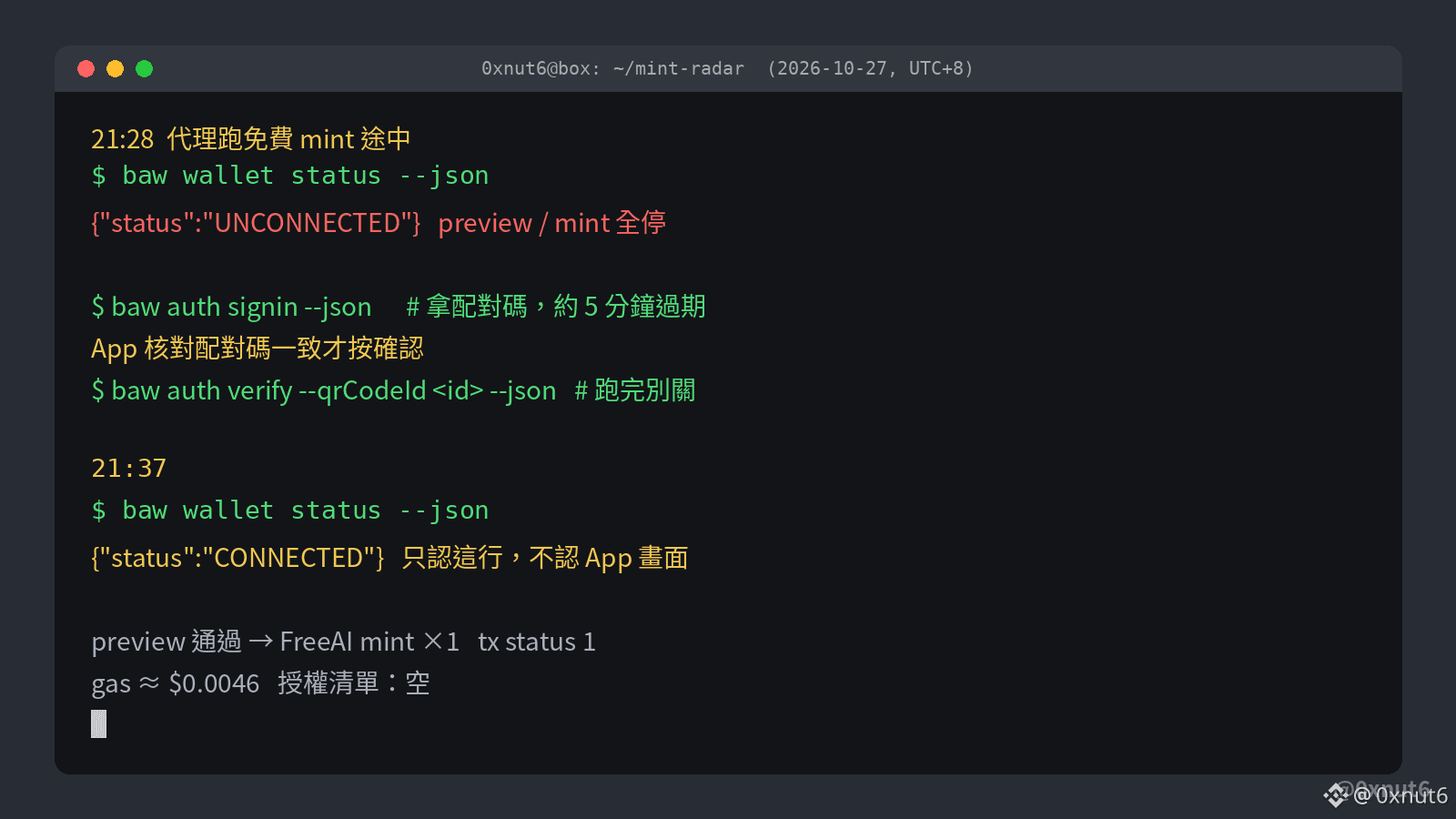
Last night at 21:28, I had an AI agent run a free mint. Halfway through, the wallet status switched to UNCONNECTED (NOT_LOGGED_IN), and both the preview and minting stopped. After logging in again, there was only one way to tell whether it had actually reconnected: check whether the command line status returned CONNECTED. Seeing a success message in the app doesn't count.
This time, I followed the reconnection steps in the official @BinanceWallet Agentic Wallet skills documentation:
1. First, run baw wallet status --json and confirm it returns UNCONNECTED, not a network timeout.
2. Run baw auth signin --json to get a pairing code and login link.
3. Check that the pairing code matches in the @binance Binance Wallet app, then confirm. This code expires in about 5 minutes. If it expires, run signin again; don't keep trying to verify with an old qrCodeId.
4. Run baw auth verify and let it finish and return SUCCESS. Don't close it midway.
5. Run wallet status again. Reconnection is complete only when it returns CONNECTED.
Step 4 is where things are most likely to go wrong. The documentation states that if verify is interrupted, the app may show that login succeeded while the local status remains UNCONNECTED. If that happens, start over from signin. To make the agent stop, run baw auth signout; this clears the local login status and returns LOGGED_OUT.
At 21:37, my status returned to CONNECTED. After the preview passed in the same run, it minted FreeAI just once, and the transaction status was 1. The gas for that transaction was about $0.0046, and the authorization list was still empty.
This time, I followed the reconnection steps in the official @BinanceWallet Agentic Wallet skills documentation:
1. First, run baw wallet status --json and confirm it returns UNCONNECTED, not a network timeout.
2. Run baw auth signin --json to get a pairing code and login link.
3. Check that the pairing code matches in the @binance Binance Wallet app, then confirm. This code expires in about 5 minutes. If it expires, run signin again; don't keep trying to verify with an old qrCodeId.
4. Run baw auth verify and let it finish and return SUCCESS. Don't close it midway.
5. Run wallet status again. Reconnection is complete only when it returns CONNECTED.
Step 4 is where things are most likely to go wrong. The documentation states that if verify is interrupted, the app may show that login succeeded while the local status remains UNCONNECTED. If that happens, start over from signin. To make the agent stop, run baw auth signout; this clears the local login status and returns LOGGED_OUT.
At 21:37, my status returned to CONNECTED. After the preview passed in the same run, it minted FreeAI just once, and the transaction status was 1. The gas for that transaction was about $0.0046, and the authorization list was still empty.