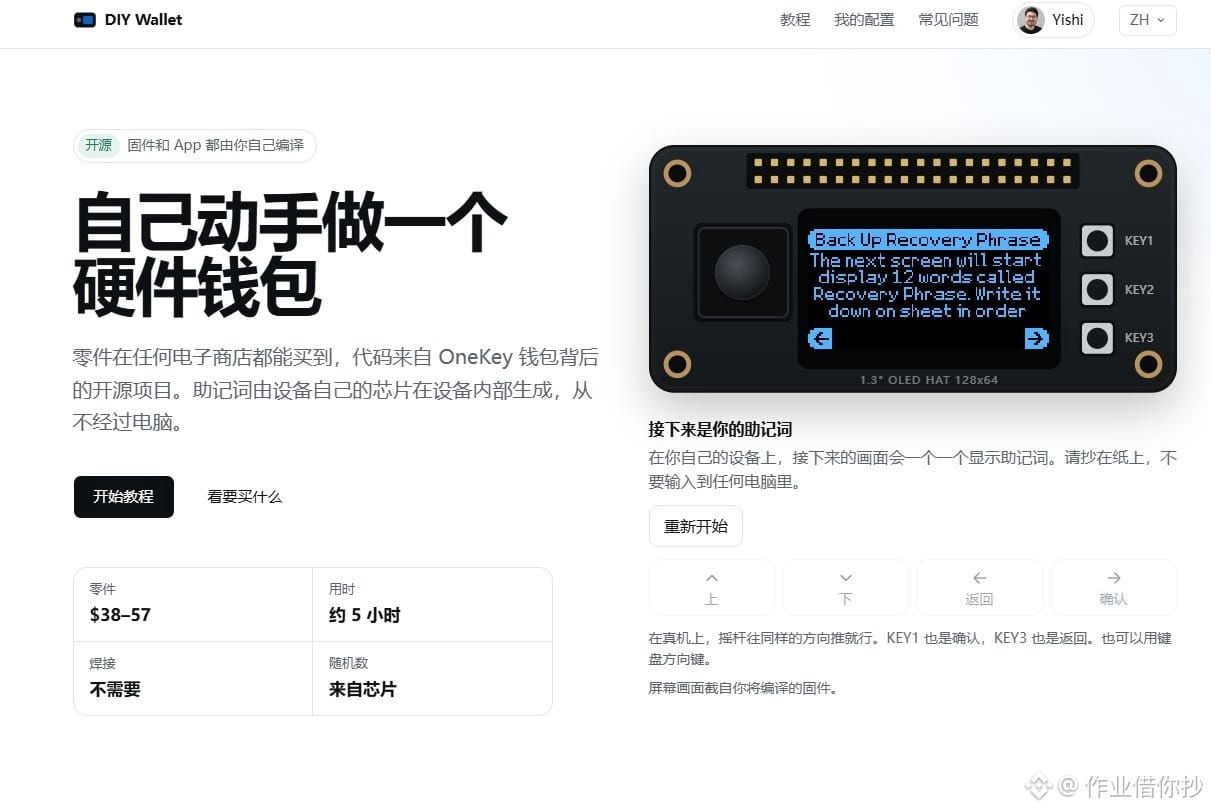
How to build your own hardware wallet with a Raspberry Pi
A tutorial by OneKey founder @ohyishi:
1. Parts: Raspberry Pi Zero 2 + 1.3-inch OLED display (costs only $40–60)
2. Firmware: @OneKey open-source firmware, compiled yourself
3. The device’s chip generates the recovery phrase, without connecting to a computer
Tutorial website 👉 http://diywallet.org
#HardwareWallet
A tutorial by OneKey founder @ohyishi:
1. Parts: Raspberry Pi Zero 2 + 1.3-inch OLED display (costs only $40–60)
2. Firmware: @OneKey open-source firmware, compiled yourself
3. The device’s chip generates the recovery phrase, without connecting to a computer
Tutorial website 👉 http://diywallet.org
#HardwareWallet